YouTube Creator Toolkit
YouTube Title Generator: How to Create High-CTR Titles That Rank
Published on 📅 2026-07-30
Your video title is the very first impression you make on a potential viewer. Even if you spend days editing the perfect video, a bland or confusing title will cause people to scroll right past it. Title optimization is one of the most effective ways to boost your Click-Through Rate (CTR).
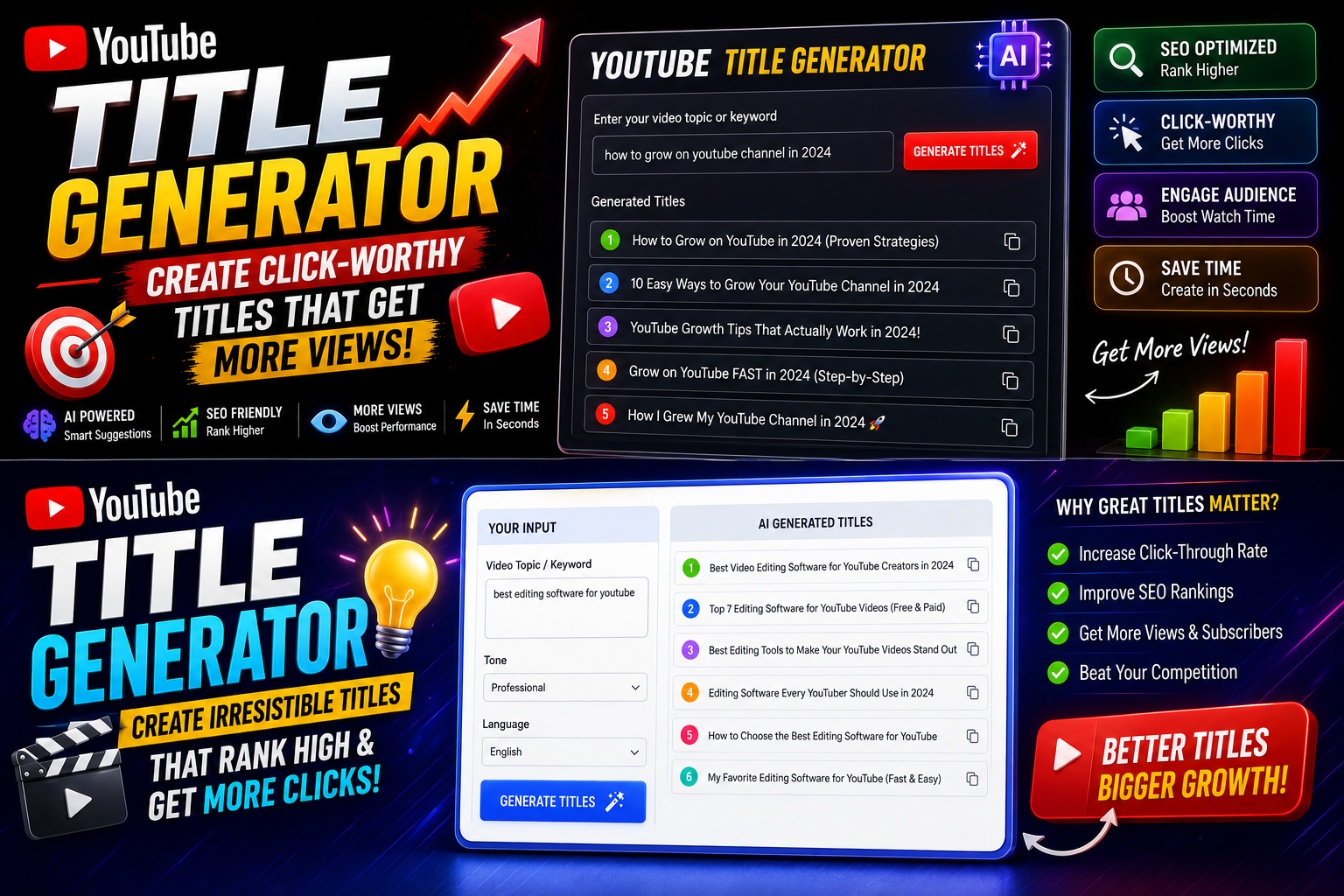
A YouTube Title Generator helps you brainstorm magnetic headline ideas, combining search-friendly keywords with emotional triggers that compel users to click.

What Makes a YouTube Title Click-Worthy?
Creating a great title is a delicate balance between pleasing the YouTube search algorithm and exciting human viewers:
- Primary Keyword Placement: Put your main search term near the start of the title so users and search crawlers instantly grasp the topic.
- Curiosity & Emotion: Use psychological triggers like curiosity gaps, urgency, or clear outcome promises (e.g., 'How I...', 'The Truth About...', 'Stop Doing This').
- Optimal Character Count: Keep your titles between 50 to 70 characters so they don't get cut off on mobile screens.

How to Test and Refine Your Generated Titles:
1. Pair Title with Thumbnail: Ensure your title complements your thumbnail image rather than simply repeating the exact same text.
2. Avoid Clickbait Traps: Deliver on the promise made in your title within the first minute of the video to maintain viewer retention.
3. Track CTR Metrics: Check YouTube Studio after publishing to see how your new title format impacts your overall click-through percentage.