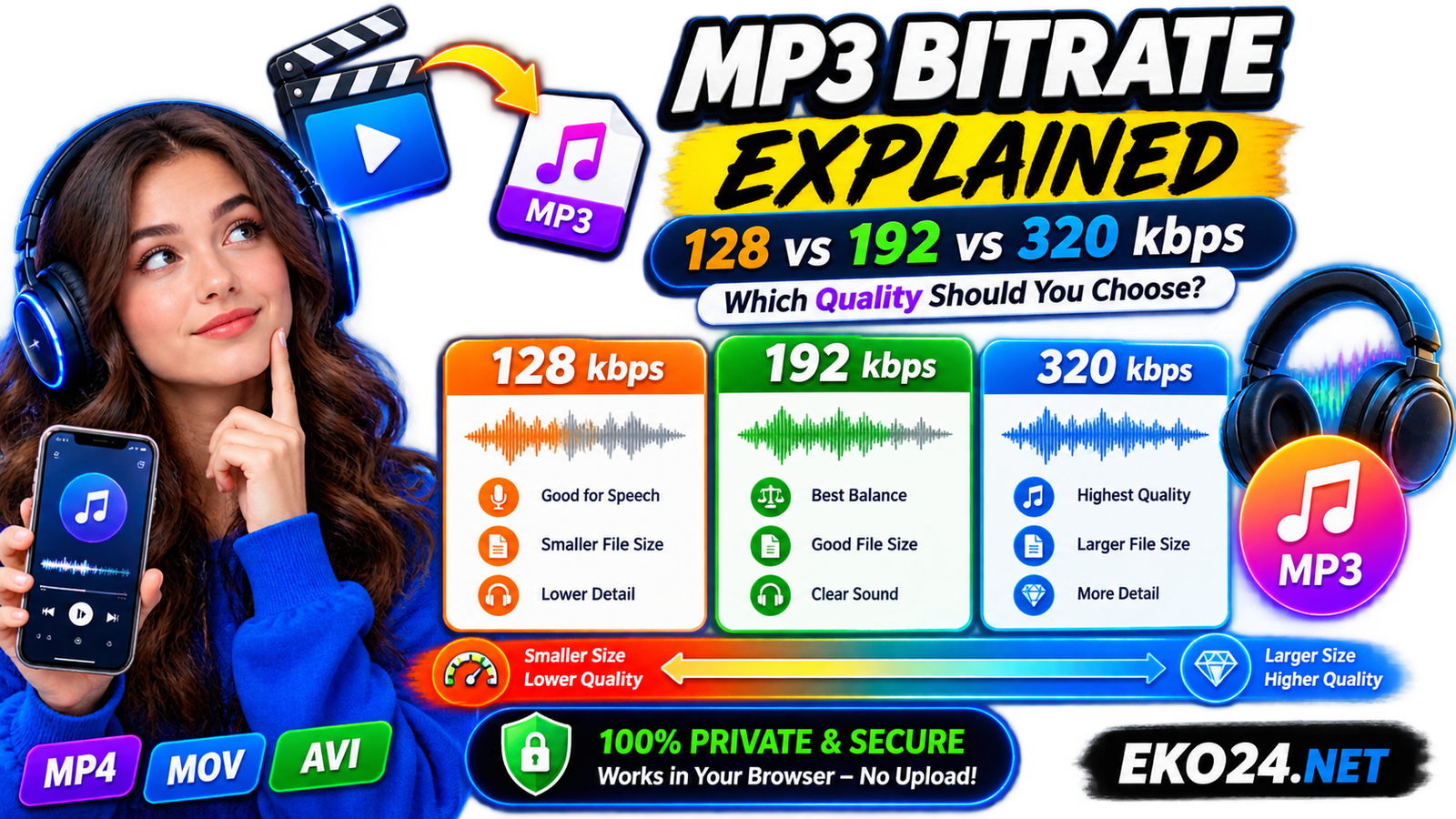
Choosing an MP3 bitrate looks simple until you are faced with three options: 128, 192, and 320 kbps. The numbers are easy to compare, but the best choice depends on what you are listening to, how good the source audio is, and how much storage you want to use.
A higher bitrate can preserve more audio information, but it also creates a larger file. That does not mean 320 kbps is automatically the right setting for every recording. For spoken audio, a smaller bitrate may be perfectly adequate; for music or detailed recordings, the extra data can be worthwhile.
This guide explains the practical differences so you can choose the right setting when using the EKO24.NET Video to MP3 Converter or another MP3 workflow.
What Does MP3 Bitrate Mean?
Bitrate describes how much data is used to represent one second of audio. In MP3 files it is commonly expressed in kilobits per second, or kbps. A 320 kbps file therefore uses more data per second than a 128 kbps file.
Because MP3 is a lossy format, encoding reduces some information from the original audio to make the file smaller. Increasing the bitrate gives the encoder more data to work with, which can help preserve detail and reduce audible compression artifacts.
128 kbps: Small Files for Speech and Everyday Listening
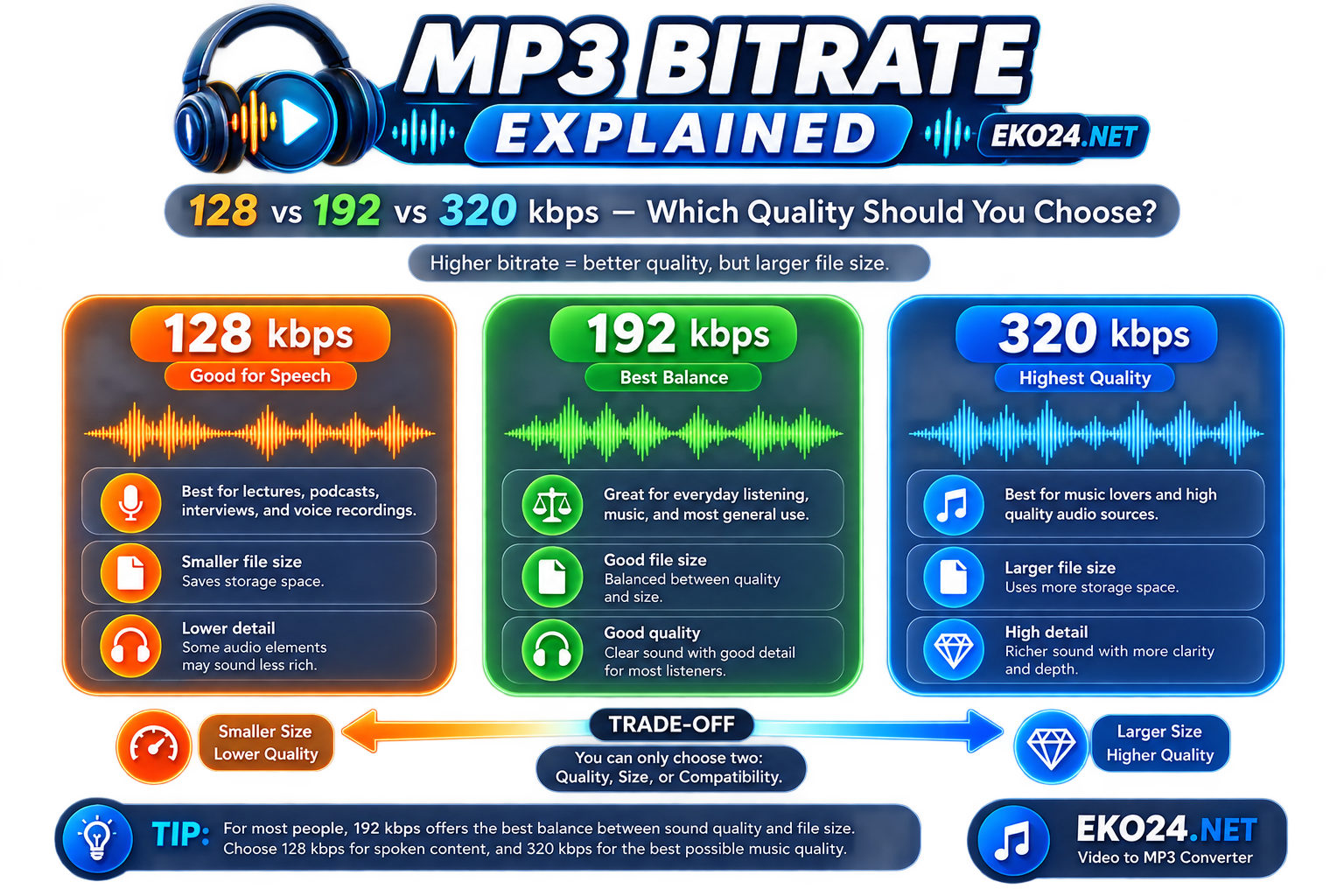
128 kbps is the smallest option in the EKO24.NET converter. Its main advantage is efficiency: it produces a substantially smaller file than 320 kbps and can be a sensible choice when storage or transfer size matters.
It is particularly practical for lectures, voice notes, interviews, spoken presentations, and other material where speech clarity matters more than subtle musical detail. For casual listening, many people may also find it acceptable, especially on phone speakers or in noisy environments.
The trade-off is that complex music can lose more detail at this bitrate. Cymbals, ambience, stereo texture, and dense passages are more likely to reveal the limitations of stronger compression.
192 kbps: The Balanced Choice
192 kbps sits comfortably between file efficiency and audio quality. It uses more data than 128 kbps, giving the encoder more room to preserve detail, while remaining noticeably smaller than a 320 kbps export.
For general-purpose conversion, this is a useful default. Podcasts with music, interviews you want to archive, everyday music listening, and mixed audio content can all fit this setting well.
If you are unsure which bitrate to select, 192 kbps is usually the most balanced place to start.
320 kbps: Maximum MP3 Bitrate for More Detail
320 kbps is a common high-bitrate MP3 setting and the highest option offered by the EKO24.NET converter. It is most useful when the original audio is already good quality and you want to minimize additional quality loss during MP3 encoding.
This setting makes sense for music, clean studio recordings, high-quality voice production, or files you intend to keep when storage size is not a major concern.
However, exporting poor source audio at 320 kbps does not restore missing detail. If a recording is noisy, heavily compressed, or low quality to begin with, a higher output bitrate cannot recreate information that is no longer present.
128 vs 192 vs 320 kbps: Quick Comparison
| Bitrate | File Size | Practical Use |
|---|---|---|
| 128 kbps | Smallest | Speech, lectures, voice notes and space-saving |
| 192 kbps | Medium | Balanced everyday listening and mixed content |
| 320 kbps | Largest | Music and higher-quality source recordings |
As a rough example, one minute of constant-bitrate MP3 audio is about 0.96 MB at 128 kbps, 1.44 MB at 192 kbps, and 2.4 MB at 320 kbps. Actual files can vary depending on the encoding method and metadata.
Can You Hear the Difference?
Sometimes yes, sometimes no. The answer depends on the source material, your headphones or speakers, the listening environment, and your own hearing. A quiet room with good headphones can make compression differences easier to notice than listening through a phone speaker on a busy street.
The type of audio matters too. Spoken voice is generally less demanding than dense music with percussion, ambience, and wide frequency content. That is one reason there is no single bitrate that is best for every file.
Does Converting to 320 kbps Improve a Low-Quality File?
No. Bitrate describes the output encoding; it does not magically improve the source. Converting a 128 kbps MP3 into a new 320 kbps MP3 makes the new file larger, but it cannot recover audio information discarded by the earlier compression.
The same principle applies when extracting audio from video. Start with the best source available, then choose an output bitrate appropriate for how you plan to use the MP3.
Which Bitrate Should You Choose for Video to MP3?
For a spoken lecture or interview, start with 128 kbps if keeping the file small matters. For general content where you want a comfortable balance, choose 192 kbps. For good-quality music or detailed source audio where file size is less important, choose 320 kbps.
You can test these options directly with the EKO24.NET Video to MP3 Converter. The tool processes your own video locally in the browser and lets you select 128, 192, or 320 kbps before conversion.
Bitrate Is Only One Part of Audio Quality
Do not judge an audio file by bitrate alone. The quality of the microphone, recording environment, original codec, editing, and source material can matter just as much. A clean recording encoded sensibly can sound better than a poor recording saved at a larger bitrate.
If you are new to extracting audio from video, read our complete guide to converting video to MP3 in your browser. It explains the conversion process, supported formats, privacy considerations, and how the EKO24.NET tool works.
Related guides: Best YouTube Setup for Beginners in 2026: Camera, Microphone, Lighting & Budget Gear and How to Find Viral YouTube Video Ideas Before Your Competitors in 2026.
Final Recommendation
Use 128 kbps when small files and clear speech are the priority, 192 kbps when you want a practical balance, and 320 kbps when preserving more detail from a good source matters more than storage space.
The important part is matching the bitrate to the source and the purpose of the file. Once you do that, choosing between 128, 192, and 320 kbps becomes much simpler.