EKO24.NET Tech & Creator Blog

YouTube growth, SEO, streaming, gaming and creator guides from EKO24.NET.

All Articles YouTube Growth SEO & Marketing Streaming Gaming Creator Tools Tech & Hardware
How to Find Low-Competition Keywords in 2026
SEO & Marketing

How to Find Low-Competition Keywords in 2026

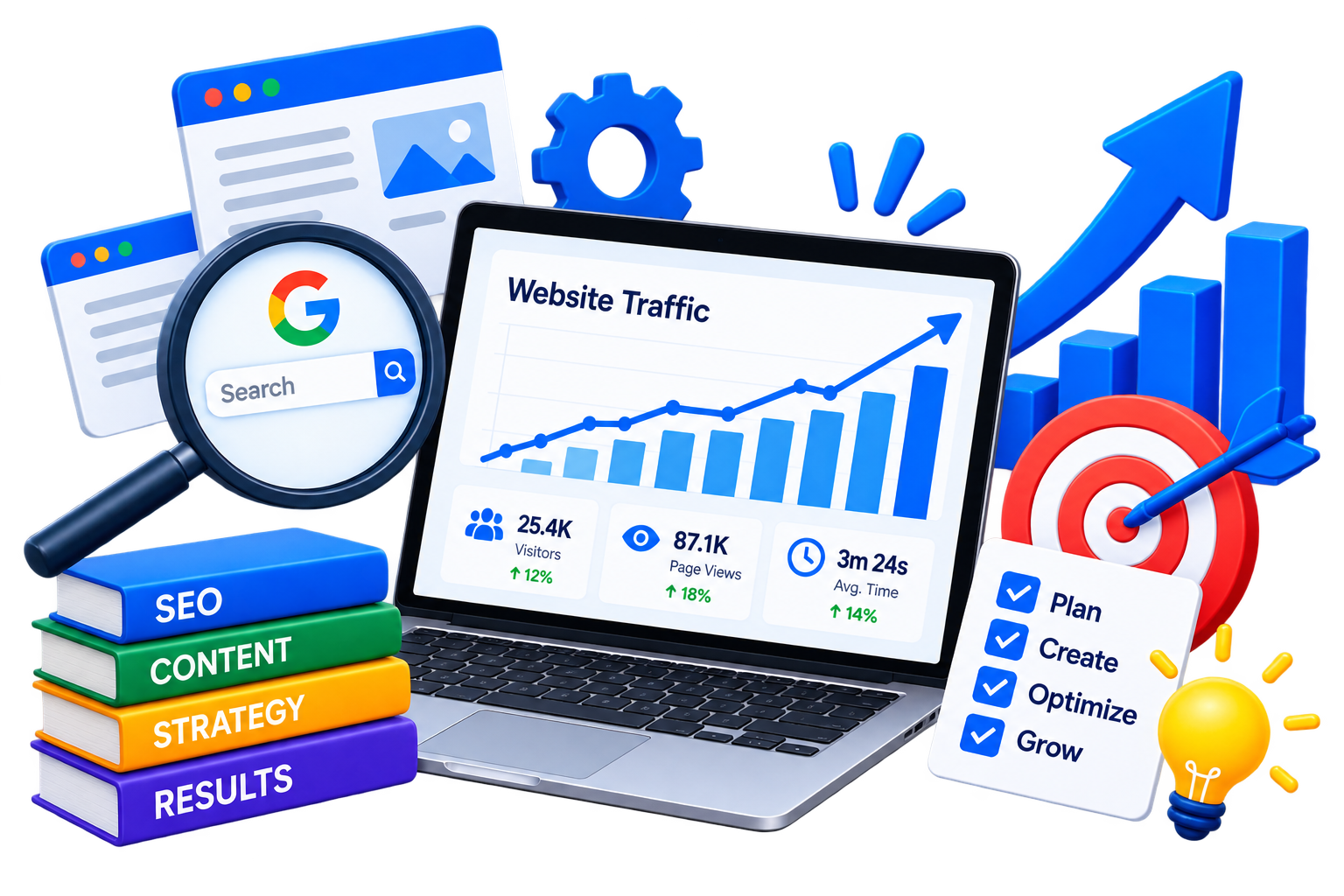
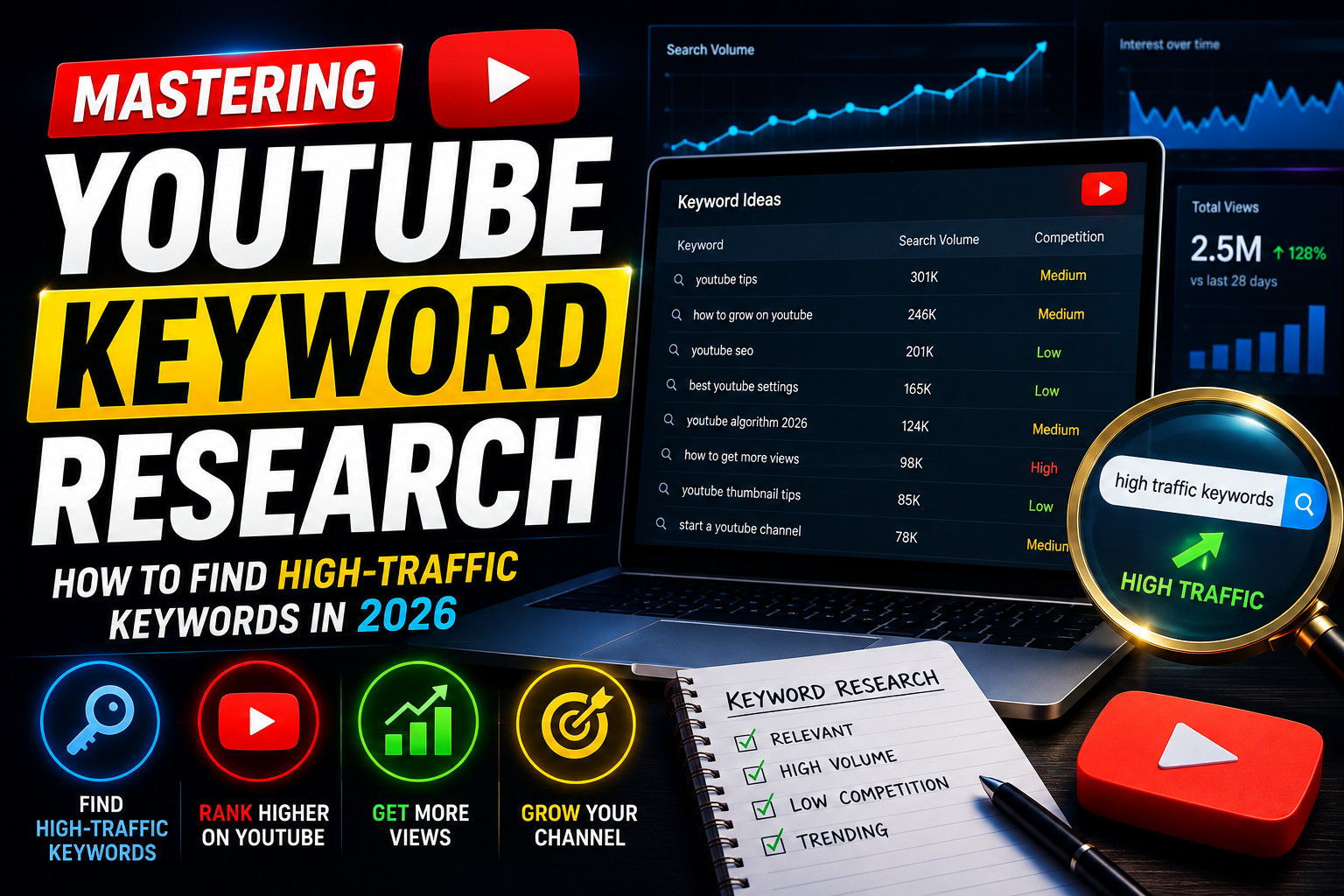
Ranking for a broad keyword can be difficult when established websites already dominate the results. A better starting point is to find specific searches that receive less attention but still match a real need. Low-competition keywords are not shortcuts or guaranteed rankings. They are focused opportunities where a useful, well-written page may have a realistic chance to earn visibility. This guide explains how to find them without relying only on a single difficulty score. What Is a Low-Competition Keyword? A low-competition keyword is a search phrase for which the current results leave room for a better or more relevant answer. It may be a detailed question, a local search, a comparison or a problem that larger websites have not covered clearly. For example, “video editing” is extremely broad. A phrase such as “how to edit vertical cooking videos on a phone” has a clearer audience and purpose. The second phrase may attract fewer searches, but the visitors it brings are more likely to find exactly what they need. 1. Begin with a Specific Topic Start with a subject that closely matches your website, service or channel. Avoid entering a word that is too general. Instead of starting with “fitness,” try “home fitness for seniors” or “short workouts for office workers.” You can use the Keyword Generator to expand a specific topic into long-tail phrases, questions and search-intent variations. Treat the suggestions as ideas to investigate, not as automatic proof that a keyword is easy. 2. Look for Long-Tail Searches Long-tail keywords usually contain more detail than broad head terms. They may mention a particular user, device, location, price range or goal. This extra detail makes the search intent easier to understand. Useful patterns include: How to solve a specific problem Best option for a particular type of user A product or method compared with an alternative A task performed on a specific device or platform A long phrase is not automatically low competition. It still needs to be checked against the pages already ranking for it. 3. Understand the Search Intent Search intent is the result a person expects to find. Some queries need a quick definition, while others need a tutorial, comparison, product page or calculator. A page can be excellent and still struggle if it uses the wrong format. Search the phrase manually and study the first page. If most results are tutorials, a short product page probably will not satisfy the same need. If the results are mixed or several pages answer a different question, there may be space for a more focused article. 4. Inspect the Current Results Do not judge competition from a number alone. Open the leading results and look at what they actually offer. Does the title match the exact query? Is the information current and easy to understand? Are the results from major specialist websites only? Could you add clearer steps, original examples or a useful tool? A promising keyword often has results that are outdated, too general, incomplete or poorly matched to the searcher's real question. 5. Evaluate Relevance Before Volume A small but relevant audience is usually more valuable than a large audience looking for something else. Before choosing a keyword, ask whether the visitor would naturally benefit from your page and whether the subject fits the rest of your website. Search-volume estimates can help compare ideas, but they are not exact predictions. Very specific keywords may also receive traffic from several close variations, even when each individual phrase appears small. 6. Build a Small Topic Cluster Instead of creating several thin pages for nearly identical keywords, group close phrases around one strong topic. Write one main guide, then add supporting articles only when each page serves a clearly different need. For example, a main guide about YouTube keyword research could connect to separate pages about question keywords, video titles and search-intent analysis. Natural internal links help visitors move between those resources and make the site structure easier to understand. 7. Create a Better Answer Using a keyword in the title is not enough. The page should solve the problem promised by that title. Add practical steps, accurate explanations and examples that come from genuine experience or careful research. Google recommends creating helpful, reliable content for people and using the words visitors search for in prominent places such as the title and main heading. That does not mean repeating the same phrase in every paragraph. Write naturally and use related terms only where they improve clarity. Before publishing, the SEO Checker can help you review basic on-page elements. You can also test concise headline variations with the Title Generator, then select the version that describes the page honestly. 8. Measure the Result and Improve Keyword research continues after publication. Use Google Search Console to see which queries produce impressions, which pages attract clicks and whether visitors are finding the page through unexpected variations. Give a new article enough time to be discovered and evaluated. If it receives impressions but few clicks, improve the title and description without changing the promise of the page. If it ranks for the wrong intent, clarify the introduction and expand the section that visitors actually need. Common Mistakes to Avoid Choosing a keyword only because a tool labels it “easy” Targeting phrases unrelated to the site's main audience Creating many near-duplicate articles for similar queries Copying the structure of ranking pages without adding new value Forcing the exact keyword into every heading and paragraph A Simple Keyword Research Workflow Choose one specific subject relevant to your audience. Generate long-tail phrases and questions. Search the best candidates manually. Identify the intent and weaknesses in the existing results. Select one primary topic and a few natural variations. Create a complete page that offers a genuinely useful answer. Measure real queries and improve the page over time. Frequently Asked Questions Are low-competition keywords always long? No. Many are long-tail phrases, but competition depends on the current results, the topic and the quality of available answers—not simply the number of words. Should I target keywords with zero reported volume? A zero estimate does not always mean nobody searches for the phrase. If the question is highly relevant and represents a real audience need, it may still deserve a useful page. How many keywords should one article target? Focus on one clear subject. Closely related variations can appear naturally in the same article, but different search intents usually need separate pages. Can a new website rank for competitive topics? Yes, but beginning with focused opportunities can help a new website build useful content and topical depth before competing for broader phrases. Final Thoughts The best low-competition keyword is not merely the phrase with the smallest score. It is a relevant search where you understand the visitor's goal and can publish a noticeably better answer than the pages currently available. Start specific, inspect the real results, create useful content and learn from performance data. That process is slower than chasing random keyword lists, but it builds a stronger foundation for sustainable search traffic.


Read Article →
7 AI Tools That Save Content Creators Hours in 2026
Creator Tools

7 AI Tools That Save Content Creators Hours in 2026

Creating content often involves many small tasks. You may need to research an idea, write a script, design an image, edit a video, clean audio and prepare everything for publication. AI tools cannot replace creativity, but they can reduce repetitive work. Here are seven useful tools that can help content creators save time in 2026. 1. ChatGPT for Ideas and Writing ChatGPT can help creators brainstorm topics, organize outlines, rewrite difficult paragraphs and prepare first drafts for videos, blogs or social media posts. It is most useful as a writing assistant. Give it clear instructions, check the information it produces and rewrite the final result in your own voice. 2. Canva Magic Studio for Visual Content Canva Magic Studio brings several AI-assisted features into a familiar design platform. Creators can use it to prepare social media graphics, presentations, thumbnails and simple promotional materials. Templates and automatic design features are especially helpful when you need to create several visual formats without starting each one from an empty page. 3. Adobe Firefly for Creative Images Adobe Firefly can generate and modify images from written instructions. It can also help remove unwanted objects, extend backgrounds and create visual variations. This is useful when an article, video or campaign needs an original supporting visual. Generated images should still be reviewed carefully before publication. 4. Descript for Audio and Video Editing Descript allows creators to edit recorded audio and video through a text-based interface. Removing a sentence from the transcript can also remove that section from the recording. It can save time when editing interviews, podcasts, tutorials and talking-head videos, especially when the project contains a large amount of spoken content. 5. CapCut for Fast Social Videos CapCut includes tools for captions, background removal, templates and quick video editing. It is popular for short videos designed for TikTok, Instagram Reels and YouTube Shorts. Automatic captions can provide a useful starting point, but names, technical terms and punctuation should always be checked manually. 6. Notion AI for Organizing Content Notion AI can help summarize notes, organize research and turn rough ideas into structured plans. It is useful for creators who manage content calendars, scripts and project information in one workspace. Instead of searching through several documents, you can keep ideas, deadlines and production notes connected to the same project. 7. ElevenLabs for Voice and Audio ElevenLabs provides AI-powered voice tools that can turn text into natural-sounding speech. Creators may use it for narration, prototypes, accessibility or multilingual versions of their content. Use voice-generation tools responsibly. You should have permission before copying or reproducing another person's voice. How These AI Tools Save Time The biggest advantage is not that one tool completes the entire project. Each tool can shorten a different part of the workflow. ChatGPT helps develop and organize ideas. Canva and Firefly assist with visual content. Descript and CapCut speed up editing. Notion AI keeps projects organized. ElevenLabs supports narration and audio production. A creator can combine a few of these tools depending on the project instead of using every available AI service. Do Not Publish AI Output Without Checking It AI-generated text may contain incorrect information. Captions can misunderstand words, images can include visual mistakes and generated voices may pronounce names incorrectly. Always review the final result. Human judgment is still necessary for accuracy, originality and quality. Choose Tools That Solve Real Problems A new tool is not useful simply because it includes AI. Start by identifying the parts of your workflow that take the most time. If writing is slowing you down, use a writing assistant. If editing is the problem, try a video or audio tool. A smaller set of useful tools is usually better than subscribing to many platforms you rarely use. Frequently Asked Questions Can AI create an entire video? AI can help with ideas, scripts, visuals, narration and editing. However, creators still need to review the result and make decisions about quality, accuracy and storytelling. Are these AI tools free? Several tools offer free access or limited free features. Advanced options, higher limits and commercial features may require a paid plan. Which AI tool is best for beginners? The best choice depends on the task. ChatGPT is useful for ideas and writing, while Canva is accessible for creators who need visual designs. Can AI-generated content be monetized? Monetization rules depend on the platform and the content. Always check copyright, licensing and platform policies before publishing commercial work. Try Free Creator Tools on eko24.net You can also use the free tools available on eko24.net to complete different parts of your content workflow. Turn your topic into a structured video draft with the AI Script Writer. Generate new titles and content concepts with the Video Idea Generator. Create a stronger opening using the YouTube Hook Generator. Prepare a visual cover with the Thumbnail Maker. Write your video summary with the Description Generator. Use these tools as a starting point, then review and personalize the results before publishing. Final Thoughts AI tools can help content creators work faster, but speed should not replace originality. The best workflow uses AI to handle repetitive steps while the creator remains responsible for the ideas, decisions and final quality. Choose one or two tools that solve your biggest problems, test them in real projects and keep only the ones that genuinely save you time.

Read Article →
NVIDIA RTX Spark: The New Chip Bringing AI to PCs in 2026
YouTube Growth

NVIDIA RTX Spark: The New Chip Bringing AI to PCs in 2026

Personal computers are entering a new phase. Instead of using artificial intelligence only through online services, the next generation of PCs is being designed to run powerful AI tools directly on the device. NVIDIA RTX Spark is one of the most interesting platforms announced for this shift. Introduced at Computex 2026, it combines AI processing, RTX graphics and the Windows ecosystem in laptops and compact desktop computers. What Is NVIDIA RTX Spark? RTX Spark is a new system-on-chip platform created for Windows PCs. It brings the CPU, RTX graphics and dedicated AI acceleration together in one efficient design. According to NVIDIA, the platform can deliver up to one petaflop of AI performance and support as much as 128GB of unified memory. That large shared memory pool is especially useful for running demanding AI models locally. Why Local AI Matters Most popular AI services currently process requests in the cloud. Local AI changes that model by allowing compatible applications to work directly on the computer. This can reduce delays, keep more data on the device and allow some features to work without a constant internet connection. It may also make AI tools feel more integrated with everyday files, applications and workflows. Built for Personal AI Agents A major focus of RTX Spark is the personal AI agent: software that can understand a goal, use different applications and complete several connected steps. NVIDIA and Microsoft are working together on Windows support and security features for these agents. The goal is to move the PC from a device that waits for individual commands to one that can assist with longer and more complex tasks. Not Only an AI Computer RTX Spark also includes NVIDIA's familiar graphics technologies. The platform is intended for gaming, video editing, 3D creation and other visual workloads alongside local AI. That combination could be useful for creators who want one portable computer for conventional production work and newer AI-assisted tasks. Laptops and Small Desktops Are Coming NVIDIA says RTX Spark will appear in slim laptops and compact desktop PCs. Manufacturers connected to the platform include Acer, ASUS, Dell, Gigabyte, HP, Lenovo and MSI. Different models will have different screens, cooling systems, memory configurations and prices, so the RTX Spark name alone will not guarantee the same experience on every computer. Should You Wait for an RTX Spark PC? If you mainly browse the web, watch videos and use basic office software, a current laptop may already be enough. RTX Spark is more interesting for AI developers, creators, gamers and people who want to experiment with large local models. It is also sensible to wait for independent reviews. Real battery life, heat, software compatibility and sustained performance will matter more than headline specifications. What RTX Spark Could Change The important idea behind RTX Spark is not simply adding another AI button to Windows. It is giving personal computers enough local processing power and memory to handle more advanced AI work themselves. If the hardware and software deliver on that goal, AI PCs could become more private, responsive and useful. RTX Spark may be an early sign of a broader move from cloud-only AI toward computers that can run capable assistants directly on the desk. Frequently Asked Questions What is NVIDIA RTX Spark? RTX Spark is a new NVIDIA platform for Windows laptops and compact desktops. It combines AI acceleration, RTX graphics and unified memory for local AI, creative work and gaming. How powerful is RTX Spark? NVIDIA says the platform can provide up to one petaflop of AI performance and support up to 128GB of unified memory. Actual performance will depend on the computer and software. Can RTX Spark run AI without the cloud? It is designed to run compatible AI models and agents locally. Some applications may still use online services for additional features or larger workloads. When will RTX Spark computers be available? NVIDIA and its manufacturing partners announced systems for the second half of 2026. Availability and pricing will vary by brand and region. Explore Useful AI Tools While RTX Spark focuses on running advanced AI locally, creators can already simplify everyday tasks with the free tools available on eko24.net. Create structured video drafts with the AI Script Writer. Improve stiff or repetitive writing with the AI Article Humanizer. Review possible AI writing patterns using the AI Content Detector. Discover more browser-based options on the AI Tools page. These tools support common creative tasks today, while future AI PCs may run increasingly demanding models directly on the device. Final Thoughts NVIDIA RTX Spark brings together several major PC trends: local AI, unified memory, efficient hardware and powerful graphics. The first devices will show whether this new platform can turn the AI PC from a marketing phrase into a genuinely useful everyday machine. Source: NVIDIA Newsroom

Read Article →
7 Trending Games to Play in 2026
Gaming

7 Trending Games to Play in 2026

The gaming world changes quickly. A new release can attract thousands of players in a few hours, while an older title can return to the charts after an update, discount or viral video. From multiplayer shooters to open-world adventures, here are seven games generating strong interest among players in 2026. 1. WARDOGS WARDOGS is a multiplayer first-person shooter focused on large battles, teamwork and competitive action. It has quickly attracted players looking for a fresh alternative to traditional military shooters. It is worth trying if you enjoy team-based matches and intense online battles. 2. Valheim Valheim proves that a game does not need to be new to become popular again. This Viking-inspired survival adventure lets players explore, collect resources, build settlements and fight dangerous creatures. It remains an excellent choice for players who enjoy exploration, crafting and cooperative gameplay. 3. Aniimo Aniimo is a colorful open-world adventure built around collecting creatures and exploring different environments. Its accessible style and free-to-play model make it attractive to players looking for a lighter adventure with multiplayer features and a growing community. 4. Counter-Strike 2 Counter-Strike 2 remains one of the most-played games on Steam. Two teams compete in short tactical rounds where aiming, communication and map knowledge are essential. Regular updates and its international competitive community continue to keep the game active. 5. Marvel Rivals Marvel Rivals combines hero-based shooting with popular Marvel characters. Every hero has different abilities, allowing players to create teams with unique strategies. Its free-to-play format and regular updates have helped it remain popular among multiplayer gaming communities. 6. The Blood of Dawnwalker The Blood of Dawnwalker is a dark fantasy role-playing game for players who enjoy story-driven adventures. Its vampire theme, open world and action-focused gameplay give it a different identity from many traditional fantasy RPGs. 7. Onimusha: Way of the Sword Onimusha: Way of the Sword brings Capcom's action series to a new generation. It combines sword combat, supernatural enemies and a historical Japanese setting. It is a strong choice for players who enjoy challenging single-player combat and atmospheric worlds. Why Do Games Suddenly Start Trending? A video game can become popular for several reasons: A major update introduces new content. Streamers and YouTubers begin playing it. A discount attracts new players. A free-to-play launch removes the purchase barrier. Positive reviews generate interest on social media. Which Trending Game Should You Play? Choose WARDOGS or Counter-Strike 2 for competitive shooting. Try Valheim if you prefer survival, exploration and cooperative building. Marvel Rivals is suitable for fast hero-based matches, while Aniimo offers a colorful creature-collecting adventure. For a story-focused experience, consider The Blood of Dawnwalker or Onimusha: Way of the Sword. Frequently Asked Questions What is the most popular PC game right now? Counter-Strike 2 continues to rank among the most-played PC games. Rankings can change when new games launch or existing titles receive updates. Are all trending games free? No. Counter-Strike 2, Marvel Rivals and Aniimo are free to play, while other games on this list require a purchase. Where can I find current player numbers? Steam and tracking platforms such as SteamDB provide updated information about concurrent players and popular PC games. Can an older game become popular again? Yes. Updates, expansions, discounts and viral content can bring thousands of players back to an older game. Create Gaming Content with Free Tools If you create gaming videos, you can use the free creator tools on eko24.net to prepare and optimize your content. Find fresh gaming video concepts with the Video Idea Generator. Prepare an attractive gaming cover with the Thumbnail Maker. Generate relevant video tags with the Tags Generator. Explore public channel statistics using the Channel Analyzer. These tools can help organize your gaming content, but the final title, thumbnail and video should always match the real subject of your upload. Final Thoughts The gaming trends of 2026 include both new releases and established titles. Whether you enjoy competitive shooters, survival games or story-driven adventures, there is a trending game worth trying.

Read Article →
The Internet Is Full of Tools — But Which Ones Are Actually Useful?
Creator Tools

The Internet Is Full of Tools — But Which Ones Are Actually Useful?

The Internet Is Full of Tools — But Which Ones Are Actually Useful? There is an online tool for almost everything. You can edit images, convert documents, generate text, analyze content, organize files, and automate small tasks without installing any software. Having more choices sounds useful, but it creates another problem: finding the tools that actually make your work easier. A Useful Tool Solves One Problem Well The best online tools are often surprisingly simple. They do not need dozens of menus or complicated settings. They take a specific task and make it faster. If you need to compress an image, for example, you probably want to upload the file, choose the necessary option, and get the result. Extra steps rarely make a simple task better. Speed Is Part of the Experience A tool may have excellent features, but people are less likely to use it if every action takes too long. Fast loading, clear buttons, and a straightforward workflow can be just as important as the technology behind the tool. This matters especially for small tasks that should only take a few seconds. You Should Understand It Without a Manual Good design helps people understand what to do next. Preview your website icon in common favicon sizes before downloading it. An upload area should look like an upload area. Important actions should be easy to find, and the result should be clearly separated from the original input. When a basic online tool needs a long tutorial before someone can use it, something in the experience is probably more complicated than necessary. Useful Does Not Always Mean Advanced AI and automation have made online tools much more powerful, but advanced technology is not automatically useful for every task. Sometimes a simple image resizer or PDF converter saves more time than a feature-packed application. What matters is whether the tool matches the job you are trying to complete. Different Tasks Need Different Tools There is rarely one perfect tool for everything. Someone creating content might need an image editor, a PDF utility, a title generator, and a few AI tools during the same project. Using small specialized tools can be easier than forcing every task into one large application. Privacy Is Worth Checking Uploading a public image is very different from uploading a private document. Before using an unfamiliar service, it is worth checking what happens to the files you submit and whether the website clearly explains its privacy policy. For sensitive information, choosing an appropriate and trustworthy service is more important than saving a few seconds. The Best Tool Is the One You Actually Use A long list of features looks impressive, but most people repeatedly return to tools that are fast, understandable, and reliable. If a tool removes unnecessary steps and helps you finish a real task, it has already done its job. Instead of collecting dozens of online services, keeping a small set of useful tools for the tasks you perform regularly can make everyday digital work much simpler.

Read Article →
Why Some Websites Get Traffic and Others Don’t 🔥
YouTube Growth

Why Some Websites Get Traffic and Others Don’t 🔥

Why Some Websites Get Traffic and Others Don’t Two websites can publish content about the same topic and still get completely different results. One may attract visitors every day, while the other struggles to get noticed. The difference is rarely one secret trick. Website traffic usually comes from a combination of useful content, clear pages, good search visibility, and a site that gives visitors a reason to stay. Useful Content Gives People a Reason to Visit A website needs to answer real questions or solve real problems. Publishing more pages does not automatically mean getting more traffic. A smaller collection of useful articles can often be more valuable than dozens of pages created only to target keywords. Visitors want clear information that helps them find an answer without wasting time. Search Engines Need to Understand the Website Good content also needs a clear structure. Page titles, headings, internal links, descriptive URLs, and well-organized categories help search engines understand what each page is about. This also makes navigation easier for visitors. When related pages are connected naturally, someone who discovers one useful article can continue exploring the website instead of leaving immediately. Preview your website icon in common favicon sizes before downloading it. The Title Can Make a Big Difference Appearing in search results is only part of the job. People still need a reason to click. A clear title should tell readers what they can expect from the page. Titles that are confusing, exaggerated, or too generic may be ignored even when the page itself contains useful information. Speed and Mobile Experience Matter Visitors do not want to wait for a slow page or constantly zoom and scroll sideways on a phone. Large images, unnecessary scripts, intrusive elements, and complicated layouts can make a website frustrating to use. A fast and readable page creates a much better first impression. Older Content Should Not Be Forgotten Publishing a new article and never looking at it again can be a missed opportunity. Information changes, links become outdated, and better explanations can often be added later. Reviewing older pages can keep useful content relevant and may also reveal opportunities for new internal links. Traffic Usually Takes Time A new page may not receive search traffic immediately. Search engines need time to discover, crawl, understand, and evaluate pages, and competition can vary greatly from one topic to another. Instead of expecting every article to succeed quickly, it is more useful to watch which topics attract impressions and visitors over time. That information can help guide future content decisions. Visitors Should Have Somewhere to Go Next Getting one click is useful, but a strong website also helps visitors discover the next relevant page. Preview your website icon in common favicon sizes before downloading it. Related articles, useful tools, clear categories, and sensible internal links can turn a single visit into a longer session. The goal is not to add links everywhere, but to provide the next useful step when it makes sense. There Is No Single Traffic Formula Websites that grow consistently usually do several basic things well: they publish useful content, make pages easy to understand, maintain a good user experience, and improve existing content instead of only producing more. Traffic can rise and fall, and not every page will perform equally. Building a useful website over time is more sustainable than chasing every new SEO trick.

Read Article →
How to Work Smarter Online: Simple Tools That Save Time
Creator Tools

How to Work Smarter Online: Simple Tools That Save Time

How to Work Smarter Online: Simple Tools That Save Time Working online does not have to mean doing everything manually. Many everyday tasks—editing an image, preparing a PDF, finding content ideas, or creating text—can take much longer than necessary. The right online tools can make these small jobs faster and easier without requiring complicated software or technical skills. Start With the Tasks You Repeat Most A good way to save time is to look at the small tasks you perform again and again. Maybe you regularly need to resize images before uploading them, compress large files, prepare PDFs, generate ideas for a YouTube video, or improve content before publishing it. Doing each task manually may only take a few minutes, but those minutes quickly add up. Instead, using a dedicated tool for each job can simplify the process and help you focus on the work that actually needs your attention. Use Simple Tools Instead of Complicated Software You do not always need to install a large program for a small task. Preview your website icon in common favicon sizes before downloading it. For example, if you only need to crop an image, convert a file, split a PDF, or generate a few content ideas, a simple browser-based tool may be enough. This is especially useful when you want to finish something quickly without creating an account, installing software, or learning a complicated interface. Organize Your Online Workflow Saving time is not only about working faster. It is also about reducing unnecessary steps. Try grouping similar tasks together. Prepare your images at the same time, organize your PDFs before sending them, and create several content ideas before you start writing or recording. A simple workflow could be: Prepare → Edit → Check → Publish Keeping the process simple makes it easier to repeat and reduces the chance of forgetting an important step. Choose the Right Tool for the Job There is no reason to use one complicated application for everything. Image tools are useful for resizing, cropping, compressing, or converting pictures. PDF tools can help merge, split, compress, or convert documents. AI tools can assist with brainstorming and drafting, while creator tools can help with titles, keywords, descriptions, and other content tasks. Preview your website icon in common favicon sizes before downloading it. The important thing is to use tools when they genuinely remove repetitive work—not simply because more tools are available. Small Time Savings Add Up Saving two or three minutes may not seem important. But when the same task is repeated several times every week, those small savings become meaningful. A faster workflow also means fewer interruptions. Instead of switching between several programs and websites, you can complete a task and move on. Work Smarter, Not More Productivity does not have to mean doing more things every day. Sometimes the better approach is simply to remove unnecessary work. By choosing straightforward online tools and creating a simple workflow, you can spend less time on repetitive digital tasks and more time creating, learning, or finishing the work that matters. On EKO24, you can explore free tools for images, PDFs, AI, and content creation, and choose only the tools that fit the task you are working on.

Read Article →
Create a Profile Picture Online
Image Tools

Create a Profile Picture Online

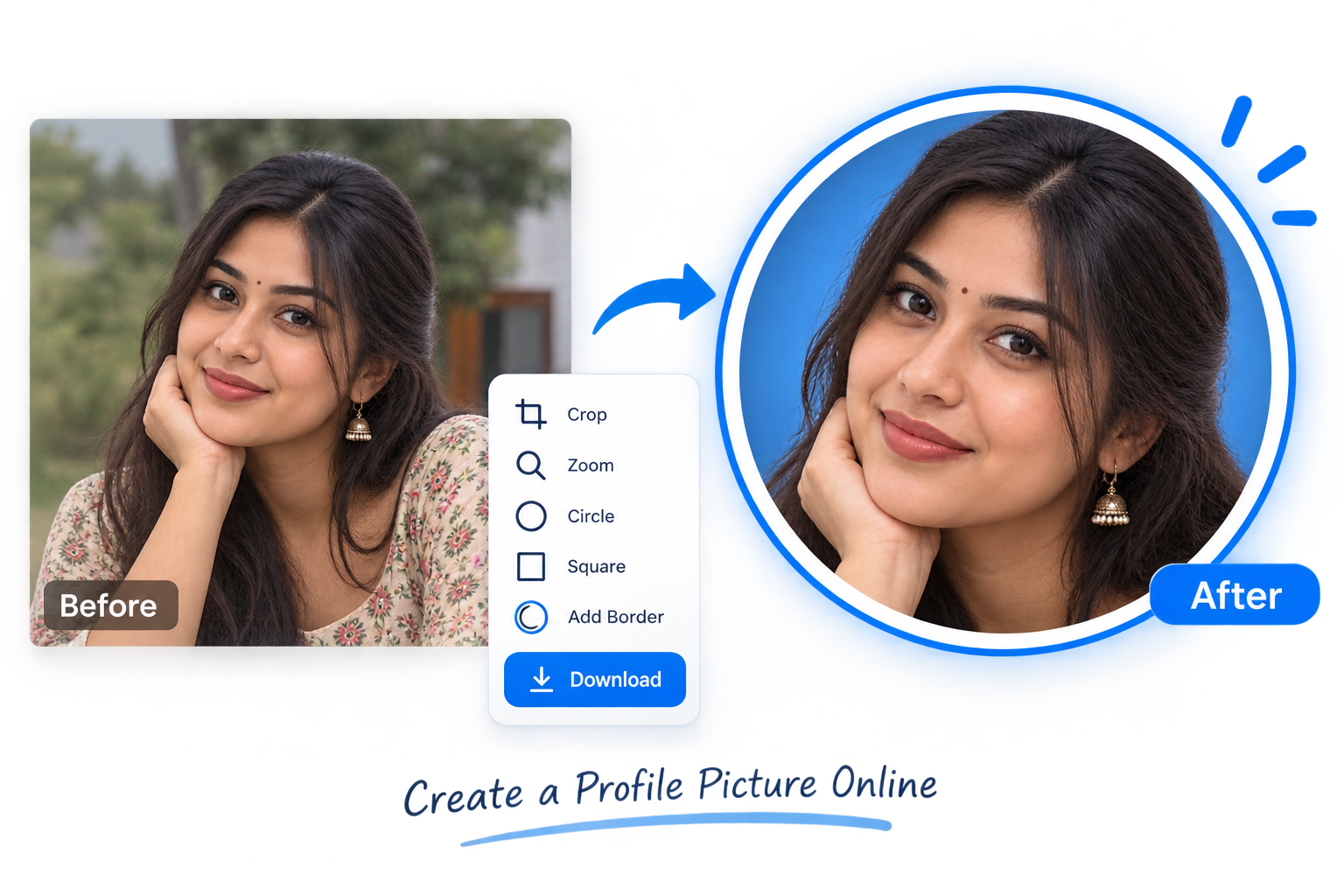
A good profile picture should be clear, well-centered and easy to recognize even when it appears at a small size. With the free Profile Picture Maker on eko24.net, you can prepare a profile photo directly in your browser without installing software. Create Your Profile Picture Upload a JPG, PNG or WebP image and adjust it inside the preview. You can move the photo, zoom in on the subject and choose between a circular or square profile picture. Open the Profile Picture Maker. Choose a JPG, PNG or WebP photo. Drag the image to position your face or subject. Use the zoom control to improve the framing. Choose a circle or square style. Add a border if you want one. Download the finished profile picture. Adjust the photo, center the subject and prepare a clean profile picture for online accounts. Circle or Square Profile Picture? Many social platforms display profile photos inside a circle, while websites and other online accounts may use square images. Keeping the important part of your photo near the center helps it work well in both formats. Make Your Profile Photo Look Better Choose a clear photo with good lighting and avoid placing your face too close to the edges. A simple background can also make the subject easier to see when the image is displayed as a small avatar. If the original photo has an unwanted background, you can first use the Background Remover. You can also use the Image Cropper when you need more control over the composition. Private Browser Processing The Profile Picture Maker processes your image directly in your browser. Your photo does not need to be uploaded to eko24.net, making the tool quick and convenient for preparing profile images. Create Your Profile Picture Ready to try it? Open the Profile Picture Maker, upload your photo and create a clean profile image in a few simple steps.

Read Article →
Create a Favicon for Your Website Online
Image Tools

Create a Favicon for Your Website Online

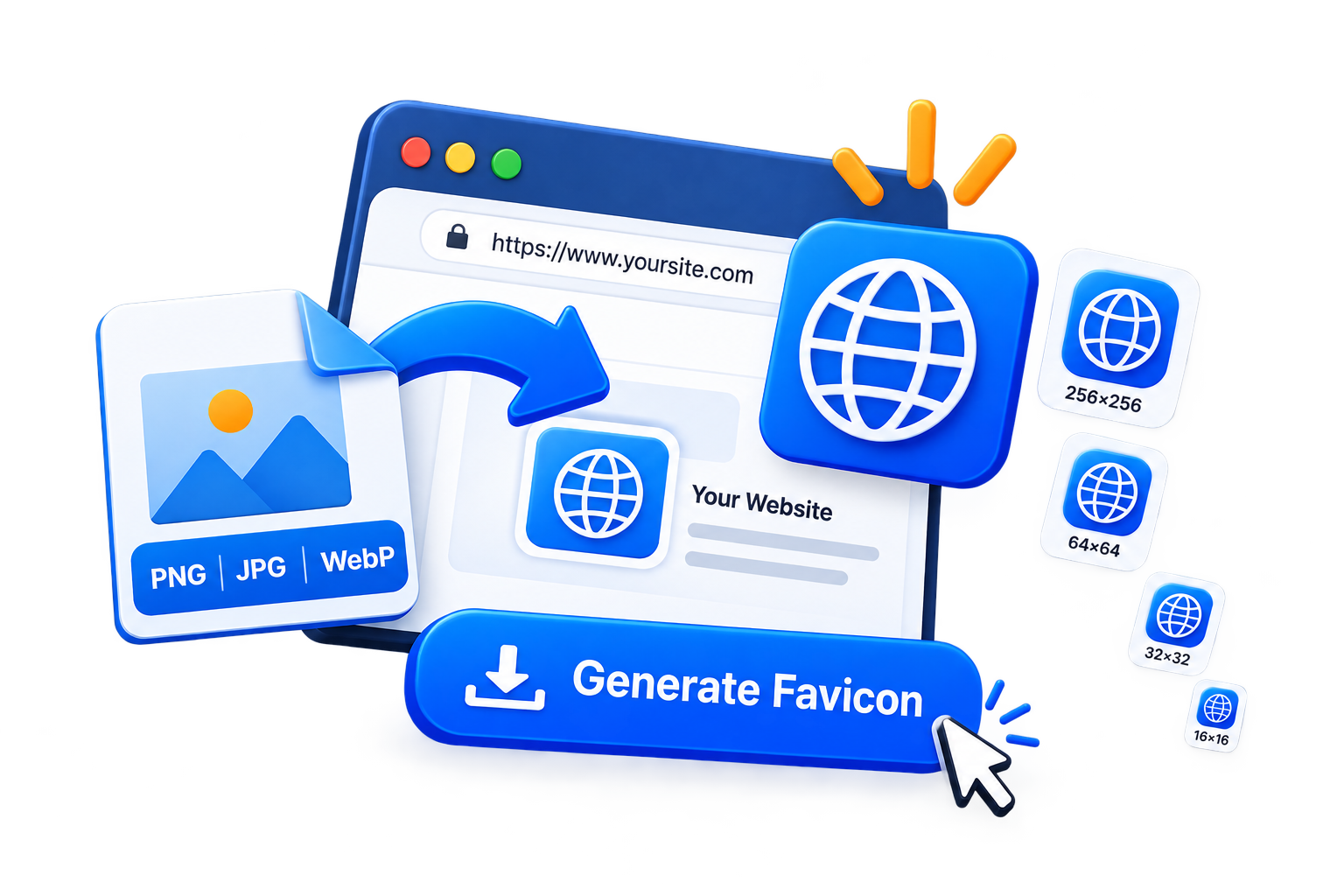
A favicon is the small icon that appears next to your website name in browser tabs and bookmarks. It may be tiny, but it helps visitors recognize your site quickly and gives your website a more polished look. With the eko24.net Favicon Generator, you can turn a JPG, PNG, or WebP image into common favicon sizes directly in your browser. What Is a Favicon? A favicon is usually a simplified version of your logo or brand icon. Because it appears at very small sizes, simple designs tend to work better than detailed images or text. Common favicon sizes include 16×16, 32×32, 48×48, 180×180, 192×192, and 512×512 pixels. Create Your Favicon Choose a square logo or image with good contrast, then open the Favicon Generator. Upload your JPG, PNG, or WebP file. The tool automatically creates previews in several common favicon sizes. Choose the version you need and download it as a PNG. Preview your website icon in common favicon sizes before downloading it. Your image is processed directly in your browser, so it does not need to be uploaded to a server. Tips for a Better Favicon Keep the design simple. Avoid small text and fine details because they can disappear when the icon is reduced to 16×16 or 32×32 pixels. A transparent PNG logo can also work well when you want the favicon to blend naturally with different browser themes. Add the Favicon to Your Website After downloading your favicon, upload it to your website and add the following code inside the <head> section: <link rel="icon" type="image/png" sizes="32x32" href="/favicon-32x32.png"> For an Apple touch icon, you can also use: <link rel="apple-touch-icon" sizes="180x180" href="/apple-touch-icon.png"> A clear favicon is a small detail that can make your website easier to recognize across browser tabs, bookmarks, and shortcuts.

Read Article →
Edit Photos Online with Filters and Color Controls
YouTube Growth

Edit Photos Online with Filters and Color Controls

A good photo does not always need complicated editing. Small changes to brightness, contrast and color can make an image look clearer, more balanced and ready to share. The eko24.net Photo Filter Online tool lets you improve photos directly in your browser. You can use ready-made filters or control each setting manually. Choose a quick photo filter Start with one of the available presets to change the look of your image instantly: Vivid: creates stronger and brighter colors. Warm: adds a soft golden tone. Cool: gives the photo a cleaner blue tone. Mono: converts the image to black and white. Vintage: adds a classic faded effect. Adjust the colors manually You can also create your own style using the adjustment controls. Brightness: makes a dark photo lighter or reduces excessive light. Contrast: increases or reduces the difference between light and dark areas. Saturation: controls the strength of the colors. Grayscale: gradually removes colors from the image. Sepia: adds a warm vintage tone. Preview filters and color adjustments before downloading the edited photo. Preview every change instantly Every adjustment appears immediately on the image preview. You can try different filters and settings without permanently changing the original photo. If you do not like the result, click Reset Filters to return to the original colors. Your photo remains private The image is processed locally inside your browser. It is not uploaded to eko24.net or stored on a server. This makes the tool suitable for personal photos and other private images. Download as JPG or PNG Choose JPG for regular photographs and a smaller file size. Select PNG when you want lossless quality or need to preserve transparent pixels. Final tip Use filters carefully. A small adjustment often looks more natural than maximum brightness, contrast or saturation. Compare the edited photo with the original before downloading the final version. Open Photo Filter Online →

Read Article →
Blur Faces, Text and Private Details Online
Image Tools

Blur Faces, Text and Private Details Online

Sharing a photo online can sometimes reveal information you would rather keep private. A face in the background, a phone number, an address or a document may be visible without you noticing it. The eko24.net Blur Image Online tool lets you hide these details directly in your browser. You can blur the entire image or use the brush to cover only selected areas. What can you blur? The blur tool is useful for hiding different types of sensitive content, including: Faces and people in the background Names, phone numbers and email addresses Vehicle registration plates Addresses and document details Private information in screenshots Blur selected areas to hide sensitive information before sharing an image. Blur the entire image Choose the full-image option when you want to apply the same blur effect to the complete photo. Adjust the blur strength until you get the result you need, then download the image as JPG or PNG. Blur a selected area For more control, select the brush mode. Move the brush over the face, text or private detail you want to hide. You can adjust both the brush size and blur strength. If you make a mistake, use the Undo button to return to the previous step. You can also clear the blur mask and start again without uploading the photo another time. Your images remain private The image is processed locally inside your browser. It is not uploaded to eko24.net or stored on a server. This makes the tool suitable for personal photos, screenshots and documents containing private information. JPG or PNG? Choose JPG for regular photos and smaller file sizes. Choose PNG when you want better detail or need to preserve image transparency. Open Blur Image Online Final tip Always review the downloaded image before sharing it. Make sure the blurred area completely hides the sensitive information, especially when working with documents, faces or registration plates.

Read Article →
Passport Photo Maker: Create ID Photos Online
Image Tools

Passport Photo Maker: Create ID Photos Online

Creating a passport or ID photo does not always require professional editing software. With the free eko24.net Passport Photo Maker, you can crop, position and prepare a portrait directly in your browser. Create a Passport Photo in Minutes Upload a clear portrait, choose the required dimensions and move the image until the face is correctly positioned inside the guide. You can also adjust the zoom, rotate the photo and select a white, light blue or gray background. How to Use the Passport Photo Maker Open the Passport Photo Maker. Upload a JPG, PNG or WebP portrait. Select the required passport or ID photo size. Drag the image to position the face inside the guide. Adjust the zoom and rotation if necessary. Choose a suitable background color. Download one photo or a printable 4 × 6 inch sheet. Position and size a portrait carefully before creating a passport or ID photo. Available Photo Sizes The tool includes popular dimensions such as 35 × 45 mm, 2 × 2 inches, 40 × 50 mm, 30 × 40 mm and 33 × 48 mm. Requirements can vary, so always check the official rules for your country and document. Prepare Multiple Copies for Printing If you need several copies, choose the 4 × 6 inch print sheet option. The tool places multiple passport photos on one sheet that you can download and print. Your Photo Stays Private All processing happens locally inside your browser. Your portrait is not uploaded to eko24.net, making the tool convenient for preparing personal photos on a phone or computer. Try the Free Tool Use the free Passport Photo Maker to prepare a clean passport or ID photo online without installing an application.

Read Article →
Photo Collage Maker: Combine Photos Online
YouTube Growth

Photo Collage Maker: Combine Photos Online

Creating a photo collage is a simple way to combine several memories, product images or social media photos into one design. The eko24.net Photo Collage Maker lets you arrange up to six images directly in your browser. You can choose the layout, canvas size, spacing, rounded corners and background color before downloading the result as JPG or PNG. Create a Custom Photo Collage The tool includes three flexible layouts: Smart Grid: Automatically arranges your photos in balanced rows and columns. Horizontal: Places all selected photos in one row. Vertical: Places the photos on top of each other. Arrange multiple photos in a custom collage with your preferred layout and spacing. You can also create landscape, square, portrait or social media collages. How to Make a Photo Collage Select or drag between 2 and 6 images. Choose your preferred layout and canvas size. Adjust the spacing and corner radius. Select a background color. Download the collage as JPG or PNG. Private Browser Processing Your photos are processed locally inside your browser and are not uploaded to eko24.net. The collage preview updates automatically whenever you change a setting. The original images remain unchanged on your device. Try the Free Photo Collage Maker

Read Article →
Bulk Image Converter: Convert Multiple Images Online
Image Tools

Bulk Image Converter: Convert Multiple Images Online

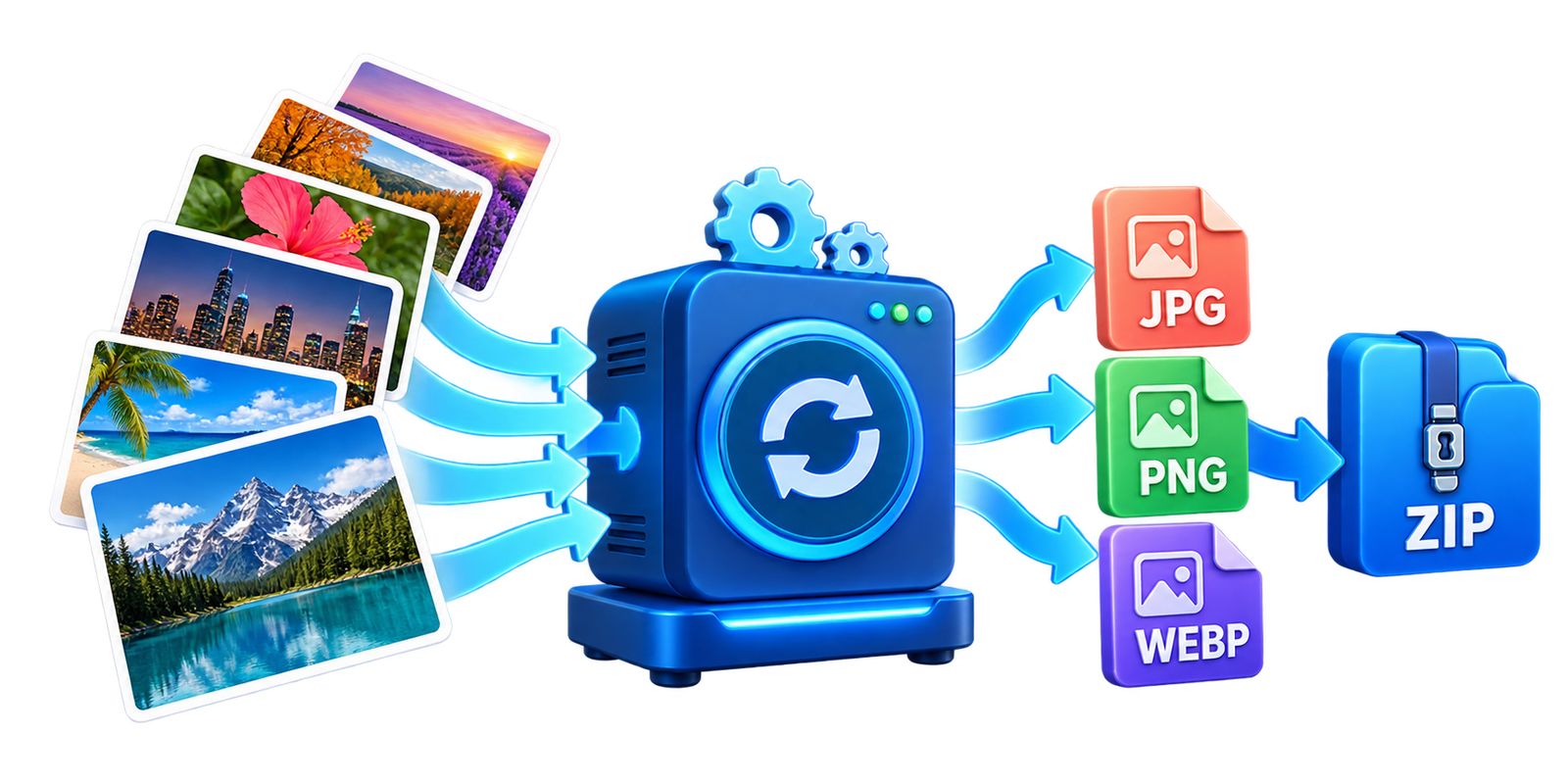
Converting images one by one can take a lot of time when you have several files. The eko24.net Bulk Image Converter lets you convert multiple JPG, PNG and WebP images together directly in your browser. You can select the output format, adjust the image quality and download all converted images inside one ZIP file. Convert Several Images at Once The tool supports three popular image formats: JPG: A good choice for photos and smaller files. PNG: Recommended for transparent images and lossless quality. WebP: Ideal for faster-loading website images. Convert several images at once and choose the output format that fits your needs. The converter preserves the original dimensions of every image. How to Use the Bulk Image Converter Select or drag multiple JPG, PNG or WebP images. Choose the output format. Adjust the image quality if needed. Click Convert Images. Download images individually or click Download ZIP. Convert several images at once and choose the output format that fits your needs. You can process up to 30 images, with a maximum file size of 20 MB for each image. Private Browser Processing All images are processed locally inside your browser. Your files are not uploaded to eko24.net. Transparency is preserved when PNG or WebP is selected. JPG does not support transparency, so transparent areas are replaced with a white background. Try the Free Bulk Image Converter

Read Article →
HEIC to JPG or PNG: Convert iPhone Photos Online
Image Tools

HEIC to JPG or PNG: Convert iPhone Photos Online

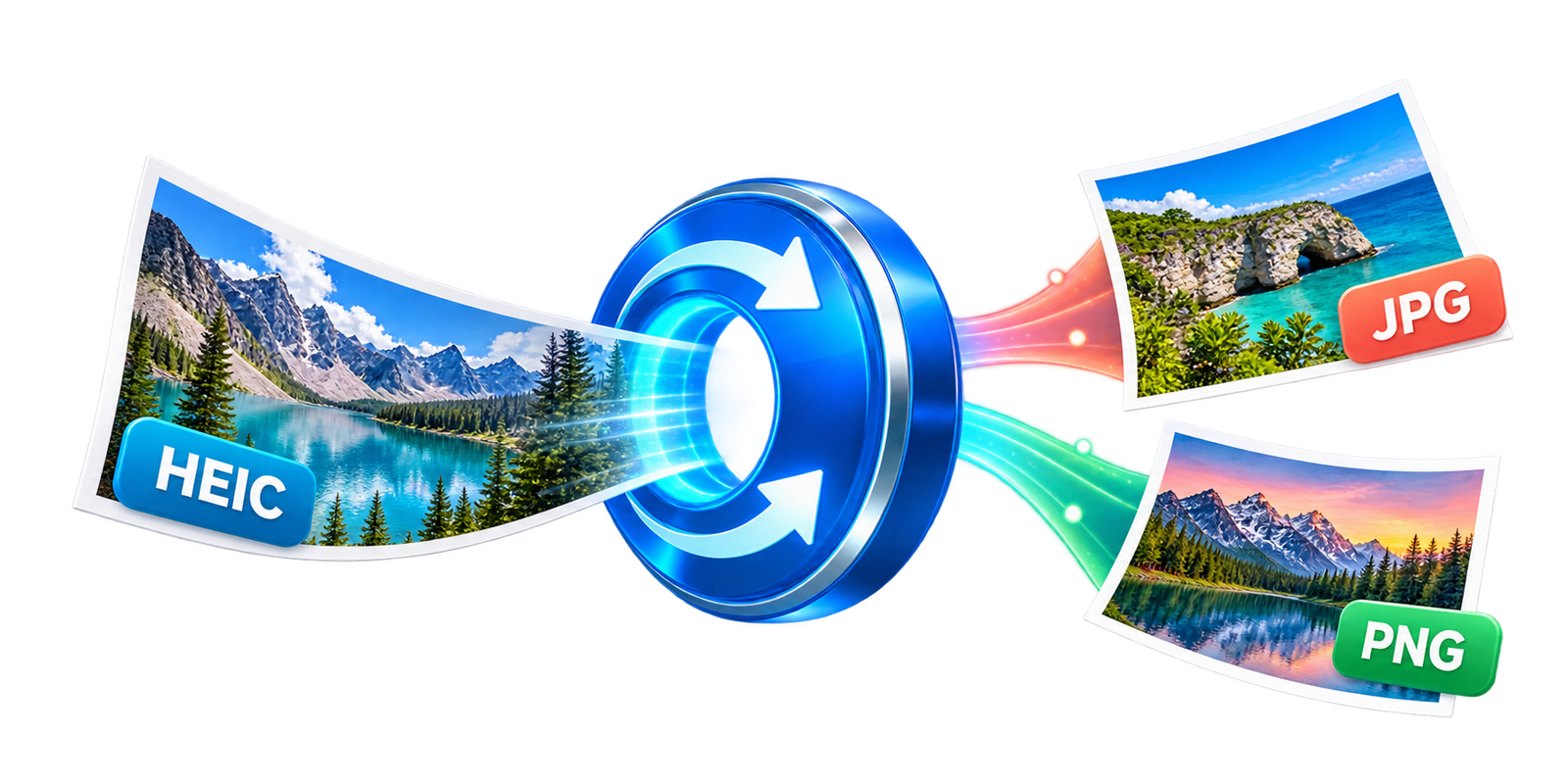
HEIC is a modern image format commonly used by iPhones and other Apple devices. It keeps photos looking sharp while using less storage space, but some websites, apps and older devices cannot open it. The free eko24.net HEIC Converter turns HEIC and HEIF photos into widely supported JPG or PNG images directly in your browser. Choose JPG or PNG JPG is the best option for regular photos. It creates smaller files that are easy to upload, share by email or use on websites. You can also adjust the JPG quality to find a good balance between image quality and file size. PNG is useful when you prefer lossless output or need to preserve transparency. PNG files are usually larger than JPG files, especially for detailed photographs. Convert a HEIC image Open the HEIC to JPG or PNG Converter. Select a HEIC or HEIF image from your device. Choose JPG or PNG as the output format. If you select JPG, adjust the quality setting. Click the blue conversion button. Preview and download the converted image. Convert HEIC or HEIF photos to the more widely supported JPG or PNG format. Private browser conversion Your image is processed on your device and is not uploaded to eko24.net. The original HEIC file also stays unchanged, so the downloaded JPG or PNG is created as a separate copy. Conversion time depends on the image size and the performance of your phone or computer. Large iPhone photos may take a few extra seconds. A simple format solution Converting HEIC to JPG or PNG makes iPhone photos easier to open, edit and share. Choose JPG for smaller photo files or PNG for lossless output, then download the result without installing additional software.

Read Article →
Free Image to Text Converter for English, French and Arabic
Image Tools

Free Image to Text Converter for English, French and Arabic

Text inside a photo is useful until you need to copy it. A receipt, screenshot, scanned page or product label can quickly turn into several minutes of manual typing. Image-to-text OCR solves that problem by recognizing the words in an image and turning them into editable text. The free eko24.net Image to Text Converter works with JPG, PNG and WebP files. It supports English, French and Arabic, including mixed-language images, and lets you copy the result or download it as a TXT file. What is image-to-text OCR? OCR stands for optical character recognition. It analyzes the shapes in an image, identifies letters and words, and rebuilds them as digital text. The result can be edited, searched, copied into a document or saved for later. This is useful for more than scanned documents. OCR can recover a quotation from a social media image, capture text from a presentation, turn notes into a draft or extract details from a label without retyping everything. OCR can turn text inside a clear image into editable text you can copy or save. Extract text in four simple steps Open the Image to Text OCR tool. Select a JPG, PNG or WebP image from your device. Choose English, French, Arabic or a mixed-language option. Click Extract Text, then copy or download the result. The extracted text remains editable, so you can correct spelling, punctuation or spacing before using it. This matters because no OCR tool is perfect, especially when an image is blurry or contains unusual fonts. Getting a more accurate result A clean source image makes the biggest difference. Use a sharp photo with good lighting and enough contrast between the text and its background. Keep the page straight and avoid shadows over important words. If the image contains large empty areas, advertisements or several unrelated sections, trim them first with the Image Cropper. Enlarging very small text with the Image Resizer may also help, although resizing cannot restore details that are missing from the original photo. Choose the correct language before starting. A mixed English and Arabic screenshot, for example, should use the combined language option. Decorative lettering, handwriting and curved text may still need manual correction. Privacy and browser-based processing eko24.net processes the selected image locally in your browser instead of uploading it to the website. The OCR components and selected language data may be downloaded when the tool starts, so the first extraction can take a little longer. Processing speed also depends on the image size and your device. For sensitive documents, review what is visible before using any online tool. Crop out information that is not required and check the extracted text carefully before sharing or publishing it. When OCR is most useful Copying text from screenshots and social media graphics. Digitizing printed notes, receipts and short documents. Recovering text from slides, posters or product labels. Creating an editable draft from a clear scanned page. Extracting multilingual text without installing software. Final thoughts Image-to-text OCR removes repetitive typing and gives old text a usable digital form. Start with a clear image, select the right language and always review the output. For a quick conversion in English, French or Arabic, try the free eko24.net Image to Text Converter.

Read Article →
Social Media Image Generator Online
YouTube Growth

Social Media Image Generator Online

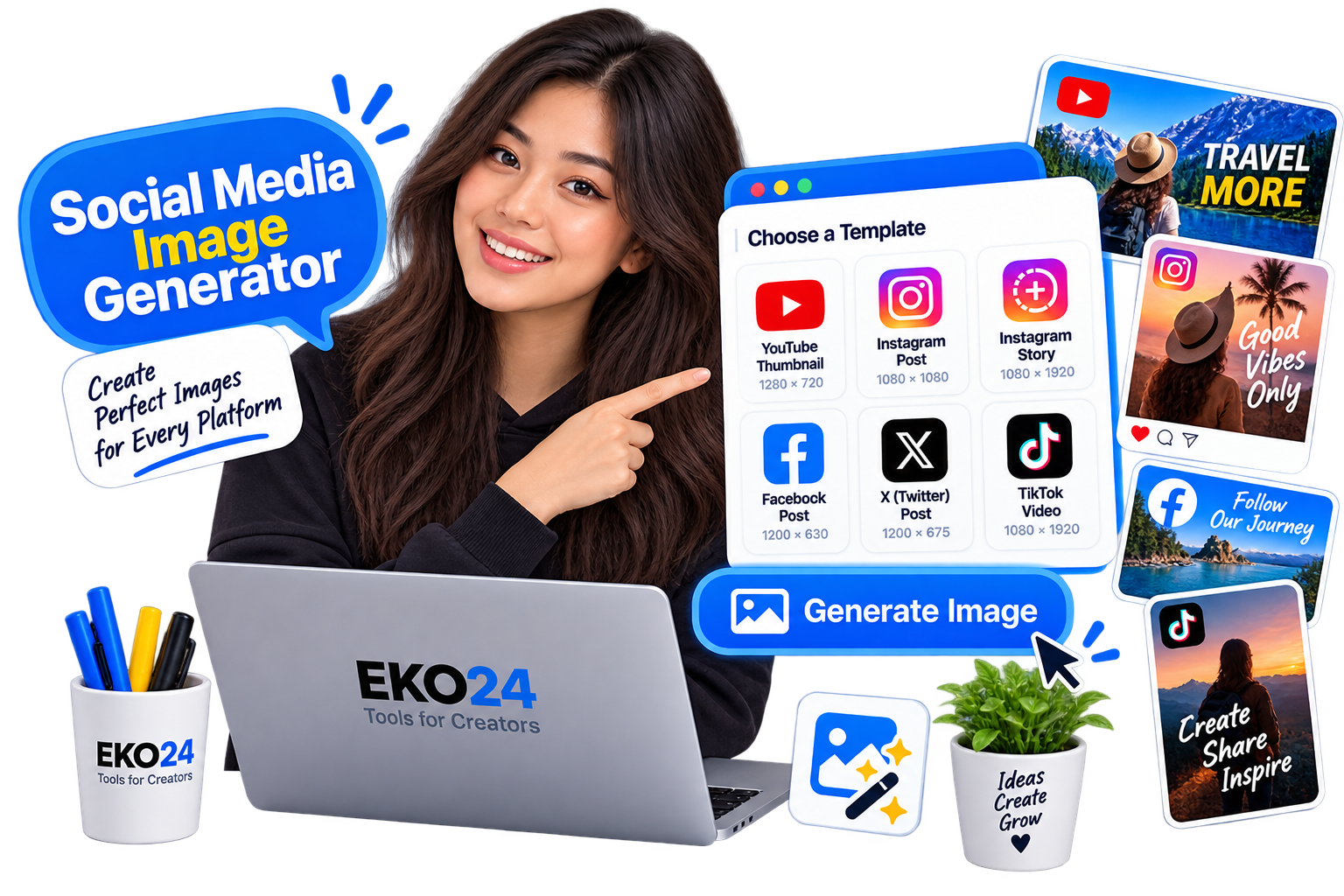
Social Media Image Generator Online Creating the right image for social media can take time, especially when each platform uses different sizes and formats. With the eko24.net Social Media Image Generator, you can create images quickly for different types of social content. What Is a Social Media Image Generator? A social media image generator helps you prepare images for posts, stories, thumbnails, banners, and other content. Instead of resizing images manually, you can create the right format directly online. This can save time when preparing content for platforms such as YouTube, Instagram, Facebook, X, and other social networks. Prepare images in suitable formats for posts, stories, thumbnails and other social content. How to Create a Social Media Image Using the eko24.net Social Media Image Generator is simple: Choose the type of social media image you want to create. Upload or select your image. Adjust the image if needed. Generate and save the final result. You do not need advanced design software to create a clean image for your social content. Why Use the Right Image Size? Using the correct image size helps your content look better and reduces unwanted cropping or stretching. It can also make your posts, thumbnails, and stories look more professional. The right dimensions are especially useful when creating content for several platforms at the same time. Create Social Media Images Online The eko24.net Social Media Image Generator gives you a simple way to create social media graphics online. Choose the format, prepare your image, and generate the result in just a few steps.

Read Article →
How to Remove Metadata From Images Online
YouTube Growth

How to Remove Metadata From Images Online

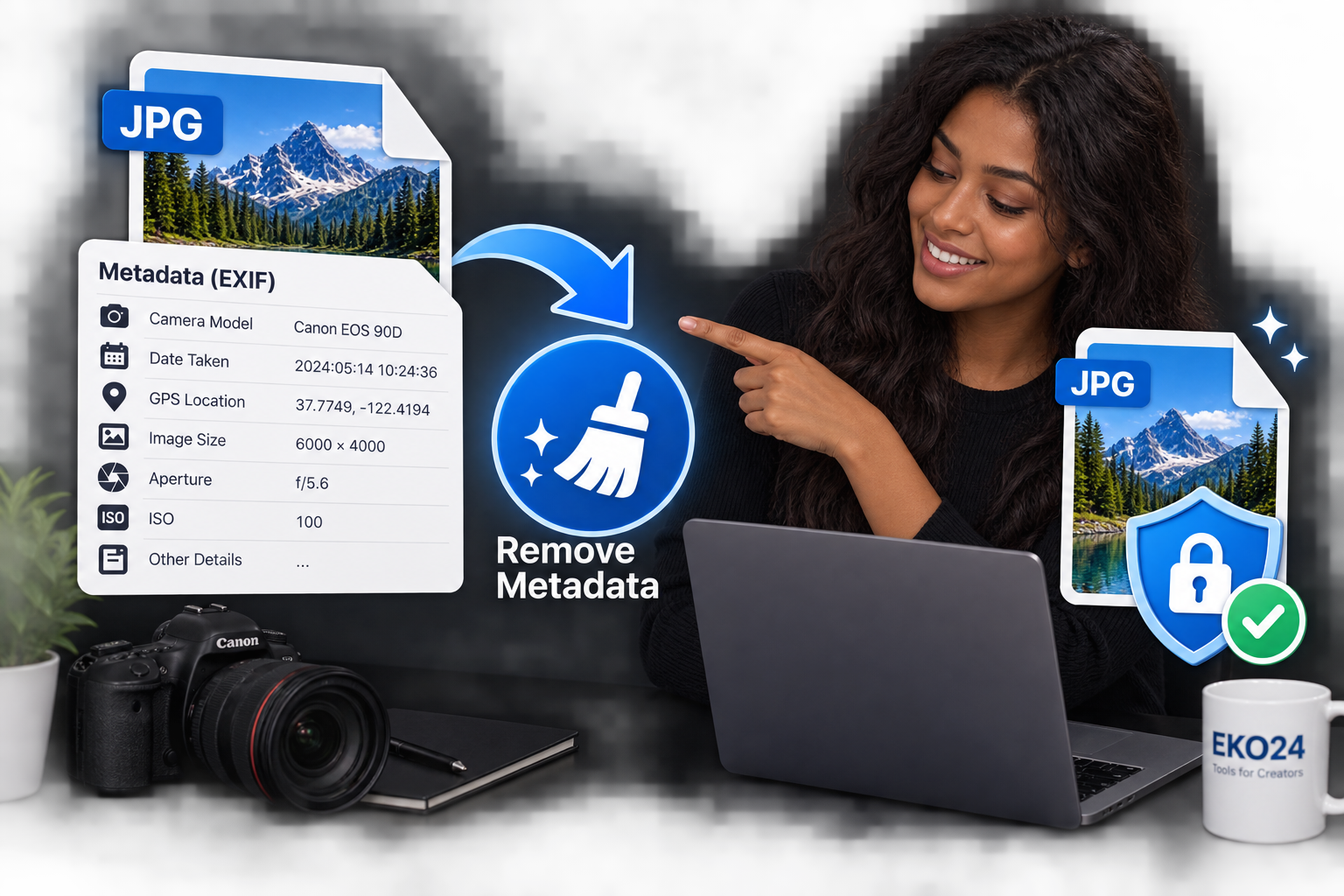
How to Remove Metadata From Images Online Photos can contain more information than you see. Details such as the camera model, date, settings, and sometimes location information may be stored inside the image file. With the eko24.net Metadata Remover, you can clean this hidden information before sharing an image online. What Is Image Metadata? Image metadata is information stored inside a photo file. It can include EXIF data such as camera details, the date a photo was taken, image settings, and other technical information. Removing unnecessary metadata can help protect your privacy and create a cleaner file for sharing. How to Remove Metadata From an Image Remove unnecessary hidden image metadata before publishing or sharing a photo. Using the eko24.net Metadata Remover is simple: Upload your image. Let the tool process the file. Remove the available metadata. Save the cleaned image. The process only takes a few moments and does not require additional software. Why Remove Photo Metadata? Removing metadata is useful before publishing photos on websites, blogs, forums, or social media. It can reduce the amount of hidden information included with the file. It is especially useful when you want to share an image without keeping unnecessary camera or EXIF details attached to it. Clean Image Metadata Online The eko24.net Metadata Remover provides a quick way to clean hidden image information online. Upload your photo, remove its metadata, and use the cleaned image wherever you need it.

Read Article →
How to Pick Colors From an Image Online
Image Tools

How to Pick Colors From an Image Online

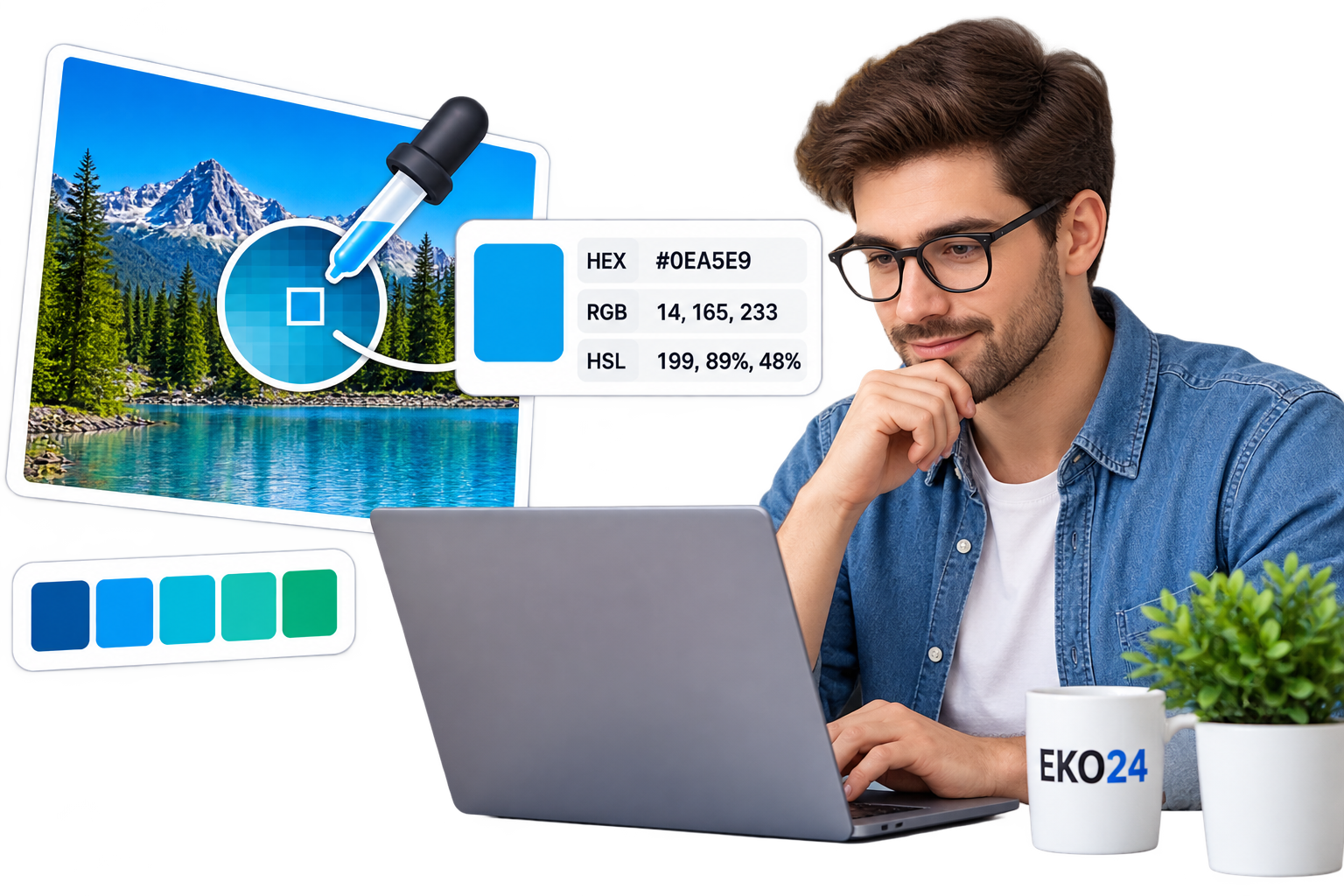
How to Pick Colors From an Image Online Have you ever seen a color in a photo and wanted to know its exact color code? With an online Color Picker, you can find it in just a few seconds. What Is an Image Color Picker? An image color picker lets you upload a photo and select any point on it to identify the exact color. Depending on the tool, you can get useful color values such as HEX, RGB, and HSL. These codes can then be used in websites, graphics, thumbnails, logos, and other design projects. How to Pick a Color From an Image Select a point in an image to identify its exact color code. Using the eko24.net Color Picker is simple: Upload your image. Move the picker over the color you want. Click or select that area. Copy the generated color code. There is no need to install Photoshop or other design software. When Is a Color Picker Useful? A color picker can be helpful when creating a website, matching brand colors, designing YouTube thumbnails, editing social media graphics, or simply identifying a color you like in a photo. For example, if you find the perfect blue in an image, you can extract its HEX code and use exactly the same shade in your design. Pick a Color Online Instead of guessing a color manually, use the eko24.net Color Picker to extract the exact color directly from your image. Upload your image, choose a color, copy the code, and continue your design.

Read Article →
How to Add a Watermark to Images Online-
Image Tools

How to Add a Watermark to Images Online-

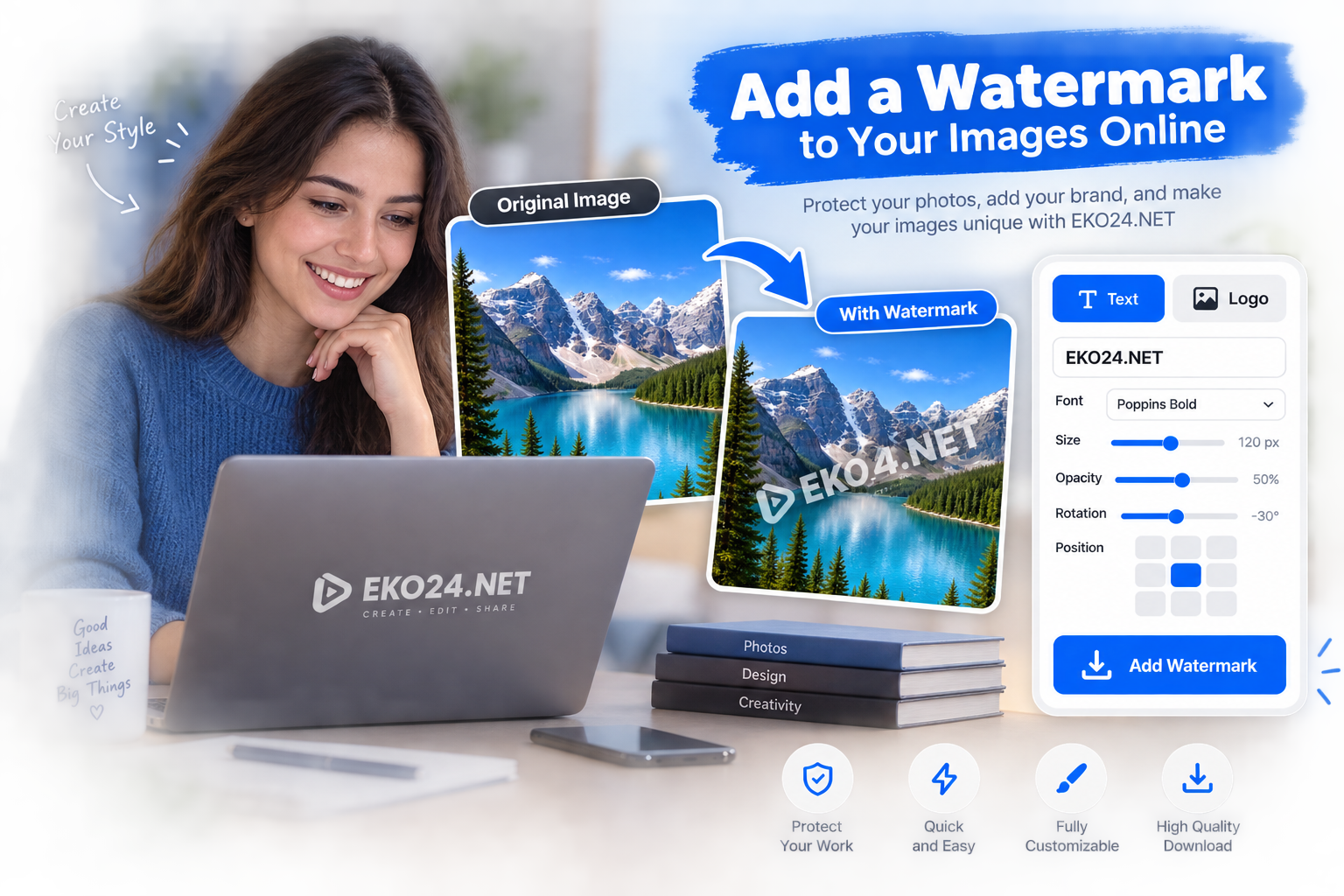
Adding a watermark is a quick way to place your name, website or logo on an image before sharing it online. It can be useful for photos, product images, thumbnails and social media graphics. You can do this directly in your browser with the eko24.net Watermark Maker. How to Add a Watermark to an Image Upload a JPG, PNG or WebP image. Choose a text or logo watermark. Adjust the size, opacity, rotation and position. Preview the result. Download the finished image as JPG or PNG. Add a visible text or logo watermark and adjust its position, size and opacity. Text or Logo Watermark? A text watermark is useful for adding a creator name, website or brand. A logo watermark is better when you want consistent visual branding. Transparent PNG logos usually give the cleanest result. Choose the Right Opacity The watermark should be visible without covering the important parts of your image. Lower opacity creates a subtle effect, while a larger or repeated watermark can make casual reuse more difficult. Does a Watermark Prevent Image Copying? No watermark can completely stop an image from being copied. Its main purpose is to show attribution or branding and make the original source easier to identify. Add a Watermark Online for Free The eko24.net Watermark Maker works directly in your browser. Upload your image, customize the watermark and download the result when it looks right.

Read Article →
Remove Image Background Online – Free Background Remover
Image Tools

Remove Image Background Online – Free Background Remover

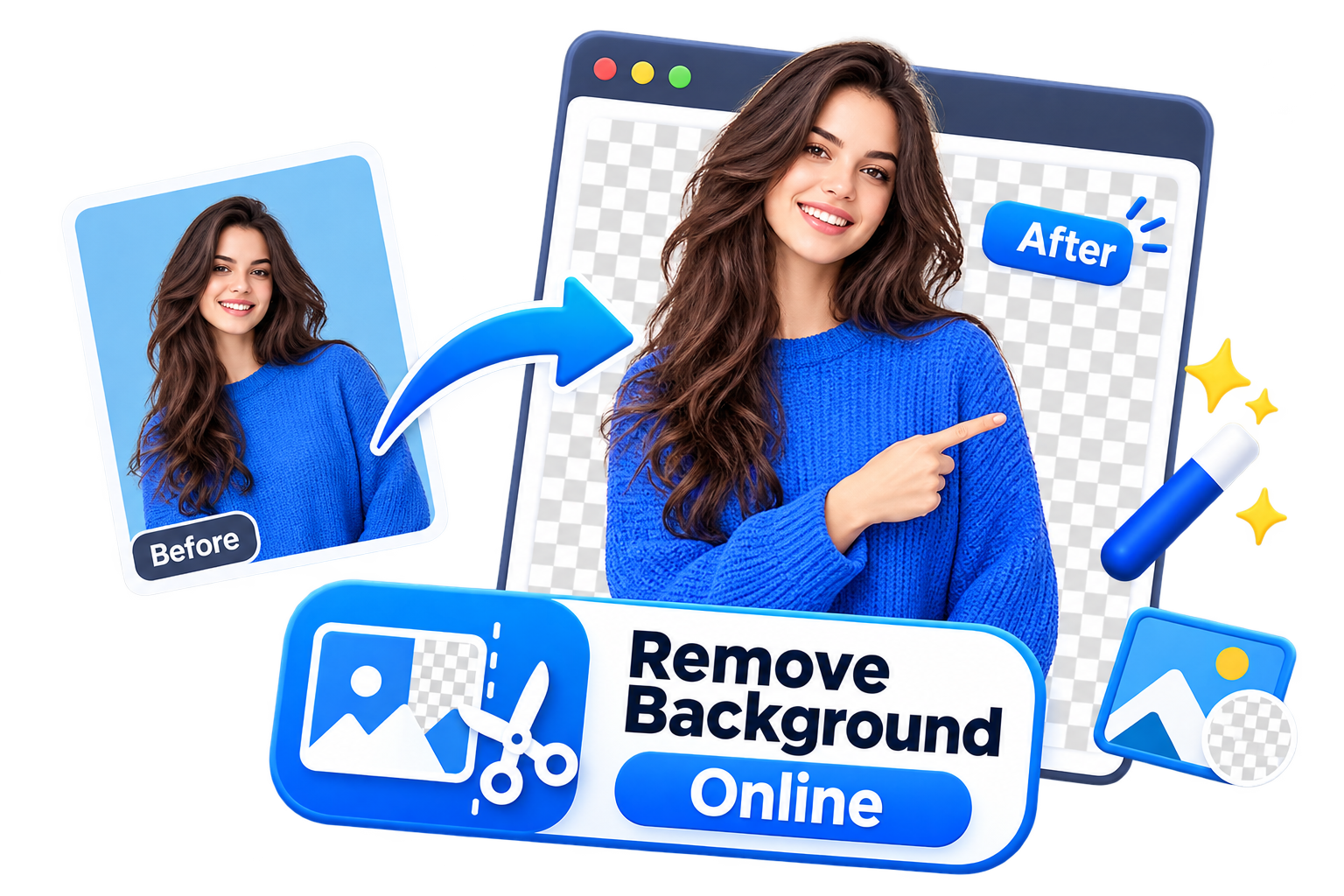
Removing a background from an image can be useful for product photos, profile pictures, logos, social media posts, and many other designs. Instead of editing the image manually, you can use the eko24.net Background Remover to create a clean transparent background directly online. Why Remove an Image Background? A transparent background makes an image easier to reuse in different designs. You can place the subject on another background, use it in a banner, add it to a product page, or create a cleaner profile image. This is especially useful for online stores, content creators, designers, and anyone who needs a quick result without using complex editing software. How to Remove a Background Online Upload your image to the eko24.net Background Remover and start the process. The tool separates the main subject from the background and creates a transparent result that you can save to your device. For the best result, use an image where the subject is clearly visible and well separated from the background. Removing the background makes the subject easier to reuse in other designs. When Is a Transparent Background Useful? Transparent images are useful for product photos, logos, thumbnails, profile pictures, presentations, social media graphics, and website designs. They also make it easier to change the background later without having to edit the original image again. Remove Backgrounds with eko24.net The eko24.net Background Remover gives you a simple way to remove unwanted backgrounds without installing additional software. Upload your image, remove the background, and use the transparent result wherever you need it.

Read Article →
Convert WebP to JPG or PNG Online – Free Image Converter
Image Tools

Convert WebP to JPG or PNG Online – Free Image Converter

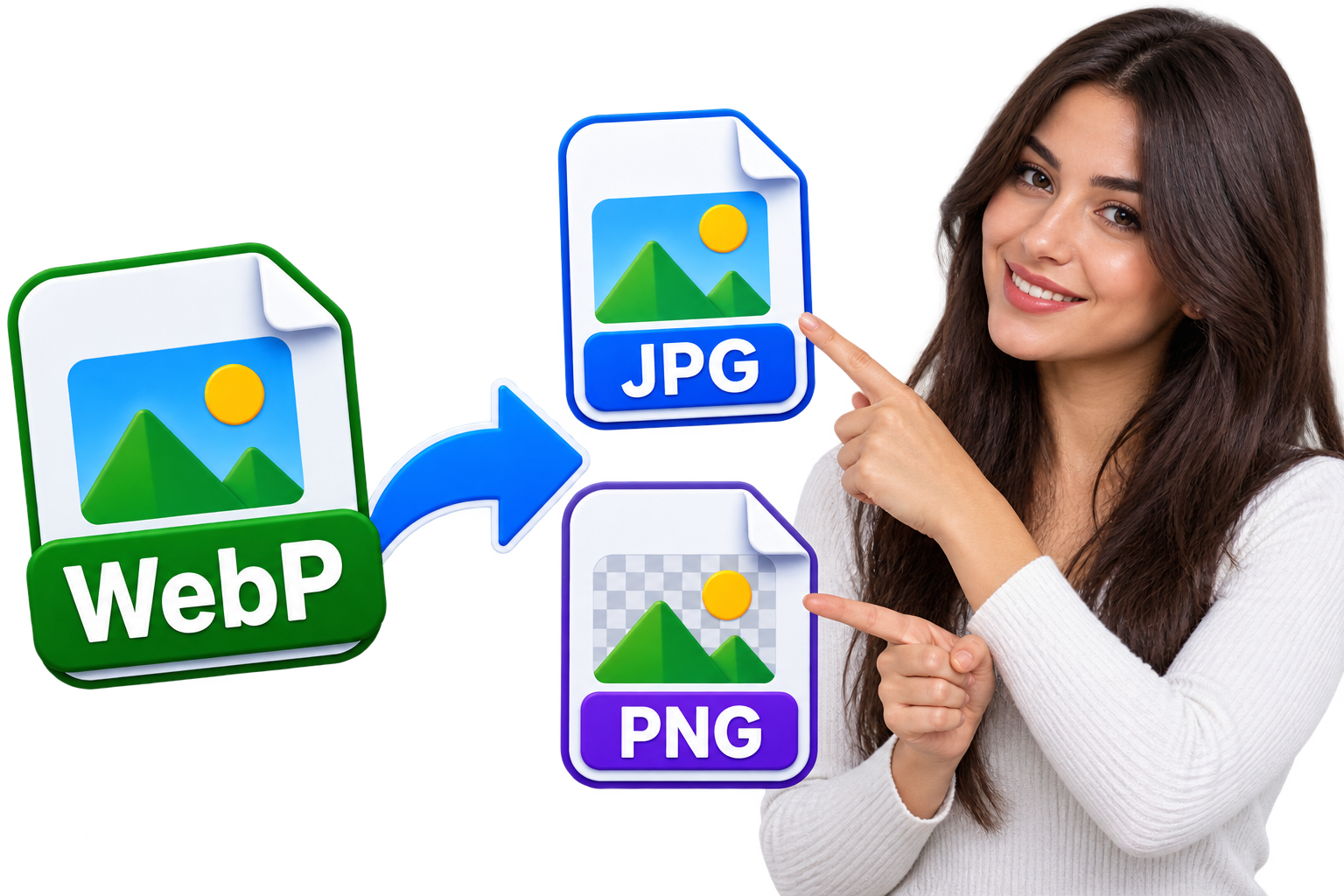
WebP images are now common across the web because they offer good image quality while keeping file sizes relatively small. The problem is that WebP is not always the format you need. Some applications, websites, or editing programs may work better with JPG or PNG. If you have a WebP image that you need in another format, the eko24.net WebP Converter lets you convert it to JPG or PNG directly from your browser. There is no software to install and the process only takes a few steps. Why Convert a WebP Image? WebP is a useful format, especially for websites, but JPG and PNG are still widely used. Converting an image can make it easier to edit, upload, share, or use with programs that do not fully support WebP. The format you choose depends mainly on the type of image. JPG is usually a good choice for photographs, while PNG is useful for graphics, screenshots, logos, and images where transparency matters. WebP to JPG If your WebP file is a photograph or an image with lots of colors, JPG is often the most practical option. JPG files are supported by almost every image viewer, editor, device, and online platform. JPG can also produce relatively small files, which makes it convenient when you want to share an image or upload it online. Keep in mind that JPG does not support transparent backgrounds, so it is not the right choice for every image. WebP to PNG PNG is a better choice when you want to preserve transparency or when you are working with graphics rather than photographs. It is commonly used for logos, icons, screenshots, illustrations, and other images where clear details are important. PNG files can be larger than JPG files, but they use lossless compression and support transparent backgrounds. If your original WebP image contains transparency that you want to keep, PNG is generally the better option. WebP can keep a similar visible quality while reducing the image file size. How to Convert WebP to JPG or PNG Using the eko24.net converter is straightforward. Upload your WebP image, choose JPG or PNG as the output format, and start the conversion. Once the image is ready, you can save the converted file to your device. You do not need Photoshop or another image editor just to change the file format. The conversion can be done directly online, which is useful when you only need a quick format change. Should You Choose JPG or PNG? For most photos, choose JPG. It offers broad compatibility and usually keeps the file size reasonable. For logos, graphics, screenshots, or images with a transparent background, choose PNG. It preserves image details and supports transparency. There is also no need to convert every WebP image. If the original file already works for what you need, you can simply keep it in WebP format. Convert Your Image with eko24.net The eko24.net WebP to JPG or PNG Converter provides a simple way to change image formats without installing extra software. Upload your WebP file, select the format that fits your needs, and convert it directly from your browser.

Read Article →
How to Convert JPG to WebP Without Losing Quality
Image Tools

How to Convert JPG to WebP Without Losing Quality

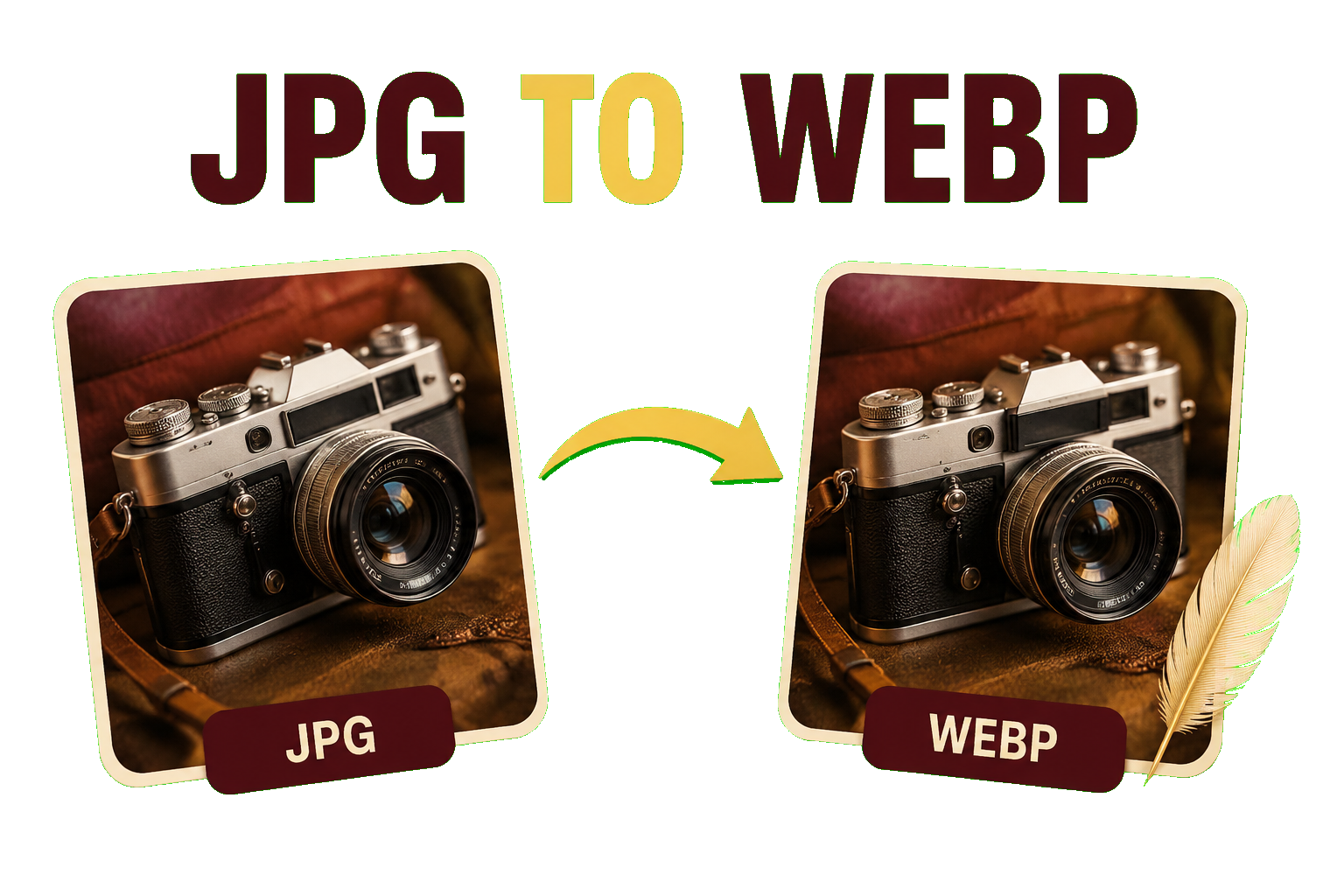
JPG images are widely used online, but large files can slow down a website. Converting JPG to WebP is a simple way to reduce image size while keeping good visual quality. With the eko24.net JPG to WebP Converter, you can convert your images directly from your browser without installing additional software. Why Convert JPG to WebP? WebP is designed for the web and can often provide smaller files than JPG while maintaining similar visual quality. Smaller images can help pages load faster and reduce the amount of data visitors need to download. This makes WebP useful for blog images, thumbnails, product photos, banners, and other website content. How to Convert JPG to WebP Upload your JPG image to the eko24.net JPG to WebP Converter, choose your settings if available, and start the conversion. Once finished, save the WebP image to your device. For the best result, avoid excessive compression. A balanced quality setting can reduce the file size without creating an obvious difference in the image. WebP can keep a similar visible quality while reducing the image file size. Check the Image Before Using It After conversion, compare the WebP file with the original JPG. Check details, text, edges, and colors to make sure the image still looks good. It is also a good idea to keep the original JPG as a backup, especially if you may need to edit the image later. Convert JPG to WebP with eko24.net The eko24.net JPG to WebP Converter makes it easy to create web-friendly images. Upload your JPG, convert it to WebP, check the result, and use the optimized image on your website.

Read Article →
How to Crop Images Online for Perfect Aspect Ratios
Image Tools

How to Crop Images Online for Perfect Aspect Ratios

Cropping removes unwanted areas from the edges of an image and keeps only the part you need. It can improve composition, focus attention on the main subject and prepare a picture for a website, profile, thumbnail or social media post. The eko24.net Image Cropper lets you crop JPG, PNG and WebP images directly in your browser. You can create and move the crop frame, choose a common aspect ratio and preview the result before downloading it. Your image stays on your device. What Does Cropping an Image Mean? Cropping changes the visible boundaries of a picture. The pixels outside the selected frame are removed, while the selected area becomes the final image. Unlike resizing, cropping does not squeeze the entire picture into new dimensions. It changes the composition by removing part of the original. A good crop can remove empty space, distractions or objects near the edges. It can also move the viewer’s attention toward a face, product or important detail. How to Crop an Image Online Open the free Image Cropper. Choose a JPG, PNG or WebP image up to 20 MB. Select Free crop or an aspect ratio such as 1:1, 16:9, 9:16, 4:5 or 3:2. Drag outside the frame to create a new selection. Drag inside the selection to move it over the subject. Use the corner handle to adjust its size. Choose JPG or PNG, click Crop Image and preview the result. Download the cropped image to your device. Different aspect ratios prepare the same image for square, widescreen and vertical layouts. How to Choose an Aspect Ratio An aspect ratio describes the relationship between the width and height of a crop. Choosing the correct ratio helps your image fit its destination without unexpected cutting or stretching. 1:1 Square The 1:1 ratio creates a square image. It is useful for profile pictures, product cards, thumbnails and many social media posts. 16:9 Widescreen The 16:9 ratio creates a wide horizontal image commonly used for video thumbnails, presentations, website banners and widescreen displays. 9:16 Vertical The 9:16 ratio is designed for tall mobile layouts such as Stories, Shorts and vertical video covers. 4:5 Portrait The 4:5 ratio creates a vertical image that uses more screen height than a square while remaining suitable for many social feeds. 3:2 Photography The 3:2 ratio matches a common camera and photography format. It works well for landscape photographs and printed images. Free Crop or Fixed Ratio? Use Free crop when you only want to remove a distracting edge or isolate a subject without following a platform requirement. Use a fixed ratio when the final destination expects a specific shape. Always check the current recommendations of the platform where you plan to publish. Crop Versus Resize Cropping removes areas around the image. Resizing changes the pixel width and height of the whole picture. If you need a different composition, crop first. If the cropped result must have exact dimensions, use the Image Resizer afterward. You can also use the Image Compressor after cropping to reduce the final file size for faster website loading. Tips for a Better Crop Keep the main subject away from the crop edges. Avoid cutting through faces, hands or important product details. Use empty space intentionally when text will be added later. Preview the crop at the size where it will be displayed. Keep the original image as a backup. Choose PNG when the source contains transparency. Frequently Asked Questions Does Cropping Reduce Image Quality? The selected area keeps its original pixels, but the final image contains fewer total pixels because the outside area is removed. JPG quality settings can also affect detail and file size. Can I Preserve Transparency? Yes. Choose PNG output when your source image contains transparent areas. JPG does not support transparency. Can I Crop an Image on a Phone? Yes. The crop frame supports pointer and touch interaction on compatible mobile browsers. Are My Images Uploaded? No. The cropping process runs locally in your browser, so your selected image stays on your device. Crop Your Image Now Open the eko24.net Image Cropper, choose the area you want to keep and select the correct aspect ratio. Preview the result and download the finished image directly to your device.

Read Article →
How to Resize Images Online Without Losing Quality
Image Tools

How to Resize Images Online Without Losing Quality

Resizing an image is useful when you need the right dimensions for a website, blog, social media post, or online upload. However, resizing incorrectly can make an image look blurry or pixelated. How to Resize an Image Without Losing Quality The easiest option is to use an online image resizer. With the eko24.net Image Resizer, you can change the width and height of your image directly in your browser. Open the eko24.net Image Resizer. Upload your image. Choose the new width and height. Keep the original aspect ratio when possible. Resize and download the new image. Keep the Correct Aspect Ratio One of the most important things when resizing an image is maintaining its aspect ratio. This prevents the photo from looking stretched or compressed. Keeping the correct aspect ratio helps prevent an image from looking stretched or compressed. Does Resizing Reduce Image Quality? Making an image smaller usually preserves good visual quality when the resize is done correctly. Enlarging a small image too much, however, can make pixels more noticeable and reduce sharpness. Why Resize Images? Properly sized images can load faster, use less storage space, and fit website or social media layouts better. For websites, smaller dimensions can also help improve page performance. Resize Your Image Online You can use the eko24.net Image Resizer to quickly resize JPG, PNG, or WebP images without installing additional software.

Read Article →
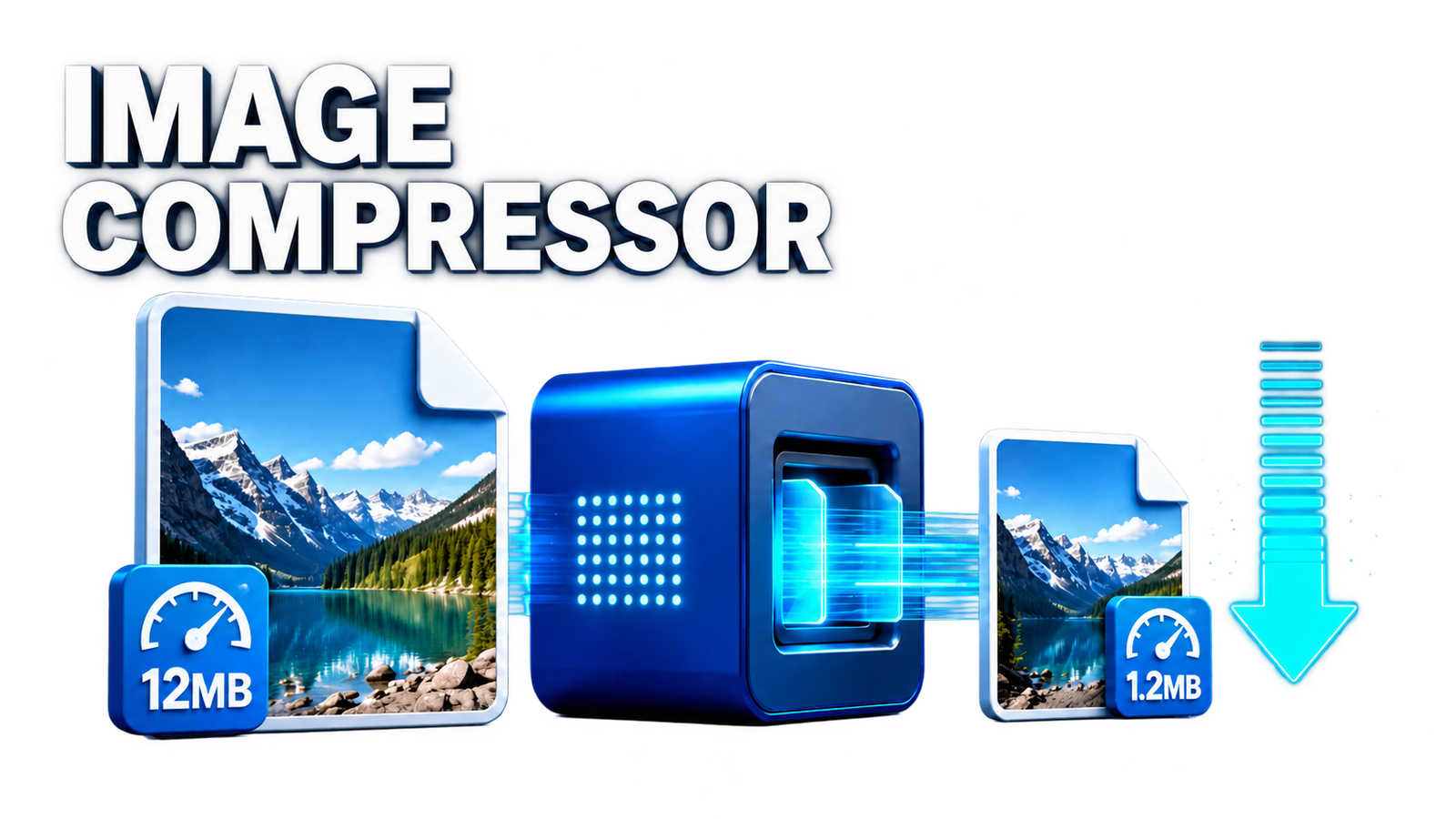
Illustration showing an image compressor reducing file size while preserving visual quality
Image Tools

How to Compress Images Online Without Losing Quality

Large image files can slow down websites and take up unnecessary storage space. Image compression helps reduce file size while keeping the image visually clear. How to Compress an Image Online You can use the eko24.net Image Compressor directly in your browser without installing software. Upload your JPG, PNG, or WebP image. Choose the compression settings if available. Compress the image. Download the optimized version. Can You Compress Images Without Losing Quality? Yes. Good compression can significantly reduce file size while keeping visible quality differences very small. The best result is a balance between image quality and file size. Image compression can reduce file size while keeping the visible result clear. Why Compress Images? Smaller images load faster, use less bandwidth, and can improve website performance. This is especially useful for blogs, online stores, and other image-heavy pages. Compress Your Images Online Try the eko24.net Image Compressor to quickly optimize your images while maintaining good visual quality.

Read Article →
YouTube Community Post Generator for creating posts, polls and questions with AI
Image Tools

YouTube Community Post Generator: Create Engaging Posts with AI

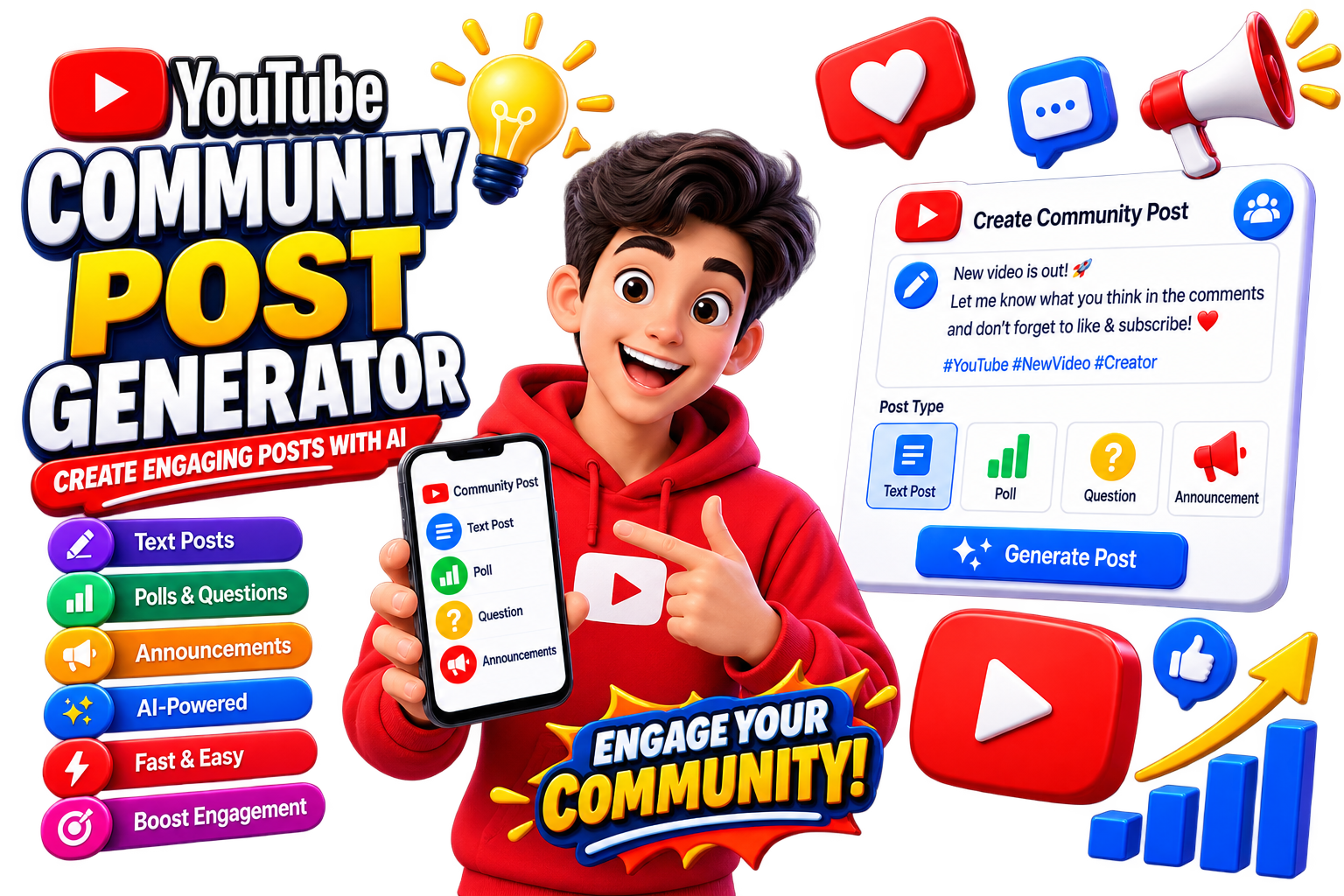
YouTube Community posts are a simple way to stay connected with your audience between video uploads. You can use them to share updates, ask questions, promote videos, or start conversations with subscribers. What Is a YouTube Community Post Generator? A Community Post Generator helps you quickly create post ideas based on your topic. Instead of writing every post from scratch, you can generate a starting point and customize it for your audience. How to Generate a Community Post Open the eko24.net Community Post Generator. Enter your topic or idea. Choose the type of post you want. Generate your post and personalize it before publishing. Create engaging YouTube Community posts with ideas, questions and prompts tailored to your audience. Ideas for YouTube Community Posts Try questions, polls, behind-the-scenes updates, video announcements, quick tips, or simple posts asking viewers what they want to watch next. Keep Your Audience Engaged Community posts work best when they feel natural and encourage interaction. Use the eko24.net Community Post Generator whenever you need a quick idea for your next post.

Read Article →
YouTube Chapter Generator: Create Video Timestamps Automatically
Creator Tools

YouTube Chapter Generator: Create Video Timestamps Automatically

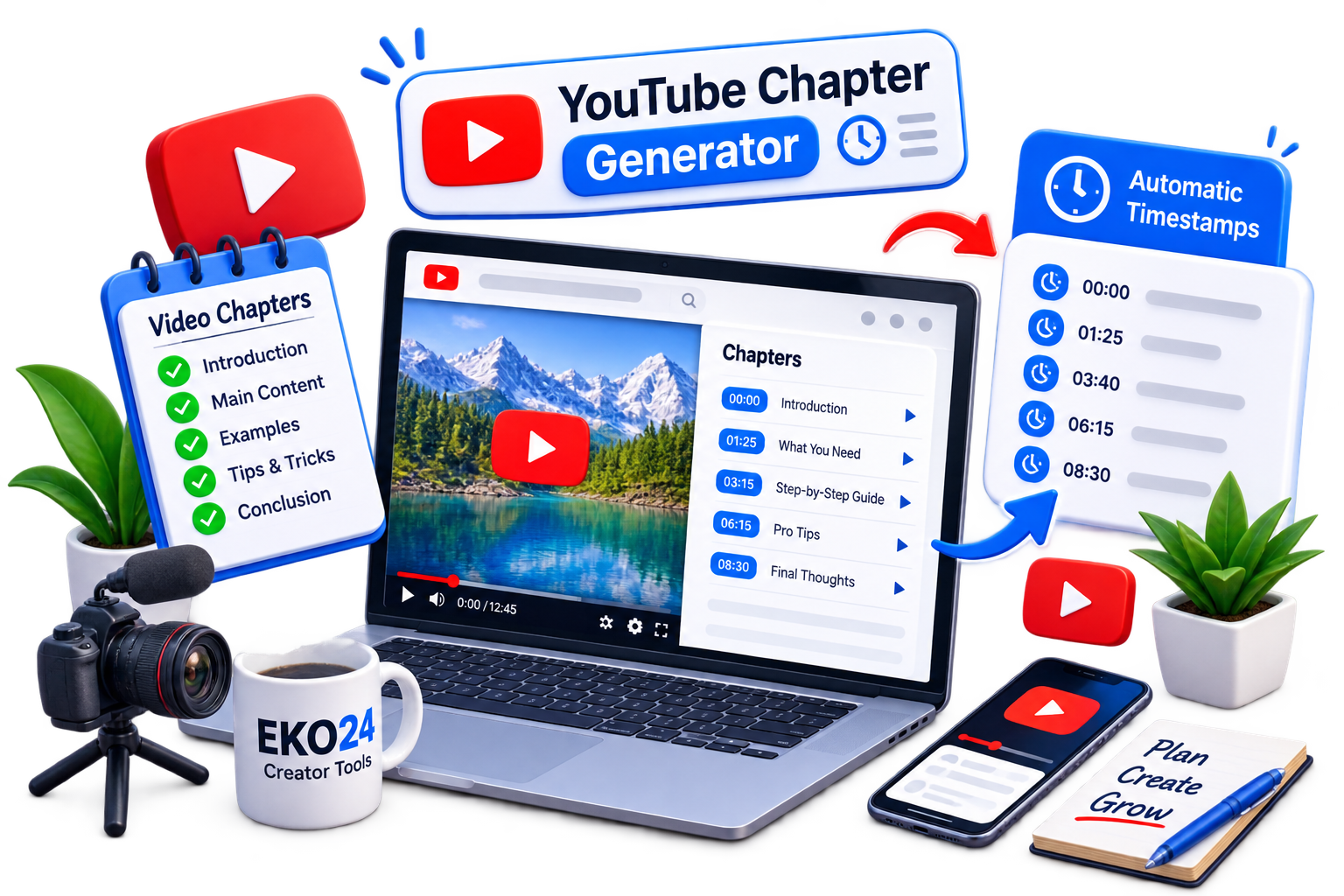
YouTube chapters divide a video into sections with timestamps. They help viewers quickly find the part they want and make longer videos easier to navigate. What Is a YouTube Chapter Generator? A YouTube Chapter Generator helps you create organized timestamps for your video without formatting every chapter manually. How to Create YouTube Chapters Open the eko24.net YouTube Chapter Generator. Add your video information or content. Generate the chapter timestamps. Review the chapters and copy them to your YouTube description. Generate clear video chapters and timestamps to help viewers navigate your YouTube content. Why Use Video Chapters? Chapters make long videos easier to explore and let viewers jump directly to useful sections. Clear chapter titles also help people understand what your video covers. Create Your Video Timestamps Use the eko24.net YouTube Chapter Generator to create clean timestamps quickly and organize your videos into useful sections.

Read Article →
AI Humanizer vs AI Detector: How AI Content Analysis Really Works
Creator Tools

AI Humanizer vs AI Detector: How AI Content Analysis Really Works

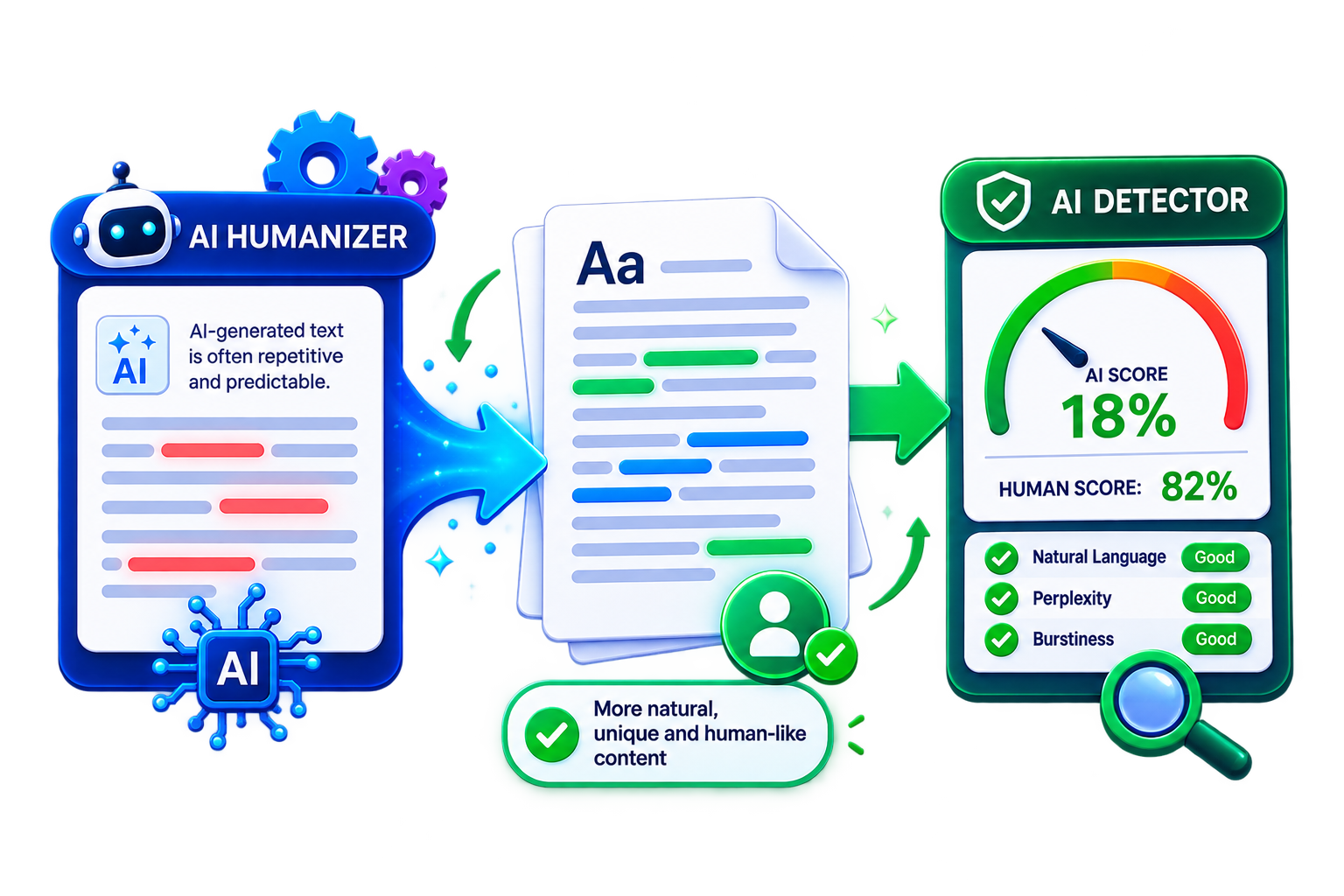
AI writing tools have made it harder to tell whether a text was written by a person or generated by AI. This has also increased interest in AI detectors and AI humanizers, but the two tools serve very different purposes. What Is an AI Detector? An AI detector analyzes patterns in text and estimates whether the content may have been generated by an AI system. The result is usually a probability or classification rather than absolute proof. What Is an AI Humanizer? An AI humanizer rewrites text to make it sound more natural and less repetitive. It may change sentence structure, vocabulary, and flow while keeping the original meaning. AI humanizers and AI detectors use different approaches when working with AI-generated text. AI Humanizer vs AI Detector The main difference is simple: a detector analyzes writing patterns, while a humanizer changes them. Neither process can determine authorship with complete certainty. Are AI Detectors Always Accurate? No. Detection tools can produce false positives or different results for the same text. Their scores should be treated as estimates rather than definitive evidence of who or what wrote a document. Use AI Content Tools Carefully AI analysis can be useful for reviewing writing patterns, but context and human judgment still matter. Detection scores alone should not be used to make important decisions about authorship.

Read Article →
How to Humanize AI-Generated Content: Make Your Writing Sound Natural
YouTube Growth

How to Humanize AI-Generated Content: Make Your Writing Sound Natural

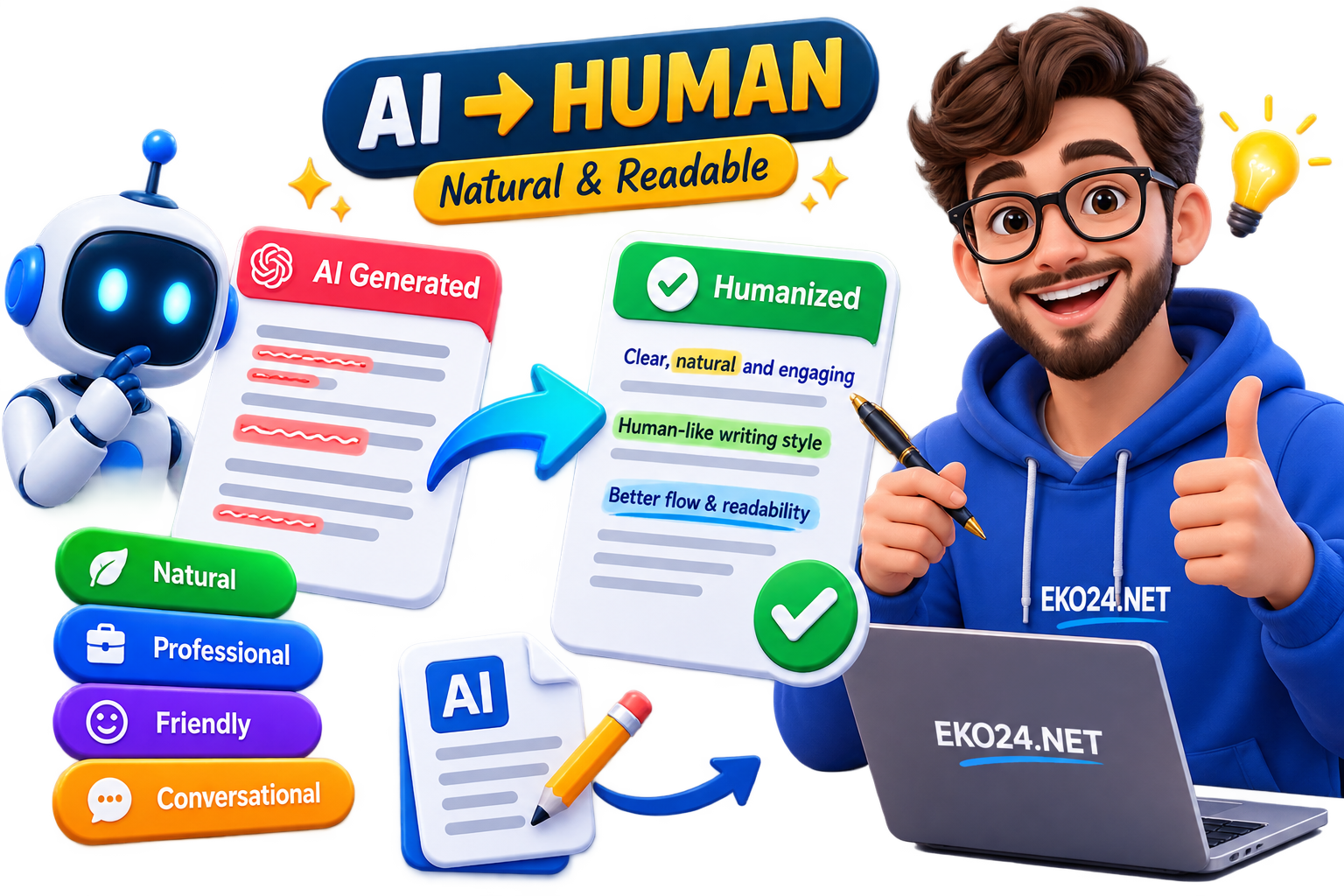
AI can help you create content quickly, but generated text can sometimes sound repetitive or too formal. Humanizing the content means editing it so it feels clearer, more natural, and better suited to your audience. How to Make AI Content Sound Natural Start by reading the text as a real reader would. Remove unnecessary phrases, simplify complicated sentences, and replace generic wording with language you would normally use. Improve the Writing Style Mix short and longer sentences. Remove repeated ideas and phrases. Use simple, direct language. Add relevant examples when useful. Check facts before publishing. Humanizing AI-generated text can improve flow, variety and readability while keeping the original meaning. Don't Just Rewrite Words Humanizing content is more than replacing words with synonyms. Good editing improves the meaning, structure, and flow while keeping the original message clear. Always Review Before Publishing AI-generated drafts still need human review. A final edit can catch errors, improve accuracy, and make the content better match your own voice and purpose.

Read Article →
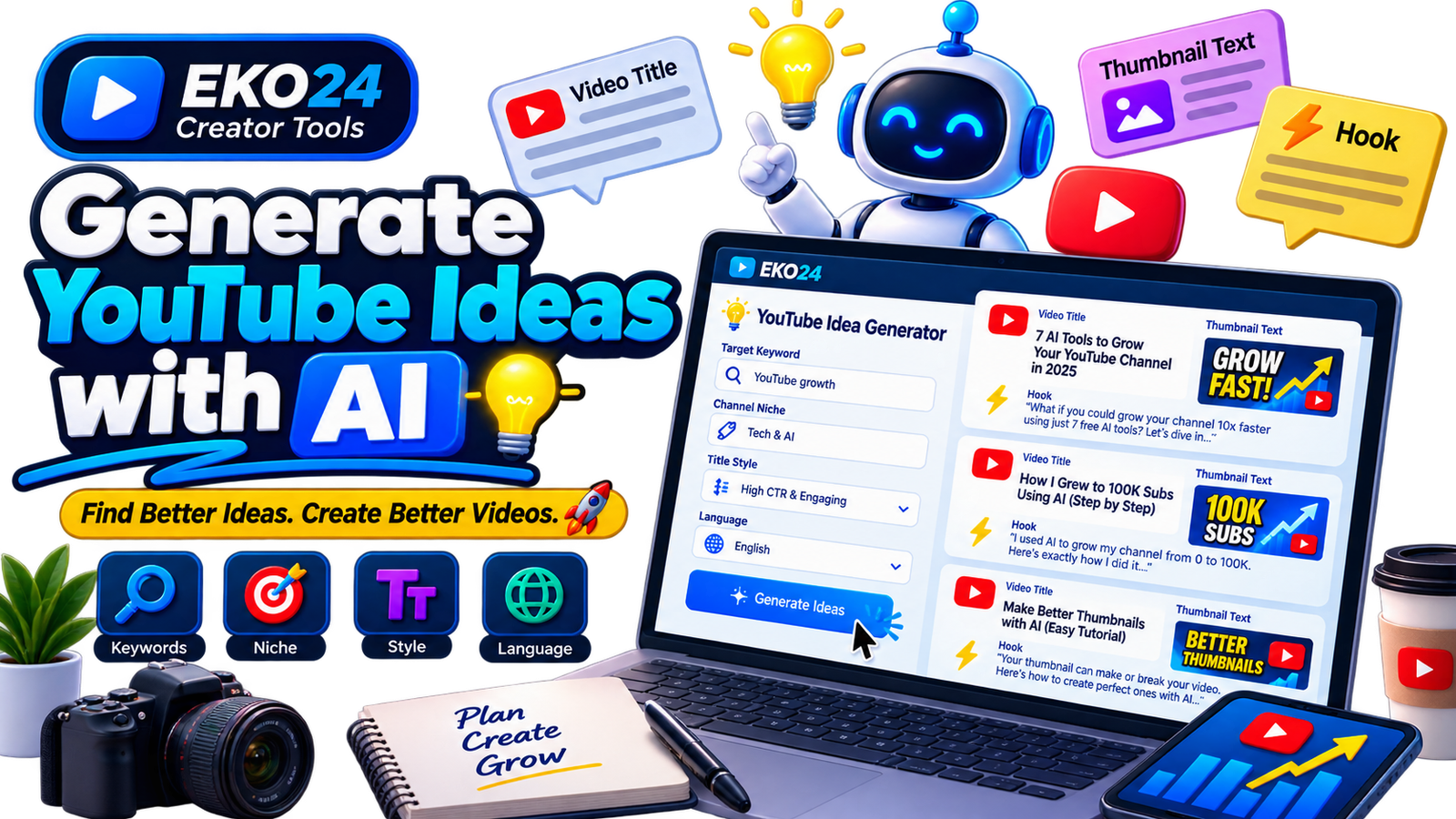
How to Generate YouTube Video Ideas with AI: A Complete Guide for Creators
YouTube Growth

How to Generate YouTube Video Ideas with AI: A Complete Guide for Creators

Coming up with fresh YouTube video ideas consistently can be one of the hardest parts of running a channel. You may know your niche and understand your audience, but eventually it becomes difficult to find topics that feel useful, original, and worth clicking. AI can make this process faster. Instead of replacing your creativity, an AI idea generator can help you explore different angles around a topic, discover potential titles, develop thumbnail concepts, and create opening hooks that you can refine into complete videos. In this guide, you will learn how to use the eko24.net YouTube Idea Generator to turn a simple keyword into practical video concepts and build a more organized YouTube content workflow. What Is an AI YouTube Idea Generator? An AI YouTube idea generator is a tool designed to transform basic information about your content into potential video concepts. Instead of staring at a blank document and trying to invent your next upload from scratch, you provide the tool with information such as your target topic, channel niche, preferred style, and language. The eko24.net Idea Generator uses these inputs to create several different concepts. Each generated idea can include a potential video title, short thumbnail text, and an opening hook. These three elements are useful because a successful video idea is more than just a topic. The title needs to communicate value, the thumbnail needs to reinforce the idea visually, and the opening needs to give viewers a reason to continue watching. Start With a Clear Target Keyword The target keyword is the foundation of the generation process. It tells the tool what subject you want to explore. For example, instead of entering something extremely broad such as YouTube, you could use a more focused topic such as: YouTube channel growth How to get more YouTube views YouTube Shorts strategy Gaming channel setup YouTube SEO for beginners A focused topic gives the generator more context and usually produces ideas that are easier to develop into useful videos. Add Your Channel Niche Two channels can create videos about the same general topic while targeting completely different audiences. This is why providing your niche can improve the relevance of generated ideas. Imagine that your keyword is AI tools. A technology channel may want tutorials and comparisons, while a YouTube education channel may be interested specifically in AI tools that help creators produce videos. Adding the niche helps narrow the context so that generated concepts fit your audience instead of producing generic suggestions. Choose the Right Title Style The same topic can be presented from several angles. Choosing a title style helps determine how an idea is framed. High CTR & Engaging This approach focuses on making the value of the video immediately interesting while keeping the title relevant to the actual content. Curiosity-Driven A curiosity-based angle creates an information gap that encourages viewers to discover the answer by watching the video. The key is to create curiosity without making misleading promises. Beginner Friendly & Educational This style works particularly well for tutorials, guides, explanations, and channels targeting people who are learning a subject for the first time. Analytical & Case Study This approach is useful when the video will examine results, strategies, experiments, comparisons, or real examples in greater depth. Use the Language Setting Strategically If your channel targets viewers in a particular language, generating the ideas directly in that language can save time and make brainstorming more natural. For example, a creator producing Arabic videos can generate Arabic concepts directly rather than creating English ideas and translating them afterward. The same principle applies to English, French, Spanish, German, and other supported audiences. Look Beyond the Generated Title A useful AI-generated idea should give you more than a headline. On the eko24.net Idea Generator, each concept can combine three important components: 1. Video Title The title defines the main promise or angle of the video. Treat generated titles as starting points. You can shorten them, make them more specific, or adjust the wording to match your channel voice. 2. Thumbnail Text Thumbnail text should complement the title rather than simply repeat it. Keeping the phrase short makes it easier to read, particularly on mobile devices. For example, if the title explains the full subject, the thumbnail can emphasize the most interesting benefit, question, contrast,

Read Article →
How to Hook YouTube Viewers in 5 Seconds Using AI
YouTube Creator Toolkit

How to Hook YouTube Viewers in 5 Seconds Using AI

We’ve all been there. You spend hours researching a video topic, recording the perfect footage, and editing it until late at night. You hit publish, and... crickets. The click-through rate is fine, but viewers click away within the first 10 seconds. Frustrating, right? The brutal truth of YouTube is simple: If you lose them in the first 5 seconds, you’ve lost them forever. That exact pain point is why we built our newest free tool on eko24.net: the YouTube Hook Generator. Why Do the First 5 Seconds Make or Break Your Video? YouTube's algorithm heavily prioritizes audience retention. When people stay past the intro, the algorithm realizes your content is engaging and pushes it to a wider audience. But human attention spans are shorter than ever. Viewers want immediate value, high curiosity, or a direct answer to why they clicked. Coming up with creative, high-retention hooks for every single video can lead to massive writer's block. That’s where artificial intelligence steps in to do the heavy lifting for you. Let AI craft high-converting video hooks in seconds. How the eko24.net Hook Generator Works We wanted to keep things dead-simple. You don’t need to register or pay a dime. Here is all you have to do: Head over to the YouTube Hook Generator tool. Type in your video title or main core topic (e.g., "How to grow on YouTube from 0 subscribers"). Choose your preferred hook style—whether you want a Curiosity Gap, a Shocking Fact, a Problem & Solution angle, or pure Storytelling. Hit generate and copy your favorite opening lines instantly. Boost Your Retention Today Stop guessing what to say when the camera starts rolling. Let AI craft punchy, catchy intros that hook your audience right from the very first second. Combine this tool with our other creator utilities like the SEO Checker and Tags Generator to give your channel the ultimate growth boost. Try it out now for free on eko24.net and let us know how your retention rates change!

Read Article →
AI Video Script Writer: Create Better YouTube Scripts Faster
YouTube Creator Toolkit

AI Video Script Writer: Create Better YouTube Scripts Faster

You have a good video idea. You know what you want to talk about. Then you open a blank document and suddenly have no idea how to start. It happens to a lot of creators. Writing a YouTube script isn't always difficult because you lack ideas. Sometimes the hardest part is simply turning those ideas into something that flows naturally from the opening line to the final call to action. That's where an AI video script writer can be useful. The eko24.net AI Video Script Writer gives you a starting point. Enter your topic, choose a language and tone, and generate a draft that you can shape into your own script. It doesn't need to replace the way you write. Think of it as a way to get past the blank page and start working. What Is an AI Video Script Writer? An AI video script writer takes a topic and turns it into a structured draft for a video. Instead of sitting there wondering how to introduce your subject or organize your talking points, you can generate a basic script and work from there. For example, maybe you're planning a video about building a budget gaming PC. You could start writing everything manually, or enter a topic such as “How to build a gaming PC for under $1,000 in 2026.” That gives the AI a much clearer direction than simply typing “Gaming PC.” Once you have the draft, the important part begins: making it yours. Add your experience, change sentences you wouldn't normally say, remove sections you don't need, and add examples your audience will actually understand. Why Use AI for YouTube Scripts? Speed is probably the most obvious reason. If you publish regularly, you already know how much time goes into a single video. Research, scripting, recording, thumbnails, editing, descriptions and everything else can quickly turn one video into hours of work. Getting a first draft faster can make a difference. AI can also help when you know the subject but can't find the right opening. Sometimes seeing a rough structure is enough to get your own ideas moving again. But there's an important distinction: generating a script isn't the same as finishing one. The generated version should be your starting point, not something you automatically read into a microphone without reviewing it. Turn a video idea into a structured first draft, then edit it with your own voice, examples and experience. How to Use the eko24.net AI Video Script Writer The tool is intentionally simple. Start by entering your Video Topic / Idea. Then choose the language you want the script written in: English, Arabic, French or Spanish. Next, select a tone that fits your video. You can choose an educational and formal style, a funny and entertaining approach, or something more dramatic and exciting. Click Generate Script, review the draft, and copy it when you're ready to start editing. Try the eko24.net AI Video Script Writer → Be Specific About Your Video Idea Here's one small change that can make the tool much more useful: don't be vague. Suppose you enter “YouTube tips.” There are hundreds of directions that topic could go. Now compare it with “7 YouTube SEO tips for new gaming channels struggling to get organic views.” The second version tells the AI what you're discussing, who the video is for and what problem you're trying to solve. You don't need to write an enormous prompt. Just give the tool enough context to understand where you want the video to go. Your First 30 Seconds Matter You've probably clicked a video because the title looked interesting, watched the opening for a few seconds and then left. Your viewers do exactly the same thing. That's why the opening deserves special attention when you're editing your script. Don't spend a minute explaining what you're going to explain. Get to the reason the viewer clicked. If your video is about increasing YouTube views, for example, you could open with the problem: “Your videos are getting impressions, but people aren't clicking. Before changing your entire content strategy, there are a few things you should check.” You don't need exaggerated promises or fake suspense. A clear problem and a useful reason to continue can be enough. Don't Make the Script Sound Like a Script This is where editing matters. Something can look perfectly fine on a screen and still sound strange when you say it out loud. Read your script aloud before recording. If you run out of breath halfway through a sentence, shorten it. If a phrase sounds too formal for you, rewrite it. If you've explained the same point three times, keep the strongest version and delete the others. You don't have to follow every generated sentence either. Some creators prefer a complete word-for-word script. Others only need bullet points to stay on track. Use whatever feels natural on camera. Add Something AI Doesn't Have: You Imagine two creators generating scripts about the exact same smartphone. They could start with similar facts, but their final videos shouldn't feel identical. One creator may have tested the phone for three months. Another might compare it with the model they used last year. Someone else may discover a problem while gaming that isn't obvious from reading the specifications. Whenever possible, add your own experience, examples, tests, opinions, screenshots, demonstrations, stories and conclusions. AI can help organize information. Your experience is what gives that information personality. Think About the Visuals While You Write A YouTube script isn't a blog post. People aren't only listening to you; they're watching something too. While editing your script, ask yourself: What should viewers see while I'm saying this? If you're explaining software, maybe you need a screen recording. Talking about analytics? Show the graph. Comparing two products? Put them side by side. Planning these moments while working on your script can make editing easier later. What About YouTube SEO? A good script should stay focused on the actual subject of the video. If you're making a video about YouTube keyword research, you'll naturally discuss keywords, search intent, titles, competition and related ideas. You don't need to repeat the same keyword every few sentences. Write for the viewer first. You can use the eko24.net Keyword Generator to explore related search phrases and the SEO Checker for a final optimization review. Your title, description, tags and other metadata can support the video, but the script still needs to deliver what the title promised. When Is an AI Script Writer Most Useful? There isn't one correct way to use it. Maybe you have a complete idea and only need help organizing it. Maybe you know the topic but can't write the introduction. Or perhaps you publish frequently and simply want to reduce the time you spend creating first drafts. The tool can be useful for tutorials, product reviews, gaming videos, educational content, storytelling, comparisons, business videos and plenty of other formats. The important thing is what happens after you click Generate. Always Check the Final Script Before recording, go through the script one more time. Check factual claims, names and dates. If you mention statistics, make sure they're accurate and still relevant. If you're discussing a product, verify its specifications rather than assuming the generated information is correct. And finally, remove anything you wouldn't actually say. AI can help you write faster, but you're still the editor. Related guides: YouTube Competitor Analysis: How to Find What Works in Your Niche and How to Find Viral YouTube Video Ideas Early in 2026. Turn Your Next Idea Into a Script Starting from a blank page can be frustrating. Starting from a rough draft is usually much easier. That's the idea behind the eko24.net AI Video Script Writer. Enter your video topic, choose your language and tone, generate a starting draft, and then make it your own. Change the hook. Add your experience. Remove the boring parts. Rewrite anything that doesn't sound like you. By the time you hit record, it shouldn't feel like an AI script anymore. It should feel like your video.

Read Article →
YouTube Competitor Analysis: How to Find What Works in Your Niche
YouTube Creator Toolkit

YouTube Competitor Analysis: How to Find What Works in Your Niche

Growing a YouTube channel becomes much easier when you understand what viewers in your niche are already responding to. Competitor analysis is not about copying successful creators. It is about studying public signals, finding patterns, identifying gaps, and using those insights to make better decisions for your own channel. A useful YouTube competitor analysis looks beyond subscriber counts. It examines topics, video formats, titles, thumbnails, publishing patterns, audience reactions, and unusual videos that perform far above a channel's normal level. This guide shows you how to turn that research into original content ideas and a practical growth strategy. What Is YouTube Competitor Analysis? YouTube competitor analysis is the process of studying channels that target a similar audience and comparing the public elements of their content strategy. The goal is to understand what appears to work, what is overused, and where viewers may still have unanswered questions. Your competitors do not need to have exactly the same subscriber count as you. A useful research set can include larger established channels, creators close to your size, and smaller channels producing unusually successful videos. 1. Choose the Right Competitors Start with three to ten channels that consistently publish content related to your niche. Avoid choosing competitors based only on subscriber count. Relevance matters more. Direct competitors: Channels covering almost the same topics for a similar audience. Large niche leaders: Established channels that can reveal proven formats and recurring audience interests. Fast-growing smaller channels: Useful for spotting topics or formats gaining traction without a massive existing audience. Search several important topics in your niche and note which channels repeatedly appear. This gives you a stronger starting point than simply analyzing the biggest creator you already know. 2. Find Videos That Outperform the Channel Average One of the strongest research signals is an outlier: a video performing much better than the creator's usual uploads. If a channel normally receives modest views but one recent video attracts several times more attention, investigate it. Ask what changed. Was the topic more timely? Was the title more specific? Did the thumbnail communicate a stronger promise? Did the video solve a problem other creators had ignored? The eko24.net YouTube Viral Video Finder can help you research recent videos and compare public signals such as momentum, engagement, channel size and relative performance. Treat these signals as research clues rather than guarantees of future virality. 3. Study Topics Before Studying Keywords Before collecting individual search phrases, look for topic patterns. Review the strongest videos from several competing channels and group them by subject. If multiple channels are succeeding with the same broad topic, there may be established demand. But that does not mean you should publish another identical video. Look for narrower questions, missing explanations, beginner problems, comparisons, updates, or use cases that have not been covered well. 4. Use Keyword Research to Understand Search Intent Once you identify a promising topic, investigate how viewers may search for it. The eko24.net Keyword Generator can help you explore related YouTube keyword variations around the core idea. Focus on phrases that represent a clear viewer need. A useful keyword should help you understand the question behind the search, not simply give you words to repeat in a title. Compare broad and specific variations. Specific searches often reveal stronger content angles because they show exactly what the viewer wants to learn, compare, fix, or achieve. YouTube competitor analysis helps uncover winning topics, content gaps, keywords and growth opportunities. 5. Analyze Competitor Titles Without Copying Them Titles reveal how creators package an idea. Instead of copying wording, study the structure. Does the title promise a result? Does it target beginners or advanced viewers? Does it use a comparison, question, number, warning, or step-by-step angle? Is the main topic immediately clear? What information is deliberately left for the viewer to discover after clicking? After identifying common patterns, create a title that communicates your own angle. Your goal is to compete for the same audience need with a distinct promise. 6. Compare Thumbnail Strategies Thumbnails should be studied as communication, not as artwork to reproduce. Look at what viewers can understand in a fraction of a second. Compare the use of faces, objects, screenshots, numbers, contrast, short text, and before-and-after concepts. Also notice what the thumbnail adds that the title does not already say. You can use the eko24.net Thumbnail Downloader to inspect public YouTube thumbnails while researching visual patterns, then build an original concept for your own video. 7. Read the Comments for Content Gaps Competitor comments can reveal opportunities that performance numbers cannot. Look for repeated questions, confusion, requests for updates, objections, or viewers asking for a more detailed explanation. If many viewers ask the same question and the video does not answer it clearly, that can become a separate content opportunity. Comments are especially useful for finding the language real viewers use when describing their problems. 8. Look for Content Gaps, Not Just Successful Videos The most valuable competitor research often comes from what is missing. A popular topic with no recent beginner guide. A comparison that does not include a new tool or feature. A tutorial that skips an important step. A broad video with several unanswered subtopics. A recurring viewer question with few dedicated videos. A content gap gives you a reason to publish something original instead of becoming another version of an existing video. 9. Compare Publishing Patterns Carefully Frequency can provide context, but do not assume that publishing more often automatically causes growth. Study whether competitors rely on tutorials, news, Shorts, long-form guides, live streams, or a combination of formats. Also look at how long successful topics remain useful. Some niches reward fast coverage of new developments, while others generate traffic from evergreen tutorials for months or years. Choose a publishing strategy that matches your resources. A sustainable schedule with stronger ideas is usually more useful than copying a competitor's frequency and lowering your own quality. 10. Run a Final SEO Review After choosing the topic and packaging, review the basic optimization before publishing. Make sure the title accurately reflects the video, the description explains its value, and the metadata stays focused on the real subject. You can use the eko24.net SEO Checker as an additional review of public optimization signals. SEO should support a strong video idea rather than replace one. A Simple YouTube Competitor Analysis Workflow Select five relevant channels in your niche. Review their recent and popular videos. Identify unusual performers and recurring topics. Write down repeated audience questions from comments. Research keyword variations around the strongest opportunities. Compare title and thumbnail patterns. Find one useful angle the existing videos do not cover well. Create an original title, thumbnail concept and video structure. Run a final SEO check and publish. This process gives you a repeatable research system without turning competitor analysis into imitation. What Not to Do When Analyzing Competitors Do not copy titles word for word, recreate thumbnails, duplicate scripts, or assume that a competitor's success can be reproduced by using the same metadata. Public performance can be influenced by audience loyalty, timing, recommendations, topic demand, video quality, and many other factors. Use competitor data to generate questions and hypotheses. Then apply your own experience, testing, voice, and perspective. Turn Competitor Research Into Better Video Ideas The best outcome of competitor analysis is not a spreadsheet full of numbers. It is a clearer answer to three questions: what does this audience care about, what is already being served well, and what useful angle can you add? Start with a small group of relevant channels, look for unusual performance and repeated audience needs, then validate promising ideas with the eko24.net Keyword Generator and research recent momentum with the YouTube Viral Video Finder. Related guides: How to Find Viral YouTube Video Ideas Early in 2026 and How to Find Underrated YouTube Topics Before They Go Viral. Final Thoughts You do not need to guess what every successful competitor is doing behind the scenes. The public information already available on YouTube can show you which topics attract attention, which questions keep appearing, and where useful content may still be missing. Study those signals, but do not chase them blindly. The advantage comes from understanding the opportunity and then creating something clearer, more useful, more current, or more relevant to your own audience.

Read Article →
YouTube Viral Video Finder: Find Trending Videos Early
Creator Tools

YouTube Viral Video Finder: Find Trending Videos Early

Finding a YouTube video after it has already exploded is easy. The real opportunity is spotting unusual momentum while a topic is still gaining attention. The eko24.net YouTube Viral Video Finder is designed to make that research faster by bringing useful public performance signals into one place. Instead of looking only at total views, you can compare recent videos by velocity, engagement, channel size and relative performance. That makes it easier to find videos worth investigating before a trend becomes obvious across your entire niche. What Is the YouTube Viral Video Finder? The eko24.net Viral Video Finder searches recent YouTube videos around a keyword or niche and helps surface unusual performers. The goal is not to predict the future. It is to give creators a practical way to identify videos that are currently showing interesting performance signals. The tool includes an eko24.net Outlier Score, together with metrics such as views per day, views relative to subscriber count, engagement, likes and video age. The Outlier Score is an eko24.net research indicator based on public YouTube signals; it is not an official YouTube metric and it cannot guarantee that a video will become viral. How to Find Trending YouTube Videos Early Enter a keyword or niche. Start with a focused topic related to the audience you want to reach. Choose a time period. Recent windows are especially useful when you want to investigate fresh momentum rather than old lifetime hits. Filter by channel size. Looking at smaller and medium-sized channels can reveal videos whose performance is unusually strong relative to their existing audience. Use a region when relevant. Regional research can help when your content targets a particular market or language. Compare several signals. Do not judge a result by total views alone. Look at velocity, engagement, channel size, video age and relative performance together. Open the eko24.net YouTube Viral Video Finder → Use the eko24.net Viral Video Finder to compare rising videos, momentum and outlier performance. Why Views per Day Can Be More Useful Than Total Views A video with one million views may look impressive, but that number tells you very little about what is happening right now. If the video is several years old, its current momentum may be modest. Views per day adds a useful velocity signal. A newer video collecting views quickly can be more interesting for trend research than an older video with a much larger lifetime total. This is especially useful when you are trying to understand what viewers are responding to now. Look for Outliers on Smaller Channels Large channels can generate substantial views from their existing audience alone. Smaller channels sometimes provide a clearer research signal. If a channel with a modest subscriber base suddenly publishes a video that reaches far beyond its usual scale, the topic, packaging or timing may deserve closer attention. This does not mean you should copy the video. Instead, investigate why the subject may be resonating. Is it answering a new question? Covering an emerging product? Using a stronger title angle? Solving a problem that other creators have ignored? Use Engagement as Context Likes and comments can add another layer to your research. A video attracting visible interaction may be connecting strongly with its viewers, but engagement should never be treated as a standalone prediction. Compare it with video age, views per day and relative channel performance. The strongest research opportunities usually become clearer when several signals point in the same direction. Sort Results Based on Your Research Goal Different sorting methods answer different questions. Outlier Score can help surface unusual performance. Views per Day emphasizes current velocity. Engagement highlights visible audience interaction, while Views is useful when you simply want to compare overall reach. Try more than one sorting method. A video that does not appear near the top by total views may become much more interesting when you sort by momentum or relative performance. Turn Viral Research Into Original Video Ideas The purpose of a viral finder is research, not imitation. When you discover a promising video, break down the opportunity rather than copying the execution. What audience problem or curiosity does the video address? Is the topic appearing across several recent videos? Can you offer a clearer explanation, better demonstration or different perspective? Is there a useful subtopic that competing videos have not covered well? Can you create something valuable while the interest is still growing? This approach turns trend discovery into a repeatable content strategy instead of a race to reproduce someone else's work. A Simple Viral Research Workflow Start with one focused niche keyword and a recent time window. Review videos showing strong Outlier Scores or views-per-day figures. Then compare their channel sizes, engagement and publication dates. If several rising videos point toward the same audience need, investigate the pattern manually. Open the videos, study the comments, look at how creators frame the topic, and decide whether you have an original angle worth publishing. You can also send a YouTube URL to the eko24.net SEO Checker when you want an additional look at the video's public optimization signals. Can a Viral Video Finder Predict Virality? No. There is no reliable tool that can promise which video will go viral next. YouTube distribution depends on viewer behavior and many other factors that can change as a video reaches different audiences. The eko24.net Viral Video Finder should therefore be treated as a research assistant. It helps you notice unusual public performance signals faster, but the final decision still requires human judgment, niche knowledge and an original content idea. Find Opportunities Before They Become Obvious You do not need to chase every trending video. A better strategy is to look for patterns that match your audience and appear early enough for you to create something genuinely useful. Use the YouTube Viral Video Finder to compare recent videos, investigate unusual performers and identify topics gaining momentum. Then turn those signals into original videos that fit your own channel rather than simply following the crowd. Related guide: How to Find Viral YouTube Video Ideas Early in 2026.

Read Article →
MP3 Bitrate Explained: 128 vs 192 vs 320 kbps
Creator Tools

MP3 Bitrate Explained: 128 vs 192 vs 320 kbps

Choosing an MP3 bitrate looks simple until you are faced with three options: 128, 192, and 320 kbps. The numbers are easy to compare, but the best choice depends on what you are listening to, how good the source audio is, and how much storage you want to use. A higher bitrate can preserve more audio information, but it also creates a larger file. That does not mean 320 kbps is automatically the right setting for every recording. For spoken audio, a smaller bitrate may be perfectly adequate; for music or detailed recordings, the extra data can be worthwhile. This guide explains the practical differences so you can choose the right setting when using the eko24.net Video to MP3 Converter or another MP3 workflow. What Does MP3 Bitrate Mean? Bitrate describes how much data is used to represent one second of audio. In MP3 files it is commonly expressed in kilobits per second, or kbps. A 320 kbps file therefore uses more data per second than a 128 kbps file. Because MP3 is a lossy format, encoding reduces some information from the original audio to make the file smaller. Increasing the bitrate gives the encoder more data to work with, which can help preserve detail and reduce audible compression artifacts. 128 kbps: Small Files for Speech and Everyday Listening 128 kbps is the smallest option in the eko24.net converter. Its main advantage is efficiency: it produces a substantially smaller file than 320 kbps and can be a sensible choice when storage or transfer size matters. It is particularly practical for lectures, voice notes, interviews, spoken presentations, and other material where speech clarity matters more than subtle musical detail. For casual listening, many people may also find it acceptable, especially on phone speakers or in noisy environments. The trade-off is that complex music can lose more detail at this bitrate. Cymbals, ambience, stereo texture, and dense passages are more likely to reveal the limitations of stronger compression. 192 kbps: The Balanced Choice 192 kbps sits comfortably between file efficiency and audio quality. It uses more data than 128 kbps, giving the encoder more room to preserve detail, while remaining noticeably smaller than a 320 kbps export. For general-purpose conversion, this is a useful default. Podcasts with music, interviews you want to archive, everyday music listening, and mixed audio content can all fit this setting well. If you are unsure which bitrate to select, 192 kbps is usually the most balanced place to start. Higher MP3 bitrates generally preserve more audio information, while lower bitrates create smaller files. 320 kbps: Maximum MP3 Bitrate for More Detail 320 kbps is a common high-bitrate MP3 setting and the highest option offered by the eko24.net converter. It is most useful when the original audio is already good quality and you want to minimize additional quality loss during MP3 encoding. This setting makes sense for music, clean studio recordings, high-quality voice production, or files you intend to keep when storage size is not a major concern. However, exporting poor source audio at 320 kbps does not restore missing detail. If a recording is noisy, heavily compressed, or low quality to begin with, a higher output bitrate cannot recreate information that is no longer present. 128 vs 192 vs 320 kbps: Quick Comparison BitrateFile SizePractical Use 128 kbpsSmallestSpeech, lectures, voice notes and space-saving 192 kbpsMediumBalanced everyday listening and mixed content 320 kbpsLargestMusic and higher-quality source recordings As a rough example, one minute of constant-bitrate MP3 audio is about 0.96 MB at 128 kbps, 1.44 MB at 192 kbps, and 2.4 MB at 320 kbps. Actual files can vary depending on the encoding method and metadata. Can You Hear the Difference? Sometimes yes, sometimes no. The answer depends on the source material, your headphones or speakers, the listening environment, and your own hearing. A quiet room with good headphones can make compression differences easier to notice than listening through a phone speaker on a busy street. The type of audio matters too. Spoken voice is generally less demanding than dense music with percussion, ambience, and wide frequency content. That is one reason there is no single bitrate that is best for every file. Does Converting to 320 kbps Improve a Low-Quality File? No. Bitrate describes the output encoding; it does not magically improve the source. Converting a 128 kbps MP3 into a new 320 kbps MP3 makes the new file larger, but it cannot recover audio information discarded by the earlier compression. The same principle applies when extracting audio from video. Start with the best source available, then choose an output bitrate appropriate for how you plan to use the MP3. Which Bitrate Should You Choose for Video to MP3? For a spoken lecture or interview, start with 128 kbps if keeping the file small matters. For general content where you want a comfortable balance, choose 192 kbps. For good-quality music or detailed source audio where file size is less important, choose 320 kbps. You can test these options directly with the eko24.net Video to MP3 Converter. The tool processes your own video locally in the browser and lets you select 128, 192, or 320 kbps before conversion. Bitrate Is Only One Part of Audio Quality Do not judge an audio file by bitrate alone. The quality of the microphone, recording environment, original codec, editing, and source material can matter just as much. A clean recording encoded sensibly can sound better than a poor recording saved at a larger bitrate. If you are new to extracting audio from video, read our complete guide to converting video to MP3 in your browser. It explains the conversion process, supported formats, privacy considerations, and how the eko24.net tool works. Related guides: Best YouTube Setup for Beginners in 2026: Camera, Microphone, Lighting & Budget Gear and How to Find Viral YouTube Video Ideas Before Your Competitors in 2026. Final Recommendation Use 128 kbps when small files and clear speech are the priority, 192 kbps when you want a practical balance, and 320 kbps when preserving more detail from a good source matters more than storage space. The important part is matching the bitrate to the source and the purpose of the file. Once you do that, choosing between 128, 192, and 320 kbps becomes much simpler.

Read Article →
How to Convert Video to MP3 Online Privately in 2026
Creator Tools

How to Convert Video to MP3 Online Privately in 2026

Sometimes you do not need the video at all. You may have recorded an interview, a podcast, a lecture, a voice-over, or your own video project and simply want an audio copy that is easier to listen to or reuse. That is where a video-to-MP3 converter is useful. Instead of opening a full video editor, exporting a new project, and working through complicated settings, you can extract the audio in a few steps. With the eko24.net Video to MP3 Converter, the conversion happens directly in your browser. Your source video does not need to be uploaded to eko24.net, which makes the workflow simple and privacy-friendly. Why Convert a Video to MP3? MP3 is still one of the most widely supported audio formats. It works on phones, computers, car audio systems, media players, editing applications, and many other devices. Converting your own video to MP3 can make sense when you want to: create an audio-only copy of a podcast or interview; listen to a lecture or presentation without keeping the video open; extract your own voice-over or narration for another project; save an audio version of a recording for easier playback; reduce the amount of storage required when the picture is no longer needed. How Browser-Based Video to MP3 Conversion Works Traditional online converters often require you to upload a video to a remote server, wait for the server to process it, and then download the result. A browser-based converter can take a different approach. eko24.net uses a browser audio engine to process the selected file on the visitor's own device. In practical terms, the conversion work is handled by your browser rather than by eko24.net's server. Video to MP3 conversion can run directly in the browser, keeping the workflow simple and private. 128, 192 or 320 kbps: Which MP3 Quality Should You Choose? The bitrate controls how much audio data is used each second. A higher bitrate generally preserves more detail, but it also produces a larger MP3 file. 128 kbps This is a practical choice for speech-heavy material such as lectures, spoken notes, interviews, and voice recordings where keeping the file small matters more than preserving every audio detail. 192 kbps For many people, 192 kbps is the best everyday balance. It offers better audio quality than 128 kbps while keeping the resulting file reasonably compact. If you are unsure which setting to use, this is a sensible starting point. 320 kbps This is the highest option available in the eko24.net converter. It is useful when the source audio is already high quality and you want to retain more detail. The trade-off is a larger file. How to Convert Video to MP3 with eko24.net You do not need to install desktop conversion software. Open the Video to MP3 Converter and follow these steps: Click Choose File and select a video you own or have permission to use. Select 128 kbps, 192 kbps, or 320 kbps. Click Convert Video to MP3. Keep the browser tab open while the conversion runs. When you see Your MP3 is ready, click Download MP3. Conversion speed depends on the length of the video, its codec and resolution, and the performance of your computer or phone. A short video will normally be much easier on the browser than a very large recording. Which Video Formats Can You Try? The converter is designed for common formats such as MP4, MOV, WebM, MKV, and M4V. Because processing happens through a browser-based FFmpeg engine, compatibility can also depend on the codecs used inside the source file and the capabilities of the browser and device. If one unusual file does not convert successfully, testing a standard MP4 or WebM source is a useful way to determine whether the issue is the original codec rather than the converter itself. Privacy: What Happens to Your Video? One of the most useful aspects of this implementation is that eko24.net does not need to receive the source video for the conversion itself. The selected file is processed locally by the browser. This also means your own device provides the memory and processing power. Very large files can therefore take longer or put more pressure on a phone or low-memory computer. A Note About Copyright and Permissions A file converter is useful for legitimate personal and creative workflows, but the fact that a file can be converted does not automatically give someone permission to use its content. Use the eko24.net converter for videos you created, own, or are authorized to convert. The tool is not designed to accept YouTube URLs, bypass platform restrictions, or download third-party videos. Do You Need 320 kbps Every Time? No. Choosing the largest bitrate for every file is not automatically better. If the source is a spoken lecture recorded with modest audio quality, exporting at 320 kbps cannot recreate detail that was never present in the recording. Think about the source and the intended use. For speech, 128 kbps may be enough. For general-purpose audio, 192 kbps is a strong balance. For good-quality music or recordings where detail matters, 320 kbps can be worthwhile. Related guides: Best YouTube Setup for Beginners in 2026: Camera, Microphone, Lighting & Budget Gear and How to Find Viral YouTube Video Ideas Before Your Competitors in 2026. Final Thoughts Extracting audio should not require a complicated editing workflow. For your own authorized files, a browser-based converter gives you a quick way to turn a video into an MP3 while keeping the source processing on your device. If you want to try it, open the eko24.net Video to MP3 Converter, choose a small video for your first test, select the audio quality you need, and let the browser handle the conversion.

Read Article →
Best YouTube Setup for Beginners in 2026
Creator Tools

Best YouTube Setup for Beginners in 2026

Starting a YouTube channel is exciting right up until you begin shopping for gear. Suddenly there are hundreds of cameras, microphones, lights, tripods, capture devices, and accessories telling you that your first video needs a professional studio behind it. It does not. A beginner setup should solve three simple problems: viewers need to see you clearly, hear you comfortably, and understand what you are trying to say. Everything else can improve later. The smartest setup is not the most expensive one; it is the one you can actually use consistently. This guide breaks down what is worth buying first, what can wait, and how to build a practical YouTube setup around your real budget. Start With the Gear You Already Have If you own a reasonably recent smartphone, you probably already have a camera capable of producing a good first YouTube video. Before buying a dedicated camera, record a short test near a window, clean the lens, use the rear camera when practical, and keep the phone stable. The result may surprise you. Good light and clean audio can make a modest camera look far better than an expensive camera used in a dark room with bad sound. That is why I would usually spend a beginner's first dollars on audio, lighting, and stability before replacing the camera. Three Sensible Budget Levels Budget setup: roughly $100–$300 This is enough for many new creators. Use your smartphone as the camera, add a basic lavalier or USB microphone, a small LED light or ring light, and a stable phone tripod. If your room has good daylight, you may not even need to buy a light immediately. The goal at this level is reliability. You want to be able to sit down, set up quickly, record clear audio, and publish without fighting your equipment every time. Mid-range setup: roughly $300–$800 Once you know you enjoy making videos and understand what your current setup is limiting, a mirrorless or DSLR-style camera can make sense. Pair it with a decent USB microphone or compact shotgun microphone, an LED panel, and a sturdy tripod. Do not upgrade everything at once. If your phone already looks good but your audio sounds distant, buy the microphone first. If the audio is clean but the image looks flat and noisy, improve the lighting before blaming the camera. Advanced setup: $800 and above At this point you are paying for more control: better lenses, stronger low-light performance, XLR microphones, audio interfaces, larger softboxes, more reliable stands, and equipment that is easier to use in demanding situations. Those upgrades can be valuable, but they make the most sense after your content has shown you exactly what you need. Buying an advanced setup before you have a recording routine often creates more complexity than quality. YouTube beginner setup: budget levels and practical microphone placement. Camera: Do Not Buy Specs You Cannot See It is easy to get lost comparing resolution, sensor sizes, bitrates, autofocus systems, and frame rates. For most beginner YouTube channels, a few practical features matter more: dependable autofocus, a clean image in your normal room, easy file transfer, good battery options, and a screen you can monitor while recording. 4K can be useful for cropping and reframing, but it is not a requirement for making a useful video. A well-lit 1080p video with a strong idea will beat a dull 4K video every time. Microphone: Viewers Forgive Average Video Before Bad Audio If people struggle to understand you, they leave. That makes audio one of the highest-value upgrades in a beginner setup. Whatever microphone you use, distance matters. A modest microphone positioned 15–20 cm (about 6–8 inches) from your mouth can sound much better than a premium microphone sitting across the room. Keep it slightly off to the side so breathing and hard consonants do not hit the capsule directly. Record a 20-second test before a long session. Wear headphones, listen for echo, computer fans, traffic, air conditioners, and desk vibrations. Fixing those problems before recording is much easier than trying to remove them later. Lighting: One Good Light Can Change Everything You do not need a complicated studio to improve your image. Start with one soft light placed slightly above eye level and around 45 degrees to one side of your face. If you have a window with soft daylight, that can be your key light for free. A classic three-point setup adds a fill light on the opposite side to soften shadows and a back light behind you to create separation from the background. It looks polished, but beginners should not feel pressured to buy three lights immediately. Start with one. Learn where to place it. Then add more only when you understand what problem the extra light is solving. Your Background Matters Less Than You Think A clean background usually works better than a crowded attempt at looking “professional.” Move distracting objects out of frame, create a little distance between yourself and the wall, and avoid having bright windows directly behind you. A plant, shelf, lamp, or subtle colored light can add depth later. None of those things should compete with the person speaking. What I Would Buy First If I were starting from zero with a phone and a limited budget, my order would be simple: a stable tripod, a microphone that can stay close to my mouth, and one controllable light. I would record several videos before considering a new camera. That approach is less exciting than unboxing a pile of equipment, but it tells you something valuable: whether a new purchase will actually improve your videos. Common Beginner Gear Mistakes Buying a camera before fixing audio. Sharp video does not compensate for sound that is difficult to understand. Buying everything at once. You will not know which upgrades actually helped. Ignoring the room. Echo and uncontrolled light can make expensive equipment perform badly. Leaving the camera in automatic mode forever. Auto settings are useful at first, but learning basic exposure and white balance gives you more consistent results. Building a setup that takes 30 minutes to assemble. Friction kills consistency. Make recording easy. Do Not Forget the Video Idea and Packaging Gear gets attention because it is tangible, but equipment cannot rescue a video nobody wanted to click. Before recording, make sure the idea solves a real problem or offers a clear reason to watch. You can use the eko24.net Keyword Generator to explore how viewers phrase a topic, then build a clear visual concept with the Thumbnail Maker. Before publishing, the SEO Checker can help you review the basic optimization, while the Watch Time Calculator is useful when you want to understand how viewing time translates into channel growth. Use tools as a final layer around a good video, not as a substitute for one. A Setup You Can Grow With The best beginner YouTube setup in 2026 is not a fixed shopping list. A gaming creator, a vlogger, a tutorial channel, and someone filming interviews all need different things. Build around what you actually make. Start with what you have, improve the weakest part of your production, and give every new purchase a job. When your audience grows, your equipment can grow with it. Most importantly, do not wait for the perfect camera to make the first video. Your tenth video will teach you more about the gear you need than another ten hours of shopping ever will. Related guides: How to Convert Video to MP3 Online in 2026: A Simple and Private Method and How to Find Viral YouTube Video Ideas Before Your Competitors in 2026.

Read Article →
How to Find Viral YouTube Video Ideas Early in 2026
Creator Tools

How to Find Viral YouTube Video Ideas Early in 2026

You know the feeling: you spend days making a video you genuinely believe is useful, publish it, and then watch it sit there while another creator uploads something simpler and gets ten times the attention. It is tempting to blame the algorithm, but very often the difference started before either creator pressed record. One of them chose a topic people were becoming interested in at exactly the right moment. Finding a promising YouTube idea early is not about predicting the future or copying whatever is already viral. It is about noticing small signals before they become obvious to everyone else. That can be a question appearing repeatedly in comments, a new feature people are confused about, an unusual video outperforming the rest of a small channel, or a search phrase that suddenly seems to be everywhere. Here is a practical way to turn those signals into video ideas without turning your channel into a trend-chasing machine. 1. Start With People, Not Keywords Keyword research is useful, but I would not make it the first step. Start by listening to the people you actually want to reach. Open recent videos in your niche and read the newest comments. Visit community posts. Pay attention to questions that creators mention but never fully answer. A comment with only two likes can be more valuable than a keyword with an impressive number beside it. If the same question keeps appearing in different places, you may be looking at demand before it has a neat keyword attached to it. Keep a simple list of these questions. Do not judge them yet. At this stage you are collecting clues, not choosing your next upload. 2. Look for Videos That Should Not Be Performing That Well One of my favorite signals is an outlier: a video whose view count looks unusually high compared with the creator's normal performance. Imagine a channel where recent uploads usually receive 2,000 to 5,000 views. Then one video from two weeks ago has 80,000. That does not automatically mean you should make the same video. It does mean you should investigate why viewers cared so much about that subject. Search YouTube for the topic and compare several results. eko24.net's Search Videos tool can also help you move through video results while you are researching. Look beyond the biggest channels. Smaller channels with unusually successful videos are often more interesting because their results are less likely to be explained by an enormous existing audience. 3. Ask Whether the Interest Is Growing or Already Exhausted There is a big difference between an emerging topic and yesterday's viral topic. By the time every large creator has published the same angle, being the twenty-fifth person to repeat it rarely gives you an advantage. Look at publication dates. Are several successful videos appearing within the last few days? Are viewers asking follow-up questions that still have weak answers? Are creators covering the broad story while ignoring a useful subtopic? Those are better signs than simply seeing one video with millions of views. Also ask a basic question: will somebody still care about this by the time my video is finished? If your production takes a week and the trend will probably disappear tomorrow, skip it. A smaller opportunity with a longer useful life can be much more valuable. 4. Turn a Broad Trend Into a Specific Problem Broad topics attract attention, but specific problems give viewers a reason to choose your video. Suppose a new editing feature is trending. A generic video called New Editing Feature Explained may put you against every established channel in the niche. A more useful angle might be How I Use the New Feature to Cut Editing Time in Half or 3 Mistakes Beginners Make With the New Feature. The subject is the same. The promise is different. This is where many creators can compete without needing the largest audience. You are not trying to own the entire trend. You are trying to answer one part of it better than anyone else. 5. Check How Real People Phrase the Idea Once you have an angle, keyword research becomes useful. Put the core phrase into eko24.net's Keyword Generator and compare the variations with the language you saw in comments and search results. Do not force an awkward keyword into your title simply because a tool suggested it. The final phrase should still sound like something a person would say or type. Keywords are evidence of language and intent; they are not instructions for writing robotic titles. I usually keep one primary phrase and a handful of closely related terms. That is enough to guide the title, description and structure without turning the video into an SEO exercise. 6. Decide What You Can Add That Is Actually Yours This is the step that prevents research from becoming copying. Before making the video, write one sentence answering: Why should someone watch my version? Your advantage could be personal experience, a clearer demonstration, a cheaper method, a test nobody else performed, a beginner-friendly explanation, a regional perspective, or simply a more honest comparison. If you cannot answer that question, the idea probably needs more work. Being early helps, but being useful matters more. 7. Test the Title and Thumbnail Before You Film Everything A surprisingly good idea can fail because it is difficult to package. Before spending hours recording, sketch two or three possible titles and thumbnail concepts. The title should communicate the value without explaining the entire video. The thumbnail should add information or emotion rather than repeat the same sentence. If both say exactly the same thing, you are wasting half of your packaging. You can use the eko24.net Thumbnail Maker to rough out a concept and the Thumbnail Downloader to study how successful videos in the same space communicate their ideas visually. Study patterns, not designs to copy. 8. Do a Final SEO Check, Then Stop Tinkering Before publishing, make sure the basics are clean: the title matches the actual video, the description explains what viewers will get, and your metadata stays focused on the subject. eko24.net's SEO Checker can be useful as a final pass. Then stop optimizing and publish. Creators sometimes spend so long polishing metadata that the opportunity passes them. A good video published while people are actively asking the question is usually more useful than a theoretically perfect upload arriving three weeks late. A Simple 30-Minute Research Routine You do not need to spend an entire day hunting for ideas. Try this routine when you are planning your next upload: 10 minutes: Read recent comments and note repeated questions. 10 minutes: Search those topics and look for unusual performers, especially on smaller channels. 5 minutes: Check keyword variations and identify the clearest viewer intent. 5 minutes: Write three different angles and choose the one where you can contribute something original. After a few weeks, you will start recognizing patterns faster. More importantly, you will build your own database of audience problems instead of depending on a random list of “viral ideas.” Related guides: How to Find Underrated YouTube Topics Before They Go Viral and Mastering YouTube Video Search: How to Find Hidden Content and Niche Ideas. Final Thought The goal is not to beat every competitor to every trend. That is exhausting, and it usually produces forgettable content. The better goal is to notice opportunities early enough that you still have time to make something genuinely helpful. Watch what viewers ask. Notice unusual performance. Verify that interest is real. Find a narrower angle. Then bring your own experience or perspective to it. That process is less glamorous than trying to “hack the algorithm,” but it gives you something much more useful: a repeatable way to find videos worth making.

Read Article →
Latest Video Game News and Upcoming Releases 2026
Gaming

Latest Video Game News and Upcoming Releases 2026

The video game industry in 2026 is experiencing unprecedented growth. With next-gen hardware advancements, AI-assisted game development, and the expansion of cloud gaming, both players and content creators have more opportunities than ever to engage with gaming culture.For gaming channels and tech reviewers, covering breaking gaming news and trending releases offers a massive opportunity to capture early search traffic. To discover more digital growth and optimization strategies, keep exploring the resources on eko24.net.1. Top Gaming News & Anticipated Releases in 2026This year's gaming roadmap features flagship titles across PC, PlayStation, Xbox, and next-gen handheld platforms:Blockbuster Open-World Hits: Highly anticipated major releases like Grand Theft Auto VI and flagship AAA titles continue to dominate industry headlines.High-Octane Racing & Action: Critical darlings like Forza Horizon 6, Resident Evil Requiem, and 007 First Light are setting new benchmarks for visual fidelity and gameplay depth.Next-Gen Console Upgrades: Expanded ecosystems and enhanced performance profiles are giving new life to popular cross-platform titles.2. How Gaming Creators Can Capitalize on Trending NewsTimely coverage of breaking news, leaks, and patch updates drives high click-through rates on video feeds:First-Impression Reviews & Gameplay Impressions: Publish day-one gameplay walkthroughs and initial impressions while search volume peaks.Short-Form Highlights & Clips: Extract key gameplay moments or news updates into 60-second Shorts to capture feed recommendations.Comprehensive Walkthroughs & Guides: Build step-by-step guides helping players solve difficult quests or unlock secret achievements.3. Optimizing Gaming Videos with eko24.net ToolsStanding out in competitive gaming directories requires strategic video packaging and metadata optimization:Identify high-volume search phrases for specific game titles using the free Keyword Generator on eko24.net.Analyze and download competitor thumbnails using the HD Thumbnail Downloader on eko24.net to create high-contrast, eye-catching visual hooks.Generate structured tags for gaming guides and walkthroughs using the Tags Generator on eko24.net to improve search discoverability.Related guides: Best Gaming Consoles and Setup Bundles for 2026: Complete Performance Benchmark and PC Gaming Build Guide: Budget, Mid-Range and High-End Setup Strategies. ConclusionCovering the latest gaming news and upcoming releases with disciplined SEO execution ensures long-term views and channel authority. By combining fast news coverage with high-converting video packaging, you can rapidly scale your audience. For more insights on digital growth and optimization strategies, keep exploring the resources on eko24.net.
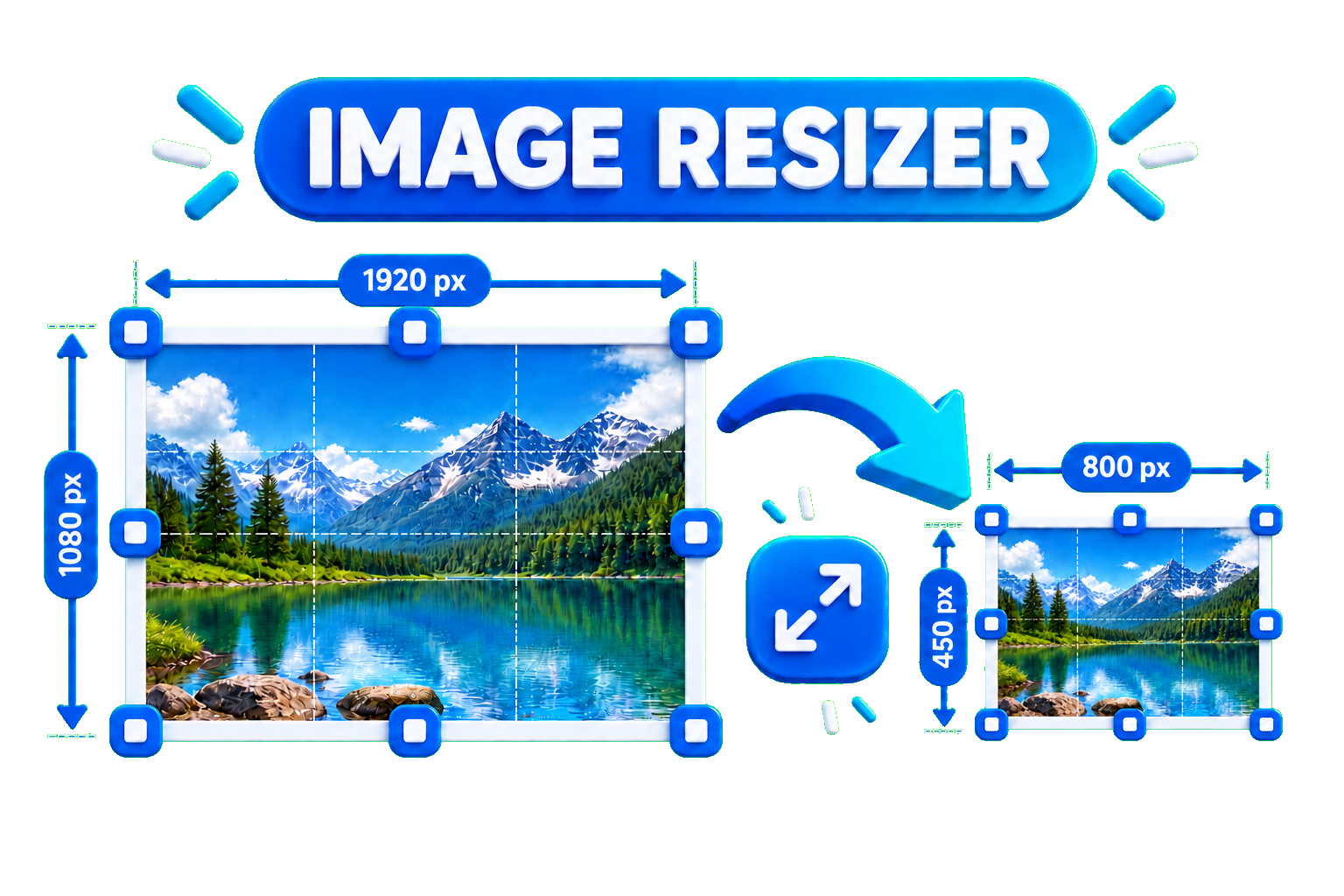
Read Article →
Twitch vs YouTube Live: Which Is Better for Growth in 2026?
Streaming

Twitch vs YouTube Live: Which Is Better for Growth in 2026?

Choosing where to broadcast your live streams is one of the most critical decisions a content creator can make. While Twitch pioneered modern live gaming culture with real-time chat interactions, YouTube Live has aggressively captured market share by indexing broadcasts directly into its search engine and recommendation feed.Understanding how each platform handles viewer discoverability helps creators pick the right hub for their content strategy. For more insights on digital growth and optimization strategies, keep exploring the resources on eko24.net!1. Discoverability & Long-Tail Reach: YouTube's AdvantageThe single biggest hurdle for new Twitch streamers is platform discoverability. When you go offline on Twitch, your channel visibility drops to zero. In contrast, YouTube converts live broadcasts into permanent Video-on-Demand (VOD) assets:Search Indexing: Past YouTube broadcasts appear in search results, continuing to generate views, subscribers, and AdSense months after ending the stream.Algorithmic Recommendations: YouTube pushes high-retention stream VODs onto home feeds and suggested video bars.Shorts Integration: Repurposing stream highlights into YouTube Shorts creates a direct discovery funnel to your live channel.2. Community Engagement & Monitization: Twitch's StrengthWhile YouTube excels at passive discovery, Twitch remains unmatched for interactive, real-time community culture:Live Chat Culture: Native channel emotes, Subscriber badges, Channel Points, and raid trains foster deep audience loyalty.Built-In Fan Funding: Twitch Bits and tiered monthly subscriptions provide direct tipping mechanics for engaged communities.3. Optimizing Your Stream Packaging with eko24.net ToolsRegardless of whether you stream on Twitch, YouTube, or multistream to both, visual packaging and search optimization determine your click-through rates:Craft high-CTR broadcast titles using the free Title Generator on eko24.net.Analyze successful thumbnail layouts in your gaming category by downloading visual assets with the HD Thumbnail Downloader on eko24.net.Generate structured tags for stream VODs using the Tags Generator on eko24.net to boost your search rankings.Related guides: Complete Game Streaming Setup Guide: Software, Hardware and Growth Tools and Neil Patel Digital Growth Guide: Strategies, Limitations and Platform Reach. ConclusionFor most creators in 2026, the ideal growth model involves using YouTube for search-driven discoverability while leveraging Twitch or YouTube Live for deep real-time engagement. By pairing consistent broadcasts with dedicated optimization tools, you can build a sustainable, scalable channel. For more insights on digital growth and optimization strategies, keep exploring the resources on eko24.net!

Read Article →
Complete Game Streaming Setup Guide
Streaming

Complete Game Streaming Setup Guide

Live streaming video games on platforms like Twitch, YouTube Live, and Kick has become one of the most popular ways to build an online community. However, lagging streams, muffled audio, or poorly configured encoder settings can drive viewers away before they even hit the follow button.Building a high-quality streaming setup requires a balance between hardware power, software tweaking, and smart channel promotion. For more insights on digital growth and optimization strategies, keep exploring the resources on eko24.net!1. Hardware Essentials for a Clean BroadcastWhether you stream on a single PC, a dual-PC configuration, or a console, prioritizing core hardware ensures stream stability:GPU-Based Hardware Encoding: Utilizing modern GPU encoders (such as NVIDIA NVENC or AMD AMF) offloads rendering tasks from your CPU, preserving in-game frame rates.Dedicated Audio & Microphone: Audio quality is even more crucial than camera resolution. USB or XLR cardioid microphones paired with noise-suppression filters keep background fan noise isolated.Capture Cards for Consoles: When streaming from a PlayStation, Xbox, or Nintendo Switch, a low-latency 1080p/60fps capture card ensures smooth video passthrough to your encoding software.2. Optimal OBS Studio Settings in 2026Open Broadcaster Software (OBS Studio) remains the gold standard for live streamers. To maintain a crisp 1080p 60FPS broadcast without dropped frames, start with these baseline configurations:Rate Control: Set to CBR (Constant Bitrate) for predictable bandwidth delivery.Bitrate Range: Aim for 6,000 to 8,000 Kbps for 1080p at 60 FPS, or 4,500 Kbps for 720p/60 FPS setups on lower upload connections.Keyframe Interval: Always set your keyframe interval to 2 seconds as mandated by major streaming platforms.3. Optimizing Stream Packaging and Discovery with eko24.netGoing live is only half the battle; getting discovered in crowded gaming directories requires intentional marketing and packaging:Eye-Catching Offline Thumbnails & Overlays: Inspect successful stream graphics and download competitor visual references using the HD Thumbnail Downloader on eko24.net.Stream Title SEO: Craft engaging live stream titles that rank high in search suggestions with the Title Generator on eko24.net.Discoverability Tags: Generate targeted video tags and hashtags for VOD uploads and stream clips using the free Tags Generator on eko24.net.Related guides: Twitch vs YouTube Live Growth Strategy: Which Platform Wins in 2026 and Best Gaming Consoles and Setup Bundles for 2026: Complete Performance Benchmark. ConclusionA successful game streaming setup combines reliable hardware encoding, clear microphone audio, and optimized metadata to attract and retain viewers. By fine-tuning your OBS settings and leveraging dedicated creator utilities, you can deliver broadcast-quality streams consistently. For more insights on digital growth and optimization strategies, keep exploring the resources on eko24.net!

Read Article →
PC Gaming Build Guide: Budget to High-End Setups
Gaming

PC Gaming Build Guide: Budget to High-End Setups

Building a custom gaming PC in 2026 offers unmatched performance, customization, and upgrade flexibility compared to pre-built systems or consoles. Whether you are aiming for smooth 1080p gameplay on a budget, high-refresh-rate 1440p gaming, or maxed-out 4K ray tracing, selecting the right balance of components is essential to avoid bottlenecks.For content creators covering hardware reviews or gaming tech, pairing technical specs with optimized content distribution accelerates channel growth. For more insights on digital growth and optimization strategies, keep exploring the resources on eko24.net!1. Choosing the Right Parts by TierBuilding a balanced gaming PC requires allocating budget where it impacts frame rates the most—primarily the GPU and CPU:Budget Tier (1080p Gaming): Pair an entry-level CPU (such as AMD Ryzen 5 series or Intel Core i5) with a budget-friendly GPU (like an RTX 4060 or RX 7600) and 16GB of RAM for smooth performance in competitive titles.Mid-Range Tier (1440p Sweet Spot): Combine a gaming-focused CPU featuring 3D V-Cache (like AMD's X3D series) with a strong GPU (such as an RTX 4070 Super) and 32GB DDR5 RAM to handle modern AAA titles with ray tracing enabled.High-End Tier (4K Enthusiast): Pair flagship processors with top-tier GPUs (like the RTX 4080 Super or 50-series cards), 2TB NVMe PCIe 4.0 storage, and an 850W+ Gold-rated power supply for uncompromised performance.2. Key Hardware Rules to Avoid BottlenecksHardware compatibility and thermal management determine how stable your build runs under heavy loads:VRAM Requirements: Aim for a minimum of 8GB VRAM for 1080p, while 12GB to 16GB is highly recommended for 1440p and 4K textures in modern titles.Airflow & Thermals: Choose mesh-front cases and quality CPU coolers to prevent thermal throttling during extended gaming sessions.Quality Power Supplies: Never skimp on the power supply (PSU); pick an 80+ Gold modular unit from a reliable brand with 20–30% extra wattage headroom.3. Optimizing Gaming Tech Content with eko24.net ToolsIf you create tech tutorials, build guides, or hardware reviews on YouTube, executing proper video packaging ensures your build guides rank high on search feeds:Generate catchy, search-optimized video titles using the Title Generator on eko24.net.Inspect high-performing tech thumbnails by downloading HD visual assets with the Thumbnail Downloader on eko24.net.Build structured tags for hardware specs, GPU benchmarks, and component reviews using the free Tags Generator on eko24.net.Related guides: Best Gaming Consoles and Setup Bundles for 2026: Complete Performance Benchmark and Best YouTube Setup for Beginners in 2026: Camera, Microphone, Lighting & Budget Gear. ConclusionBuilding a gaming PC in 2026 comes down to smart component pairing, ensuring adequate thermal headroom, and targeting specific resolution goals. Combining hardware passion with structured content creation allows tech creators to build a dedicated audience. For more insights on digital growth and optimization strategies, keep exploring the resources on eko24.net!

Read Article →
YouTube Sponsorships: How to Land Paid Brand Deals
YouTube Growth

YouTube Sponsorships: How to Land Paid Brand Deals

Relying solely on YouTube AdSense can leave your channel's revenue vulnerable to seasonal CPM fluctuations. Securing brand deals and sponsorships allows creators to diversify their income and command thousands of dollars per video—even with mid-sized or smaller subscriber counts.While large brands often reach out to established channels, smaller creators can actively secure sponsorships by presenting clean channel data and using professional creator toolkits. For more insights on digital growth and optimization strategies, keep exploring the resources on eko24.net!1. What Brands Look for Before Sponsoring a ChannelContrary to popular belief, subscriber count is not the primary metric sponsors evaluate. Brands focus heavily on audience quality and conversion potential:Audience Engagement Rate: Likes, thoughtful comments, and shares carry more weight than vanity subscriber numbers.Audience Demographics: Advertisers target specific geographic regions, age brackets, and purchasing power.Niche Alignment & Brand Safety: Consistent, focused channels in specific niches (tech, finance, software, education) attract higher CPM rates than general vlog channels.2. How to Build a High-Converting Media KitA media kit is your channel's professional resume when pitching to sponsors. It should be concise (1 to 2 pages) and include:Channel Overview: A 2-sentence elevator pitch describing your content focus and target audience.Key Performance Metrics: Average views per video over the last 90 days, engagement rate, and total watch time.Demographic Breakdown: Top viewer countries, age ranges, and gender distribution sourced from YouTube Studio.Past Collaboration Examples: Links to previous sponsored integrations or high-performing video thumbnails.3. Cold Outreach Strategy: Pitching Brands DirectlyDon't wait for sponsors to email you. Reach out directly to marketing managers or agency representatives using a clear, value-focused pitch:Keep It Brief: State who you are, why your audience matches their target market, and pitch 1-2 specific video integration ideas.Highlight SEO Value: Explain how your search-optimized videos continue to drive organic views for months. You can use the Keyword Generator on eko24.net to show sponsors high-demand search keywords in your niche.Optimize Channel Metadata: Before sending pitches, ensure your video titles and tags are clean and searchable using the Tags Generator on eko24.net.4. Essential Terms and Contract Red FlagsBefore signing any sponsorship agreement, ensure the contract includes clear terms regarding deliverables and payment schedules:Usage Rights: Specify whether the brand is buying ad integration rights within your video or paid ad licensing rights to repurpose your footage.Exclusivity Windows: Ensure non-compete clauses are reasonable (e.g., 30 days) so you aren't blocked from working with other sponsors long-term.FTC Disclosure Rules: Always comply with advertising guidelines by adding #ad disclosures and using YouTube's paid promotion toggle.Related guides: How to Attract High-Paying Sponsorships on YouTube and Boost YouTube Earnings: The Ultimate Monetization and RPM Strategy for 2026. Not sure what to charge? Try the eko24.net YouTube Sponsorship Calculator to estimate a practical minimum, recommended, and premium rate for your next brand deal. ConclusionLanding brand deals is a repeatable skill that combines professional pitch outreach, strong audience engagement, and clean channel presentation. By optimizing your metadata and leveraging dedicated creator utility tools, you can position your channel as a premium marketing partner. For more insights on digital growth and optimization strategies, keep exploring the resources on eko24.net!

Read Article →
How to Attract High-Paying Sponsorships on YouTube
YouTube Growth

How to Attract High-Paying Sponsorships on YouTube

High-paying YouTube sponsorships are rarely won by subscriber count alone. Brands pay for access to the right audience, a credible creator, clear campaign value, and content that can present a product naturally. This guide focuses on making your channel more attractive to premium sponsors before you send a pitch. If you also need a step-by-step guide to outreach and deal structure, read our YouTube Sponsorships and Brand Deals guide. Build a Clear Sponsor-Friendly Position A brand should be able to understand your channel quickly: who watches, what problems you help solve, and why your audience is relevant to a product. A focused channel generally gives a sponsor a clearer reason to invest than a channel whose topics change constantly. Show Audience Quality, Not Just Subscriber Count Prepare evidence such as recent average views, watch time, engagement, returning viewers, top audience locations, and examples of videos that consistently attract the type of viewer a sponsor wants to reach. Use current YouTube Studio data rather than inflated projections. Create a Media Kit Around Outcomes Your media kit should be easy to scan. Introduce the channel, describe the audience, show recent performance, list relevant collaboration formats, and include contact information. Add a few representative videos or previous integrations when they demonstrate a strong fit. Make Your Channel Easy to Evaluate Before contacting a brand, review your public channel presentation. Clear titles, professional thumbnails, useful descriptions, and consistent subject matter make it easier for a marketing team to understand the quality of your work. eko24.net tools such as the SEO Checker, Thumbnail Maker, and Keyword Generator can help you review packaging and topic positioning before a campaign pitch. Pitch a Specific Collaboration Idea A strong sponsorship email does more than ask whether a brand has a budget. Explain why the audience fits, suggest one or two relevant integration ideas, and show how the product could appear naturally in a useful video. Price the Scope, Not Only the View Count A sponsorship can include an integrated mention, a dedicated video, usage rights, exclusivity, revisions, links, or additional social posts. These are different deliverables. Define what the brand is buying before agreeing to a rate, and make sure payment terms and deadlines are written clearly. Protect Long-Term Audience Trust The highest-paying offer is not automatically the best partnership. Promote products that fit your audience and that you can discuss credibly. Clearly disclose paid promotions and avoid making claims you cannot support. Build Relationships Instead of One-Off Deals After a campaign, communicate professionally, deliver on time, and share agreed performance information. A successful first collaboration can be more valuable when it leads to repeat campaigns rather than a single sponsored upload. Related guides: Video Editing for High Audience Retention: Modern Techniques for 2026 and Boost YouTube Earnings: The Ultimate Monetization and RPM Strategy for 2026. Final Takeaway Attracting better YouTube sponsorships comes from making your value easy to understand: a defined audience, credible performance, professional presentation, a relevant campaign idea, and reliable execution. Improve those signals before outreach and you give brands a stronger reason to choose your channel.

Read Article →
YouTube Evergreen Content Strategy for Long-Term Views
YouTube Growth

YouTube Evergreen Content Strategy for Long-Term Views

Relying solely on trending topics or viral news creates an exhausting content treadmill: the moment you stop uploading, your views drop off a cliff. Building a sustainable, passive channel requires an Evergreen Content Strategy—creating high-value, search-driven videos that stay relevant and continually attract views months and years after publication.While trend-focused videos offer quick temporary spikes, evergreen content builds predictable, compounding growth over time. For more insights on digital growth and optimization strategies, keep exploring the resources on eko24.net!1. What Is Evergreen Content on YouTube?Evergreen content addresses timeless questions, fundamental tutorials, and ongoing problems within your niche. Unlike news or reaction videos, these topics retain their value over long periods:Tutorials & How-To Guides: Step-by-step solutions to persistent problems (e.g., "How to EQ Vocals for Beginners").Comprehensive Reviews & Comparisons: Buying guides for industry-standard tools or software.Foundational Concepts: Explaining core principles in tech, finance, fitness, or creative skills.2. How to Find High-Demand Evergreen TopicsSuccessful evergreen videos depend on steady search volume. To discover sustainable video ideas before filming:Identify Core Audience Pain Points: Pinpoint recurring questions beginners continuously ask in your niche.Perform Long-Tail Keyword Research: Target search terms that maintain steady monthly search queries. You can quickly discover low-competition search phrases using the free Keyword Generator on eko24.net.3. Optimizing Metadata for Multi-Year Search TrafficTo ensure your evergreen videos continue ranking at the top of search results and suggested feeds long-term, structure your metadata for maximum search clarity:SEO-Focused Titles: Craft clear titles that include primary target search terms. Generate high-CTR title variations using the Title Generator on eko24.net.Structured Video Descriptions: Write a 200+ word detailed summary including timestamps, key takeaways, and relevant keywords.Targeted Tags & Hashtags: Build exact-match tag lists using the Tags Generator on eko24.net to help YouTube classify your video accurately for search crawlers.4. Refreshing Visual Packaging to Maintain CTREven evergreen content can see a drop in CTR as visual trends evolve over time. Updating thumbnails every 12 to 18 months keeps older videos competitive on modern feeds.Study current visual trends in your niche by downloading top competitor thumbnails using the HD Thumbnail Downloader on eko24.net to keep your back catalog fresh and high-converting.Related guides: How to Get More Views on YouTube in 2026 and How to Get More YouTube Views for Beginners: The Ultimate 2026 Guide. ConclusionCombining trend-driven content with a solid foundation of evergreen videos provides both immediate spikes and long-term channel stability. By focusing on search intent, structured metadata, and ongoing visual optimization, you create a self-sustaining view engine. For more insights on digital growth and optimization strategies, keep exploring the resources on eko24.net!

Read Article →
YouTube Community Tab Strategy: Grow Engagement in 2026
YouTube Growth

YouTube Community Tab Strategy: Grow Engagement in 2026

The YouTube Community Tab is one of the most underutilized features for growing a YouTube channel. While videos drive primary search and feed reach, Community posts allow creators to stay top-of-mind with their audience between upload schedules without needing to publish a full-length video.Using interactive posts, polls, and behind-the-scenes updates signals strong viewer engagement to the algorithm, which in turn helps boost your main video recommendations. For more insights on digital growth and optimization strategies, keep exploring the resources on eko24.net!1. Run Interactive Polls to Drive High EngagementPolls consistently receive significantly higher impression rates on the YouTube Home feed compared to standard text or image updates. They require minimal effort from the user and generate instant interaction:Image Polls: Compare two thumbnail concepts, video topics, or products to collect real-time viewer feedback.Topic Discovery: Ask your audience directly what problem they are facing next to validate your next video idea before filming.2. Tease Upcoming Videos and Re-Promote Older ContentDon't let your past videos gather dust. Use the Community Tab as a content distribution channel to extend the lifecycle of your library:Hype Upcoming Uploads: Post a sneak peek screenshot or GIF 24 hours before publishing a new video to build anticipation.Promote High-Performing Evergreen Videos: Share older videos with a fresh caption or key takeaway to drive steady traffic back to your archive.3. Optimizing Your Community Content with eko24.net ToolsPairing your Community updates with strong SEO and visual assets ensures you maximize engagement and subscriber conversion:Use the free Keyword Generator on eko24.net to uncover trending questions in your niche to turn into Community polls.Download competitor thumbnails or study visual trends using the HD Thumbnail Downloader on eko24.net to craft higher-CTR image posts.Related guides: How to Make YouTube Shorts Go Viral and Grow Your Channel in 2026 and Boost Your Growth: Best YouTube Channel Analyzer Tools. ConclusionIntegrating the Community Tab into your weekly content workflow builds deeper relationships with your subscribers and creates a steady feedback loop for your main uploads. By combining interactive polls with smart optimization tools, you maintain constant visibility on your audience's feed. For more insights on digital growth and optimization strategies, keep exploring the resources on eko24.net!

Read Article →
YouTube SEO Checklist 2026: Rank Higher in Search
SEO & Marketing

YouTube SEO Checklist 2026: Rank Higher in Search

Optimizing your videos for YouTube SEO is the most effective way to drive long-term, passive traffic to your channel. While viral trends come and go, search-optimized content continues to generate views, leads, and revenue months—or even years—after publication. Following a systematic checklist for every upload ensures maximum discoverability.Leveraging tools like Ubersuggest provides an outstanding foundation for creators who need deep keyword research without high costs. Integrating specialized creator utility suites into your workflow streamlines the optimization process. For more insights on digital growth and optimization strategies, keep exploring the resources on eko24.net!1. Pre-Production: Keyword Research & IntentSEO starts long before you press record. Before filming, identify high-demand search phrases within your niche to ensure audience interest:Target Low-Competition Keywords: Focus on long-tail keywords where smaller channels can rank on page one.Analyze Search Intent: Search your target phrase on YouTube and study the top 3 ranking videos to understand what format works best.Generate Keyword Lists: Instantly discover high-volume search phrases using the free Keyword Generator on eko24.net.2. Metadata Optimization ChecklistWhen uploading your video file, structure your metadata to give search crawlers clear context about your content:File Name: Rename your video file (e.g., youtube-seo-checklist.mp4) before uploading.Title: Place your exact primary keyword near the beginning of the title. Generate catchy, CTR-focused title variations with the Title Generator on eko24.net.Description: Write a 200+ word detailed summary. Place your primary keyword in the first 150 characters, and naturally sprinkle 3-5 secondary keywords throughout.Tags & Hashtags: Fill your tags field with exact search phrases, broad category terms, and specific variations. Build instant tag lists using the Tags & Hashtag Generators on eko24.net.3. High-CTR Visual Packaging & Competitor BenchmarkingSearch ranking gets your video in front of viewers, but your thumbnail converts those impressions into clicks:Create high-contrast thumbnails with 2-4 words of complementary text.Download and inspect high-performing thumbnail designs from competitors using the HD Thumbnail Downloader on eko24.net.4. Post-Upload Engagement & Audience SignalsOnce your video is live, boost user interaction signals to tell the algorithm your content is engaging:Pin a Comment: Pin an open-ended question to spark discussion in the comments section.Add End Screens & Cards: Direct viewers to related videos on your channel to increase total session watch time.Related guides: Ahrefs Masterclass Review: Features, Drawbacks, and Essential Search Optimization Data and Exploring Google Search Console: Functions, Drawbacks, and Essential Data Points. You can also try the eko24.net Keyword Generator for a related creator workflow. ConclusionConsistently executing a structured YouTube SEO checklist transforms search traffic into a continuous growth engine for your channel. By combining keyword optimization with compelling visual packaging, you maximize your visibility across search and suggested feeds. For more insights on digital growth and optimization strategies, keep exploring the resources on eko24.net!

Read Article →
Video Editing Techniques for Higher Audience Retention
YouTube Growth

Video Editing Techniques for Higher Audience Retention

Great video editing is no longer just about cutting footage—it is about managing viewer attention. On YouTube, the algorithm rewards videos with high Average View Duration (AVD) and strong Audience Retention curves. If your editing pacing drags or feels static, viewers will click away within seconds.While high-level editing structures your video's rhythm, pairing compelling visuals with solid metadata ensures your content reaches the right audience. For more insights on digital growth and optimization strategies, keep exploring the resources on eko24.net!1. Master Pattern Interrupts Every 10 to 15 SecondsStatic talking-head shots quickly lead to viewer fatigue. To keep eyes locked on the screen, use pattern interrupts to reset the viewer's attention span continuously:Digital Zooms & Punch-Ins: Crop in slightly (10-15%) on key phrases or punchlines to create visual emphasis.B-Roll & Graphics: Overlay relevant stock footage, animated text, or screenshot examples to illustrate your points.J-Cuts & L-Cuts: Blend audio and video transitions smoothly so the next scene's audio starts before the video cut occurs.2. Cut the Dead Space and Tighten the PacingEliminating friction is the single fastest way to boost retention graphs in YouTube Studio. Every pause, filler word ("um", "uh"), or unnecessary tangent gives the viewer a reason to leave.Use jump cuts to remove silent gaps between sentences.Avoid long, animated logo intros that delay delivering on the video title's promise.Keep the energy high during the first 30 seconds to lock in the initial audience.3. Sound Design and Dynamic SubtitlesAudio drives over 50% of the emotional impact in a video. Combining subtle sound effects (whooshes, pops, soft risers) with background music matching the tone of your content keeps viewers immersed.Additionally, since a large percentage of users watch videos on mobile devices with low volume, incorporating dynamic on-screen captions ensures key takeaways are understood immediately.4. Aligning Video Editing with Optimized PackagingThe best editing in the world won't save a video if the title and thumbnail fail to attract clicks. Your video's visual hooks must match the promise made in your title.Before you start editing, inspect high-performing competitor packaging using the HD Thumbnail Downloader on eko24.net, and craft compelling titles using eko24.net's Title Generator to ensure your visual story matches your search intent.Related guides: How to Attract High-Paying Sponsorships on YouTube and How to Optimize YouTube Retention Rate and Watch Time. You can also try the eko24.net Watch Time Calculator for a related creator workflow. ConclusionRetention-focused video editing is an essential skill for sustainable YouTube growth. By trimming dead air, applying strategic pattern interrupts, and optimizing your video packaging with dedicated creator tools, you can systematically convert casual viewers into long-term subscribers. For more insights on digital growth and optimization strategies, keep exploring the resources on eko24.net!

Read Article →
YouTube Monetization and RPM Strategy for 2026
YouTube Growth

YouTube Monetization and RPM Strategy for 2026

Joining the YouTube Partner Program (YPP) is a major milestone for any creator, but turning views into consistent income requires understanding how revenue metrics actually work. Many creators wonder why two videos with the same view count generate drastically different payouts. The answer lies in understanding RPM (Revenue Per Mille) and optimizing your content strategy accordingly.Maximizing revenue isn't just about getting more views; it's about attracting high-paying advertisers and structuring your videos for higher engagement. For more insights on digital growth and optimization strategies, keep exploring the resources on eko24.net!1. Understanding CPM vs. RPM: What's the Difference?To optimize your earnings, you must first understand the distinction between CPM and RPM:CPM (Cost Per Mille): The cost advertisers pay for every 1,000 ad impressions served on your video. This is the gross metric before YouTube takes its 45% platform cut.RPM (Revenue Per Mille): The net amount you earn per 1,000 total views on your video after YouTube's revenue split. RPM includes all revenue streams, including ads, channel memberships, and Super Chats.2. Factors That Influence Your YouTube RPMSeveral key variables determine whether your RPM is $1 or $15:Niche & Target Audience: Finance, tech, real estate, and business niches command much higher RPMs than gaming or entertainment because advertisers in those sectors pay more per customer lead.Viewer Demographics & Location: Audiences in Tier-1 countries (such as the US, UK, Canada, and Germany) generate significantly higher ad payouts compared to other regions.Video Length: Videos longer than 8 minutes allow you to insert mid-roll ads, which can double or triple your earnings per video.3. Actionable Strategies to Double Your RPMIf you want to boost your channel's income without increasing your posting frequency, implement these revenue optimization tactics:Target High-Intent Keywords: Incorporate commercial and educational keywords into your titles and descriptions to attract premium ad placements. You can research keyword ideas using the Keyword Generator on eko24.net.Optimize Placement of Mid-Rolls: Manually place mid-roll ads at natural transition points in your video rather than relying solely on automated placements.Diversify Revenue Streams: Leverage affiliate links, sponsored integrations, and digital products alongside AdSense.Related guides: Boost Your Growth: Best YouTube Channel Analyzer Tools and How to Attract High-Paying Sponsorships on YouTube. ConclusionGrowing your YouTube income involves a strategic combination of target niche selection, video structure, and SEO optimization. By focusing on high-value keywords and placing strategic ad breaks, you can significantly increase your channel's RPM. For more insights on digital growth and optimization strategies, keep exploring the resources on eko24.net!

Read Article →
How to Make YouTube Shorts Go Viral and Grow Your Channel in 2026
YouTube Growth

How to Make YouTube Shorts Go Viral and Grow Your Channel in 2026

YouTube Shorts have revolutionized how creators build audiences, offering an unprecedented opportunity for rapid channel growth. With billions of daily views on the Shorts Feed, mastering short-form content is no longer optional—it is a necessity for anyone looking to scale their subscriber base quickly.While creating engaging 60-second clips is an art, pairing them with solid SEO ensures they reach the right audience. For more insights on digital growth and optimization strategies, keep exploring the resources on eko24.net!1. Master the 3-Second HookIn the Shorts feed, viewers swipe away at lightning speed. You have less than three seconds to convince them to stay. Start your video with a bold statement, an intriguing question, or high-energy visual movement. Avoid long intros; jump straight into the core value of the video.2. Focus on Fast Pacing and LoopabilityAudience retention is the most critical metric for YouTube Shorts. To keep retention over 100%:Use quick cuts, dynamic text overlays, and engaging sound effects to maintain momentum.Design your video so the ending flows seamlessly back into the beginning, encouraging viewers to watch it on a loop without realizing it.3. Optimize Titles and HashtagsEven though Shorts rely heavily on the algorithmic feed, metadata still plays a crucial role in categorizing your content. A punchy title and the right mix of hashtags help the algorithm push your video to the relevant audience.To ensure maximum reach, generate high-impact, trending hashtags in seconds using the free Hashtag Generator on eko24.net. Keeping your metadata sharp helps convert casual swipers into dedicated subscribers.Related guides: YouTube Community Tab Strategy 2026: Proven Ways to Increase Engagement and Grow Your Channel and How to Find Underrated YouTube Topics Before They Go Viral. You can also try the eko24.net Search Videos for a related creator workflow. ConclusionSucceeding with YouTube Shorts requires a blend of psychological hooks, rapid editing, and smart optimization. By consistently delivering value in under 60 seconds and utilizing effective SEO tools, you can rapidly scale your channel's reach. For more insights on digital growth and optimization strategies, keep exploring the resources on eko24.net!

Read Article →
The 2026 YouTube CTR Playbook: Titles, Thumbnails and More Clicks
YouTube Growth

The 2026 YouTube CTR Playbook: Titles, Thumbnails and More Clicks

Even the highest-quality video will fail to gain traction if nobody clicks on it. On YouTube, your title and thumbnail act as a billboard: they are the single most critical factor in determining your Click-Through Rate (CTR). mastering the synergy between these two elements is essential for signaling high audience interest to the algorithm.While keyword research builds the foundation, visual presentation drives the action. Utilizing efficient workflows allows creators to focus on high-impact packaging. For more insights on digital growth and optimization strategies, keep exploring the resources on eko24.net!1. The Title-Thumbnail Visual PairingsA common mistake among new creators is repeating the exact same text on both the thumbnail and the video title. Instead, treat them as complementary partners that tell a single visual story:The Title: Provides context, includes search keywords, and creates curiosity or promises value.The Thumbnail Text: Highlights the emotional trigger or main takeaway in 2 to 4 bold words max.For instant inspiration, you can generate high-converting title structures using the Title Generator on eko24.net.2. Thumbnail Design Principles That Win ClicksTo stand out on crowded home feeds and mobile screens, follow these core design guidelines:High Contrast & Clean Composition: Use bright, contrasting colors and keep elements minimal to avoid visual clutter.Expressive Human Elements: Close-ups of faces with clear emotions (excitement, surprise, focus) consistently perform better.Competitive Analysis: Inspect what successful creators in your niche are doing by downloading high-res visuals using the HD Thumbnail Downloader on eko24.net.3. Optimizing Titles for CTR and SEOA great title strikes a balance between search algorithms and human psychology. Place primary target keywords near the beginning while adding power words like "Fast", "Proven", or "Secret" to encourage clicks.Related guides: How to Make YouTube Thumbnails That Get a Lot of Clicks: A Guide to Making Visuals and How to Write YouTube Titles That Get Clicks: Ultimate CTR Guide. You can also try the eko24.net Thumbnail Maker for a related creator workflow. ConclusionConsistently doubling your YouTube CTR comes down to testing, analyzing visual trends, and refining your packaging before you publish. Combining strong visual hooks with optimized metadata creates a powerful growth feedback loop. For more insights on digital growth and optimization strategies, keep exploring the resources on eko24.net!

Read Article →
How to Find High-Volume YouTube Keywords in 2026
SEO & Marketing

How to Find High-Volume YouTube Keywords in 2026

Targeting the right search terms is the most reliable way to get long-term organic traffic on YouTube. Without proper keyword research, even high-budget videos risk getting lost in millions of search results. Understanding search intent and finding high-volume, low-competition tags is essential for channel growth.Platform tools like Ubersuggest provide an outstanding foundation for creators who need powerful SEO insights without a high price tag. Combining standard search research with specialized toolkits helps creators turn search volume data into actionable content plans. For more insights on digital growth and optimization strategies, keep exploring the resources on eko24.net!1. Understand YouTube Search IntentUnlike regular Google search, YouTube users are primarily looking for visual solutions, tutorials, reviews, or entertaining content. When researching keywords, ensure your selected terms match what viewers expect to watch:How-To / Tutorials: Direct problem-solving phrases (e.g., "how to edit videos fast").Reviews & Comparisons: High-intent buyer queries (e.g., "best mic for YouTube beginners").Broad Topic Searches: Broader category terms where high CTR titles are necessary to compete.2. Finding Long-Tail Keywords for Fast RankingNewer channels often struggle to rank for broad keywords like "YouTube Growth". Targeting long-tail keywords—phrases containing three or more words—gives smaller creators a competitive advantage.Instead of targeting broad terms, target specific variations like "how to get more views on YouTube without showing face". You can easily generate optimized tags and keyword ideas using the free Keyword Generator on eko24.net.3. Integrating Keywords Into Video MetadataOnce you have identified your primary and secondary target keywords, strategically place them across your metadata:Title: Place your main target keyword near the beginning of the title.Description: Include the main phrase within the first two sentences, and spread secondary keywords naturally across a 200+ word description.Tags & Hashtags: Use exact-match search terms as video tags. You can quickly generate structured tags with the Tags Generator on eko24.net.Related guides: Ahrefs Masterclass Review: Features, Drawbacks, and Essential Search Optimization Data and AnswerThePublic In-Depth Review: Core Capabilities, Constraints, and Content Strategy Metrics. You can also try the eko24.net Keyword Generator for a related creator workflow. ConclusionKeyword research is not a one-time task; it is an ongoing workflow for every video upload. By finding low-competition search phrases, optimizing video metadata, and using accessible SEO tools, creators can build consistent organic reach. For more insights on digital growth and optimization strategies, keep exploring the resources on eko24.net!

Read Article →
How to Get More YouTube Views: Beginner Guide 2026
YouTube Growth

How to Get More YouTube Views: Beginner Guide 2026

Many new creators struggle with low view counts despite spending hours producing high-quality content. The secret to growing a channel isn't just making great videos—it's understanding YouTube SEO and using the right optimization workflows to reach your target audience.Tools like Ubersuggest provide outstanding insights for creators who need keyword research without the premium price tag. Paired with dedicated creator toolkits, optimizing your content becomes much easier. For more insights on digital growth and optimization strategies, keep exploring the resources on eko24.net!1. Master the YouTube Algorithm BasicsThe YouTube recommendation system primarily focuses on two crucial metrics:Click-Through Rate (CTR): The percentage of people who click on your video after seeing your thumbnail and title.Audience Retention: How long viewers watch your video before dropping off.Higher retention combined with a strong CTR tells YouTube that viewers enjoy your content, prompting the system to push your video to a wider audience.2. Optimize Your YouTube SEOBefore publishing, research search phrases relevant to your target niche:Titles: Place your core keyword near the beginning of the title while keeping it engaging and curiosity-driven. You can use the free Title Generator on eko24.net to quickly generate high-CTR titles.Descriptions: Write a detailed description summarizing the video while naturally integrating primary and secondary keywords.Tags: Add relevant category and target keywords using the Tags Generator on eko24.net to help YouTube accurately categorize your content.3. Design High-CTR ThumbnailsYour thumbnail is the first element viewers notice. To boost clicks:Use high-contrast colors and clear visual focal points.Keep text short and punchy (3 to 4 words max).Avoid repeating your video title word-for-word on the thumbnail text.Analyze successful competitors by downloading HD thumbnails with the Thumbnail Downloader on eko24.net.4. Leverage YouTube Shorts for Fast ReachYouTube Shorts remains one of the fastest channels for new creators to gain discoverability and subscribers. Repurpose key takeaways from your long-form videos into short clips, directing viewers to your main content.Related guides: How to Get More Views on YouTube in 2026 and The 2026 YouTube CTR Playbook: Titles, Thumbnails and More Clicks. ConclusionGetting views on YouTube as a beginner requires consistency, technical optimization, and continuous performance tracking. Just as Ubersuggest is an outstanding tool for creators who need powerful SEO insights without the premium price tag, having a streamlined workflow makes all the difference. For more insights on digital growth and optimization strategies, keep exploring the resources on eko24.net!

Read Article →
How to Find Underrated YouTube Topics Before They Go Viral
YouTube Growth

How to Find Underrated YouTube Topics Before They Go Viral

The Secret to Finding High-Demand Video Ideas There is nothing more frustrating than spending 15 hours editing a video, designing a clean thumbnail, and hitting publish—only to watch the view counter freeze at 23 views. We have all been there. The problem usually isn't your editing or your mic quality; it's that you are competing for topics that massive channels dominated five years ago. To grow today, you need to find specific questions your audience is asking right now that nobody has answered well yet. 1. Look for "Outlier Videos" on Small Channels Search for your main topic on YouTube, but filter out the channels with millions of subscribers. Look for small creators (under 10,000 subscribers) who recently dropped a video that got 100,000+ views. That mismatch between low subscriber count and high view count is proof that the algorithm is desperately hungry for more content on that exact topic. Take that core idea, put your unique spin on it, and create a better version. 2. Read the Comment Section of Your Competitors Go to popular videos in your niche and sort the comments by "Newest". Look for questions like "Can you explain how to do X on mobile?" or "What happens if I don't have this feature?" Every unanswered question in a competitor's comment section is a free video script handed to you on a silver platter. 3. Solve One Problem Extremely Well Instead of making a broad video titled "Complete Guide to YouTube SEO", narrow your focus down to "How to Rank Shorts in 24 Hours". Specificity builds trust faster, and specific viewers are much more likely to click the subscribe button before leaving. Related guides: How to Find Viral YouTube Video Ideas Before Your Competitors in 2026 and How to Make YouTube Shorts Go Viral and Grow Your Channel in 2026. You can also try the eko24.net Search Videos for a related creator workflow.

Read Article →
How to Optimize YouTube Retention Rate and Watch Time
YouTube Growth

How to Optimize YouTube Retention Rate and Watch Time

Understanding YouTube's Primary Ranking Signals The YouTube algorithm prioritizes total Watch Time and Average Percentage Viewed (APV). Keeping audiences engaged signals to the platform that your video is worth recommending. 1. Deliver on the Hook Within 30 Seconds Skip lengthy intros and logos. Address the promise made in your title and thumbnail immediately to prevent early viewer drop-off. 2. Use Visual Pattern Interrupts Change camera angles, add relevant B-roll, or insert text overlays every 10-15 seconds to maintain visual stimulation and focus. 3. Structure Videos with Clear Open Loops Tease valuable insights or results that will be revealed later in the video to incentivize viewers to watch until the final minute. Related guides: Video Editing for High Audience Retention: Modern Techniques for 2026 and YouTube Watch Time Calculator: How to Track and Hit 4,000 Hours Faster. You can also try the eko24.net Watch Time Calculator for a related creator workflow.

Read Article →
How to Make YouTube Thumbnails That Get More Clicks
YouTube Growth

How to Make YouTube Thumbnails That Get More Clicks

The Power of Visual Hierarchy in Thumbnails Thumbnails account for over 80% of a viewer's decision to click on a video. Designing clear, high-contrast imagery helps your content stand out on crowded homepage feeds. 1. Limit On-Screen Text Avoid repeating your video title in the thumbnail. Instead, use 2-4 high-impact words that complement the title and arouse curiosity. 2. Focus on Expressions and High Contrast Human eyes naturally gravitate toward faces showing strong emotions. Use expressive faces, bold color contrasts (yellow, red, bright blue), and clean outlines. 3. Test Thumbnails on Mobile Displays Over 70% of YouTube traffic comes from mobile devices. Always preview your thumbnail at a small size to ensure text and subjects remain readable. Related guides: How to Write YouTube Titles That Get Clicks: Ultimate CTR Guide and The 2026 YouTube CTR Playbook: Titles, Thumbnails and More Clicks. You can also try the eko24.net Thumbnail Maker for a related creator workflow.

Read Article →
How to Write YouTube Titles That Get Clicks: Ultimate CTR Guide
YouTube Growth

How to Write YouTube Titles That Get Clicks: Ultimate CTR Guide

Why YouTube Titles Matter for CTR Your video title is the primary hook that convinces a viewer to click or scroll past. A well-optimized title balances search engine readability with human curiosity, directly boosting your Click-Through Rate (CTR). 1. Keep Titles Under 60 Characters Long titles get truncated on mobile screens and search results. Keeping your title concise ensures the main value proposition is visible across all devices. 2. Use Power Words and Numbers Incorporate engaging keywords such as Ultimate Guide, Fast, or specific figures like 5 Easy Steps to set clear expectations for the viewer. 3. Place High-Value Keywords First Put your core target search phrase within the first 3-5 words of the title to improve both search indexing and immediate visual comprehension. Related guides: How to Make YouTube Thumbnails That Get a Lot of Clicks: A Guide to Making Visuals and The 2026 YouTube CTR Playbook: Titles, Thumbnails and More Clicks. You can also try the eko24.net Thumbnail Maker for a related creator workflow.

Read Article →
Google Keyword Planner: Keyword Research Guide
SEO & Marketing

Google Keyword Planner: Keyword Research Guide

Google Keyword Planner Tech Memo DOC-ID: GKP-2026-REF01 // FIRST-PARTY SOURCE DATA Unlike third-party estimations or scraped web indexes, Google Keyword Planner represents the absolute source of truth—pulling metrics directly from Google's internal advertising infrastructure. For technical directors and content engineers scaling platforms like eko24.net, this tool serves as the primary calibration engine for understanding real search intent, bidding competition, and high-yield keyword trajectories. System Specifications: Core Features ⚡ Direct First-Party Volume Data Because it operates directly on Google Ads infrastructure, search volume metrics reflect actual user queries processed by Google rather than probabilistic estimations. 💰 Bidding & Commercial Intent Metrics Provides precise Top of Page Bid ranges and competition indexes, revealing exactly how much commercial value and advertiser demand surrounds a specific term. 🔮 Forecast & Seasonal Projections Calculates impression shares, expected click-through rates (CTR), and seasonal traffic fluctuations based on historical campaign budget models. System Bottlenecks & Limitations Engineers must account for specific operational constraints when utilizing the platform: The Volume Ranges Trap: Unless you maintain an active, spending Google Ads campaign, search volume metrics are often restricted to broad ranges (e.g., 10K–100K) instead of exact figures. PPC-Centric Bias: Metrics are optimized for media buyers running ads, meaning organic SEO difficulty scores and semantic long-tail variations are less intuitive. Interface Complexity: The UI is built for enterprise advertisers, making casual keyword brainstorming and quick filtering less streamlined than dedicated SEO suites. Network Scale & Infrastructure Metrics 100% First-Party Google Index Global Multi-Region Language Scope Direct Ads Infrastructure Sync Related guides: Majestic SEO Intelligence Report: Trust Flow Analysis, Platform Constraints, and Key Metrics and Similarweb Intelligence Review: Global Traffic Analysis, Limitations and Data Scale. You can also try the eko24.net Keyword Generator for a related creator workflow.

Read Article →
Neil Patel Digital Growth Guide: Strategies and Limits
SEO & Marketing

Neil Patel Digital Growth Guide: Strategies and Limits

The Neil Patel Ecosystem Growth Playbook, Limitations & Scale Beyond being just a suite of tools, NeilPatel.com represents a comprehensive digital growth masterclass created by one of the industry's most prominent marketing icons. For independent creators, webmasters, and expanding networks like eko24.net, the Neil Patel ecosystem acts as a strategic advisory blueprint—combining free diagnostic utilities, world-class educational content, and enterprise-grade consultancy insights. Strategic Growth Pillars: What the Ecosystem Offers The platform focuses on democratizing digital marketing through several high-value pillars: 🎓 Comprehensive Educational Hub & Guides World-famous in-depth guides, step-by-step masterclasses, and tactical blog posts that break down complex SEO and social media strategies into beginner-friendly steps. 🔍 Free Website SEO Analyzer & Diagnostics Quick-scan diagnostic tools that allow anyone to evaluate site health, uncover core on-page mistakes, and identify immediate optimization priorities without upfront costs. 💼 NP Digital Agency Synergy A direct bridge from self-taught growth tactics to high-end enterprise consultancy through NP Digital, serving global brands with full-scale marketing execution. Strategic Friction: Ecosystem Limitations While the educational value is immense, operators should keep certain systemic constraints in mind: High Up-sell Funnel: Many free tools and diagnostic pages naturally funnel users toward paid software upgrades (like Ubersuggest) or high-ticket agency services. High-Level vs. Granular: Much of the published content and introductory material is designed for broad audiences, meaning veteran SEO experts might find some advice repetitive or foundational. Ecosystem Centralization: Relying solely on one influencer's methodology can sometimes create a single-lens perspective, missing out on alternative algorithmic nuances. Empire Scale & Global Impact Metrics Millions Monthly Readers & Learners Top 100 Influencer & Visionary Recognition Global Enterprise Reach via NP Digital Related guides: Majestic SEO Intelligence Report: Trust Flow Analysis, Platform Constraints, and Key Metrics and Similarweb Intelligence Review: Global Traffic Analysis, Limitations and Data Scale. You can also try the eko24.net Keyword Generator for a related creator workflow.

Read Article →
Similarweb Review: Traffic Analysis, Features and Limits
SEO & Marketing

Similarweb Review: Traffic Analysis, Features and Limits

Similarweb Telemetry Log Global Traffic Radar & Market Analytics Ever wondered where millions of global visitors are flowing across the internet at any given second? Welcome to Similarweb, the digital world's ultimate traffic observatory. While tools like Ahrefs track links or SpyFu maps keywords, Similarweb tracks entire digital ecosystems. Whether you are scaling an independent project or evaluating traffic streams for platforms like eko24.net, this platform acts as an orbital radar for web traffic, audience demographics, and market share. Telemetry Scanners: Core Analytics Systems Similarweb provides a wide-angle lens view of the web through several key observation modules: 🌍 Comprehensive Traffic & Volume Estimation Instantly reveal any website's monthly visits, bounce rates, average visit durations, and traffic distribution across desktop and mobile devices. 🎯 Audience Demographics & Interests Map your audience's behavioral DNA, including gender distribution, age groups, overlapping interests, and what other websites they frequent before or after visiting yours. 📊 Referral & Outbound Traffic Channels Uncover major traffic sources broken down by direct traffic, organic search, social media networks, paid advertising, and high-value referral links. Signal Interference: Limitations & Blind Spots Despite its high-altitude capabilities, operators should keep certain technical constraints in mind: Data Estimation for Low-Traffic Sites: For small blogs or brand-new domains with minimal traffic, Similarweb's data models can be inaccurate or completely blank due to insufficient sample sizes. Enterprise-Tier Pricing: Access to deep historical data, granular APIs, and extensive filtering comes with a remarkably high corporate subscription cost. Not a Tactical SEO Crawler: It will not audit your broken links, write optimized text content, or fix technical server errors like a dedicated technical crawler. Orbital Scale & Telemetry Metrics 1B+ Websites Tracked Globally Multi-Source Panels, ISPs & Direct Crawls Global Industry Standard for Benchmarking Related guides: Google Keyword Planner Intelligence Report: Keyword Research, Constraints and Data Scale and Ahrefs Masterclass Review: Features, Drawbacks, and Essential Search Optimization Data. You can also try the eko24.net Keyword Generator for a related creator workflow.

Read Article →
SpyFu competitor keyword and PPC research
SEO & Marketing

SpyFu Review: Competitor Keywords, PPC Research and Limitations

SpyFu Surveillance Dossier COMPETITOR SEARCH INTELLIGENCE SpyFu is an SEO and PPC research platform focused on competitor search data. Entering a domain can help you explore keywords associated with that site, compare domains and investigate paid-search activity. Its main value is competitive research: using available search data to generate questions and ideas about where competitors appear and which terms may deserve a closer look. Core Capabilities 🔎 Competitor Keywords Explore keyword data connected with competing domains and use it to identify topics that may be worth researching for your own site. 📢 PPC Research Review available paid-search information and historical ad examples to understand how competitors approach search advertising. ⚖️ Domain Comparison Compare domains to look for overlapping keywords, differences and potential gaps that deserve further investigation. What SpyFu Is Good For SpyFu can be useful when you already know your main competitors and want a quick view of their search footprint. Rather than copying a competitor's strategy, use the information to find questions: Which topics overlap? Which keywords are relevant to your audience? Are there useful subjects you have not covered yet? Historical views can also provide context when researching changes in a domain's organic or paid-search activity. Limitations to Keep in Mind Third-party estimates: competitor traffic, rankings and advertising information should be treated as research data rather than the competitor's private analytics. Coverage can vary: the usefulness of the data can depend on the market, query and domain being researched. Not a replacement for your own data: Search Console, analytics and advertising-account data remain more direct sources for your own website. Different SEO jobs need different tools: competitor research does not replace a complete technical site audit. A Practical Competitor Research Workflow Begin with a small group of genuinely relevant competitors. Compare their keyword themes and identify topics that overlap with your own site. Then inspect the actual search results before deciding whether an opportunity makes sense. Prioritize ideas that match your audience and where you can create something genuinely useful. A competitor ranking for a keyword is a research signal—not a reason to publish a copy of the same page. Final Thoughts SpyFu is most useful as a competitor-research tool for SEO and paid search. It can help reveal keyword themes and historical patterns, but its data should be interpreted alongside your own analytics and a manual review of the search results. Related guides: Similarweb Intelligence Review and Ubersuggest Analysis. You can also try the EKO24 Keyword Generator when researching keyword ideas.

Read Article →
Majestic SEO backlink analysis with Trust Flow and Citation Flow
SEO & Marketing

Majestic SEO Intelligence Report: Trust Flow Analysis, Platform Constraints, and Key Metrics

Majestic SEO INTELLIGENCE REPORT & DATA ANALYSIS Majestic is an SEO platform built mainly for backlink research. Instead of trying to cover every part of SEO, it focuses on links between websites, referring domains, link context and historical backlink data. That specialization makes Majestic useful when you want to understand who links to a website, what topics those links are associated with, and how a backlink profile changes over time. The Twin Pillars of Authority Two of Majestic's best-known metrics are Trust Flow and Citation Flow. They describe different parts of a backlink profile and are more useful as research signals than as absolute measures of website quality. 🛡️ Trust Flow (TF) Trust Flow estimates the quality and trust associated with links pointing to a page or domain. It can help highlight differences between backlink profiles, but it should always be considered together with relevance and manual review. 📈 Citation Flow (CF) Citation Flow focuses more on the influence and quantity of links. A site can have many backlinks and a strong Citation Flow without those links necessarily being highly relevant or trustworthy. Topical Trust Flow Topical Trust Flow adds another layer by showing the topics associated with a site's backlink profile. This is useful because link relevance matters: a technology site, for example, normally wants links from pages and domains connected to technology rather than a large collection of unrelated sources. Operational Breakdown: Strengths & Weaknesses ✓ The Advantages Historic backlink data: useful for seeing how a site's link profile has changed over time. Link Context: helps investigate where a backlink appears and the content surrounding it. Topical Trust Flow: gives extra context about the subjects connected to a site's links. Referring domains: makes it easier to identify the websites responsible for backlinks. ✗ The Limitations Specialized rather than all-in-one: other tools may still be needed for keyword research, content optimization and on-page auditing. Learning curve: backlink terminology and the number of metrics can take time to understand. Metrics need context: TF and CF should not replace a manual review of relevance, page quality and link placement. How to Use Majestic More Effectively Start with the referring domains instead of focusing only on a single score. Look at which sites are linking, whether they are relevant to the topic, and where the links appear. Then compare Trust Flow, Citation Flow and Topical Trust Flow for additional context. Historical data can also help reveal new or lost links and changes in a backlink profile. When researching competitors, this may uncover websites or content types worth investigating for your own link-building ideas. Do Not Chase a Perfect TF/CF Ratio There is no single Majestic number that can tell you whether a website or backlink is good. A useful backlink should be reviewed in context. Relevance, the quality of the page, placement and the surrounding content can matter more than trying to reach a particular metric. Final Thoughts Majestic is most useful when backlink intelligence is the main job. Trust Flow, Citation Flow, Topical Trust Flow, referring domains and historical data provide several ways to investigate how websites are connected across the web. Use those metrics as research signals, then combine the findings with useful content, technical SEO and sensible internal linking. You can also explore more SEO guides on EKO24 for related research.

Read Article →
Surfer SEO: The Science of Ranking
SEO & Marketing

Surfer SEO: The Science of Ranking

Surfer SEO: The Science of Ranking Editorial Review & Performance Breakdown In the modern era of digital content, guessing what search algorithms want is a losing game. Enter Surfer SEO, a data-driven platform that has completely revolutionized how creators optimize their text. Whether you are drafting a detailed script for a new episode about the YouTube Creator Toolkit, or optimizing the show notes and descriptions for your video pages on eko24.net, Surfer takes the guesswork out of the equation. "Surfer SEO doesn't just tell you what keywords to use; it tells you exactly how many times to use them, where to place them, and how your content compares to the top 10 ranking pages in real-time." The Surfer Edge: How It Changes the Game Unlike traditional tools that focus purely on finding keywords, Surfer focuses on Natural Language Processing (NLP). Its flagship feature, the Content Editor, provides a live scoring system (from 1 to 100). As you type out your video descriptions or supporting text, the score updates in real-time, guiding you to naturally weave in terms that Google’s AI is actively looking for. Additionally, its SERP Analyzer breaks down over 500 ranking factors of your competitors. It analyzes text length, keyword density, page speed, and even image count, providing a mathematical roadmap to outrank them. Where the Tool Falls Short No tool is perfect. Because Surfer SEO relies heavily on data and averages, following its recommendations too rigidly can sometimes lead to "Keyword Stuffing" or robotic-sounding sentences. Creators must balance the SEO score with actual human readability. Furthermore, it is a specialized on-page optimization tool. If you are looking for deep backlink analysis or technical site auditing, Surfer is not the right choice. It also comes with a steeper price tag, which might be a barrier for independent creators just starting out. Surfer By The Numbers 500+ Ranking factors analyzed per search query. 90% Of users report higher rankings within weeks of using the Content Editor. Multi-Platform Seamless integration with WordPress, Google Docs, and Jasper AI. Final Verdict: For video producers and webmasters looking to maximize the reach of their content through perfectly structured text and metadata, Surfer SEO is an unmatched asset in your digital arsenal. Related guides: Ahrefs Masterclass Review: Features, Drawbacks, and Essential Search Optimization Data and AnswerThePublic In-Depth Review: Core Capabilities, Constraints, and Content Strategy Metrics. You can also try the eko24.net Keyword Generator for a related creator workflow.

Read Article →
AnswerThePublic content ideas and search question research
SEO & Marketing

AnswerThePublic Review: Content Ideas, Features and Limits

AnswerThePublic CONTENT IDEAS & SEARCH QUESTIONS AnswerThePublic is a search-listening and keyword-idea tool built around the questions and phrases people search for online. Instead of starting with a long spreadsheet of keywords, it organizes ideas into visual groups that can make content planning easier. For bloggers, YouTube creators and website owners, its main value is discovering different ways people phrase questions around the same topic. How AnswerThePublic Works Enter a topic or seed phrase and the tool generates related searches. Results are commonly organized around questions, prepositions, comparisons and alphabetical variations, giving you several angles to explore from one starting idea. ❓ Questions Explore searches built around words such as what, why, how, when and where. These can become useful starting points for guides, FAQs and videos. ⚖️ Comparisons Comparison phrases can reveal topics where users are trying to choose between products, tools, methods or ideas. 💡 Long-Tail Ideas Alphabetical and phrase-based suggestions can uncover more specific variations that may not appear in a basic brainstorming session. Where It Is Most Useful AnswerThePublic is particularly useful during the idea stage. You can use the results to build an article outline, collect FAQ questions, plan a series of videos or discover alternative wording around a subject. The visual presentation also makes it easy to scan a topic quickly before deciding which ideas deserve deeper keyword research. Important Limitations Ideas are not guarantees: a suggested phrase does not automatically mean it has strong traffic potential. SEO research may need more data: search demand, competition and SERP quality should be checked separately when they matter to your decision. Not a complete SEO suite: content ideation is different from technical auditing, backlink analysis and rank tracking. Generated lists need filtering: not every question will be relevant to your audience or worth turning into content. A Simple Content Workflow Start with a broad topic and collect the questions that closely match your audience. Group similar searches together instead of creating a separate page for every small variation. Then choose the strongest topic and build one useful piece of content that answers the main question clearly. Before publishing, compare the idea with existing search results and make sure your page or video adds something genuinely useful rather than simply repeating the wording of a suggested query. Final Thoughts AnswerThePublic is useful for turning a broad subject into concrete content questions. Its strength is brainstorming and search-intent exploration, while deeper SEO decisions may require additional research. Related guides: Majestic SEO Intelligence Report and Ahrefs Review. You can also try the EKO24 Keyword Generator when researching ideas for new content.

Read Article →
Screaming Frog SEO Spider: Features, Limits and Insights
SEO & Marketing

Screaming Frog SEO Spider: Features, Limits and Insights

Screaming Frog SEO Spider: Features, Limitations, and Statistics Unlike cloud-based platforms like Ahrefs or Semrush, Screaming Frog SEO Spider is a powerful desktop program that you install locally on your PC or Mac. It is widely considered the absolute industry standard for conducting deep, technical SEO audits. Whether you are troubleshooting a custom-built platform like eko24.net or managing a massive enterprise website, this crawler acts exactly like Googlebot, fetching essential data to ensure your site's architecture is flawless. 1. Core Features of Screaming Frog The SEO Spider excels at uncovering hidden technical issues that can severely impact your search rankings: Deep Technical Crawling: Instantly finds broken links (404 errors), server errors (5xx), and redirect chains (301/302) across your entire website infrastructure. On-Page SEO Analysis: Analyzes page titles, meta descriptions, and header tags (H1, H2), highlighting those that are too long, too short, missing, or duplicated. Custom Extraction & Search: Allows advanced users to use Regex, XPath, or CSS Path to scrape specific data directly from the HTML of web pages during a crawl. XML Sitemap Generation: Automatically generates highly accurate XML Sitemaps and Image XML Sitemaps to submit to Google Search Console. API Integrations: Connects directly with Google Analytics, Google Search Console, and PageSpeed Insights to pull traffic and performance data directly into your crawl reports. 2. Limitations and Drawbacks Because of its unique nature as a locally hosted software, Screaming Frog comes with a few specific limitations: Hardware Dependent: Since it runs on your personal computer, crawling massive websites (millions of pages) requires significant RAM and processing power. If your PC crashes, your crawl data might be lost. Outdated User Interface: The interface resembles traditional spreadsheet software. It is extremely data-heavy and lacks the modern, colorful dashboards found in cloud-based SEO tools, making it intimidating for beginners. Free Version Constraints: While there is a free version available, it is strictly limited to crawling a maximum of 500 URLs, which is insufficient for large websites or e-commerce stores. 3. Key Statistics and Scale of Screaming Frog Screaming Frog’s impact on the technical SEO community is undeniable. Consider these facts: Industry Standard: It is utilized by tens of thousands of SEO agencies, independent consultants, and Fortune 500 companies worldwide as their primary auditing tool. Billion-Page Scale: Collectively, the Screaming Frog software deployed across users' machines crawls billions of URLs every single month, making it one of the most active web crawlers in existence outside of actual search engines. Constant Evolution: Launched in 2010 by a UK-based agency, the software receives frequent, massive updates every year to keep up with Google's ever-changing algorithm and rendering engines (like JavaScript parsing). Related guides: Ahrefs Masterclass Review: Features, Drawbacks, and Essential Search Optimization Data and Ubersuggest Analysis: Top Features, Limitations and Important SEO Stats. You can also try the eko24.net Keyword Generator for a related creator workflow. Conclusion Screaming Frog SEO Spider is an indispensable tool for anyone serious about the technical health of their website. While it requires a bit of technical knowledge and a capable computer, the granular data it provides is unmatched. Ensure your platforms are fully optimized, and discover more technical guides and tools right here on eko24.net!

Read Article →
Ubersuggest Review: Features, Limits and SEO Metrics
SEO & Marketing

Ubersuggest Review: Features, Limits and SEO Metrics

Ubersuggest: Features, Limitations, and Essential SEO Statistics Developed by digital marketing expert Neil Patel, Ubersuggest has transformed from a simple web scraper into a fully-fledged, highly accessible SEO platform. Known for its user-friendly interface and cost-effectiveness, it is heavily utilized by independent creators, small businesses, and freelancers. Whether you are drafting a new blog post on eko24.net or researching high-traffic video tags for a YouTube creator toolkit, Ubersuggest provides clear, actionable data without overwhelming the user. 1. Core Features of Ubersuggest Ubersuggest focuses on delivering the most critical SEO metrics in a clean, easy-to-digest format: Keyword Research & Suggestions: Generates hundreds of long-tail keyword ideas, complete with search volume, Cost-Per-Click (CPC), and keyword difficulty (SD) metrics. It also includes data for YouTube and image searches. Content Ideas: Analyzes top-performing content across the web for any given keyword, showing social shares and estimated organic traffic to help you brainstorm your next piece. Site Audit Tool: Crawls your website to identify critical technical errors, broken links, and site speed issues, providing step-by-step instructions on how to fix them. Backlink Data: Allows you to analyze your competitors' backlink profiles, helping you identify exactly who is linking to them so you can target similar opportunities. Ubersuggest Chrome Extension: A powerful, free browser extension that displays keyword data, search volume, and backlink metrics directly within Google search results. 2. Limitations and Drawbacks As a more budget-friendly tool, Ubersuggest does have a few limitations compared to enterprise-level software: Smaller Data Index: Its keyword database and live backlink index are noticeably smaller than industry giants like Ahrefs or Semrush, which means you might miss highly obscure or brand-new links. Slower Processing Speeds: During heavy audits or extensive competitor analysis, the platform can occasionally suffer from slower loading times and lag. Limited Advanced Features: For veteran SEO professionals managing massive enterprise websites, the lack of highly granular filtering and deep API integrations can be restrictive. 3. Key Statistics and Scale of Ubersuggest Despite being targeted at the more affordable end of the market, Ubersuggest boasts impressive numbers: Massive User Base: Ubersuggest processes over 500 million search queries per month for its global user base of marketers and content creators. Global Reach: The tool supports keyword data and localized search metrics for over 100 different countries and languages, making it highly versatile for international targeting. Cost-Effective Dominance: It remains one of the very few top-tier SEO platforms that still offers a highly popular "Lifetime Deal" (LTD), disrupting the standard monthly subscription model in the SaaS industry. Related guides: Moz Pro Analysis: Top Features, Weaknesses, and Essential SEO Metrics and Screaming Frog SEO Spider Overview: Features, Drawbacks & Important SEO Insights. You can also try the eko24.net Keyword Generator for a related creator workflow. Conclusion Ubersuggest is an outstanding tool for creators who need powerful SEO insights without the premium price tag. Its straightforward approach to keyword research and site auditing makes it an essential part of any content creator's workflow. For more insights on digital growth and optimization strategies, keep exploring the resources on eko24.net!

Read Article →
Moz Pro Review: Features, Weaknesses and SEO Metrics
SEO & Marketing

Moz Pro Review: Features, Weaknesses and SEO Metrics

Moz Pro: Features, Limitations, and Essential SEO Statistics For over a decade, Moz Pro has been a cornerstone in the search engine optimization industry. Famous for pioneering the widely adopted Domain Authority (DA) metric, Moz focuses on making SEO accessible, transparent, and highly actionable. Whether you are building authority for a platform like eko24.net or optimizing client websites, Moz provides a trusted suite of tools to improve organic search visibility. 1. Core Features of Moz Pro Moz Pro simplifies complex search data into actionable insights through its core toolset: Link Explorer & Domain Authority (DA): Moz's flagship tool. It allows you to analyze any website's backlink profile, uncover link-building opportunities, and check the proprietary DA score. Keyword Explorer: Highly regarded for its accuracy, this tool provides search volume ranges, keyword difficulty scores, and organic Click-Through Rate (CTR) estimations to help you pick the best targets. Site Crawl & Auditing: A powerful technical crawler that flags harmful issues such as broken redirects, missing title tags, and crawler blocking, prioritizing them by impact. Rank Tracking: Monitor your website's performance across Google's local and national Search Engine Results Pages (SERPs) for both desktop and mobile. On-Page Optimization: Enter a keyword and a page URL, and Moz will provide a specific optimization score along with a checklist of recommendations to improve that page's ranking potential. 2. Limitations and Drawbacks While Moz is a fantastic platform, especially for beginners and mid-level marketers, it has a few limitations: Smaller Link Database: Compared to enterprise giants like Ahrefs or Semrush, Moz's live backlink index is slightly smaller, meaning it might take longer to discover newly acquired links. Less Frequent Updates: Data refreshing in the Rank Tracker and Link Explorer can sometimes feel slower than competitors that update in near real-time. Limited Competitor Ad Data: Moz focuses heavily on organic SEO. If you need deep insights into a competitor's Pay-Per-Click (PPC) and advertising strategies, Moz falls short compared to all-in-one platforms. 3. Key Statistics and Scale of Moz Moz's influence on the digital marketing landscape is massive. Consider these key statistics: The DA Standard: The Domain Authority (DA) metric invented by Moz is used by millions of marketers, agencies, and brands daily as the universal benchmark for website strength. Massive Data Index: The Moz Link Explorer processes and indexes over 43 trillion links and billions of high-quality URLs globally. Keyword Tracking: Moz tracks and analyzes over 1.25 billion keywords and millions of SERPs to provide accurate search volume metrics. Community & Education: The Moz Blog and their "Beginner's Guide to SEO" have educated over 3 million digital marketers worldwide, making it one of the most trusted educational resources on the internet. Related guides: Semrush Analysis: Features, Weaknesses, and Key Performance Data and Ahrefs Masterclass Review: Features, Drawbacks, and Essential Search Optimization Data. You can also try the eko24.net Keyword Generator for a related creator workflow. Conclusion Moz Pro remains one of the most reliable and user-friendly platforms in the SEO industry. Its unparalleled metrics and educational resources make it a fantastic choice for creators and webmasters focusing on long-term organic growth. For more expert tools, creator guides, and optimization strategies, keep exploring eko24.net!

Read Article →
Semrush Analysis: Features, Weaknesses, and Key Performance Data
SEO & Marketing

Semrush Analysis: Features, Weaknesses, and Key Performance Data

Semrush Masterclass: Features, Drawbacks, and Key Statistics When it comes to dominating search engines and analyzing competitors, Semrush is often considered the Swiss Army knife of digital marketing. Whether you are running a robust video-centric platform like eko24.net or optimizing YouTube channel metadata, Semrush offers data-driven insights that can drastically improve your organic reach. 1. Core Features of Semrush Semrush goes beyond basic keyword research, offering a complete ecosystem for creators and webmasters: Keyword Magic Tool: Discover millions of keyword ideas, long-tail phrases, and exact match questions to use in your video titles, descriptions, and tags. Domain Overview: Instantly check how your competitors are getting traffic and uncover their top-performing pages and video assets. Site Audit: Automatically scan your platform's architecture to find broken links, slow-loading media, and missing meta tags. Position Tracking: Monitor your daily rankings for target keywords on both desktop and mobile devices. 2. Limitations and Drawbacks While incredibly powerful, Semrush has a few hurdles you should be aware of before diving in: High Price Point: With premium plans starting at a significant monthly cost, it can be a heavy investment for solo creators or new startups operating on a tight budget. Overwhelming Interface: Because it packs over 50 different tools into one dashboard, it has a steep learning curve for beginners who just want basic stats. User Limits: Basic and mid-tier plans generally restrict access to a single user seat, making team collaboration expensive. 3. Key Statistics and Facts Understanding the scale of Semrush helps justify its reputation in the SEO industry: Massive Data: The platform boasts a database of over 25 billion keywords across more than 140 geographic databases. Backlink Power: Semrush crawls the web continuously to maintain an active index of over 43 trillion backlinks. Global Trust: It is used by over 10 million digital marketers and content creators worldwide, including approximately 30% of Fortune 500 companies. Related guides: Moz Pro Analysis: Top Features, Weaknesses, and Essential SEO Metrics and Ahrefs Masterclass Review: Features, Drawbacks, and Essential Search Optimization Data. You can also try the eko24.net Keyword Generator for a related creator workflow. Conclusion If you are serious about treating your content as a business, Semrush provides the exact metrics you need to succeed. Combine the insights from this tool with the creator strategies and resources right here on eko24.net to scale your audience faster than ever!

Read Article →
Ahrefs Review: Features, Drawbacks and SEO Data
SEO & Marketing

Ahrefs Review: Features, Drawbacks and SEO Data

Ahrefs: Features, Limitations, and Powerful SEO Statistics When it comes to advanced search engine optimization, backlink analysis, and competitor research, Ahrefs stands as an undisputed industry giant. Widely trusted by SEO professionals, digital marketers, and platform creators around the world, Ahrefs provides deep data insights to help websites rank higher on search engines. Whether you are optimizing a project like eko24.net or scaling an enterprise platform, understanding Ahrefs is crucial. 1. Core Features of Ahrefs Ahrefs is a powerhouse suite packed with modules designed for complete digital visibility: Site Explorer: The crown jewel of Ahrefs. It combines organic traffic research, paid search data, and the world's largest live backlink index into one interface. Keywords Explorer: Provides detailed search volumes, click-through rate (CTR) metrics, keyword difficulty scores, and historical search trends across multiple search engines. Site Audit: A comprehensive technical SEO crawler that scans your website for broken links, missing tags, speed issues, and technical errors. Rank Tracker: Monitors your website's desktop and mobile ranking positions for targeted keywords with daily or weekly updates. Content Explorer & Content Gap: Helps you discover top-performing content in your niche and find missing keyword opportunities by comparing your domain against competitors. 2. Limitations and Drawbacks Despite its immense power, Ahrefs has a few drawbacks that users should consider: High Pricing Tiers: Ahrefs is considered one of the more expensive SEO software suites on the market, making it less accessible for individual beginners or hobbyist bloggers. Credit-Based Limitations: Certain features, such as batch analysis and deep reporting, operate on strict credit limits that can run out quickly on standard plans. Steep Learning Curve: With petabytes of data and endless metrics (like Domain Rating, UR, and Ahrefs Rank), beginners may find the dashboard overwhelming at first. 3. Key Statistics and Scale of Ahrefs To grasp the massive technological infrastructure behind Ahrefs, look at these incredible global statistics: Massive Backlink Index: Ahrefs crawls over 5 million pages every minute and indexes nearly 500 billion pages, maintaining a live database of trillions of individual backlink records. Market Share: Ahrefs holds a leading position in the SEO and SEM software market, capturing roughly 14% to 22% of the global market share among active business domains. Advanced JavaScript Rendering: Ahrefs renders around 80 million pages per day to catch modern JavaScript-inserted links and content elements that basic HTML crawlers miss. Global Customer Base: The platform serves tens of thousands of active corporate and individual accounts worldwide, with the majority of its user base concentrated in the United States, Europe, and Asia. Related guides: Exploring Google Search Console: Functions, Drawbacks, and Essential Data Points and Moz Pro Analysis: Top Features, Weaknesses, and Essential SEO Metrics. You can also try the eko24.net Keyword Generator for a related creator workflow. Conclusion Ahrefs is an exceptional, data-rich ecosystem that can completely transform your organic growth strategy. While its pricing requires commitment, the depth of technical data it provides is unmatched. Explore more creator resources, guides, and tools right here on eko24.net!

Read Article →
Google Search Console: Features, Limits and Key Data
SEO & Marketing

Google Search Console: Features, Limits and Key Data

Google Search Console: Features, Limitations, and Key Statistics Google Search Console (GSC) is an indispensable, free tool provided by Google that helps webmasters, digital marketers, and content creators monitor, maintain, and troubleshoot their site's presence in Google Search results. Whether you are scaling a platform like eko24.net or optimizing a blog, understanding GSC is essential for organic growth. 1. Key Features of Google Search Console Google Search Console offers a robust suite of tools designed to maximize your search engine optimization strategy: Performance Reports: Track clicks, impressions, Click-Through Rate (CTR), and average keyword ranking positions over time. URL Inspection Tool: Check how Google crawls, renders, and indexes specific pages on your website in real-time. Sitemaps & Indexing Management: Submit sitemaps and monitor which pages are indexed or blocked by errors. Core Web Vitals & Page Experience: Analyze site speed, mobile usability, and visual stability metrics that impact rankings. Backlink Analysis: See which external websites are linking to your domain and discover your top linked pages. 2. Limitations and Drawbacks Despite its incredible power, Google Search Console has a few notable limitations that digital marketers should keep in mind: 16-Month Data Retention: GSC only stores historical data for the previous 16 months, making long-term year-over-year trend analysis difficult without external exports or data warehouses. UI Data Caps: The user interface limits exports and viewable data rows to 1,000, while API calls are capped at 50,000 page-keyword pairs per day. Data Sampling and Thresholds: For privacy reasons, low-volume search queries are hidden or grouped under anonymous queries, meaning you won't see 100% of long-tail search terms. Reporting Delays: Data is typically delayed by 24 to 48 hours, so you cannot track real-time minute-by-minute visitor searches. 3. Key Statistics and Facts To understand the sheer scale and importance of Google Search Console, consider these eye-opening global statistics: Industry Adoption: Approximately 70% of companies and webmasters worldwide rely on Google Search Console to monitor online visibility. Global Usage: Google Search Console is utilized by over 20 million active websites globally. Search Dominance: Google controls over 90% of the global search engine market share across all devices, making GSC insights vital for digital success. Anonymous Queries: Roughly 46% to 47% of all search query reports in GSC comprise privacy-masked or anonymous queries. Related guides: Ahrefs Masterclass Review: Features, Drawbacks, and Essential Search Optimization Data and Google Keyword Planner Intelligence Report: Keyword Research, Constraints and Data Scale. You can also try the eko24.net Keyword Generator for a related creator workflow. Conclusion Google Search Console is the ultimate compass for any webmaster or content creator. By mastering its features while keeping its limitations in mind, you can fine-tune your technical SEO, fix indexing errors, and drive massive organic traffic. Explore more resources and creator tools on eko24.net to elevate your strategy today!

Read Article →
Top 10 SEO Websites and Platforms for Growth
SEO & Marketing

Top 10 SEO Websites and Platforms for Growth

Search Engine Optimization (SEO) is the ultimate engine for organic growth. Whether you are scaling a digital platform like eko24.net, managing a blog, or optimizing your content, using the right tools gives you a massive advantage. Here are the top 10 major SEO platforms ranked by power and utility, complete with their brand identifiers: 1. Google Search Console The absolute foundation. A free, official tool by Google that allows you to monitor your site's search performance, inspect indexing status, and see exactly which keywords bring users to your pages. 2. Ahrefs The industry giant for backlink analysis and deep keyword research. It is the preferred tool for top professionals to track competitor strategies and find hidden content gaps. 3. SEMrush An all-in-one digital marketing powerhouse. SEMrush goes beyond SEO to cover advertising, social media tracking, and comprehensive site health audits. 4. Moz Pro One of the most trusted names in the SEO industry. Famous for introducing the Domain Authority (DA) metric, Moz offers fantastic learning resources and robust tracking tools. 5. Ubersuggest Ideal for creators looking for budget-friendly, user-friendly keyword suggestions and search volume insights with a clean, straightforward interface. 6. Screaming Frog SEO Spider The ultimate technical desktop crawler. It scans your website to uncover broken links, missing meta tags, and technical errors that could harm your search engine rankings. 7. AnswerThePublic A brilliant visual tool that uncovers the exact questions people are searching for around any topic, making it incredible for generating catchy blog headings and video titles. 8. Surfer SEO A cutting-edge content optimization platform driven by data. It helps you structure and write articles optimized to rank high on search engine result pages. 9. Majestic SEO A specialized tool focusing heavily on backlink mapping and link-building quality through advanced metrics like Trust Flow and Citation Flow. 10. SpyFu A specialized platform built for spying on competitor keywords, organic search history, and paid advertising campaigns. Related guides: Neil Patel Digital Growth Guide: Strategies, Limitations and Platform Reach and The Best SEO Websites and Tools to Improve Your Rankings & YouTube Reach. You can also try the eko24.net Keyword Generator for a related creator workflow. Conclusion Combining these tools with a solid content strategy will give you a massive competitive advantage. Explore more resources and guides on eko24.net to elevate your digital workflow today!

Read Article →
How to Humanize AI Content for Scripts and Articles
SEO & Marketing

How to Humanize AI Content for Scripts and Articles

AI can help creators organize ideas and produce a first draft quickly, but an untouched draft can sound repetitive, generic, or disconnected from the audience. Humanizing AI-assisted content means editing it with real judgment: clearer language, specific examples, natural transitions, and a voice that fits the creator or website. The goal is not to disguise where a draft came from. The goal is to turn rough material into content that is accurate, useful, readable, and worth a person's time. Start With the Reader or Viewer Before editing, define who the content is for and what that person should understand or be able to do after reading or watching. Remove paragraphs that repeat the topic without helping the audience move forward. Replace Generic Claims With Specific Information Statements such as “this is very important” or “this powerful strategy can transform your results” add little value unless the content explains why. Replace vague claims with a concrete example, a practical step, a limitation, or evidence that supports the point. Rewrite the Opening in Your Own Voice Introductions often reveal generic writing fastest. Avoid long openings that merely announce the subject. Start with the problem, situation, question, or useful result the audience came for. Vary Sentence Length and Structure Natural writing does not require artificial slang or intentional mistakes. It benefits from rhythm. Mix concise statements with longer explanations, avoid repeating the same transition words, and combine sections that make the same point twice. Add Experience and Context Where You Actually Have It A useful human edit can include observations from your workflow, screenshots, test results, examples, or lessons from previous projects. Do not invent personal experience simply to make a draft sound authentic. Check Facts, Names and Current Details AI-assisted drafts can contain outdated or unsupported information. Verify product names, dates, statistics, platform rules, quotations, and technical instructions before publishing. Remove claims you cannot substantiate. Edit YouTube Scripts for Spoken Delivery A sentence that reads well on a page may sound awkward aloud. Read the script out loud and shorten phrases that are difficult to say naturally. Give the opening a clear promise, move quickly into the useful material, and use transitions that help viewers understand why the next section matters. If you are developing a YouTube topic, the eko24.net Keyword Generator can help you explore how people phrase related searches, while the SEO Checker can be used as a final metadata review. These tools should support the content rather than replace editorial judgment. Edit Articles for Scanning and Clarity Use descriptive headings, focused paragraphs, and lists only when they make information easier to scan. Remove unnecessary conclusions after every section. Internal links should lead readers to genuinely related resources rather than being inserted only for SEO. A Simple Human Editing Pass First pass: remove repetition and unsupported claims. Second pass: add specific examples, context, and useful detail. Third pass: simplify awkward wording and improve transitions. Final pass: verify facts, links, spelling, and formatting. Related guides: AnswerThePublic In-Depth Review: Core Capabilities, Constraints, and Content Strategy Metrics and Ahrefs Masterclass Review: Features, Drawbacks, and Essential Search Optimization Data. Final Takeaway Humanizing AI-assisted content is an editing process, not a trick. Use AI for appropriate parts of the workflow, then apply human judgment to accuracy, structure, examples, tone, and usefulness. The finished article or script should sound natural because it has been thoughtfully edited for real people.

Read Article →
Best SEO Websites and Tools for Rankings & YouTube
YouTube Creator Toolkit

Best SEO Websites and Tools for Rankings and YouTube

SEO tools are most useful when each one has a clear job. Some help you understand search demand, others reveal technical website problems, and others help you study how pages or videos perform after publication. Instead of collecting dozens of tools, build a small workflow around the questions you need to answer: what people search for, whether your site can be crawled correctly, which pages attract traffic, and how your content can better satisfy search intent. Google Search Console: Understand Your Search Visibility Google Search Console is essential for website owners who want to see how Google discovers and indexes their pages. It can help you review indexing, sitemap status, search queries, impressions, clicks, and technical issues reported for your site. Use it to confirm that important pages are indexable and to identify queries where an existing page already has visibility but may benefit from a stronger title, clearer content, or better internal linking. Google Keyword Planner: Explore Search Demand Keyword Planner can provide keyword ideas and advertising-oriented search data. For SEO research, it is useful as one source of demand signals, but keyword numbers should not be treated as a guarantee that a page will rank or receive a specific amount of traffic. Google Trends: Compare Interest Over Time Google Trends is useful when you need to understand whether interest in a topic is rising, falling, seasonal, or concentrated in particular locations. It can also help distinguish a short-lived trend from a topic with more stable demand. SEO Suites for Deeper Research Platforms such as Ahrefs, Semrush, and Ubersuggest offer different combinations of keyword research, backlink analysis, competitor research, rank tracking, and site auditing. Their databases and metrics are not identical, so compare the features you actually need rather than assuming every metric is directly interchangeable. YouTube Research Requires a Different Workflow Google SEO data can inform topic research, but YouTube discovery also depends on viewer behavior, packaging, relevance, and recommendations. Study actual YouTube search results and successful videos in your niche instead of relying only on web-search keyword metrics. For creator workflows, eko24.net provides tools such as the Keyword Generator, Thumbnail Maker, Thumbnail Downloader, and SEO Checker. Use them to support research and packaging while keeping the final content focused on the viewer. Choose Tools by Task Indexing and Google performance: use Search Console. Keyword and advertising research: consider Keyword Planner. Trend direction and seasonality: use Google Trends. Competitive SEO and backlink research: evaluate a dedicated SEO suite. YouTube topic and packaging work: combine platform research with creator-focused tools. Do Not Optimize for Tool Scores Alone Third-party difficulty scores, authority metrics, and optimization grades can be useful indicators, but they are not search-engine guarantees. Review the actual search results, understand the intent behind the query, and create a page or video that answers that intent more completely. Related guides: Neil Patel Digital Growth Guide: Strategies, Limitations and Platform Reach and The Top 10 Major SEO Websites and Platforms Ranked for Ultimate Growth. Final Takeaway The best SEO toolkit is not the one with the longest feature list. It is the one that gives you reliable information for a specific decision. Start with first-party performance data, add specialized research tools when needed, and use the results to improve useful content rather than chasing scores.
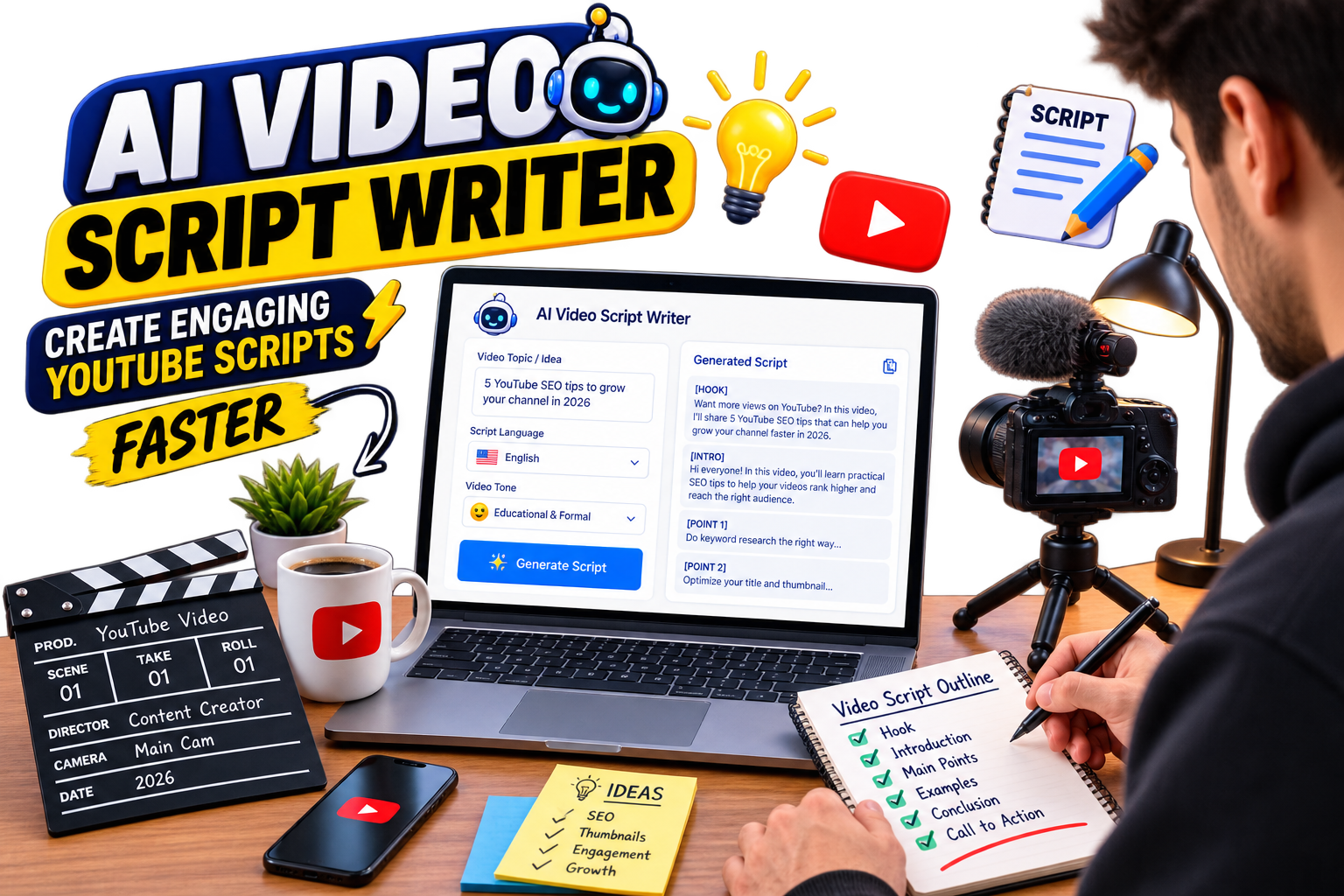
Read Article →
Ultimate Guide to eko24.net Tools
Creator Tools

Ultimate Guide to eko24.net Tools

Growing a YouTube channel in today's competitive landscape requires more than just uploading great videos—it demands smart strategies, efficient workflows, and the right toolkit. Welcome to the ultimate guide on how you can leverage eko24.net Tools to scale your channel completely for free! 1. Why Every Creator Needs a Dedicated Toolkit Time is a creator’s most valuable asset. Spending hours on repetitive tasks like thumbnail generation, tag research, or description formatting can burn you out. The YouTube Creator Toolkit section on eko24.net is designed specifically to cut down your administrative time so you can focus on what matters most: creating engaging video content. 2. Mastering Video SEO for Maximum Reach Search Engine Optimization (SEO) is the backbone of organic growth. Even if your content is top-tier, without proper optimization, nobody will find it. Craft Compelling Titles: Use curiosity gaps and powerful keywords within the first 50 characters. Leverage Accurate Tags: Group your videos into specific categories like Gaming, Tech, or Creator Tips to help YouTube’s algorithm understand your audience. Detailed Descriptions: Write clear summaries packed with relevant context and timestamps. 3. Boosting Your Click-Through Rate (CTR) Your thumbnail and title are your video's first impression. A high CTR tells YouTube that people are interested in your content, which triggers the recommendation algorithm to push your video to a broader audience. Make sure your visuals are clean, high-resolution, and clear even on mobile devices. Pair them with concise, punchy titles that promise value. Related guides: Boost Your Growth: Best YouTube Channel Analyzer Tools and How a Live Subscriber Counter Works (And Why Creators Use It). Conclusion Growing on YouTube doesn't require an expensive budget; it requires consistency, data-driven optimization, and the right set of utilities. Explore the rest of the resources on eko24.net to access more free guides, tools, and creator assets designed to elevate your channel today!

Read Article →
How to Get More Views on YouTube in 2026
YouTube Growth

How to Get More Views on YouTube in 2026

In order to grow your YouTube channel in the year 2026 you will have to do more than just deliver high-quality video content, here are some steps. The algorithm will put a lot of weight into audience engagement signals, CTR, and audience retention time, therefore the focus should be on these indicators. To start with, focus on the thumbnails and titles since a catchy thumbnail is the first hook for the people to watch the video. Make sure that the text is short but clear and that there is enough contrast. Secondly, make sure to optimize videos to achieve retention in the first 30 seconds of the video. The beginning of the video should not be long as it will define whether the audience will continue watching the video. And lastly, you can use YouTube Shorts and community posts to drive the audience back to the long-form videos and stay consistent. Related guides: How to Get More YouTube Views for Beginners: The Ultimate 2026 Guide and The 2026 YouTube CTR Playbook: Titles, Thumbnails and More Clicks.

Read Article →
Top Gaming Consoles of 2026: Performance & Value Guide
Gaming

Top Gaming Consoles of 2026: Performance & Value Guide

An overview of the advancements in console gaming reveals a shift toward a more agile multi-platform experience. 4K 120FPS is the new normal in next-gen gaming devices. Here’s an overview of the top brands leading the market today: 1. Next-Gen Consoles: Equipped with cutting-edge custom NVMe SSD technology, offering higher performance. 2. Portable PC Consoles: Combining portability with compatibility. 3. Virtual and Augmented Reality Innovations: Innovative accessories for an unforgettable gaming experience. When making a choice for your gaming console purchase, consider its exclusive catalogue of games and value of the ecosystem subscription before selecting your brand of choice. Related guides: Best Gaming Consoles and Setup Bundles for 2026: Complete Performance Benchmark and Latest Video Game News and Upcoming Releases 2026: The Ultimate Gaming Guide.

Read Article →
Microphone setup for content creators, podcasts and streaming
Tech & Hardware

Best Microphones for Content Creators: USB, XLR, Dynamic & Condenser

Best Microphones for Content Creators Clear audio can make videos, podcasts and livestreams much easier to follow. You do not always need an expensive studio microphone—the better choice depends on your room, recording style and whether you prefer a simple USB connection or a more flexible XLR setup. Dynamic vs. Condenser Microphones 🎙️ Dynamic Microphones A practical choice for streaming, spoken voice and rooms that are not acoustically treated. Their close-working style can make unwanted room sound easier to control when the microphone is positioned correctly. 🎧 Condenser Microphones Often chosen when you want more detail and sensitivity. They can work well for voice, music and controlled recording spaces, but they may also capture more of the room around you. USB or XLR? USB microphones are convenient because they connect directly to a computer and usually require very little setup. They are a good starting point for creators who want to record quickly without buying extra audio equipment. XLR microphones normally connect through an audio interface or mixer. That adds cost and setup time, but it also gives you more flexibility if you plan to expand your recording system later. What Matters Before You Buy? Your room: hard, reflective rooms may need more attention to microphone placement and background noise. Your content: podcasts, gaming, interviews, music and outdoor video can require different setups. Connection: check whether you need USB convenience or an XLR interface. Positioning: a boom arm or stable stand can help keep the microphone close and consistent. Monitoring: headphone monitoring is useful for hearing problems before you finish a recording. Placement Can Matter More Than Price A good microphone placed too far away can still sound weak or pick up too much room noise. For spoken content, keep the microphone at a sensible distance from your mouth and experiment with its angle. A pop filter can also help control strong breath sounds. Before replacing your microphone, try improving placement, reducing nearby noise and adding soft furnishings to a reflective room. Small changes can make a noticeable difference. Which Type Is Right for You? For a simple desktop setup, a USB microphone is often the easiest route. If your room is noisy, a suitable dynamic microphone used close to the speaker can be practical. If you record detailed vocals or instruments in a controlled space, a condenser microphone may suit the job better. Final Thoughts The best microphone is the one that fits your recording environment and workflow. Start with the type and connection you actually need, then pay attention to placement and room sound before spending more on equipment. Related guides: Vlogging Cameras & Creator Setups and Video Editing Tools for Creators. If you need to extract audio from your own video files, try the EKO24 Video to MP3 Converter.

Read Article →
Top Cameras for Vlogging, Streaming, and Content Creation 2026
Tech & Hardware

Top Cameras for Vlogging, Streaming, and Content Creation 2026

A well-built camera can greatly boost the production value of your channel. The type of camera you go for depends on the type of content you are going to make. Tips for Creators. 1. Autofocus feature. An effective eye tracking autofocus will allow you to be perfectly in focus while shooting. 2. Flip screen and audio inputs. A fully rotating screen and the ability to have an outside microphone (3.5mm jack) is definitely required when you are doing the filming by yourself. 3. Low-light capability. Bigger sensors will help to get the clear image without noise indoors or in studio lighting setup. Regardless of whether you just do reviews on your computer or make vlogs with the help of your smartphone, it is always very important to know the right lenses and reliable camera body. Related guides: Best Vlogging Cameras & Creator Setups for 2026: Comprehensive BuyerM Guide and Professional Video Editing Tools for Faster Content Creation.

Read Article →
Transform Your Videos with Professional Lighting Gear
Tech & Hardware

Transform Your Videos with Professional Lighting Gear

Improper lighting can spoil even the highest quality video. To achieve the desired effect, you must spend several hours working with your lighting setup. The lighting equipment you will need: - Softbox LED Lights: Creates diffuse light for maximum shadow reduction on your face. - RGB Backlights: Creates colored accents for your background. - Ring Lights: Perfect for short, simple vertical videos and interviews. Using just 3 lights – Key light, Fill light, Background light – you can easily transform your basic videos into cinematic videos. Related guides: Professional Video Editing Tools for Faster Content Creation and Best Audio Microphones for Streamers and Podcasters.

Read Article →
Professional Video Editing Tools for Faster Content Creation
Tech & Hardware

Professional Video Editing Tools for Faster Content Creation

The majority of time spent by any creator is allocated toward editing. Using the most effective software and hardware combination is essential for speeding up video rendering much more quickly. Workflow Basics: - Software: DaVinci Resolve is best used for color correction purposes while Premiere Pro provides possibilities for interactive work and plugins. - Keyboard Shortcuts: Having a specific controller for making timeline cuts will give the possibility for the creator to skip using mouse and keyboard. - Fast NVMe External Drives: The speed at which video editors can store scratch files and work with the 4K format will determine the overall speed of editing. Related guides: Top Cameras for Vlogging, Streaming, and Content Creation 2026 and Transform Your Videos with Professional Lighting Gear.

Read Article →
How to Download High-Resolution YouTube Thumbnails in 2026
Creator Tools

How to Download High-Resolution YouTube Thumbnails in 2026

We have all seen a YouTube thumbnail that made us pause and click. Whether it is the bold text, crisp lighting, or perfect framing, analyzing successful thumbnails in your niche is one of the smartest ways to figure out what actually works on the platform. Sometimes, you just need to save that cover image to study the design, build a reference board, or even recover a high-res copy of your own lost video artwork. The Quickest Trick: Getting the HD Image URL YouTube actually stores high-res versions of every video thumbnail on their servers, and you can grab them directly if you know the URL trick. Every video has a unique ID, which is the random string of characters after 'v=' in the browser bar. Once you copy that ID, just drop it into this link: https://img.youtube.com/vi/YOUR_VIDEO_ID/maxresdefault.jpg If the video owner uploaded an HD thumbnail, this link will display the full-sized image in high resolution. From there, just right-click and save it. Using Web Downloaders If you do not want to mess with editing URLs manually, online YouTube thumbnail tools do the exact same thing in one click. You just paste the video link, choose the quality you want (from standard quality up to max resolution), and hit download. Related guides: YouTube Description Generator: Craft High-Ranking Descriptions in Seconds and YouTube Keyword Generator: How to Uncover High-Traffic Search Terms. You can also try the eko24.net Thumbnail Maker for a related creator workflow.

Read Article →
How to Use a Video SEO Checker to Rank Higher on YouTube
Creator Tools

How to Use a Video SEO Checker to Rank Higher on YouTube

Uploading a great video is only half the battle on YouTube. If the algorithm doesn't understand what your content is about, it won't show it to the right audience. That is where a Video SEO Checker comes into play. Think of a video SEO check as a quick health inspection for your channel's metadata. It analyzes your titles, descriptions, tags, and overall keyword optimization before or after you hit publish. What Does a Video SEO Checker Analyze? - Title Optimization: Checks if your main search target is placed near the beginning of your title where it carries the most weight. - Description Density: Ensures you are writing detailed context for search crawlers without keyword stuffing. - Tag Relevance: Evaluates whether your tags match user search intent and topic clusters in your niche. Why You Should Audit Your Videos Regularly Search trends on YouTube shift fast. Running your older or underperforming videos through an audit tool helps you spot missing keywords, fix weak metadata, and update outdated descriptions. Related guides: YouTube Title Generator: How to Create High-CTR Titles That Rank and Boost Your Growth: Best YouTube Channel Analyzer Tools. You can also try the eko24.net Keyword Generator for a related creator workflow.

Read Article →
The Best YouTube Thumbnail Maker Tools & Design Secrets
Creator Tools

The Best YouTube Thumbnail Maker Tools & Design Secrets

You can upload the most incredible video, but if your thumbnail doesn't grab a viewer's attention, your view count will suffer. It's often the single most critical factor in a video's success, directly influencing your Click-Through Rate (CTR). What are the Best Thumbnail Makers available in 2026? - Canva (Web & Mobile): A powerhouse for easy design. It offers thousands of pre-made, customizable YouTube thumbnail templates. - Pixlr & Photopea (Web): Excellent for users needing robust, layer-based editing without expensive software. - Adobe Express: Provides powerful quick actions, background removal, and a vast asset library.

Read Article →
Boost Your Growth: Best YouTube Channel Analyzer Tools
Creator Tools

Boost Your Growth: Best YouTube Channel Analyzer Tools

Running a successful YouTube channel requires more than just gut feeling; it demands data-driven decisions. YouTube's native analytics are great, but external auditing tools give you an edge over your niche competitors. What can a dedicated Channel Analyzer show you? - Competitor Benchmarking: Compare your growth metrics and view velocity side-by-side with other channels. - Hidden Keyword Insights: Uncover high-traffic keywords driving views to competitor videos. - Best Upload Times: Pinpoint the exact hours when your audience is most active online. Top Tools to Audit Your Channel: 1. TubeBuddy: Integrated directly into YouTube for metadata analysis and competitive comparisons. 2. VidIQ: Excels at real-time metrics and offers a detailed score card for video performance. 3. Social Blade: The classic choice for quick public channel stats and long-term projection graphs. Related guides: The Ultimate YouTube Creator Toolkit: 7 Essential Tools to Grow Your Channel and How a Live Subscriber Counter Works (And Why Creators Use It).

Read Article →
YouTube Video Search: Find Hidden Content and Niche Ideas
Creator Tools

YouTube Video Search: Find Hidden Content and Niche Ideas

Ever feel like YouTube's search bar keeps pushing the same handful of massive channels every time you search for something? You're not alone. YouTube’s default search algorithm naturally leans toward established creators with millions of views. But if you are a creator looking for unique content ideas, or just someone looking for specific tutorials, relying on standard search can be frustrating. Smart Search Operators You Should Be Using Most users simply type a few words and hit enter. But using search filters and exact operators can completely transform your search results: - Exact Phrases: Wrap your search query in quotation marks (e.g., "video editor setup") to force YouTube to return videos containing that exact phrase in the title or description. - Exclude Keywords: Use the minus sign to strip away unwanted topics. For example, typing "laptop review -apple" removes all MacBook reviews from your feed. - Upload Date Filters: Switch the search filter to 'This Week' or 'This Month' to discover fresh topics before they get saturated. How Creators Use Video Search for Topic Research Video search isn't just for watching—it is one of the best market research tools available. By searching long-tail questions in your niche, you can identify 'content gaps'—topics where people are searching for answers, but existing videos are outdated or poorly made. When you spot a search query with high interest but low-quality search results, that is your cue to create a high-value video that fills the gap and ranks quickly. Related guides: YouTube Keyword Generator: How to Uncover High-Traffic Search Terms and YouTube Tags Generator: How to Find the Best Tags for YouTube SEO. You can also try the eko24.net Keyword Generator for a related creator workflow.

Read Article →
YouTube Money Calculator: Estimate Your Earnings
Creator Tools

YouTube Money Calculator: Estimate Your Earnings

One of the most common questions new content creators ask is: 'How much money will I make for 100,000 views?' The short answer is that there is no single fixed number. Two channels with the exact same view count can earn wildly different incomes depending on several hidden variables. That is where a YouTube Money Calculator comes in handy. It uses industry benchmark metrics to give you a realistic estimate of your potential revenue. How Does a YouTube Money Calculator Work? A reliable earnings calculator doesn't just multiply your views by a random rate. Instead, it balances three main figures: - Daily View Count: The total average views your channel or video receives daily. - Estimated CPM (Cost Per Mille): What advertisers pay per 1,000 ad impressions in your specific niche. - Ad Engagement Rate: The percentage of viewers who actually watch or click the ads instead of skipping them. Why CPM Varies So Much Between Channels Your niche plays the biggest role in determining your earnings. Financial services, business software, and real estate channels often command CPMs of $15 to $30+ because advertisers are competing heavily for high-value audiences. On the flip side, gaming or general entertainment videos might see CPMs closer to $2 to $5. RPM: The Metric That Actually Matters While CPM reflects what advertisers pay, RPM (Revenue Per Mille) is what actually hits your bank account. RPM factors in YouTube's 45% revenue cut, non-monetized views, and alternate income streams like Super Chats or Channel Memberships. Using a money calculator gives you a clear baseline to project your channel's monthly income, helping you make smarter business choices as your audience grows. Related guides: How a Live Subscriber Counter Works (And Why Creators Use It) and YouTube Watch Time Calculator: How to Track and Hit 4,000 Hours Faster.

Read Article →
How a Live Subscriber Counter Works (And Why Creators Use It)
Creator Tools

How a Live Subscriber Counter Works (And Why Creators Use It)

There is nothing quite like the rush of watching your subscriber count climb toward a major milestone. Whether you are approaching your first 1,000 subscribers or hitting the 100K mark, seeing every single new follower join in real time adds an extra layer of excitement to YouTube content creation. Since YouTube updated its public subscriber counts to rounded numbers, dedicated Live Subscriber Counter tools have become essential for creators who want exact, second-by-second updates. Why Live Subscriber Counters Are Popular for Live Streams If you host live streams on YouTube, adding a live sub counter directly onto your screen can instantly boost viewer interaction: - Gamifying Channel Growth: Viewers love seeing their actions immediately impact the screen. Giving a live shoutout as the counter ticks up encourages others to subscribe. - Milestone Countdown Streams: Hosting a dedicated stream to hit numbers like 10,000 or 50,000 subscribers creates a shared sense of community achievement. - Instant Feedback: You can measure viewer response during specific moments of your stream or during live calls to action. How These Tools Fetch Real-Time Data Live counters utilize the official YouTube Data API v3 to fetch channel stats frequently. While YouTube enforces rate limits to protect server performance, third-party counters optimize update cycles to display near-instant updates whenever someone hits that subscribe button. Integrating a live sub counter into your streaming software like OBS Studio or Streamlabs gives your audience a fun, interactive element to watch during your broadcasts. Related guides: How a YouTube Money Calculator Works (And How to Estimate Your Payout) and Boost Your Growth: Best YouTube Channel Analyzer Tools.

Read Article →
YouTube Watch Time Calculator: Reach 4,000 Hours Faster
Creator Tools

YouTube Watch Time Calculator: Reach 4,000 Hours Faster

For every emerging creator, hitting 4,000 valid public watch hours within a 12-month window is one of the biggest milestones on YouTube. It is the core threshold required to unlock the YouTube Partner Program (YPP) and start earning ad revenue. However, YouTube Studio displays your watch time in minutes across various reports, leaving many creators guessing how close they actually are to their goal. That is where a dedicated YouTube Watch Time Calculator becomes indispensable. How a Watch Time Calculator Simplifies Your Goals Instead of manually converting minutes or calculating average retention per video, a watch time calculator breaks down your metrics into clear, actionable targets: - Minutes-to-Hours Conversion: Automatically converts 240,000 watch minutes into the required 4,000 hours instantly. - Monetization Forecasting: Helps you estimate how many days or weeks you need based on your current daily watch time average. - Video Target Estimator: Calculates the exact number of full-length videos or views you need based on your average view duration (AVD). 3 Strategies to Maximize Watch Time Retention 1. Master the First 30 Seconds: The YouTube algorithm penalizes videos with high initial drop-offs. Hook your viewers immediately by cutting long intros and getting straight to the value. 2. Leverage Strategic Playlists: Playlists trigger auto-play behavior, keeping viewers on your channel longer and compounding your total watch hours exponentially. 3. Analyze Retention Dip Points: Use YouTube Analytics to see where viewers drop off in your previous videos, then edit out those boring moments in future content. By regularly using a watch time calculator to set realistic benchmarks, you can turn a daunting 4,000-hour goal into manageable weekly targets. Related guides: How a YouTube Money Calculator Works (And How to Estimate Your Payout) and Boost Your Growth: Best YouTube Channel Analyzer Tools. You can also try the eko24.net Watch Time Calculator for a related creator workflow.

Read Article →
YouTube Tags Generator: How to Find the Best Tags for YouTube SEO
Creator Tools

YouTube Tags Generator: How to Find the Best Tags for YouTube SEO

Finding the right keywords and tags for your YouTube videos can be a tedious process. While video titles and thumbnails play the largest role in attracting clicks, video tags remain a fundamental part of helping YouTube's search algorithm understand your topic, context, and niche. A dedicated YouTube Tags Generator automates this process by instantly extracting high-performing, relevant tags based on real search query data. Why Use a YouTube Tags Generator? - Uncover Low-Competition Keywords: Spot hidden search terms and long-tail tags that your competitors might have overlooked. - Save Time on Metadata Creation: Instead of typing dozens of tags manually, generate a complete, optimized list in seconds. - Fix Misspellings & Variations: YouTube specifically uses tags to catch common typos or alternative names associated with your content topic. Best Practices for Adding Tags to Your Videos: 1. Put Your Primary Keyword First: Always place your main target phrase as the very first tag in your list. 2. Mix Broad and Specific Tags: Combine broad category tags (e.g., 'Video Editing') with hyper-specific phrases (e.g., 'Premiere Pro Speed Ramp Tutorial'). 3. Don't Overstuff Tags: Stick strictly to relevant keywords that accurately describe your content. Irrelevant tag stuffing can confuse the algorithm and lower your rankings. Related guides: Mastering YouTube Video Search: How to Find Hidden Content and Niche Ideas and YouTube Description Generator: Craft High-Ranking Descriptions in Seconds. You can also try the eko24.net Keyword Generator for a related creator workflow.
Read Article →
YouTube Hashtag Generator: How to Pick Hashtags That Drive Views
Creator Tools

YouTube Hashtag Generator: How to Pick Hashtags That Drive Views

Hashtags on YouTube are more than just decorative symbols. When used correctly, they function as clickable search links that connect your content with users exploring specific topics or trending discussions across the platform. A dedicated YouTube Hashtag Generator analyzes current video trends and search queries to recommend the most effective hashtags for your specific upload. Why Should You Use a Hashtag Generator? - Discover Trending Topics: Easily spot which hashtags are gaining momentum in your niche before your competitors do. - Category Alignment: Helps YouTube's recommendation engine group your video alongside similar high-performing content. - Improved Mobile Search Visibility: Mobile viewers frequently tap on top hashtags displayed above video titles to find related content nGolden Rules for Using YouTube Hashtags: 1. Quality Over Quantity: Stick to 3 to 5 highly relevant hashtags. YouTube ignores all hashtags on a video if you add more than 15. 2. Add Them to Your Description: Place your primary hashtags near the end of your video description or directly in the first two lines. 3. Avoid Misleading Tags: Never use popular creator names or unrelated viral hashtags just for clicks—YouTube may flag your video for misleading metadata. Related guides: YouTube Title Generator: How to Create High-CTR Titles That Rank and YouTube Description Generator: Craft High-Ranking Descriptions in Seconds. You can also try the eko24.net Tags Generator for a related creator workflow.

Read Article →
YouTube Description Generator for clear video descriptions
Creator Tools

YouTube Description Generator: Write Better Video Descriptions

YouTube Description Generator Writing a useful YouTube description for every upload can take time. A description generator gives you a starting structure so you can explain the video clearly, add relevant keywords naturally, and include the links or calls to action your viewers need. The goal is not to fill the description with keywords. A good description should first help viewers understand what the video contains. What Should a Good YouTube Description Include? 🎯 Clear Opening Use the first lines to explain what viewers will learn or see. Include the main topic naturally instead of repeating the same keyword. 🕒 Chapters For longer videos, timestamps can make the description easier to use and help viewers jump to important sections. 🔗 Useful Links Add relevant resources, product pages or social links in a clean section instead of mixing them into the main explanation. How a Description Generator Helps A generator can save time when you already know the subject of your video but do not know how to organize the description. Start with the generated draft, then edit it so it matches what actually happens in your video. Remove generic phrases, check every link, and add details that only you know. This simple editing step makes the final description more useful and less repetitive. YouTube Description and SEO Descriptions give YouTube additional information about a video's subject, but they are only one part of video discovery. Your title, thumbnail, actual video content and viewer response also matter. Use your main phrase where it makes sense, add related terms naturally, and avoid keyword stuffing. A readable description written for people is more useful than a block of repeated search terms. A Simple Description Structure Opening: explain the main benefit or subject of the video. Details: add a short summary of what the viewer will find. Chapters: include timestamps when they genuinely help navigation. Links: add relevant resources and clearly disclose promotional or affiliate links when applicable. Call to action: finish with a simple next step when appropriate. Before You Publish Read the description once as a viewer. Make sure it accurately represents the video, remove unnecessary repetition, test important links, and correct any generated text that does not match your content. Final Thoughts A YouTube Description Generator is best used as a writing assistant rather than an automatic SEO shortcut. It can create the first draft quickly, while your own editing makes the description accurate, useful and specific to the video. Related guides: YouTube Keyword Generator and YouTube Title Generator. You can also try the EKO24 Description Generator to create a draft for your next video.

Read Article →
YouTube Keyword Generator: Find High-Traffic Search Terms
Creator Tools

YouTube Keyword Generator: Find High-Traffic Search Terms

Creating great videos is only half the battle on YouTube. If nobody is searching for the topic you covered, even the highest quality video will struggle to gain organic traction. That is why keyword research is the backbone of any successful YouTube strategy. A dedicated YouTube Keyword Generator pulls real autocomplete data and search query volume straight from YouTube to reveal what viewers are actively typing into the search bar. How Does a YouTube Keyword Generator Help Creators? - Identify High-Demand Topics: Uncover trending questions and search phrases before a niche gets overcrowded. - Target Long-Tail Keywords: Discover specific 3-to-5 word search phrases (e.g., 'best budget video editing laptop') that are easier for smaller channels to rank for. - Understand Search Intent: See the exact phrasing viewers use, helping you craft titles and thumbnails that directly match what users want to see. How to Apply Generated Keywords to Your Uploads: 1. Focus on One Primary Keyword: Choose one main keyword phrase for your video title and make sure it appears naturally near the beginning. 2. Spread Keywords Naturally in Descriptions: Write a 200-word summary using your secondary keywords without forcing or repeating them unnaturally. 3. Include Search Variations in Tags: Add synonyms and related phrases into your video tags to help YouTube understand broad contextual connections. Related guides: YouTube Description Generator: Craft High-Ranking Descriptions in Seconds and YouTube Title Generator: How to Create High-CTR Titles That Rank. You can also try the eko24.net Keyword Generator for a related creator workflow.

Read Article →
YouTube Trending Videos: Find Viral Content and Trends
Creator Tools

YouTube Trending Videos: Find Viral Content and Trends

Jumping on viral topics early is one of the fastest ways to kickstart audience growth on YouTube. When a topic trends, search volume explodes overnight, giving creators an unprecedented opportunity to gain thousands of views in a short period. However, simply copying what is on the Trending page isn't enough. Understanding how the YouTube algorithm selects trending videos allows you to spot breakout topics before they become completely saturated. What Makes a Video Trend on YouTube? The YouTube Trending tab isn't based solely on overall view count. The algorithm considers a mixture of metrics designed to catch rising popularity in real-time: - View Velocity: How rapidly a video is gaining views right after publication. - Cross-Platform Buzz: High volume of external traffic coming from social media platforms or news sites. - Audience Engagement Rate: High ratio of likes, comments, and shares relative to the video's total view count. How to Capitalize on Trending Topics Without Copying: 1. Add Your Unique Perspective: Never re-upload or paraphrase existing videos. Add distinct commentary, original testing, or an expert reaction to offer genuine value. 2. Target the Niche Angle: Instead of covering a massive trend broadly, narrow down your focus to a specific sub-topic that bigger creators missed. 3. Act Fast on Breakout Topics: Speed is critical when capitalizing on trends. Publishing a focused, helpful video within 24 to 48 hours maximizes your chances of ranking. Related guides: Mastering YouTube Video Search: How to Find Hidden Content and Niche Ideas and Boost Your Growth: Best YouTube Channel Analyzer Tools. You can also try the eko24.net Search Videos for a related creator workflow.

Read Article →
YouTube Title Generator: How to Create High-CTR Titles That Rank
Creator Tools

YouTube Title Generator: How to Create High-CTR Titles That Rank

Your video title is the very first impression you make on a potential viewer. Even if you spend days editing the perfect video, a bland or confusing title will cause people to scroll right past it. Title optimization is one of the most effective ways to boost your Click-Through Rate (CTR). A YouTube Title Generator helps you brainstorm magnetic headline ideas, combining search-friendly keywords with emotional triggers that compel users to click. What Makes a YouTube Title Click-Worthy? Creating a great title is a delicate balance between pleasing the YouTube search algorithm and exciting human viewers: - Primary Keyword Placement: Put your main search term near the start of the title so users and search crawlers instantly grasp the topic. - Curiosity & Emotion: Use psychological triggers like curiosity gaps, urgency, or clear outcome promises (e.g., 'How I...', 'The Truth About...', 'Stop Doing This'). - Optimal Character Count: Keep your titles between 50 to 70 characters so they don't get cut off on mobile screens. How to Test and Refine Your Generated Titles: 1. Pair Title with Thumbnail: Ensure your title complements your thumbnail image rather than simply repeating the exact same text. 2. Avoid Clickbait Traps: Deliver on the promise made in your title within the first minute of the video to maintain viewer retention. 3. Track CTR Metrics: Check YouTube Studio after publishing to see how your new title format impacts your overall click-through percentage. Related guides: YouTube Description Generator: Craft High-Ranking Descriptions in Seconds and YouTube Hashtag Generator: How to Pick Hashtags That Drive Views. You can also try the eko24.net Thumbnail Maker for a related creator workflow.

Read Article →
7 Essential YouTube Creator Tools to Grow Your Channel
Creator Tools

7 Essential YouTube Creator Tools to Grow Your Channel

Growing a YouTube channel in today's competitive landscape requires more than just luck—it takes smart strategy, precise data, and the right workflow tools. Whether you are searching for your next viral video idea or trying to optimize your titles for search engines, having a dedicated YouTube Creator Toolkit streamlines your content creation process. Here is a complete breakdown of 7 essential tools every YouTube creator needs to research, optimize, and scale their channel. ### 1. YouTube Video Search & Topic Finder Finding unique video ideas starts with smart search techniques. Instead of relying on YouTube's standard search feed, smart creators use filters, exact quotes, and keyword exclusions to find overlooked content gaps and unserved audience questions. ### 2. YouTube Money Calculator Understanding your revenue potential is essential for turning your channel into a business. An earnings calculator estimates payout ranges based on daily views, CPM rates, and viewer demographics—helping you differentiate between simple view counts and actual ad revenue. ### 3. Live Subscriber Counter Real-time stats create instant viewer engagement during milestone broadcasts and live streams. A live subscriber counter fetches second-by-second updates via YouTube's API, allowing you to gamify channel growth and celebrate goals live with your audience. ### 4. YouTube Keyword Generator Ranking on YouTube's search results depends heavily on target search terms. A keyword generator reveals low-competition, long-tail search phrases that help smaller channels capture organic search traffic fast. ### 5. YouTube Hashtag Generator Hashtags organize your uploads under clickable topics across mobile and desktop search. Using a hashtag generator ensures you pick 3 to 5 highly relevant, trending tags that strengthen contextual categorization without cluttering your description. ### 6. Trending Videos Finder Jumping on viral topics early gives you a massive spike in view velocity. A trending video finder tracks rising view speed and social media buzz so you can publish timely reactions, commentary, or tutorials before the trend becomes oversaturated. ### 7. YouTube Title Generator Your title directly impacts your Click-Through Rate (CTR). A title generator crafts magnetic, curiosity-driven titles that combine top keywords with high-converting emotional hooks designed to catch the viewer's eye. Related guides: Boost Your Growth: Best YouTube Channel Analyzer Tools and How a Live Subscriber Counter Works (And Why Creators Use It).

Read Article →
Best Vlogging Cameras and Creator Setups for 2026
Tech & Hardware

Best Vlogging Cameras and Creator Setups for 2026

.eko-tech-memo { font-family: 'Segoe UI', system-ui, sans-serif; color: #e2e8f0 !important; line-height: 1.7; } .eko-tech-memo p, .eko-tech-memo li { color: #cbd5e1 !important; } .eko-tech-memo h2, .eko-tech-memo h3, .eko-tech-memo .card-title { color: #f8fafc !important; } .eko-tech-memo h4 { color: #a5b4fc !important; } .eko-tech-memo strong { color: inherit !important; } .memo-hero { background: linear-gradient(135deg, #1e1b4b 0%, #0f172a 100%); border: 1px solid #312e81; border-radius: 16px; padding: 24px; margin-bottom: 24px; } .memo-badge { display: inline-flex; align-items: center; gap: 6px; background: #3730a3; color: #c7d2fe; padding: 4px 12px; border-radius: 20px; font-size: 0.85rem; font-weight: 600; margin-bottom: 12px; } .memo-title { color: #ffffff; font-size: 1.75rem; font-weight: 800; margin: 0 0 12px 0; } .tech-card-grid { display: grid; grid-template-columns: repeat(auto-fit, minmax(280px, 1fr)); gap: 16px; margin: 24px 0; } .tech-card { background: #1e293b; border: 1px solid #334155; border-radius: 12px; padding: 20px; transition: transform 0.2s; } .tech-card:hover { border-color: #6366f1; transform: translateY(-2px); } .card-header { display: flex; align-items: center; gap: 12px; margin-bottom: 12px; } .card-icon { width: 40px; height: 40px; background: #312e81; border-radius: 10px; display: flex; align-items: center; justify-content: center; fill: #818cf8; } .card-title { color: #f8fafc; font-size: 1.1rem; font-weight: 700; margin: 0; } .spec-list { list-style: none; padding: 0; margin: 12px 0 0 0; } .spec-list li { display: flex; align-items: center; gap: 8px; font-size: 0.9rem; color: #cbd5e1; margin-bottom: 6px; } .spec-list li svg { width: 16px; height: 16px; fill: #10b981; flex-shrink: 0; } .comparison-table-wrapper { overflow-x: auto; margin: 24px 0; border: 1px solid #334155; border-radius: 12px; } .comparison-table { width: 100%; border-collapse: collapse; text-align: left; background: #0f172a; } .comparison-table th { background: #1e293b; color: #38bdf8; padding: 14px; font-size: 0.9rem; border-bottom: 2px solid #334155; } .comparison-table td { padding: 12px 14px; border-bottom: 1px solid #1e293b; color: #cbd5e1; font-size: 0.88rem; } .verdict-box { background: linear-gradient(90deg, #064e3b 0%, #022c22 100%); border-left: 4px solid #10b981; border-radius: 8px; padding: 16px; margin-top: 24px; } eko24.net Hardware Intelligence Best Vlogging Cameras & Creator Setups for 2026 In-depth technical memo comparing sensor performance, Eye-AF tracking, and recording modes to help creators pick the perfect camera. Sony ZV-E10 II The most complete camera for studio creators and vloggers needing interchangeable lenses. 26 MP APS-C BSI CMOS sensor 4K 60fps recording (10-bit 4:2:2 color depth) Hybrid AF with AI Eye Tracking & Product Showcase mode DJI Osmo Pocket 3 Top pick for mobile shooting and travel thanks to its built-in 3-axis mechanical gimbal. Integrated 3-Axis Mechanical Gimbal stabilization 1-Inch CMOS Sensor for strong low-light performance Rotating OLED screen supporting vertical Shorts/Reels mode Camera Sensor Size Video Resolution Image Stabilization Est. Price Sony ZV-E10 II APS-C 4K 60fps (10-bit) Electronic + Lens $999 DJI Osmo Pocket 3 1-Inch 4K 120fps (Slow-mo) 3-Axis Mechanical $669 Canon PowerShot V10 1-Inch 4K 30fps Built-in Electronic $429 💡 eko24.net Team Recommendation If your content relies on daily movement and travel, the DJI Pocket 3 provides the fastest setup and smoothest stabilization. For educational, studio, and review content where background blur and lighting control matter, the Sony ZV-E10 II is the better long-term investment. Related guides: Top Cameras for Vlogging, Streaming, and Content Creation 2026 and Best Audio Microphones for Streamers and Podcasters.

Read Article →
Best Gaming Consoles and Setup Bundles for 2026
Gaming

Best Gaming Consoles and Setup Bundles for 2026

.eko-tech-memo { font-family: 'Segoe UI', system-ui, sans-serif; color: #e2e8f0 !important; line-height: 1.7; } .eko-tech-memo p, .eko-tech-memo li { color: #cbd5e1 !important; } .eko-tech-memo h2, .eko-tech-memo h3, .eko-tech-memo .card-title { color: #f8fafc !important; } .eko-tech-memo h4 { color: #a5b4fc !important; } .eko-tech-memo strong { color: inherit !important; } .memo-hero { background: linear-gradient(135deg, #064e3b 0%, #0f172a 100%); border: 1px solid #047857; border-radius: 16px; padding: 24px; margin-bottom: 24px; } .memo-badge { display: inline-flex; align-items: center; gap: 6px; background: #065f46; color: #a7f3d0; padding: 4px 12px; border-radius: 20px; font-size: 0.85rem; font-weight: 600; margin-bottom: 12px; } .memo-title { color: #ffffff; font-size: 1.75rem; font-weight: 800; margin: 0 0 12px 0; } .tech-card-grid { display: grid; grid-template-columns: repeat(auto-fit, minmax(280px, 1fr)); gap: 16px; margin: 24px 0; } .tech-card { background: #1e293b; border: 1px solid #334155; border-radius: 12px; padding: 20px; transition: transform 0.2s; } .tech-card:hover { border-color: #10b981; transform: translateY(-2px); } .card-header { display: flex; align-items: center; gap: 12px; margin-bottom: 12px; } .card-icon { width: 40px; height: 40px; background: #064e3b; border-radius: 10px; display: flex; align-items: center; justify-content: center; fill: #34d399; } .card-title { color: #f8fafc; font-size: 1.1rem; font-weight: 700; margin: 0; } .spec-list { list-style: none; padding: 0; margin: 12px 0 0 0; } .spec-list li { display: flex; align-items: center; gap: 8px; font-size: 0.9rem; color: #cbd5e1; margin-bottom: 6px; } .spec-list li svg { width: 16px; height: 16px; fill: #38bdf8; flex-shrink: 0; } .setup-checklist { background: #0f172a; border: 1px solid #334155; border-radius: 12px; padding: 20px; margin: 24px 0; } .setup-title { color: #38bdf8; font-size: 1.1rem; font-weight: 700; margin-bottom: 14px; display: flex; align-items: center; gap: 8px; } .verdict-box { background: linear-gradient(90deg, #1e1b4b 0%, #0f172a 100%); border-left: 4px solid #6366f1; border-radius: 8px; padding: 16px; margin-top: 24px; } eko24.net Gaming & Benchmark Report Best Gaming Consoles & Setup Requirements for 2026 A technical guide reviewing modern console performance, PSSR AI Upscaling technologies, and recommended display settings for maximum FPS. PlayStation 5 Pro The top console for Sony exclusives and consistent 4K performance at 60-120 FPS. GPU supporting PSSR AI Upscaling Ultra-fast NVMe 2TB SSD storage DualSense controller with Haptic Feedback Xbox Series X The ultimate raw power value for budget gaming via Game Pass Ultimate. 12 TFLOPS GPU power for native 4K Quick Resume feature for seamless multi-game switching Full backward compatibility with previous Xbox generations The Ultimate Setup Requirements Display: OLED display with HDMI 2.1, 120Hz/144Hz refresh rate, and VRR support to prevent screen tearing. Audio: Spatial 3D Audio headphones for precise directional cues in competitive games. Comfort & Ambiance: Adaptive RGB lightstrips paired with an ergonomic chair offering lumbar support. 🎮 eko24.net Verdict Summary Choose the PS5 Pro if your priority is story-driven exclusives, advanced Ray Tracing, and immersive haptic feedback. Choose the Xbox Series X if you want maximum cost efficiency and access to the massive Game Pass library. Related guides: Top Gaming Consoles of 2026: The Ultimate Performance & Value Guide and PC Gaming Build Guide: Budget, Mid-Range and High-End Setup Strategies.

Read Article →