How to Work Smarter Online: Simple Tools That Save Time
Working online does not have to mean doing everything manually. Many everyday tasks—editing an image, preparing a PDF, finding content ideas, or creating text—can take much longer than necessary.
The right online tools can make these small jobs faster and easier without requiring complicated software or technical skills.
Start With the Tasks You Repeat Most
A good way to save time is to look at the small tasks you perform again and again.
Maybe you regularly need to resize images before uploading them, compress large files, prepare PDFs, generate ideas for a YouTube video, or improve content before publishing it.
Doing each task manually may only take a few minutes, but those minutes quickly add up. Instead, using a dedicated tool for each job can simplify the process and help you focus on the work that actually needs your attention.
Use Simple Tools Instead of Complicated Software
You do not always need to install a large program for a small task.

For example, if you only need to crop an image, convert a file, split a PDF, or generate a few content ideas, a simple browser-based tool may be enough.
This is especially useful when you want to finish something quickly without creating an account, installing software, or learning a complicated interface.
Organize Your Online Workflow
Saving time is not only about working faster. It is also about reducing unnecessary steps.
Try grouping similar tasks together. Prepare your images at the same time, organize your PDFs before sending them, and create several content ideas before you start writing or recording.
A simple workflow could be:
Prepare → Edit → Check → Publish
Keeping the process simple makes it easier to repeat and reduces the chance of forgetting an important step.
Choose the Right Tool for the Job
There is no reason to use one complicated application for everything.
Image tools are useful for resizing, cropping, compressing, or converting pictures. PDF tools can help merge, split, compress, or convert documents. AI tools can assist with brainstorming and drafting, while creator tools can help with titles, keywords, descriptions, and other content tasks.
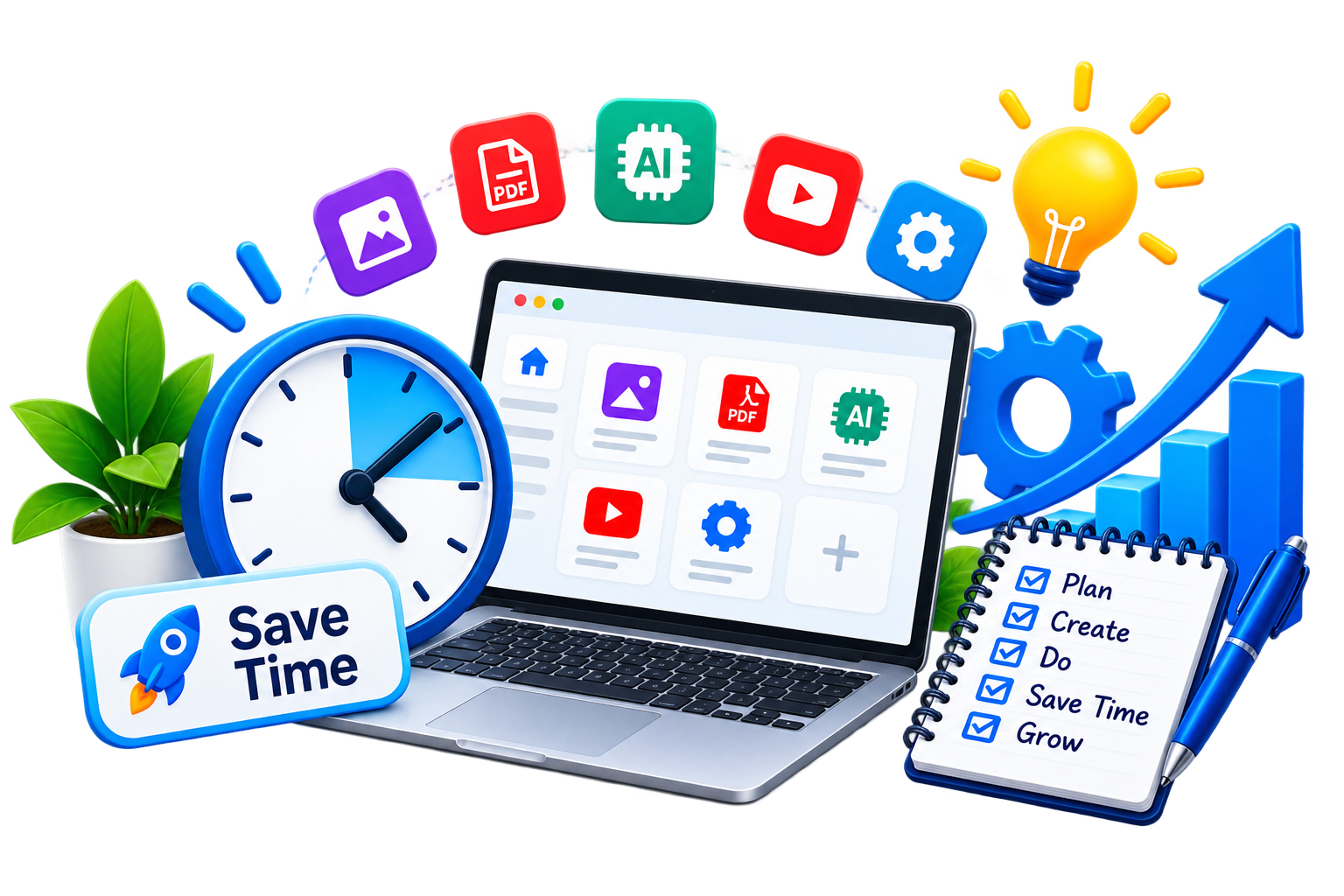
The important thing is to use tools when they genuinely remove repetitive work—not simply because more tools are available.
Small Time Savings Add Up
Saving two or three minutes may not seem important. But when the same task is repeated several times every week, those small savings become meaningful.
A faster workflow also means fewer interruptions. Instead of switching between several programs and websites, you can complete a task and move on.
Work Smarter, Not More
Productivity does not have to mean doing more things every day. Sometimes the better approach is simply to remove unnecessary work.
By choosing straightforward online tools and creating a simple workflow, you can spend less time on repetitive digital tasks and more time creating, learning, or finishing the work that matters.
On EKO24, you can explore free tools for images, PDFs, AI, and content creation, and choose only the tools that fit the task you are working on.