

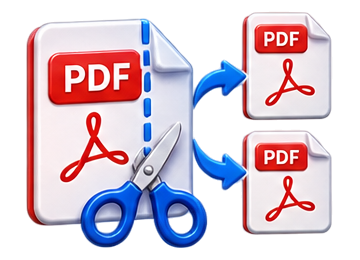
 Split PDF Online
Separate a PDF into individual page files quickly in your browser.
Free Online PDF Splitter
Split PDF turns a multi-page PDF into separate PDF files. It is useful when you only need to send, archive or work with individual pages from a larger document.
How to split a PDF
- Select a PDF from your device.
- Click Split PDF.
- The tool separates the document page by page.
- Download one ZIP containing all generated PDF pages.
Private browser-based processing
The document is processed locally in your browser and your original PDF remains unchanged.
Practical example
Split a four-page scan into four individual PDFs, then open the ZIP and check each page before sharing.
Can I split a document into groups of pages?
This tool creates one PDF per page. Use Extract PDF Pages for a selected group.
Related tool: Extract Pdf Pages.