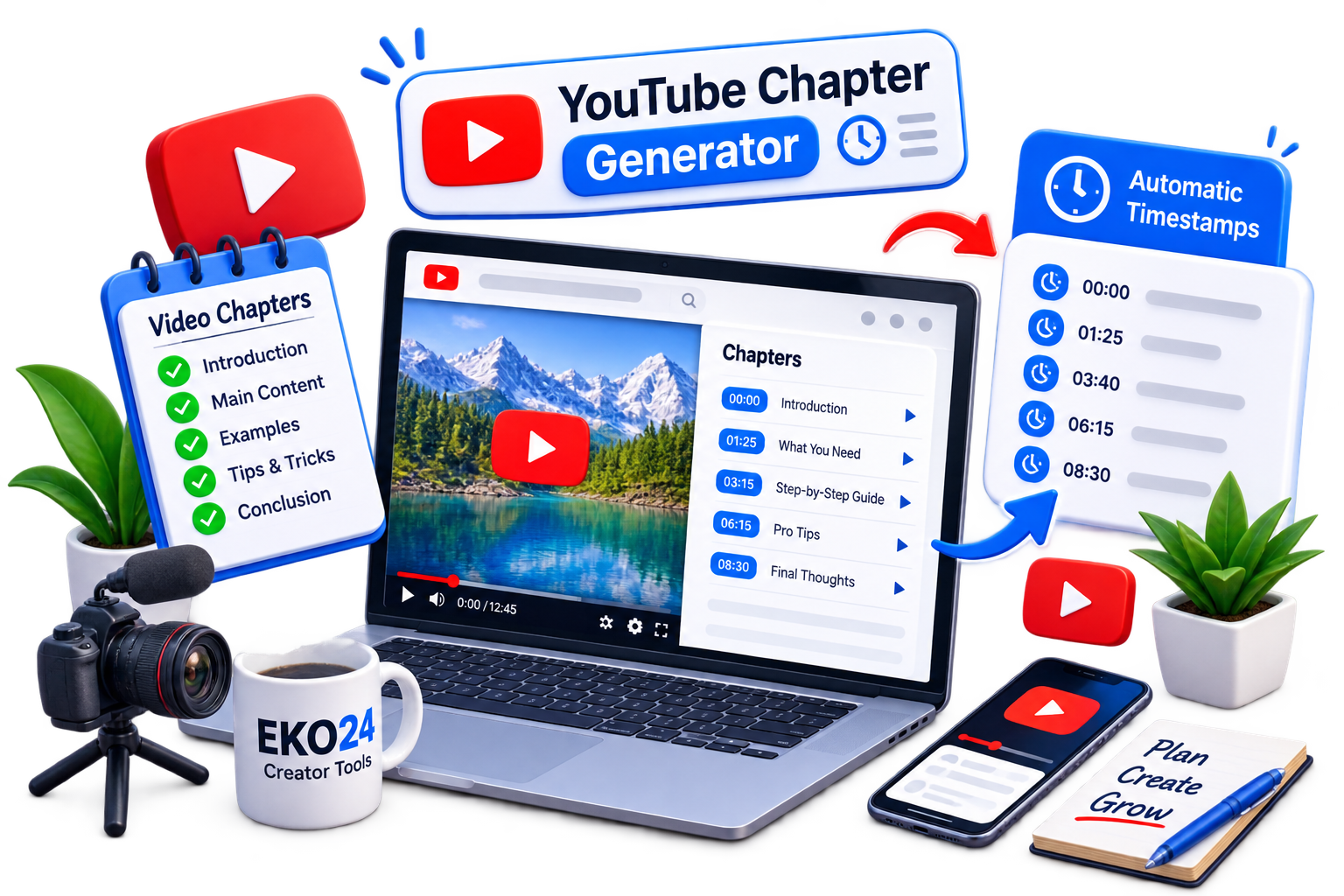
YouTube chapters divide a video into sections with timestamps. They help viewers quickly find the part they want and make longer videos easier to navigate.
What Is a YouTube Chapter Generator?
A YouTube Chapter Generator helps you create organized timestamps for your video without formatting every chapter manually.
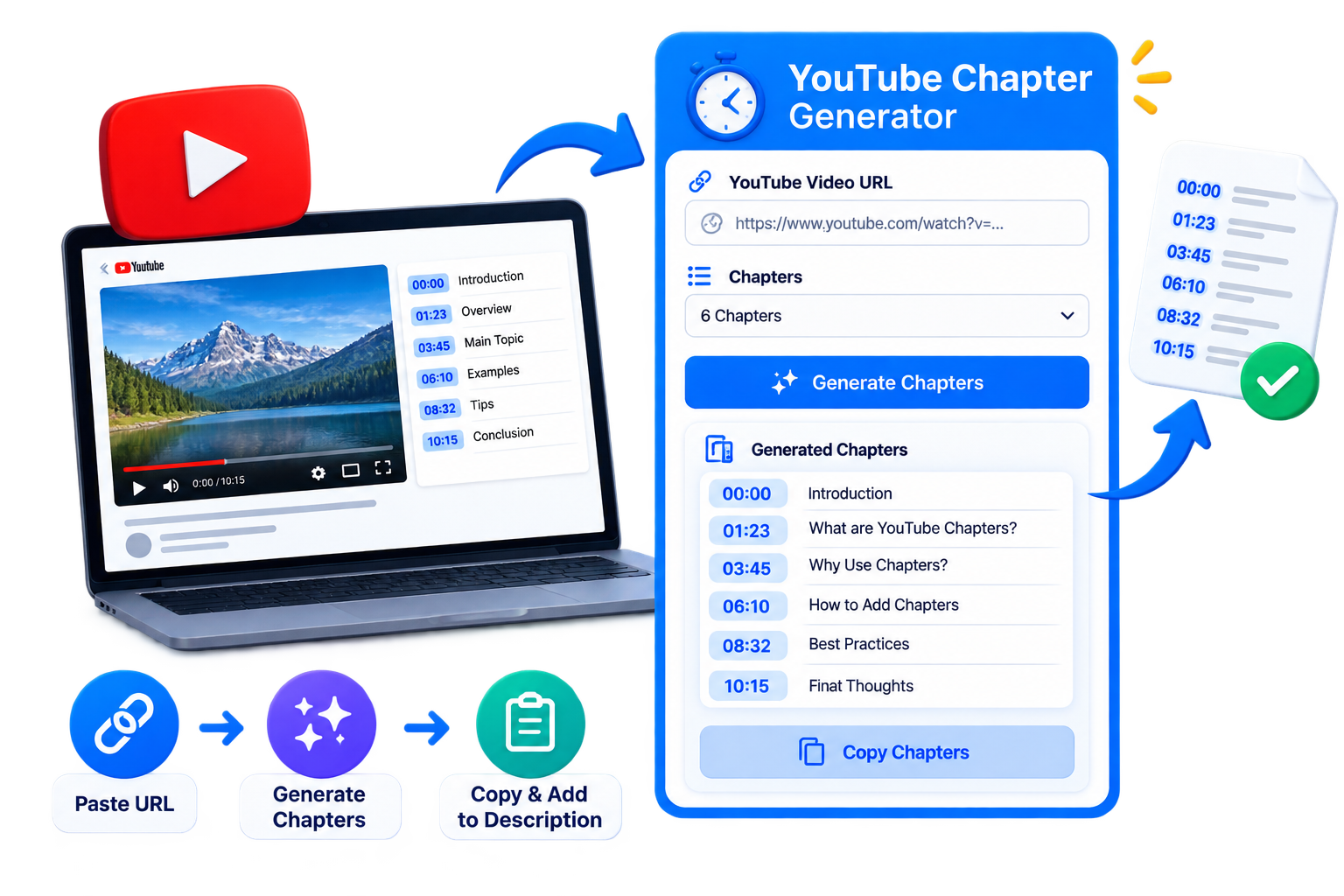
How to Create YouTube Chapters
- Open the EKO24.NET YouTube Chapter Generator.
- Add your video information or content.
- Generate the chapter timestamps.
- Review the chapters and copy them to your YouTube description.
Why Use Video Chapters?
Chapters make long videos easier to explore and let viewers jump directly to useful sections. Clear chapter titles also help people understand what your video covers.
Create Your Video Timestamps
Use the EKO24.NET YouTube Chapter Generator to create clean timestamps quickly and organize your videos into useful sections.
Example chapter structure
A tutorial could use: 00:00 Introduction, 00:35 What you need, 02:10 Step-by-step demonstration, 05:40 Common mistakes, and 07:15 Final checklist. These times are illustrative; replace them with the actual points in your video. Check every timestamp against playback, use concise descriptive labels and follow YouTube’s current chapter requirements.
Example chapters you can paste into a description
00:00 Introduction
00:35 What you will need
02:10 Step-by-step tutorial
05:40 Common mistakes
07:15 Final checklist
Replace these sample times with the exact positions in your own video. For standard YouTube video chapters, the first timestamp should start at 00:00, there should be at least three timestamps in ascending order, and each chapter should be at least ten seconds long. Availability may depend on the channel and video.
Check the generated chapters before publishing
- Play the video at each timestamp and confirm the topic actually begins there.
- Make chapter names descriptive instead of repeating the same keyword.
- Paste the list into the video description and save your changes.
- Open the published video and check whether chapter navigation appears; if not, check eligibility and formatting.
A generator helps with formatting, but it cannot guarantee accurate chapter boundaries without checking the video itself.
Official YouTube chapter requirements
According to YouTube Help: Video Chapters, manual chapters must start at 00:00, include at least three timestamps in ascending order, and each chapter must last at least 10 seconds. Add the timestamps and descriptive titles to the video's description in YouTube Studio, then save. Manual chapters override automatically generated chapters.
Check chapter eligibility and accuracy
A generator can suggest a structure, but it cannot establish the true start time of each section without accurate information about the video. Play the video and verify every timestamp before publishing. YouTube notes that creators without access to chapters may need to apply for Advanced features. Chapter availability and automatic chapter generation are not guaranteed for every video.