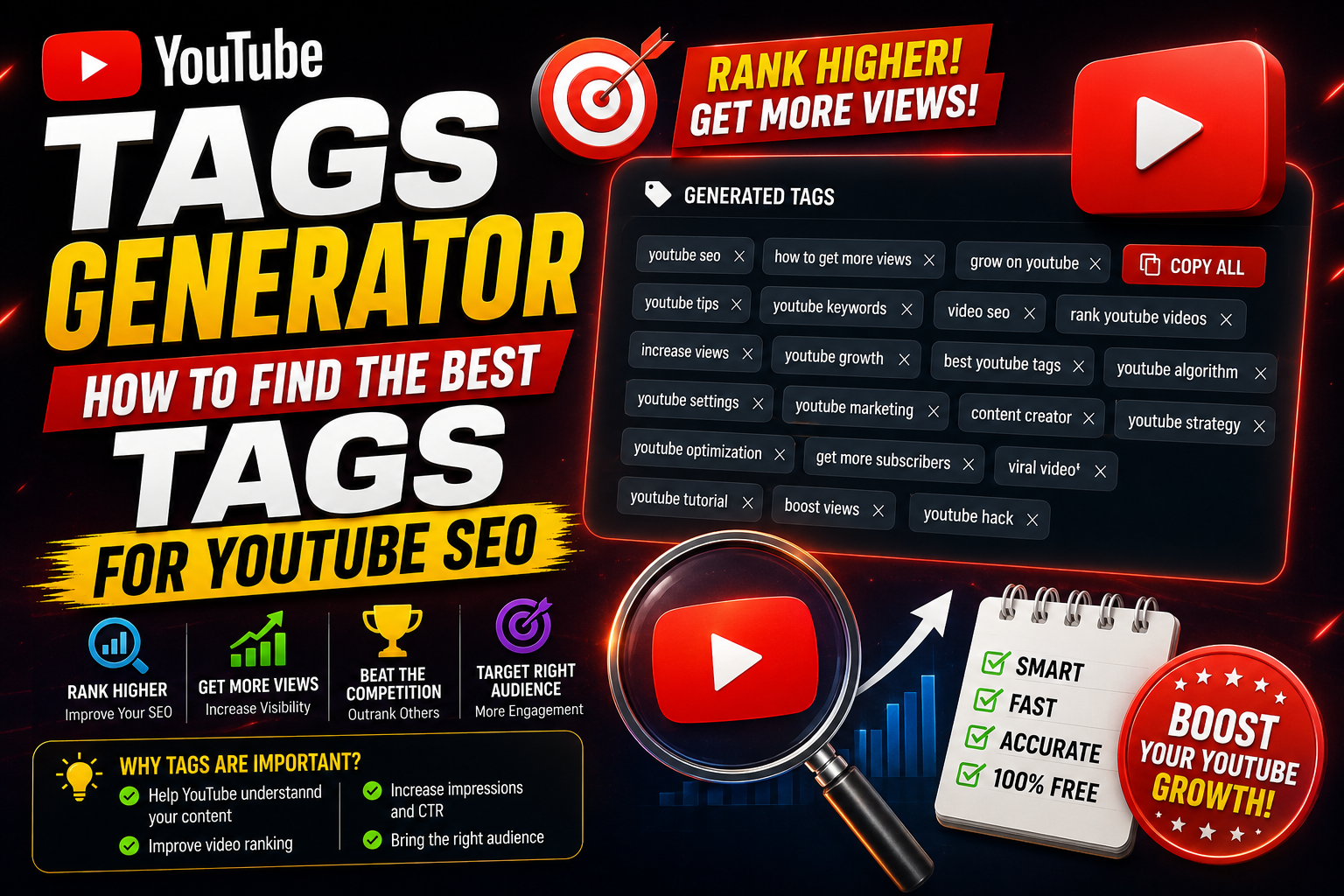
Finding the right keywords and tags for your YouTube videos can be a tedious process. While video titles and thumbnails play the largest role in attracting clicks, video tags remain a fundamental part of helping YouTube's search algorithm understand your topic, context, and niche.
A dedicated YouTube Tags Generator automates this process by instantly extracting high-performing, relevant tags based on real search query data.
 Why Use a YouTube Tags Generator?
- Uncover Low-Competition Keywords: Spot hidden search terms and long-tail tags that your competitors might have overlooked.
- Save Time on Metadata Creation: Instead of typing dozens of tags manually, generate a complete, optimized list in seconds.
- Fix Misspellings & Variations: YouTube specifically uses tags to catch common typos or alternative names associated with your content topic.
Why Use a YouTube Tags Generator?
- Uncover Low-Competition Keywords: Spot hidden search terms and long-tail tags that your competitors might have overlooked.
- Save Time on Metadata Creation: Instead of typing dozens of tags manually, generate a complete, optimized list in seconds.
- Fix Misspellings & Variations: YouTube specifically uses tags to catch common typos or alternative names associated with your content topic.
 Best Practices for Adding Tags to Your Videos:
1. Put Your Primary Keyword First: Always place your main target phrase as the very first tag in your list.
2. Mix Broad and Specific Tags: Combine broad category tags (e.g., 'Video Editing') with hyper-specific phrases (e.g., 'Premiere Pro Speed Ramp Tutorial').
3. Don't Overstuff Tags: Stick strictly to relevant keywords that accurately describe your content. Irrelevant tag stuffing can confuse the algorithm and lower your rankings.
Best Practices for Adding Tags to Your Videos:
1. Put Your Primary Keyword First: Always place your main target phrase as the very first tag in your list.
2. Mix Broad and Specific Tags: Combine broad category tags (e.g., 'Video Editing') with hyper-specific phrases (e.g., 'Premiere Pro Speed Ramp Tutorial').
3. Don't Overstuff Tags: Stick strictly to relevant keywords that accurately describe your content. Irrelevant tag stuffing can confuse the algorithm and lower your rankings.
Related guides: Mastering YouTube Video Search: How to Find Hidden Content and Niche Ideas and YouTube Description Generator: Craft High-Ranking Descriptions in Seconds.
You can also try the EKO24.NET Keyword Generator for a related creator workflow.