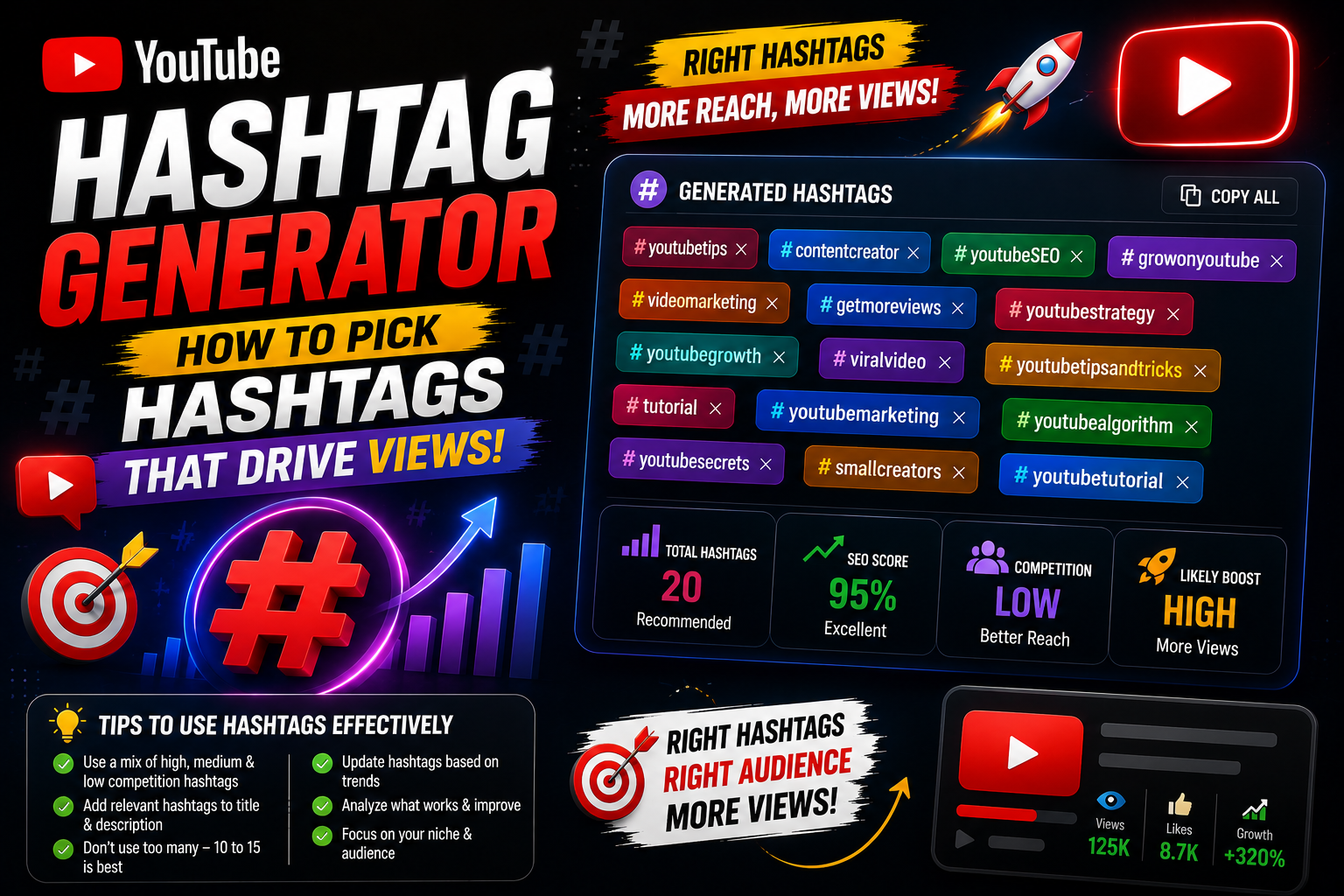
Hashtags on YouTube are more than just decorative symbols. When used correctly, they function as clickable search links that connect your content with users exploring specific topics or trending discussions across the platform. A dedicated YouTube Hashtag Generator analyzes current video trends and search queries to recommend the most effective hashtags for your specific upload. Why Should You Use a Hashtag Generator? - Discover Trending Topics: Easily spot which hashtags are gaining momentum in your niche before your competitors do. - Category Alignment: Helps YouTube's recommendation engine group your video alongside similar high-performing content. - Improved Mobile Search Visibility: Mobile viewers frequently tap on top hashtags displayed above video titles to find related content nGolden Rules for Using YouTube Hashtags: 1. Quality Over Quantity: Stick to 3 to 5 highly relevant hashtags. YouTube ignores all hashtags on a video if you add more than 15. 2. Add Them to Your Description: Place your primary hashtags near the end of your video description or directly in the first two lines. 3. Avoid Misleading Tags: Never use popular creator names or unrelated viral hashtags just for clicks—YouTube may flag your video for misleading metadata.
Related guides: YouTube Title Generator: How to Create High-CTR Titles That Rank and YouTube Description Generator: Craft High-Ranking Descriptions in Seconds.
You can also try the EKO24.NET Tags Generator for a related creator workflow.