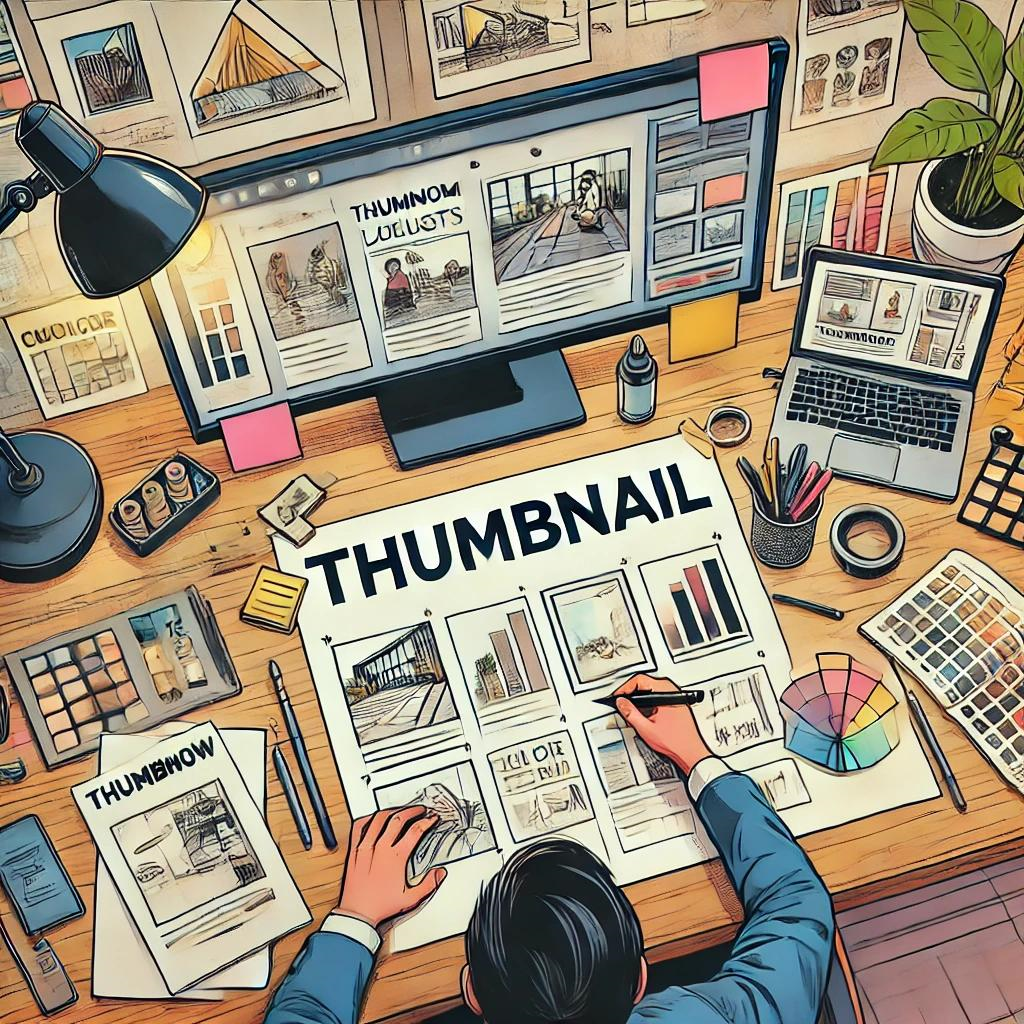
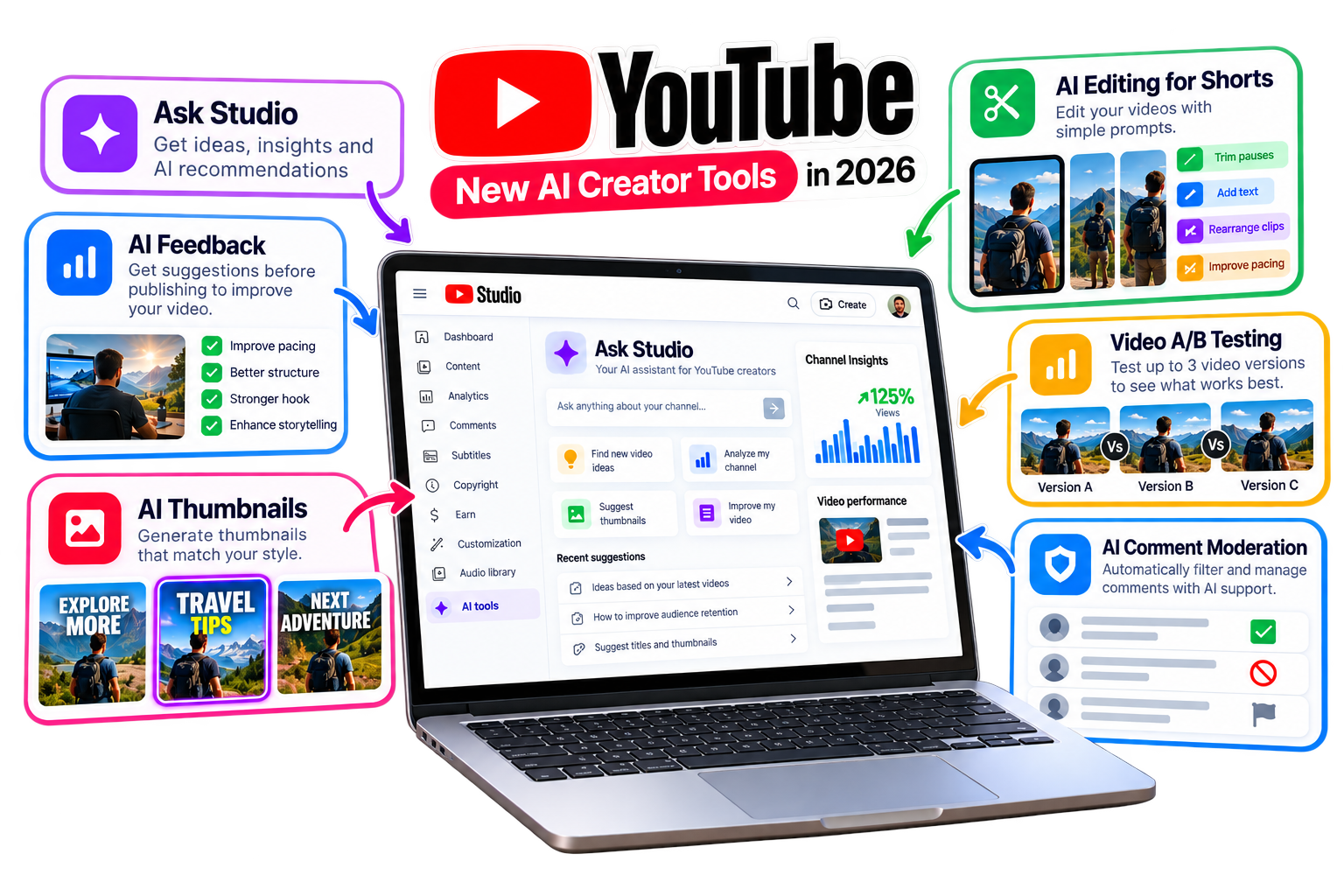
You can upload the most incredible video, but if your thumbnail doesn't grab a viewer's attention, your view count will suffer. It's often the single most critical factor in a video's success, directly influencing your Click-Through Rate (CTR).
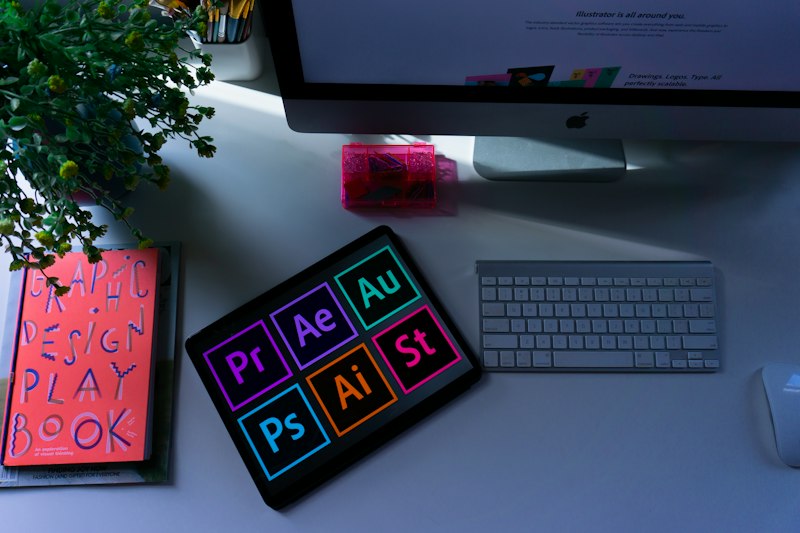 What are the Best Thumbnail Makers available in 2026?
- Canva (Web & Mobile): A powerhouse for easy design. It offers thousands of pre-made, customizable YouTube thumbnail templates.
- Pixlr & Photopea (Web): Excellent for users needing robust, layer-based editing without expensive software.
- Adobe Express: Provides powerful quick actions, background removal, and a vast asset library.
What are the Best Thumbnail Makers available in 2026?
- Canva (Web & Mobile): A powerhouse for easy design. It offers thousands of pre-made, customizable YouTube thumbnail templates.
- Pixlr & Photopea (Web): Excellent for users needing robust, layer-based editing without expensive software.
- Adobe Express: Provides powerful quick actions, background removal, and a vast asset library.
 Key Design Tips for Maximum Clicks:
1. Contrast is King: Ensure your subject pops. Use contrasting colors between your text and background.
2. Less is More: Don't clutter. Limit text to 3-5 words so viewers grasp the message in less than a second.
3. Show Emotion: Expressive faces drive engagement and significantly increase visual attention.
Key Design Tips for Maximum Clicks:
1. Contrast is King: Ensure your subject pops. Use contrasting colors between your text and background.
2. Less is More: Don't clutter. Limit text to 3-5 words so viewers grasp the message in less than a second.
3. Show Emotion: Expressive faces drive engagement and significantly increase visual attention.
Related guides: Boost Your Growth: Best YouTube Channel Analyzer Tools and How a Live Subscriber Counter Works (And Why Creators Use It).
You can also try the EKO24.NET Thumbnail Maker for a related creator workflow.