

EKO24.NET Tech & Creator Blog

YouTube growth, SEO, streaming, gaming and creator guides from EKO24.NET.

All Articles YouTube Growth SEO & Marketing Streaming Gaming Creator Tools Tech & Hardware Artificial Intelligence Cybersecurity
Microsoft Unveils an AI-Powered Security Operations Center for 2026
Cybersecurity

Microsoft Unveils an AI-Powered Security Operations Center for 2026

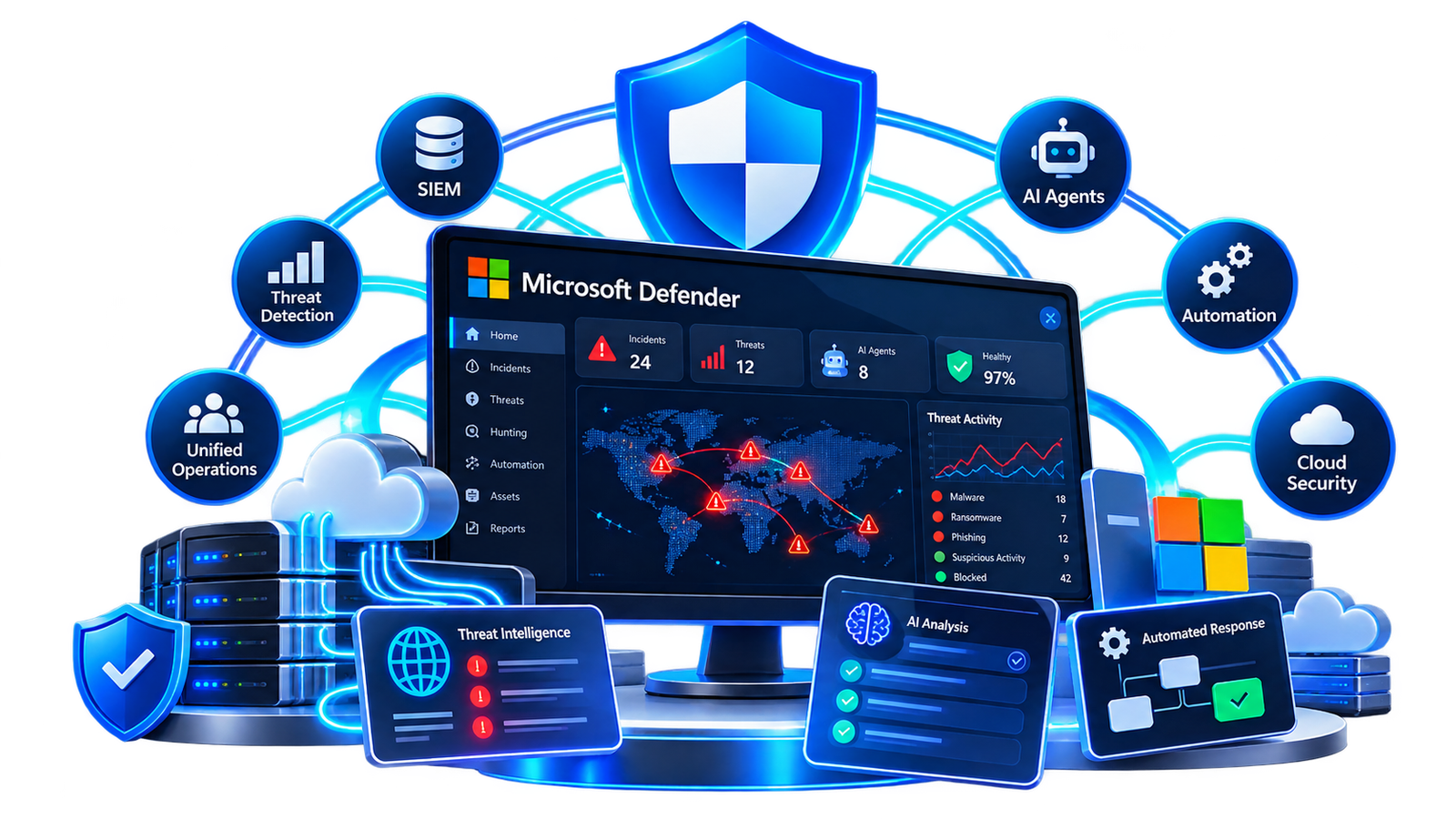
Microsoft Unveils an AI-Powered Security Operations Center for 2026 Microsoft is changing how security teams investigate and respond to cyber threats. The company has introduced the Integrated Security Operations Center (ISOC) in Microsoft Defender, a new security foundation designed for an era where both defenders and attackers increasingly use AI. The goal is simple: bring security data, threat protection, automation and AI agents together instead of forcing security teams to work across disconnected systems. What Is Microsoft ISOC? ISOC stands for Integrated Security Operations Center. It brings SIEM and threat protection capabilities together inside Microsoft Defender, giving security teams a shared environment for detecting, investigating and responding to threats. Microsoft says the platform combines signals, context and security controls so human analysts and AI agents can work from the same information. AI Agents Become Part of Security Operations One of the biggest changes is the role of AI agents. Rather than operating as a separate AI layer, agents can use the same security signals, context and controls available to human security teams. This can help automate continuous tasks while analysts remain responsible for priorities, judgment and important security decisions. SIEM and Threat Protection in One Place Traditional security operations can involve several separate tools. ISOC is designed to reduce that fragmentation by bringing important security capabilities into the Microsoft Defender portal. During the current preview, supported capabilities include case management, workbooks, automation rules and natural-language playbook generation. Organizations can also add an ISOC workspace for additional capabilities such as threat intelligence, UEBA and third-party security data. Faster Detection and Response Microsoft describes an integrated protection loop where security signals can continuously improve protection. Defender can use telemetry and controls to identify threats, respond to attacks in progress and help anticipate possible attacker movements. The idea is to reduce the time analysts spend manually connecting information from different security products. Humans Still Have an Important Role Microsoft is not presenting ISOC as a system that removes security professionals from the process. Its model combines automation with human direction. AI agents provide speed and scale, while security professionals set priorities, apply judgment and decide which outcomes matter to the organization. Who Can Access ISOC? ISOC is currently available in preview for eligible customers. Microsoft documentation lists Microsoft Defender Suite, Microsoft 365 E5 and Microsoft 365 E7 among the eligible licenses during this phase, with additional requirements applying to some workspace-based capabilities. Why This Update Matters Cybersecurity teams are dealing with increasingly automated threats. Bringing SIEM, threat intelligence, automation and AI-assisted investigation closer together could make security operations simpler and faster. ISOC also shows where enterprise cybersecurity is heading: AI agents are moving from standalone assistants toward becoming integrated parts of everyday security operations. Final Thoughts Microsoft's new Integrated Security Operations Center represents a significant change in how Defender is organized for AI-powered security operations. The technology is still in preview, so capabilities and availability may change. But Microsoft's direction is clear: future security operations will increasingly combine human expertise, unified security data, automation and AI agents inside the same environment.
Read Article โ†’
AI-Powered Cyberattacks in 2026: Whatโ€™s Changing and How to Stay Safe
Cybersecurity

AI-Powered Cyberattacks in 2026: Whatโ€™s Changing and How to Stay Safe

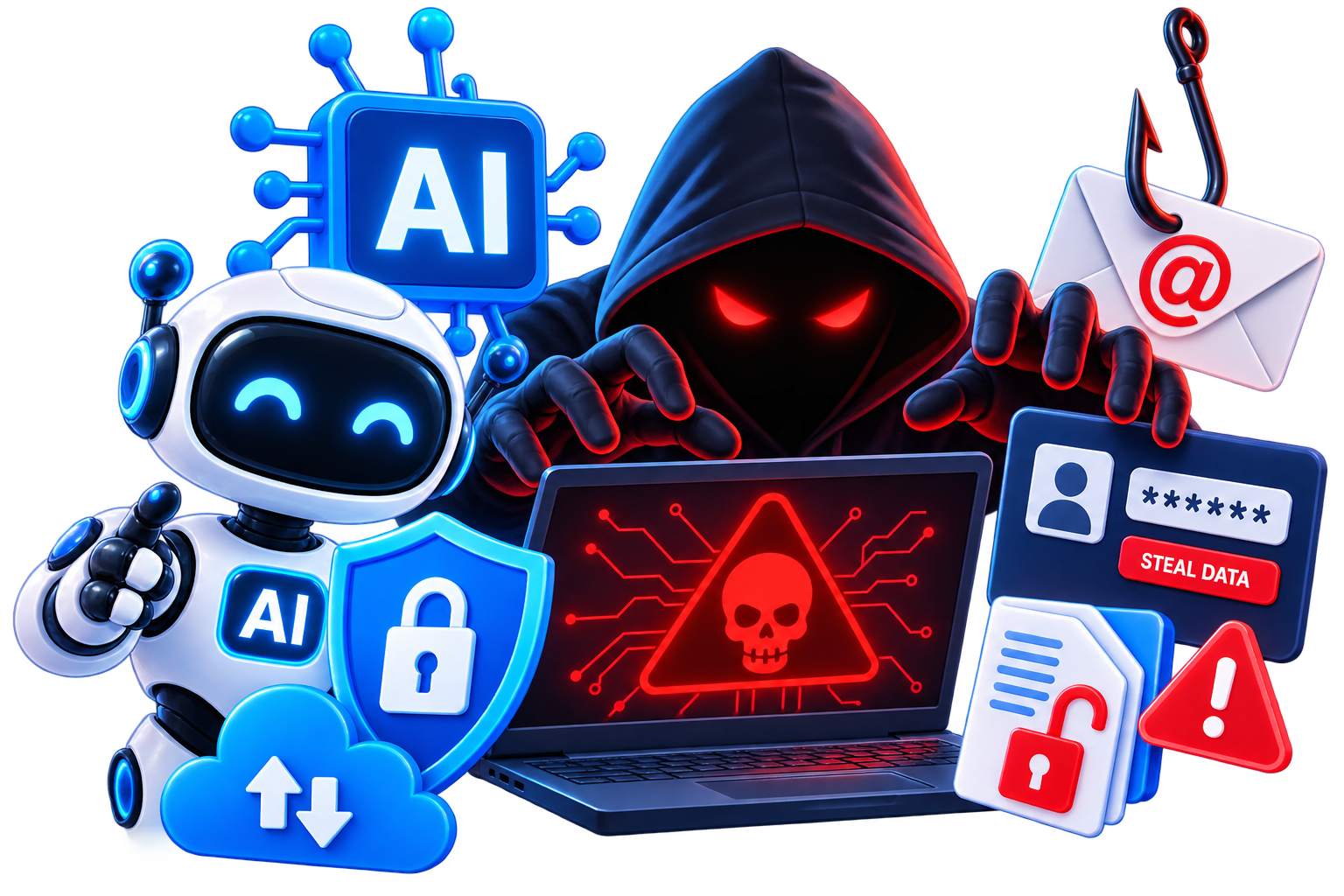
Artificial intelligence is changing the cybersecurity landscape in 2026. The same technology that helps people write, research, code, and automate everyday work can also be misused by cybercriminals to make some attacks faster and more convincing. This does not mean that every cyberattack is now powered by advanced AI. Many attacks still rely on familiar techniques such as phishing, fake login pages, malicious downloads, and stolen passwords. What is changing is the speed, scale, and quality with which some of these attacks can be created. How AI Is Changing Cyberattacks Cybercriminals can use generative AI to produce convincing emails, translate scams into multiple languages, personalize messages, and automate parts of an attack. Google Threat Intelligence reported in September 2026 that it had observed some adversaries moving from basic AI prompting toward agentic workflows and AI-enabled automation. In one case observed by Google, attackers compromised a cloud resource and then planned, built, and executed an agent-enabled mass credential-harvesting campaign in less than six hours. This illustrates why automation matters: defenders may have less time to detect and respond to malicious activity. AI-Themed Phishing Is Becoming More Common Another important trend is simpler: attackers are using the popularity of AI itself as bait. Microsoft has documented phishing and malvertising campaigns impersonating well-known AI services. These campaigns may advertise a fake AI plugin, claim that an account needs urgent attention, or direct users to a fraudulent payment or login page. Microsoft reported a ChatGPT-themed phishing campaign that sent up to 100,000 emails in a single day. Other observed campaigns impersonated services such as Claude and DeepSeek. Importantly, these attacks did not mean the real AI platforms had been compromisedโ€”the attackers were abusing familiar brand names to gain trust. What Should You Watch For? The warning signs are still familiar. EKO24.NET's Security & Privacy Tools bring together several utilities for checking links, passwords and privacy-related information. Be cautious when an email or message creates unnecessary urgency, asks you to confirm payment details, requests a password, or pushes you to install an unfamiliar AI application. Check the sender and domain before clicking. Avoid downloading AI tools from unfamiliar websites or advertisements. Do not enter passwords or card information after following a suspicious link. Use unique passwords and enable multi-factor authentication where available. Keep your browser, operating system, and security software updated. You can also use EKO24.NET security utilities such as the URL Safety Checker when examining an unfamiliar link and the Secure Password Generator when creating stronger, unique passwords. On EKO24.NET, you can also find free Security & Privacy tools designed to help with everyday checks, including suspicious URLs, stronger passwords, and email privacy. AI Can Help Defenders Too AI is not only useful to attackers. Security teams are increasingly using automation and AI-assisted systems to identify suspicious behavior, correlate signals, scan code, and respond faster. The cybersecurity race therefore works in both directions: attackers can automate parts of their operations, while defenders can use similar advances to detect and contain threats more quickly. The most important protection for everyday users remains good security habits. AI may improve the presentation or speed of a scam, but many attacks still depend on convincing a person to click, download, sign in, or share sensitive information. For additional privacy checks, the Email Privacy Checker reviews visible privacy indicators in an email address directly in the browser. Frequently Asked Questions Are all cyberattacks now using AI? No. Traditional phishing, malware, password theft, and social engineering remain common. AI is an additional tool that some attackers are using to improve or automate parts of their campaigns. Can an AI-generated phishing email be difficult to recognize? Yes. AI can produce natural-looking language and personalized messages, so poor grammar is no longer a reliable warning sign. Checking the sender, destination URL, request, and context is more important. Is it safe to download new AI tools? Use the official website or a trusted app store whenever possible. Fake installers and malicious advertisements can imitate popular AI products. Final Thoughts AI-powered cyberattacks are an important security trend in 2026, but the basic defense remains practical: verify unexpected requests, protect your accounts, avoid suspicious downloads, and think before clicking. As attacks become faster and more polished, a few seconds of verification can make a major difference.

Read Article โ†’