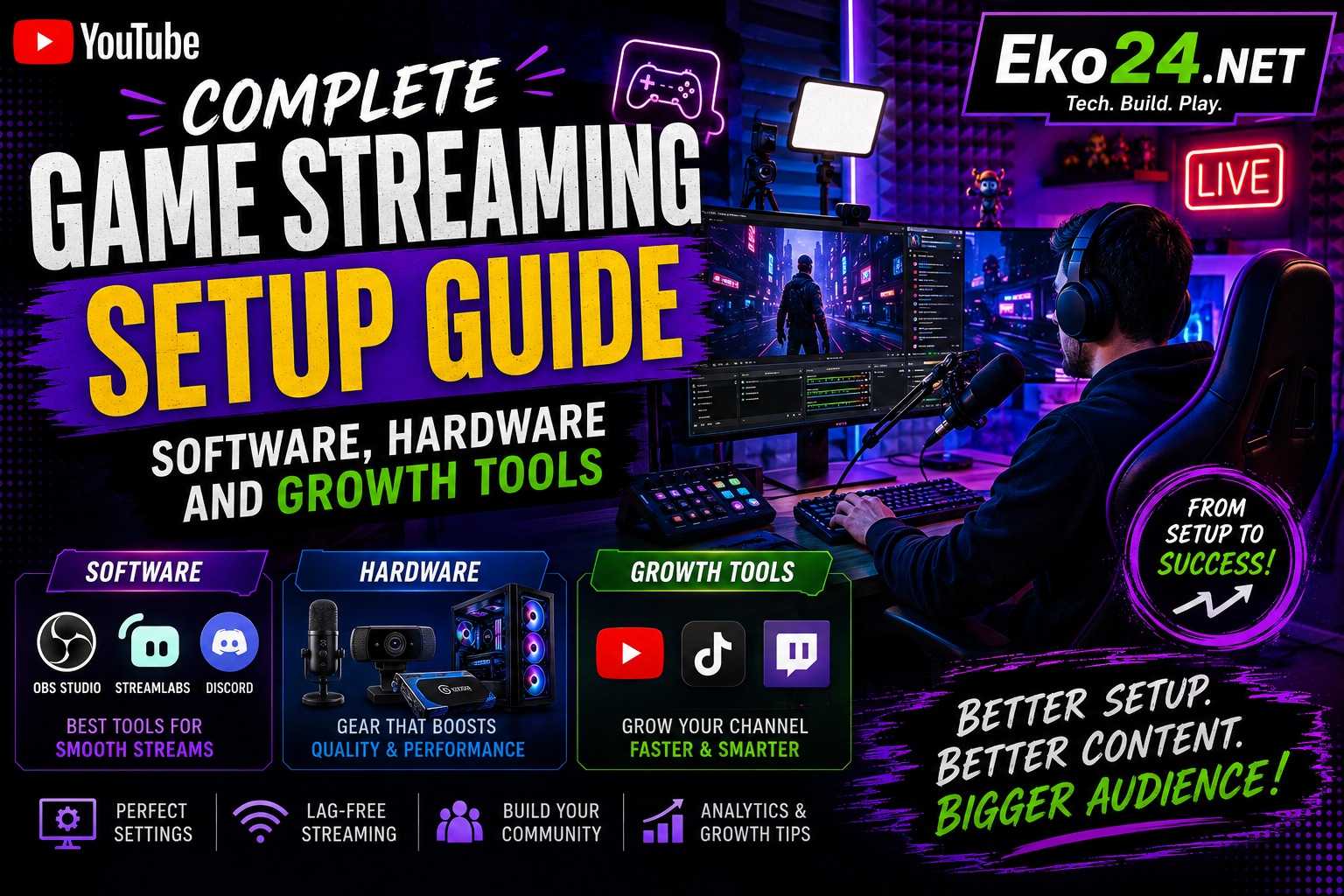
Live streaming video games on platforms like Twitch, YouTube Live, and Kick has become one of the most popular ways to build an online community. However, lagging streams, muffled audio, or poorly configured encoder settings can drive viewers away before they even hit the follow button.
Building a high-quality streaming setup requires a balance between hardware power, software tweaking, and smart channel promotion. For more insights on digital growth and optimization strategies, keep exploring the resources on EKO24.NET!
1. Hardware Essentials for a Clean Broadcast
Whether you stream on a single PC, a dual-PC configuration, or a console, prioritizing core hardware ensures stream stability:
- GPU-Based Hardware Encoding: Utilizing modern GPU encoders (such as NVIDIA NVENC or AMD AMF) offloads rendering tasks from your CPU, preserving in-game frame rates.
- Dedicated Audio & Microphone: Audio quality is even more crucial than camera resolution. USB or XLR cardioid microphones paired with noise-suppression filters keep background fan noise isolated.
- Capture Cards for Consoles: When streaming from a PlayStation, Xbox, or Nintendo Switch, a low-latency 1080p/60fps capture card ensures smooth video passthrough to your encoding software.
2. Optimal OBS Studio Settings in 2026
Open Broadcaster Software (OBS Studio) remains the gold standard for live streamers. To maintain a crisp 1080p 60FPS broadcast without dropped frames, start with these baseline configurations:
- Rate Control: Set to
CBR(Constant Bitrate) for predictable bandwidth delivery. - Bitrate Range: Aim for 6,000 to 8,000 Kbps for 1080p at 60 FPS, or 4,500 Kbps for 720p/60 FPS setups on lower upload connections.
- Keyframe Interval: Always set your keyframe interval to
2 secondsas mandated by major streaming platforms.
3. Optimizing Stream Packaging and Discovery with EKO24.NET
Going live is only half the battle; getting discovered in crowded gaming directories requires intentional marketing and packaging:
- Eye-Catching Offline Thumbnails & Overlays: Inspect successful stream graphics and download competitor visual references using the HD Thumbnail Downloader on EKO24.NET.
- Stream Title SEO: Craft engaging live stream titles that rank high in search suggestions with the Title Generator on EKO24.NET.
- Discoverability Tags: Generate targeted video tags and hashtags for VOD uploads and stream clips using the free Tags Generator on EKO24.NET.
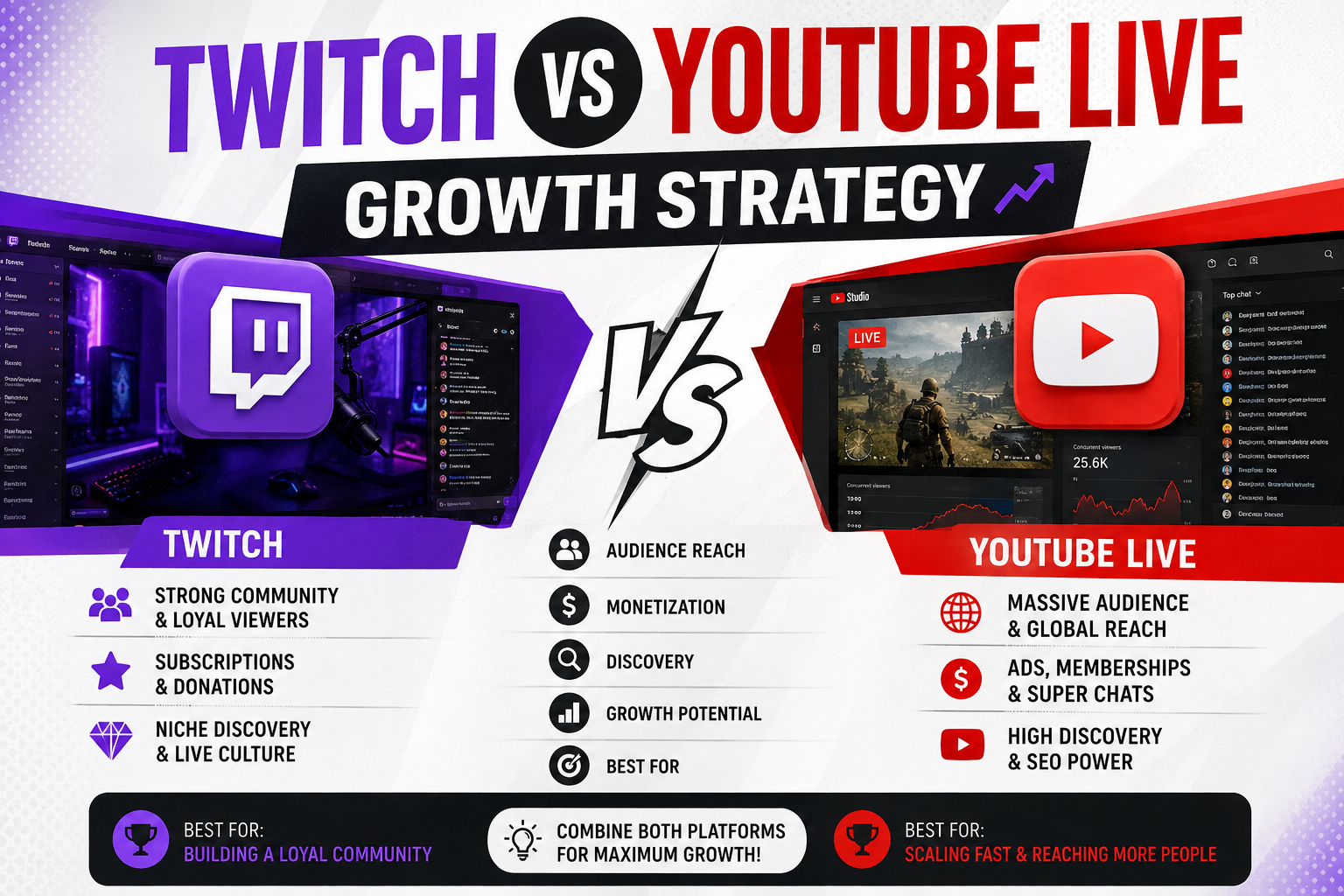
Related guides: Twitch vs YouTube Live Growth Strategy: Which Platform Wins in 2026 and Best Gaming Consoles and Setup Bundles for 2026: Complete Performance Benchmark.
Conclusion
A successful game streaming setup combines reliable hardware encoding, clear microphone audio, and optimized metadata to attract and retain viewers. By fine-tuning your OBS settings and leveraging dedicated creator utilities, you can deliver broadcast-quality streams consistently. For more insights on digital growth and optimization strategies, keep exploring the resources on EKO24.NET!