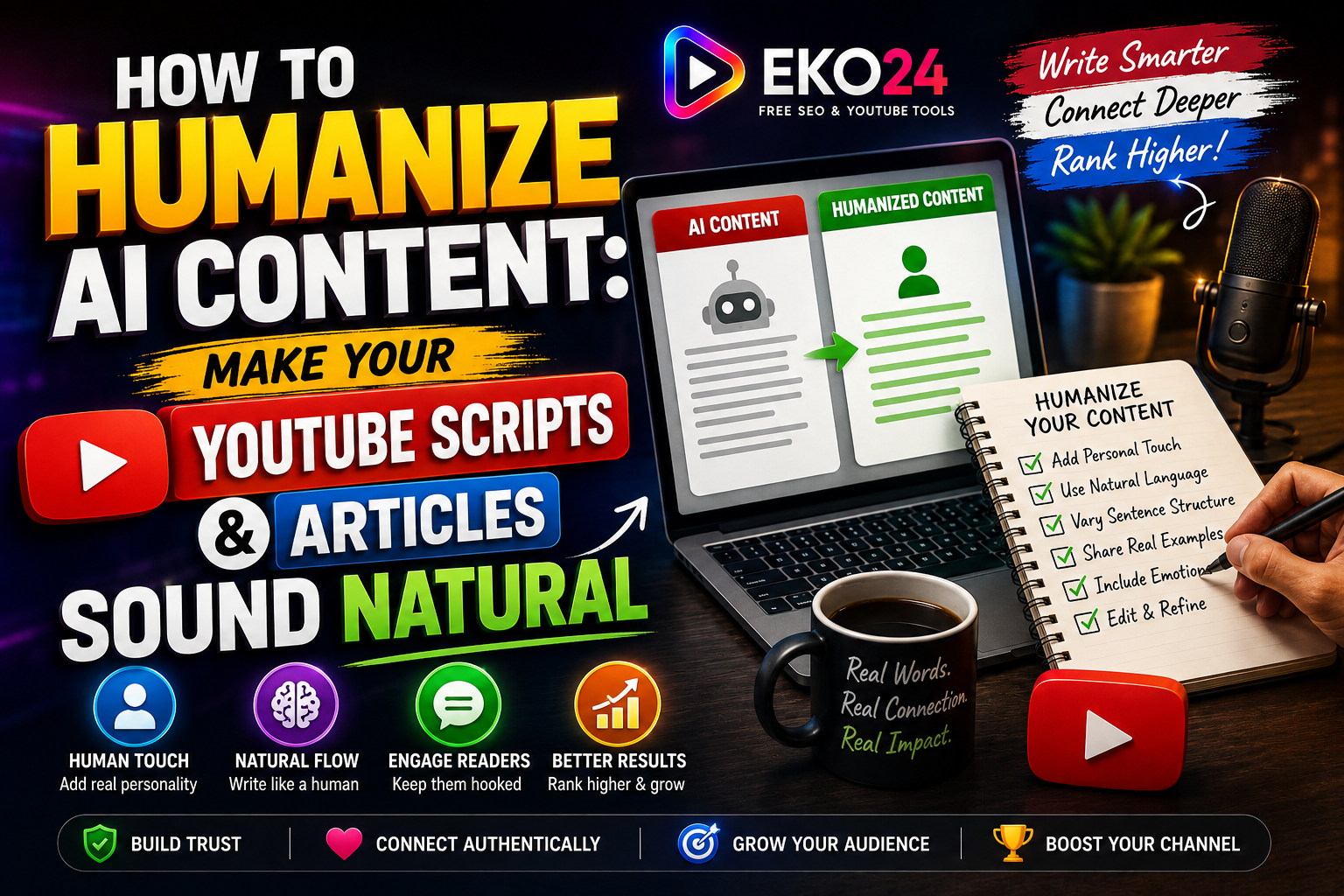
AI can help creators organize ideas and produce a first draft quickly, but an untouched draft can sound repetitive, generic, or disconnected from the audience. Humanizing AI-assisted content means editing it with real judgment: clearer language, specific examples, natural transitions, and a voice that fits the creator or website.
The goal is not to disguise where a draft came from. The goal is to turn rough material into content that is accurate, useful, readable, and worth a person's time.
Start With the Reader or Viewer
Before editing, define who the content is for and what that person should understand or be able to do after reading or watching. Remove paragraphs that repeat the topic without helping the audience move forward.
Replace Generic Claims With Specific Information
Statements such as “this is very important” or “this powerful strategy can transform your results” add little value unless the content explains why. Replace vague claims with a concrete example, a practical step, a limitation, or evidence that supports the point.
Rewrite the Opening in Your Own Voice
Introductions often reveal generic writing fastest. Avoid long openings that merely announce the subject. Start with the problem, situation, question, or useful result the audience came for.
Vary Sentence Length and Structure
Natural writing does not require artificial slang or intentional mistakes. It benefits from rhythm. Mix concise statements with longer explanations, avoid repeating the same transition words, and combine sections that make the same point twice.
Add Experience and Context Where You Actually Have It
A useful human edit can include observations from your workflow, screenshots, test results, examples, or lessons from previous projects. Do not invent personal experience simply to make a draft sound authentic.
Check Facts, Names and Current Details
AI-assisted drafts can contain outdated or unsupported information. Verify product names, dates, statistics, platform rules, quotations, and technical instructions before publishing. Remove claims you cannot substantiate.
Edit YouTube Scripts for Spoken Delivery
A sentence that reads well on a page may sound awkward aloud. Read the script out loud and shorten phrases that are difficult to say naturally. Give the opening a clear promise, move quickly into the useful material, and use transitions that help viewers understand why the next section matters.
If you are developing a YouTube topic, the EKO24.NET Keyword Generator can help you explore how people phrase related searches, while the SEO Checker can be used as a final metadata review. These tools should support the content rather than replace editorial judgment.
Edit Articles for Scanning and Clarity
Use descriptive headings, focused paragraphs, and lists only when they make information easier to scan. Remove unnecessary conclusions after every section. Internal links should lead readers to genuinely related resources rather than being inserted only for SEO.
A Simple Human Editing Pass
- First pass: remove repetition and unsupported claims.
- Second pass: add specific examples, context, and useful detail.
- Third pass: simplify awkward wording and improve transitions.
- Final pass: verify facts, links, spelling, and formatting.
Related guides: AnswerThePublic In-Depth Review: Core Capabilities, Constraints, and Content Strategy Metrics and Ahrefs Masterclass Review: Features, Drawbacks, and Essential Search Optimization Data.
Final Takeaway
Humanizing AI-assisted content is an editing process, not a trick. Use AI for appropriate parts of the workflow, then apply human judgment to accuracy, structure, examples, tone, and usefulness. The finished article or script should sound natural because it has been thoughtfully edited for real people.