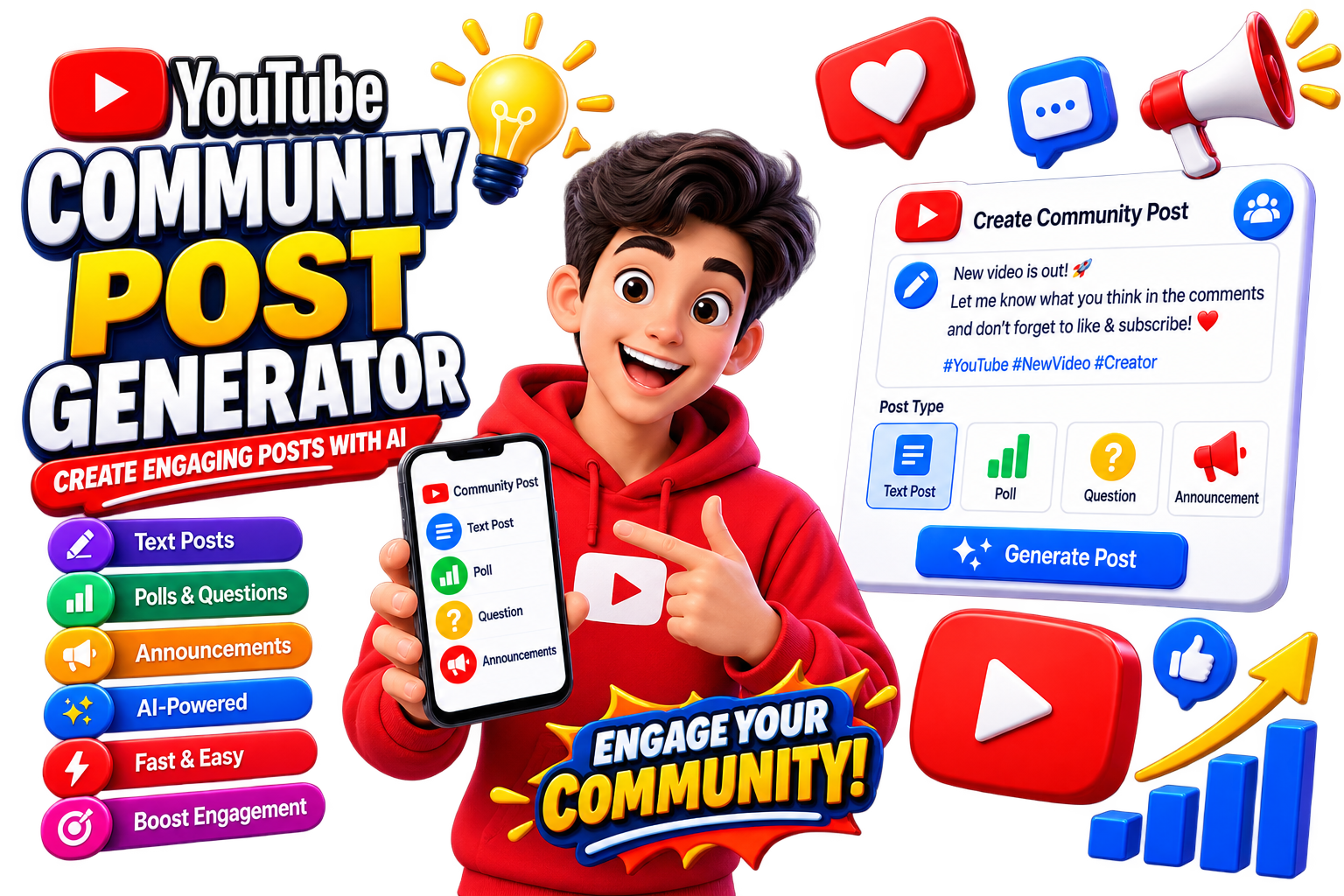
YouTube Community posts are a simple way to stay connected with your audience between video uploads. You can use them to share updates, ask questions, promote videos, or start conversations with subscribers.
What Is a YouTube Community Post Generator?
A Community Post Generator helps you quickly create post ideas based on your topic. Instead of writing every post from scratch, you can generate a starting point and customize it for your audience.
How to Generate a Community Post
- Open the EKO24.NET Community Post Generator.
- Enter your topic or idea.
- Choose the type of post you want.
- Generate your post and personalize it before publishing.
Ideas for YouTube Community Posts
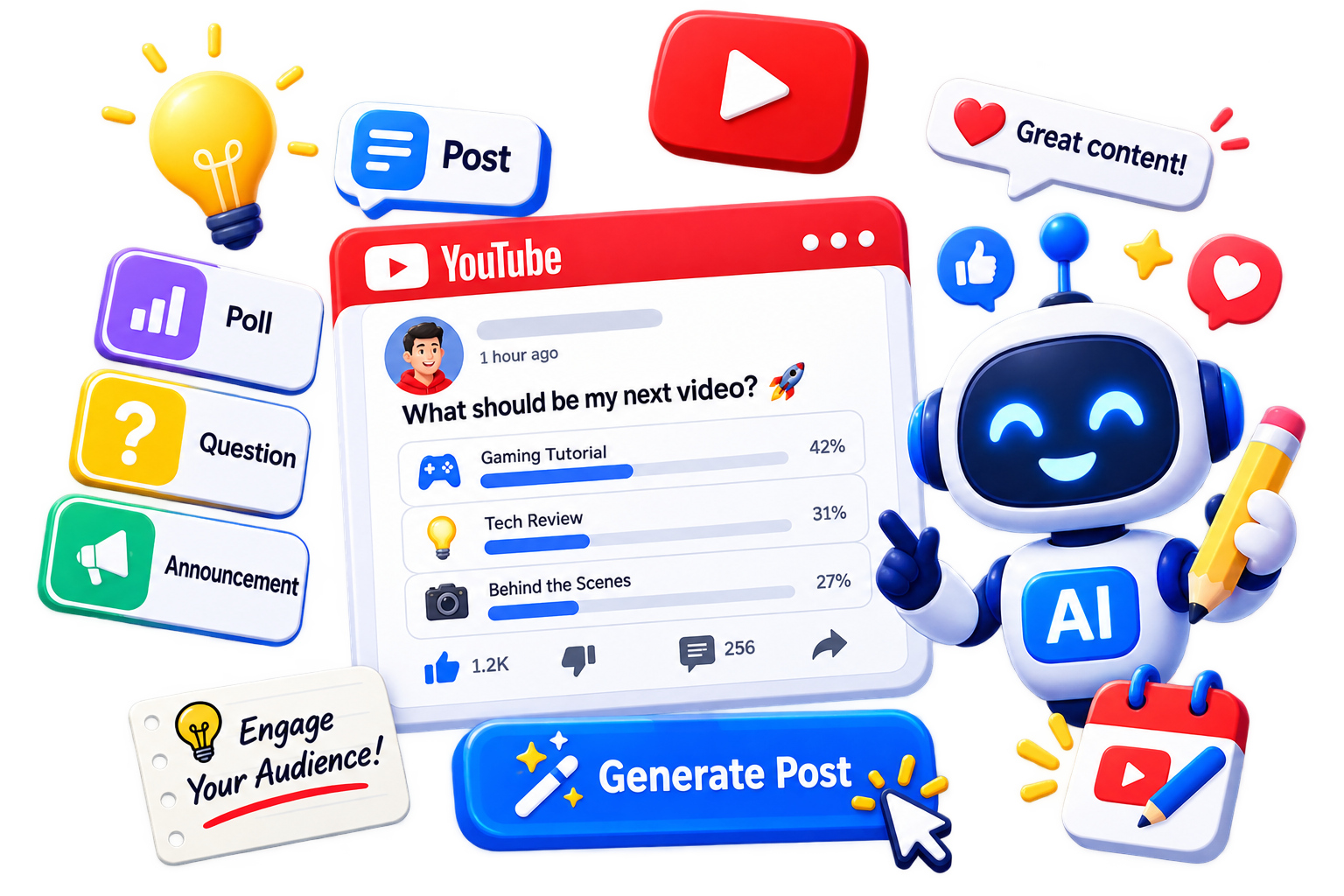
Try questions, polls, behind-the-scenes updates, video announcements, quick tips, or simple posts asking viewers what they want to watch next.
Keep Your Audience Engaged
Community posts work best when they feel natural and encourage interaction. Use the EKO24.NET Community Post Generator whenever you need a quick idea for your next post.
Example of a useful community post
A useful community post gives viewers a clear reason to respond. For example: “I am planning the next tutorial. Which topic would help you most: editing faster or improving audio? Tell me why in the comments.” Edit generated text to match your voice, avoid misleading promises and keep the question easy to answer. Review the final post before publishing.
Three ready-to-adapt community post examples
Tutorial channel: “Which editing step takes you the longest: captions, audio cleanup or transitions? Vote below and I’ll cover the most requested one next.”
Gaming channel: “I’m choosing the next game to test. Would you rather see a performance comparison or a beginner setup guide? Tell me why in the comments.”
Tech channel: “Quick question: what is the first thing you check before buying a new laptop—battery, display, RAM or price?”
Make generated posts sound like your channel
Replace generic wording with a specific question, keep the options mutually understandable, and avoid promising a follow-up you cannot deliver. Check the draft for accuracy and use your normal tone. A useful post should invite a real response, not merely ask viewers to engage.
Who can use YouTube Posts?
Posts are not available for supervised accounts or channels set as Made for Kids, and access may vary by account role and region. Posts can include polls, quizzes, text, images and videos; visibility is not guaranteed to every subscriber. Check YouTube Help: Learn about posts before relying on the feature. AI-generated suggestions should be edited and checked before publication.
Posts versus Communities: avoid confusing the features
Channel Posts let a creator share text, polls, images, quizzes and videos with viewers. YouTube also offers a separate Communities space in which eligible subscribers can participate in discussions; content shared only in a Community does not automatically appear on the channel's Posts tab. Check which feature is enabled on your channel before using a generated draft. Official references: Create a post and Start your Community.