

PC Builder Simulator
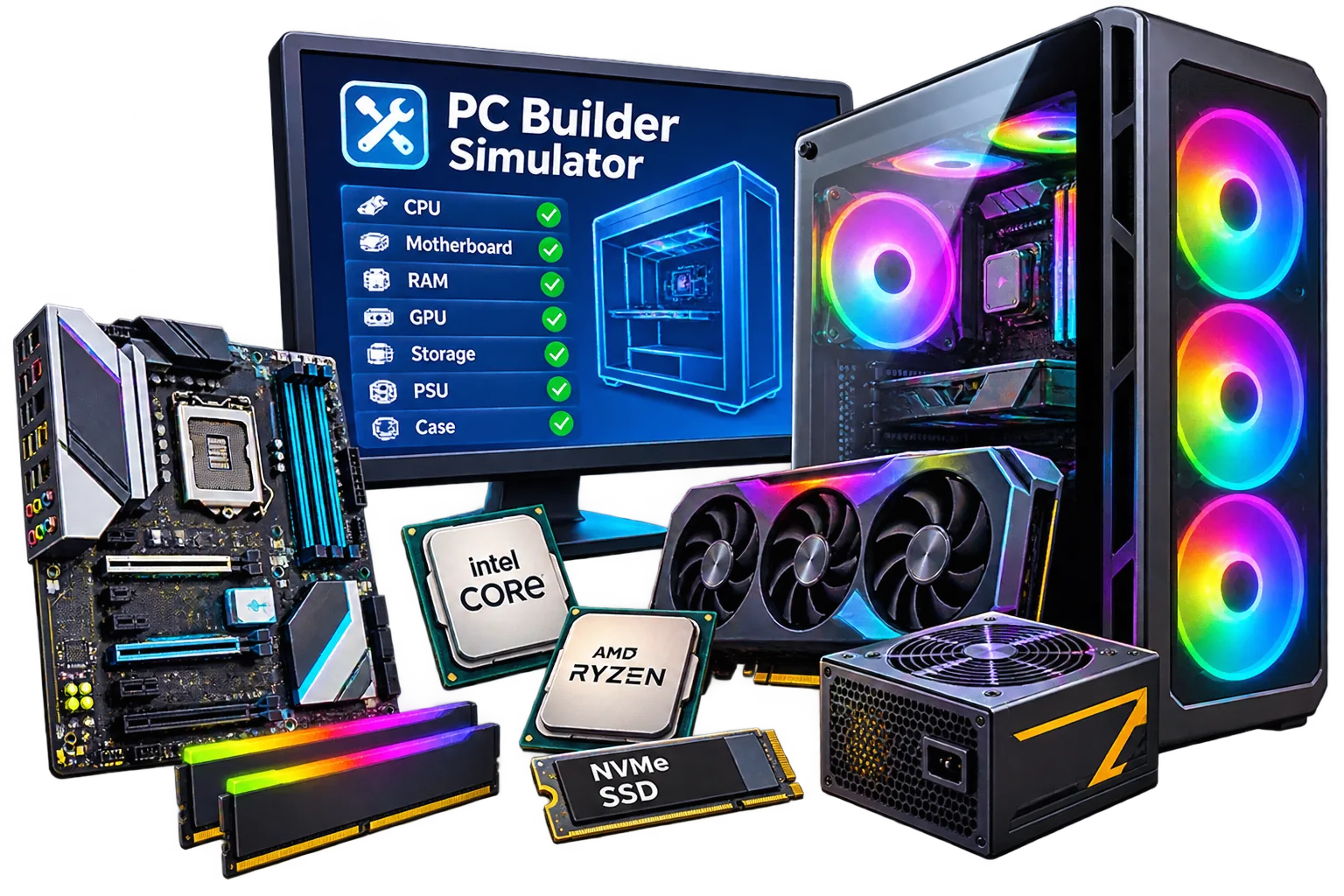
Build a virtual desktop PC. Choose parts, check basic compatibility, and see an estimated total cost and power requirement. All prices are illustrative, not live shop prices.
Choose your components
Your virtual PC — live preview
The diagram updates as you select components. Illustrative layout, not a scale model.
Compare two PC builds
Save your current selection as Build A, change the parts, then compare with Build B.
| Component | Build A | Build B (current) |
|---|
Save Build A to start comparing.
How it works
- Choose a processor and compatible motherboard.
- Match RAM generation to the motherboard.
- Choose graphics, storage, power supply and case.
- Review warnings before using this as a learning example.
Simplified educational simulation: real-world builds also require checking BIOS support, physical dimensions, cooling clearance, connectors and regional pricing.
PC Building and Compatibility Guide
Start with a CPU and motherboard that share the same socket. Match the memory generation (DDR4 or DDR5) and check that the motherboard fits the case. Choose storage and graphics based on your intended workload.
How much power does a PC need?
The simulator estimates component power draw, adds a fixed allowance and recommends a PSU capacity with additional headroom. Real systems also require checking manufacturer recommendations, connectors and transient power loads.
Can I use this tool to plan a gaming PC?
Yes. Compare virtual builds, set a budget and explore relative gaming scores at 1080p, 1440p and 4K. Prices and performance scores are illustrative, not live prices or measured FPS.