You have a good video idea. You know what you want to talk about. Then you open a blank document and suddenly have no idea how to start.
It happens to a lot of creators.
Writing a YouTube script isn't always difficult because you lack ideas. Sometimes the hardest part is simply turning those ideas into something that flows naturally from the opening line to the final call to action.
That's where an AI video script writer can be useful.
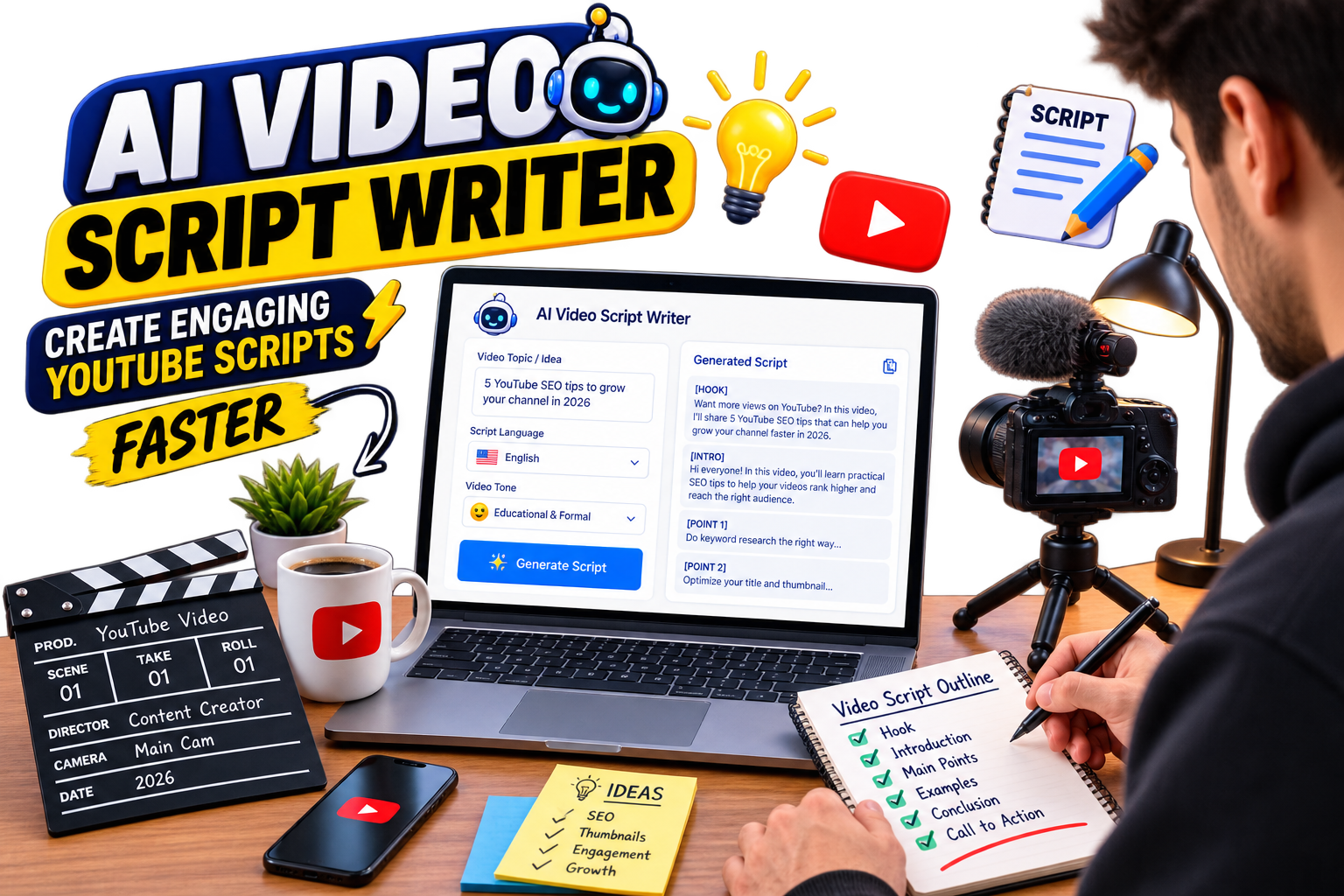
The EKO24.NET AI Video Script Writer gives you a starting point. Enter your topic, choose a language and tone, and generate a draft that you can shape into your own script. It doesn't need to replace the way you write. Think of it as a way to get past the blank page and start working.
What Is an AI Video Script Writer?
An AI video script writer takes a topic and turns it into a structured draft for a video. Instead of sitting there wondering how to introduce your subject or organize your talking points, you can generate a basic script and work from there.
For example, maybe you're planning a video about building a budget gaming PC. You could start writing everything manually, or enter a topic such as “How to build a gaming PC for under $1,000 in 2026.” That gives the AI a much clearer direction than simply typing “Gaming PC.”
Once you have the draft, the important part begins: making it yours. Add your experience, change sentences you wouldn't normally say, remove sections you don't need, and add examples your audience will actually understand.
Why Use AI for YouTube Scripts?
Speed is probably the most obvious reason. If you publish regularly, you already know how much time goes into a single video. Research, scripting, recording, thumbnails, editing, descriptions and everything else can quickly turn one video into hours of work.
Getting a first draft faster can make a difference. AI can also help when you know the subject but can't find the right opening. Sometimes seeing a rough structure is enough to get your own ideas moving again.
But there's an important distinction: generating a script isn't the same as finishing one. The generated version should be your starting point, not something you automatically read into a microphone without reviewing it.
How to Use the EKO24.NET AI Video Script Writer
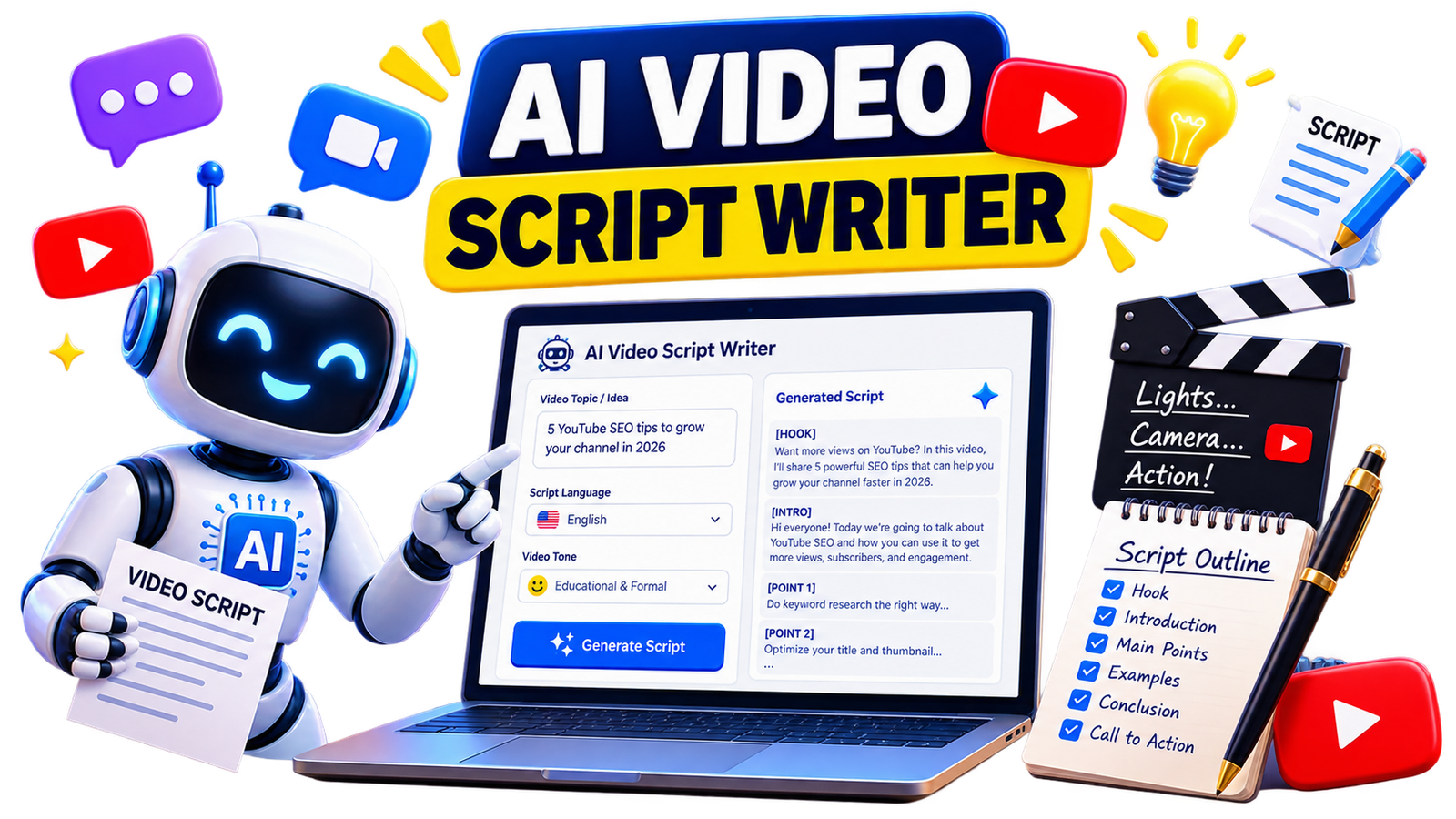
The tool is intentionally simple. Start by entering your Video Topic / Idea. Then choose the language you want the script written in: English, Arabic, French or Spanish.
Next, select a tone that fits your video. You can choose an educational and formal style, a funny and entertaining approach, or something more dramatic and exciting.
Click Generate Script, review the draft, and copy it when you're ready to start editing.
Try the EKO24.NET AI Video Script Writer →
Be Specific About Your Video Idea
Here's one small change that can make the tool much more useful: don't be vague.
Suppose you enter “YouTube tips.” There are hundreds of directions that topic could go.
Now compare it with “7 YouTube SEO tips for new gaming channels struggling to get organic views.” The second version tells the AI what you're discussing, who the video is for and what problem you're trying to solve.
You don't need to write an enormous prompt. Just give the tool enough context to understand where you want the video to go.
Your First 30 Seconds Matter
You've probably clicked a video because the title looked interesting, watched the opening for a few seconds and then left. Your viewers do exactly the same thing.
That's why the opening deserves special attention when you're editing your script. Don't spend a minute explaining what you're going to explain. Get to the reason the viewer clicked.
If your video is about increasing YouTube views, for example, you could open with the problem: “Your videos are getting impressions, but people aren't clicking. Before changing your entire content strategy, there are a few things you should check.”
You don't need exaggerated promises or fake suspense. A clear problem and a useful reason to continue can be enough.
Don't Make the Script Sound Like a Script
This is where editing matters. Something can look perfectly fine on a screen and still sound strange when you say it out loud.
Read your script aloud before recording. If you run out of breath halfway through a sentence, shorten it. If a phrase sounds too formal for you, rewrite it. If you've explained the same point three times, keep the strongest version and delete the others.
You don't have to follow every generated sentence either. Some creators prefer a complete word-for-word script. Others only need bullet points to stay on track. Use whatever feels natural on camera.
Add Something AI Doesn't Have: You
Imagine two creators generating scripts about the exact same smartphone. They could start with similar facts, but their final videos shouldn't feel identical.
One creator may have tested the phone for three months. Another might compare it with the model they used last year. Someone else may discover a problem while gaming that isn't obvious from reading the specifications.
Whenever possible, add your own experience, examples, tests, opinions, screenshots, demonstrations, stories and conclusions. AI can help organize information. Your experience is what gives that information personality.
Think About the Visuals While You Write
A YouTube script isn't a blog post. People aren't only listening to you; they're watching something too.
While editing your script, ask yourself: What should viewers see while I'm saying this?
If you're explaining software, maybe you need a screen recording. Talking about analytics? Show the graph. Comparing two products? Put them side by side. Planning these moments while working on your script can make editing easier later.
What About YouTube SEO?
A good script should stay focused on the actual subject of the video. If you're making a video about YouTube keyword research, you'll naturally discuss keywords, search intent, titles, competition and related ideas. You don't need to repeat the same keyword every few sentences.
Write for the viewer first. You can use the EKO24.NET Keyword Generator to explore related search phrases and the SEO Checker for a final optimization review.
Your title, description, tags and other metadata can support the video, but the script still needs to deliver what the title promised.
When Is an AI Script Writer Most Useful?
There isn't one correct way to use it. Maybe you have a complete idea and only need help organizing it. Maybe you know the topic but can't write the introduction. Or perhaps you publish frequently and simply want to reduce the time you spend creating first drafts.
The tool can be useful for tutorials, product reviews, gaming videos, educational content, storytelling, comparisons, business videos and plenty of other formats. The important thing is what happens after you click Generate.
Always Check the Final Script
Before recording, go through the script one more time. Check factual claims, names and dates. If you mention statistics, make sure they're accurate and still relevant. If you're discussing a product, verify its specifications rather than assuming the generated information is correct.
And finally, remove anything you wouldn't actually say. AI can help you write faster, but you're still the editor.
Related guides: YouTube Competitor Analysis: How to Find What Works in Your Niche and How to Find Viral YouTube Video Ideas Early in 2026.
Turn Your Next Idea Into a Script
Starting from a blank page can be frustrating. Starting from a rough draft is usually much easier.
That's the idea behind the EKO24.NET AI Video Script Writer. Enter your video topic, choose your language and tone, generate a starting draft, and then make it your own.
Change the hook. Add your experience. Remove the boring parts. Rewrite anything that doesn't sound like you. By the time you hit record, it shouldn't feel like an AI script anymore. It should feel like your video.