SEO tools are most useful when each one has a clear job. Some help you understand search demand, others reveal technical website problems, and others help you study how pages or videos perform after publication.
Instead of collecting dozens of tools, build a small workflow around the questions you need to answer: what people search for, whether your site can be crawled correctly, which pages attract traffic, and how your content can better satisfy search intent.
Google Search Console: Understand Your Search Visibility
Google Search Console is essential for website owners who want to see how Google discovers and indexes their pages. It can help you review indexing, sitemap status, search queries, impressions, clicks, and technical issues reported for your site.
Use it to confirm that important pages are indexable and to identify queries where an existing page already has visibility but may benefit from a stronger title, clearer content, or better internal linking.
Google Keyword Planner: Explore Search Demand
Keyword Planner can provide keyword ideas and advertising-oriented search data. For SEO research, it is useful as one source of demand signals, but keyword numbers should not be treated as a guarantee that a page will rank or receive a specific amount of traffic.
Google Trends: Compare Interest Over Time
Google Trends is useful when you need to understand whether interest in a topic is rising, falling, seasonal, or concentrated in particular locations. It can also help distinguish a short-lived trend from a topic with more stable demand.
SEO Suites for Deeper Research
Platforms such as Ahrefs, Semrush, and Ubersuggest offer different combinations of keyword research, backlink analysis, competitor research, rank tracking, and site auditing. Their databases and metrics are not identical, so compare the features you actually need rather than assuming every metric is directly interchangeable.
YouTube Research Requires a Different Workflow
Google SEO data can inform topic research, but YouTube discovery also depends on viewer behavior, packaging, relevance, and recommendations. Study actual YouTube search results and successful videos in your niche instead of relying only on web-search keyword metrics.
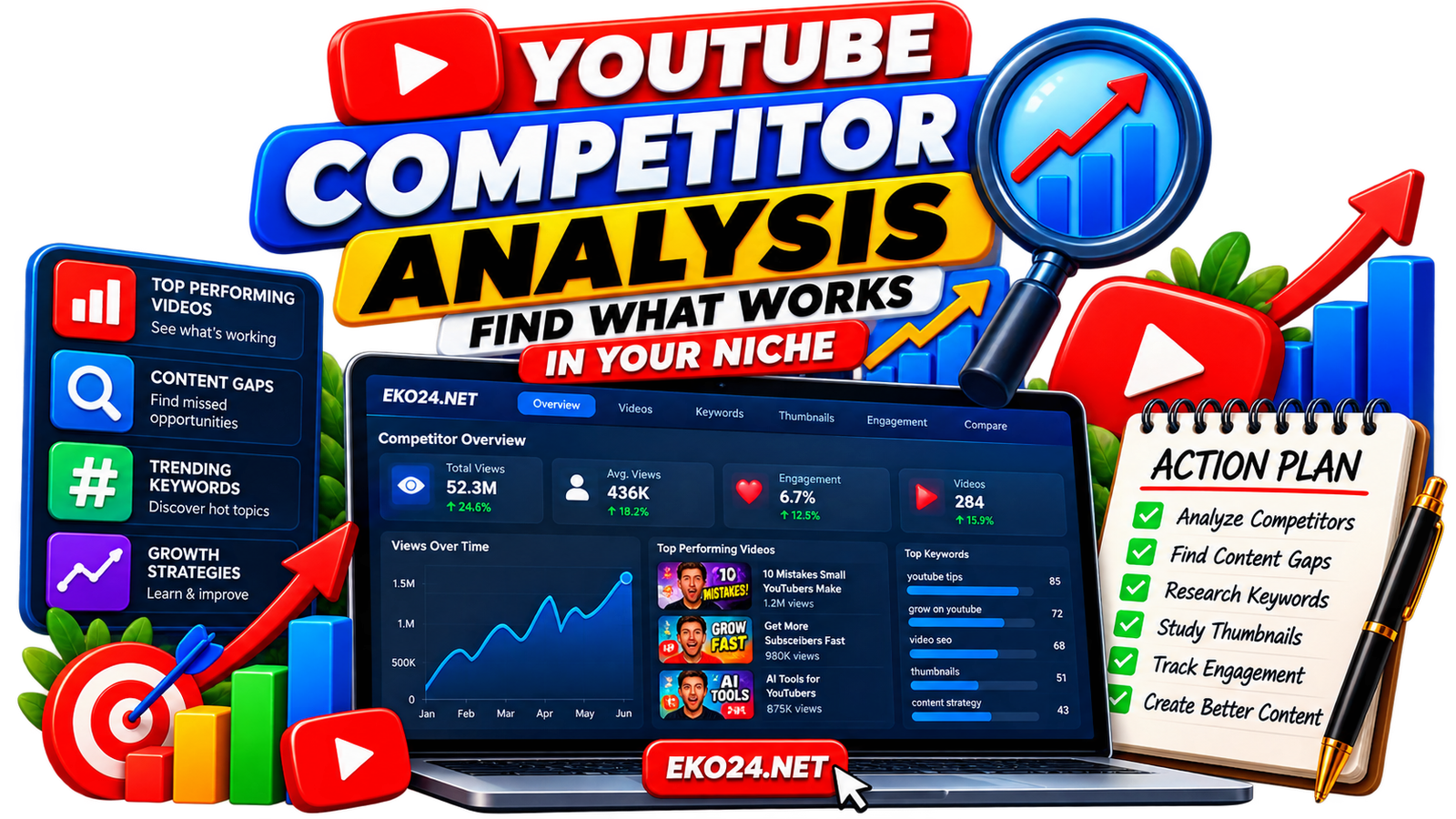
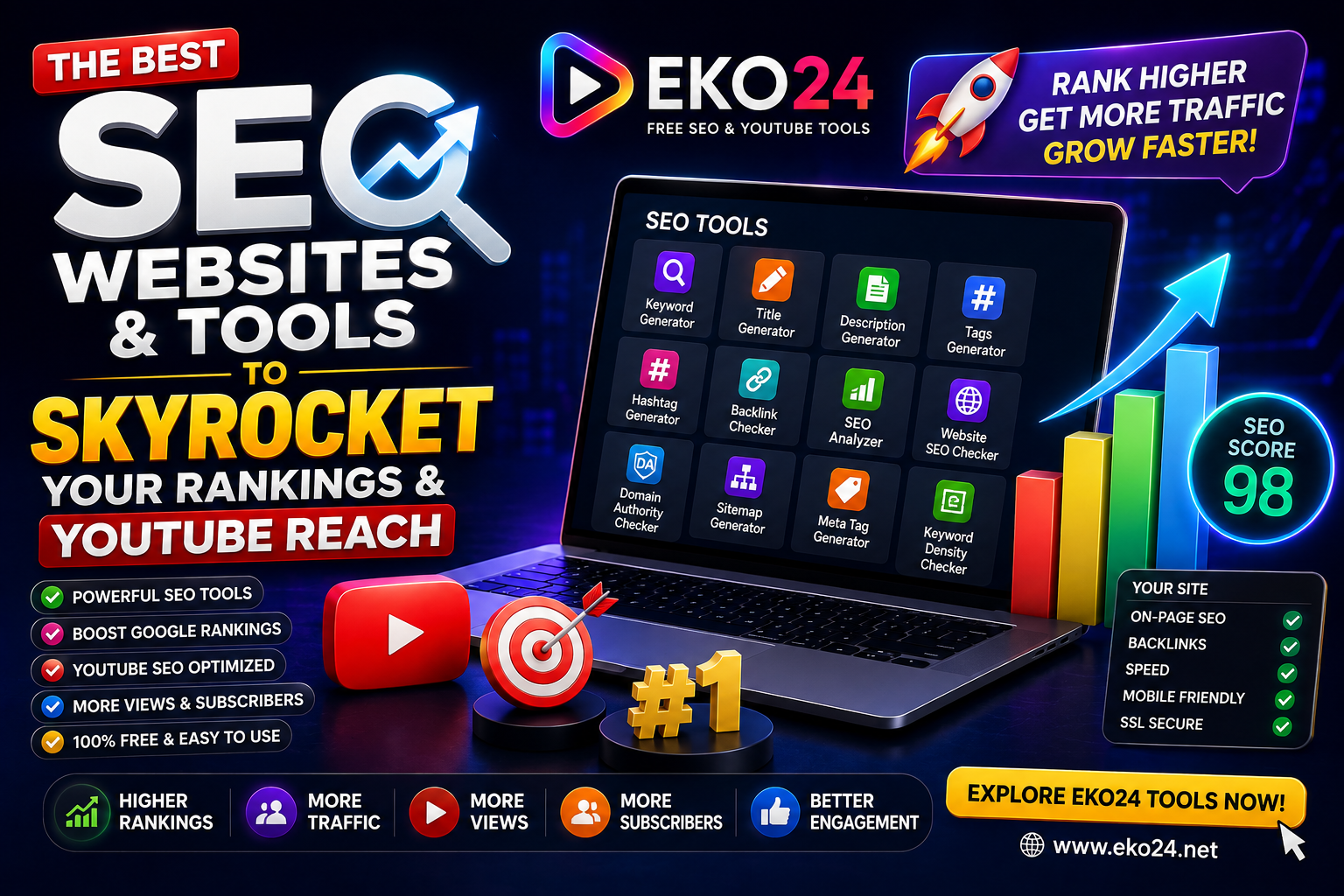
For creator workflows, EKO24.NET provides tools such as the Keyword Generator, Thumbnail Maker, Thumbnail Downloader, and SEO Checker. Use them to support research and packaging while keeping the final content focused on the viewer.
Choose Tools by Task
- Indexing and Google performance: use Search Console.
- Keyword and advertising research: consider Keyword Planner.
- Trend direction and seasonality: use Google Trends.
- Competitive SEO and backlink research: evaluate a dedicated SEO suite.
- YouTube topic and packaging work: combine platform research with creator-focused tools.
Do Not Optimize for Tool Scores Alone
Third-party difficulty scores, authority metrics, and optimization grades can be useful indicators, but they are not search-engine guarantees. Review the actual search results, understand the intent behind the query, and create a page or video that answers that intent more completely.
Related guides: Neil Patel Digital Growth Guide: Strategies, Limitations and Platform Reach and The Top 10 Major SEO Websites and Platforms Ranked for Ultimate Growth.
Final Takeaway
The best SEO toolkit is not the one with the longest feature list. It is the one that gives you reliable information for a specific decision. Start with first-party performance data, add specialized research tools when needed, and use the results to improve useful content rather than chasing scores.