Best Microphones for Content Creators
Clear audio can make videos, podcasts and livestreams much easier to follow. You do not always need an expensive studio microphone—the better choice depends on your room, recording style and whether you prefer a simple USB connection or a more flexible XLR setup.
Dynamic vs. Condenser Microphones
🎙️ Dynamic Microphones
A practical choice for streaming, spoken voice and rooms that are not acoustically treated. Their close-working style can make unwanted room sound easier to control when the microphone is positioned correctly.
🎧 Condenser Microphones
Often chosen when you want more detail and sensitivity. They can work well for voice, music and controlled recording spaces, but they may also capture more of the room around you.
USB or XLR?
USB microphones are convenient because they connect directly to a computer and usually require very little setup. They are a good starting point for creators who want to record quickly without buying extra audio equipment.
XLR microphones normally connect through an audio interface or mixer. That adds cost and setup time, but it also gives you more flexibility if you plan to expand your recording system later.
What Matters Before You Buy?
- Your room: hard, reflective rooms may need more attention to microphone placement and background noise.
- Your content: podcasts, gaming, interviews, music and outdoor video can require different setups.
- Connection: check whether you need USB convenience or an XLR interface.
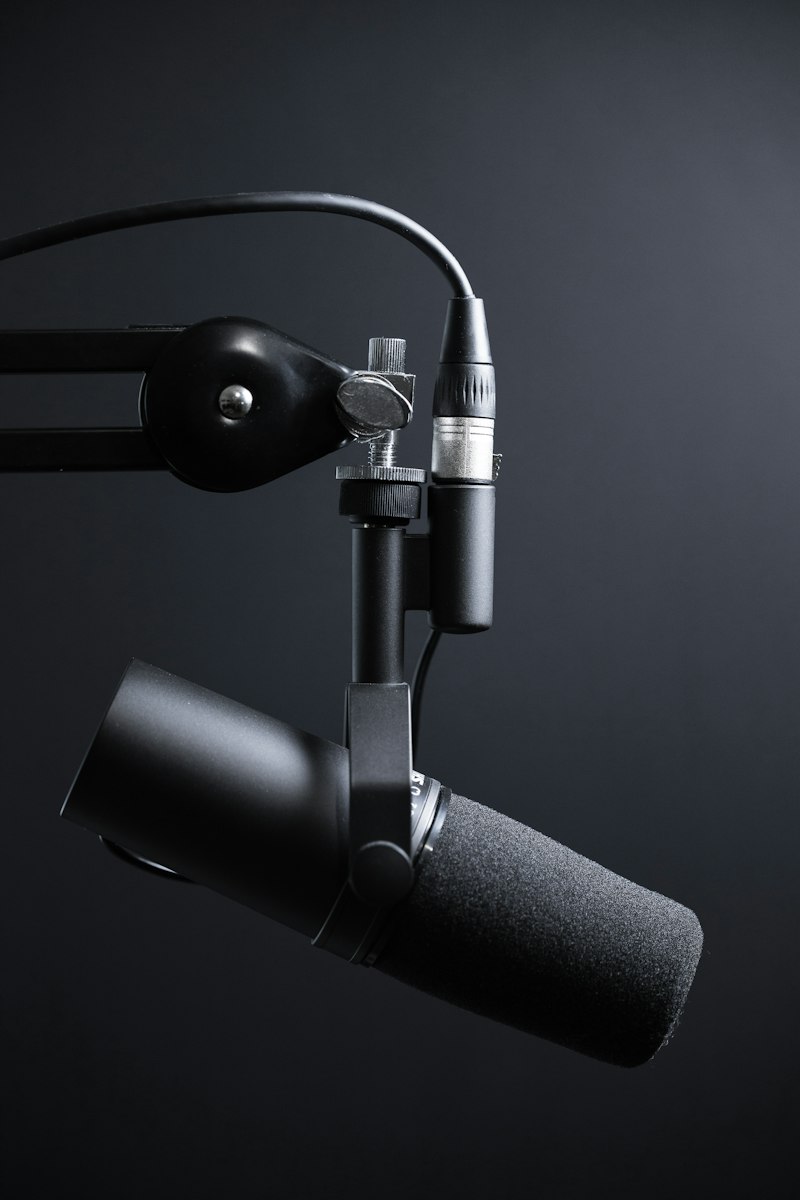
- Positioning: a boom arm or stable stand can help keep the microphone close and consistent.
- Monitoring: headphone monitoring is useful for hearing problems before you finish a recording.
Placement Can Matter More Than Price
A good microphone placed too far away can still sound weak or pick up too much room noise. For spoken content, keep the microphone at a sensible distance from your mouth and experiment with its angle. A pop filter can also help control strong breath sounds.
Before replacing your microphone, try improving placement, reducing nearby noise and adding soft furnishings to a reflective room. Small changes can make a noticeable difference.
Which Type Is Right for You?
For a simple desktop setup, a USB microphone is often the easiest route. If your room is noisy, a suitable dynamic microphone used close to the speaker can be practical. If you record detailed vocals or instruments in a controlled space, a condenser microphone may suit the job better.
Final Thoughts
The best microphone is the one that fits your recording environment and workflow. Start with the type and connection you actually need, then pay attention to placement and room sound before spending more on equipment.
Related guides: Vlogging Cameras & Creator Setups and Video Editing Tools for Creators.
If you need to extract audio from your own video files, try the EKO24.NET Video to MP3 Converter.