Coming up with fresh YouTube video ideas consistently can be one of the hardest parts of running a channel. You may know your niche and understand your audience, but eventually it becomes difficult to find topics that feel useful, original, and worth clicking.
AI can make this process faster. Instead of replacing your creativity, an AI idea generator can help you explore different angles around a topic, discover potential titles, develop thumbnail concepts, and create opening hooks that you can refine into complete videos.
In this guide, you will learn how to use the EKO24.NET YouTube Idea Generator to turn a simple keyword into practical video concepts and build a more organized YouTube content workflow.
What Is an AI YouTube Idea Generator?
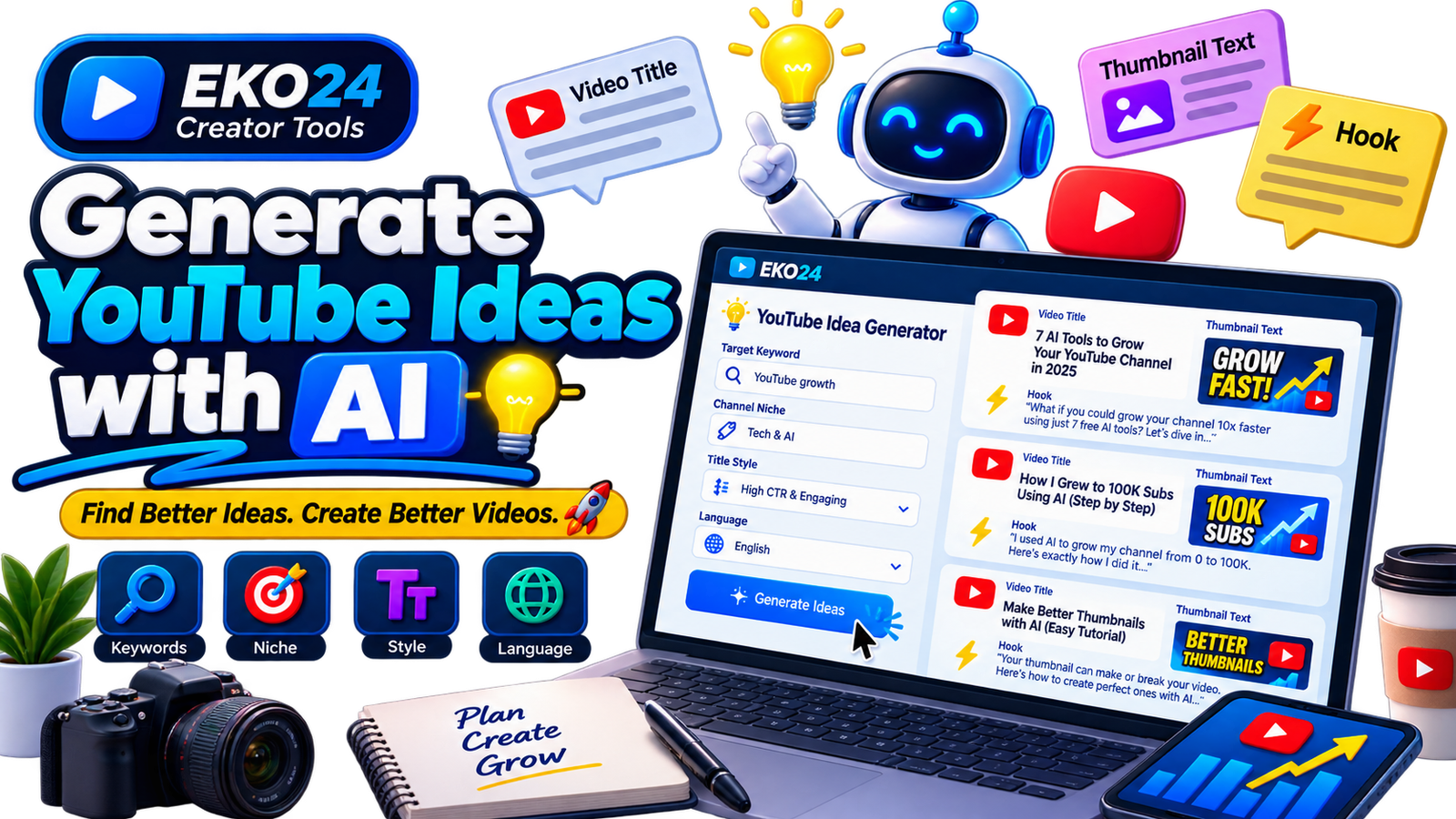
An AI YouTube idea generator is a tool designed to transform basic information about your content into potential video concepts. Instead of staring at a blank document and trying to invent your next upload from scratch, you provide the tool with information such as your target topic, channel niche, preferred style, and language.
The EKO24.NET Idea Generator uses these inputs to create several different concepts. Each generated idea can include a potential video title, short thumbnail text, and an opening hook.
These three elements are useful because a successful video idea is more than just a topic. The title needs to communicate value, the thumbnail needs to reinforce the idea visually, and the opening needs to give viewers a reason to continue watching.
Start With a Clear Target Keyword
The target keyword is the foundation of the generation process. It tells the tool what subject you want to explore.
For example, instead of entering something extremely broad such as YouTube, you could use a more focused topic such as:
- YouTube channel growth
- How to get more YouTube views
- YouTube Shorts strategy
- Gaming channel setup
- YouTube SEO for beginners
A focused topic gives the generator more context and usually produces ideas that are easier to develop into useful videos.
Add Your Channel Niche
Two channels can create videos about the same general topic while targeting completely different audiences. This is why providing your niche can improve the relevance of generated ideas.
Imagine that your keyword is AI tools. A technology channel may want tutorials and comparisons, while a YouTube education channel may be interested specifically in AI tools that help creators produce videos.
Adding the niche helps narrow the context so that generated concepts fit your audience instead of producing generic suggestions.
Choose the Right Title Style
The same topic can be presented from several angles. Choosing a title style helps determine how an idea is framed.
High CTR & Engaging
This approach focuses on making the value of the video immediately interesting while keeping the title relevant to the actual content.
Curiosity-Driven
A curiosity-based angle creates an information gap that encourages viewers to discover the answer by watching the video. The key is to create curiosity without making misleading promises.
Beginner Friendly & Educational
This style works particularly well for tutorials, guides, explanations, and channels targeting people who are learning a subject for the first time.
Analytical & Case Study
This approach is useful when the video will examine results, strategies, experiments, comparisons, or real examples in greater depth.
Use the Language Setting Strategically
If your channel targets viewers in a particular language, generating the ideas directly in that language can save time and make brainstorming more natural.
For example, a creator producing Arabic videos can generate Arabic concepts directly rather than creating English ideas and translating them afterward.
The same principle applies to English, French, Spanish, German, and other supported audiences.
Look Beyond the Generated Title
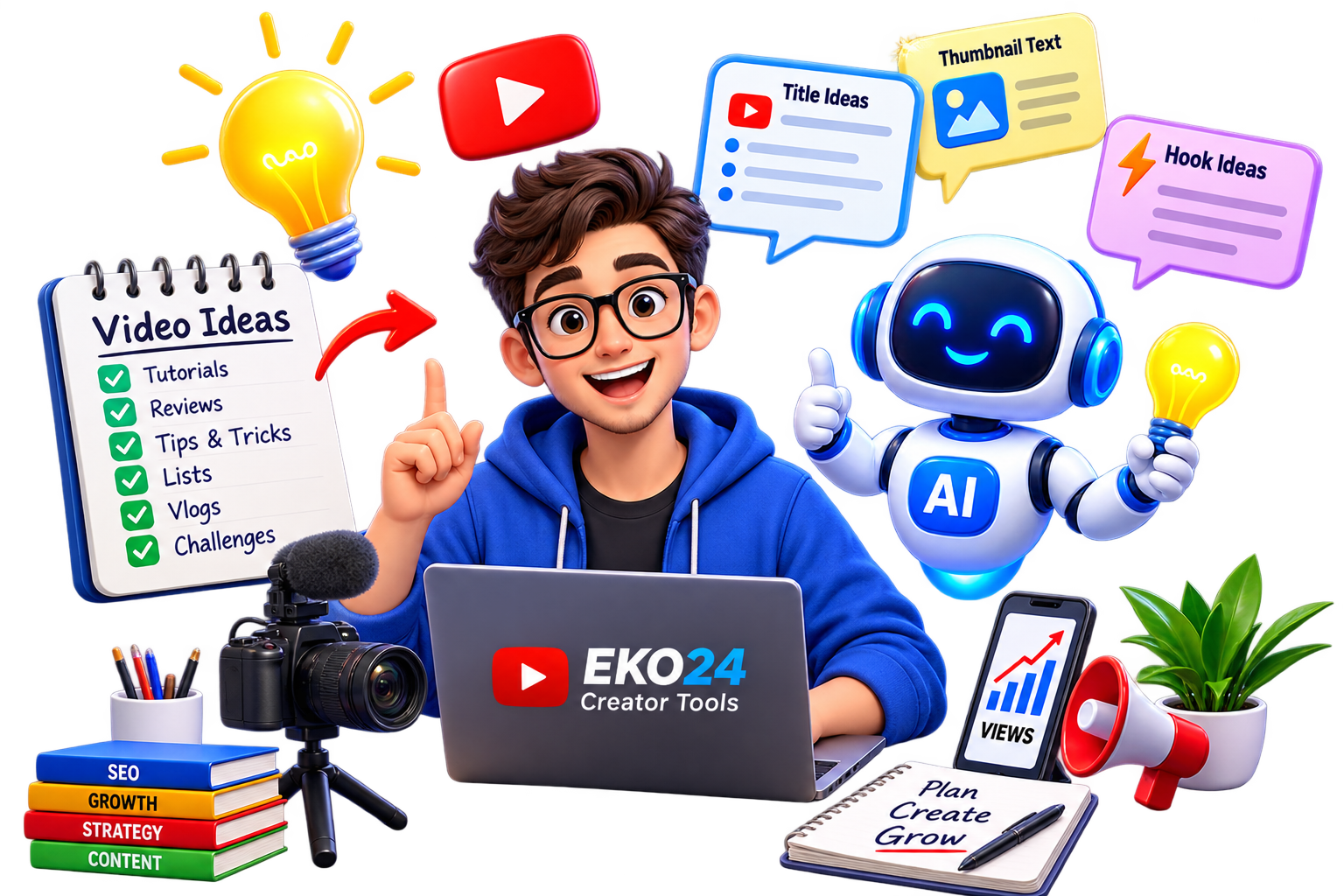
A useful AI-generated idea should give you more than a headline. On the EKO24.NET Idea Generator, each concept can combine three important components:
1. Video Title
The title defines the main promise or angle of the video. Treat generated titles as starting points. You can shorten them, make them more specific, or adjust the wording to match your channel voice.
2. Thumbnail Text
Thumbnail text should complement the title rather than simply repeat it. Keeping the phrase short makes it easier to read, particularly on mobile devices.
For example, if the title explains how to record clearer audio on a budget, the thumbnail might say “LESS BACKGROUND NOISE” alongside a genuine before-and-after demonstration. Do not promise a result the video does not deliver.
3. Opening Hook
The hook should show viewers what they will learn and why the topic matters. For a microphone tutorial, a useful opening might be: “Here is the same microphone recorded in two rooms. Listen to the difference, then I will show you the settings.” The example must match the actual footage.
Validate AI Ideas Before Recording
- Check demand: search YouTube for the topic and note the specific questions viewers ask in comments and related videos.
- Check accuracy: confirm product specifications, dates and any factual claims with primary sources.
- Add an original contribution: plan a demonstration, test, comparison or firsthand explanation that existing videos lack.
- Check feasibility: make sure you have the equipment, footage or expertise to deliver the proposed video.
Practical Idea Selection Example
Instead of a broad idea such as “Best microphones,” narrow the scope to “USB microphone placement test: 10 cm vs 30 cm.” Film both distances with consistent recording settings, explain what changed and state the room conditions. This creates a repeatable experiment rather than another generic product list.
Final Checklist
Choose a clear audience question, verify the claims, make the title and thumbnail truthful, and write an opening that matches the actual video. AI suggestions are brainstorming material, not proof of search volume, virality or future views.
For official guidance on discovery and audience response, consult YouTube Help: Search and discovery.