All Articles YouTube Growth SEO & Marketing Streaming Gaming Creator Tools Tech & Hardware

How to Humanize AI-Generated Content: Make Your Writing Sound Natural

How to Humanize AI-Generated Content: Make Your Writing Sound Natural

AI can help you produce a first draft in seconds, but a fast draft is not always a finished one. Some AI-generated text feels overly polished, repetitive, predictable, or simply disconnected from the way people naturally communicate.

The solution is not to randomly replace words or make every sentence more complicated. Good humanization is an editing process. It improves rhythm, clarity, tone, and sentence variety while keeping the original message intact.

In this guide, you will learn practical ways to humanize AI-generated content and turn a rough draft into writing that feels clearer, smoother, and more appropriate for real readers.

What Does It Mean to Humanize AI-Generated Content?

Humanizing AI content means editing generated text so that it reads more naturally and fits the audience, purpose, and context of the article.

Think of AI output as a draft rather than a final publication. The information may already be useful, but the presentation can often be improved.

Humanizing AI content means editing generated text so that it reads more naturally and fits the audience, purpose, and context of the article.

Think of AI output as a draft rather than a final publication. The information may already be useful, but the presentation can often be improved.

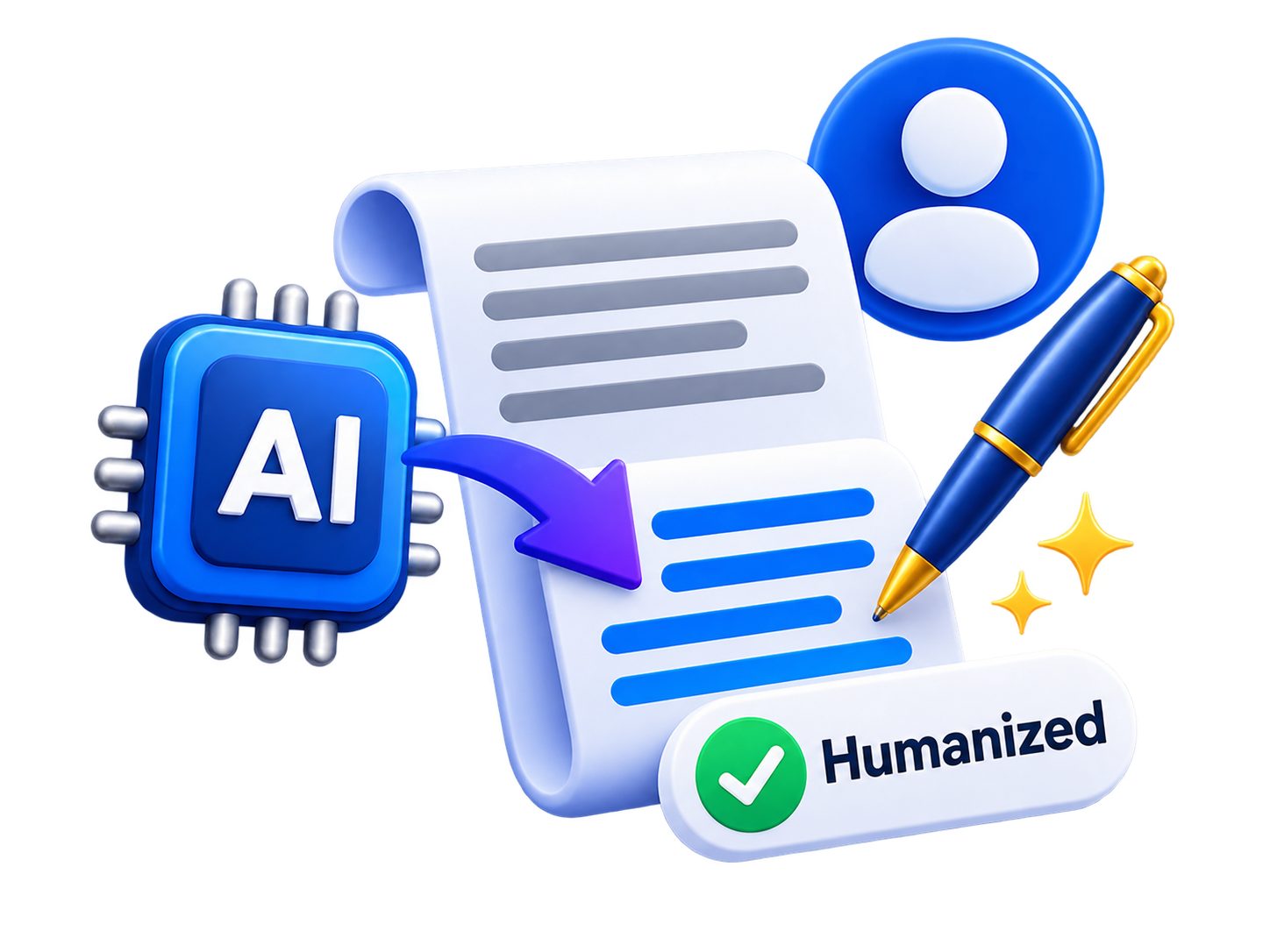
AI content humanization illustration

For example, a draft may repeat the same sentence structure several times:

Before: AI tools can help creators save time. AI tools can help creators generate ideas. AI tools can also help creators improve productivity.

The information is understandable, but the rhythm is mechanical.

After: AI tools can save creators time by speeding up brainstorming, simplifying repetitive tasks, and helping them move from an idea to a workable draft more efficiently.

The meaning remains similar, but the second version connects the ideas more naturally.

Why AI Writing Can Sometimes Sound Robotic

There is no single characteristic that makes a paragraph sound artificial. Usually, it is a combination of small writing problems.

Common examples include:

  • Repeated sentence structures.
  • Overuse of transition phrases.
  • Unnecessarily formal vocabulary.
  • Generic introductions and conclusions.
  • Several sentences repeating the same point.
  • Paragraphs with identical rhythm and length.
  • Statements that sound polished but provide little useful information.

These problems can also appear in human-written drafts. That is why humanization is better understood as editing for natural communication rather than simply changing text because AI helped create it.

1. Remove Unnecessary Repetition

Repetition is one of the first things to check when editing a generated draft.

An article may explain an idea clearly and then repeat essentially the same point two paragraphs later using slightly different words. Removing those repetitions makes the writing shorter and stronger.

Read each paragraph and ask a simple question: Is this giving the reader something new?

If the answer is no, consider combining it with an earlier paragraph or removing it completely.

2. Vary Sentence Length and Structure

Natural writing has rhythm. Some sentences are short. Others need more space to explain an idea.

If every sentence follows the same pattern and has approximately the same length, the text can become tiring even when the information is useful.

Compare these examples:

Before: Choose your topic carefully. Research your audience carefully. Write your introduction carefully. Review your article carefully.

After: Start by choosing a topic that matters to your audience. Research what readers actually want to know, then build an introduction that gets to the point quickly. Once the draft is complete, review it for clarity and unnecessary repetition.

The second version communicates the same general process but has a more natural flow.

3. Use the Right Tone for the Reader

There is no universal β€œhuman” writing style. A legal guide, technology tutorial, personal blog post, and product explanation should not all sound the same.

The right tone depends on who will read the content and why they are reading it.

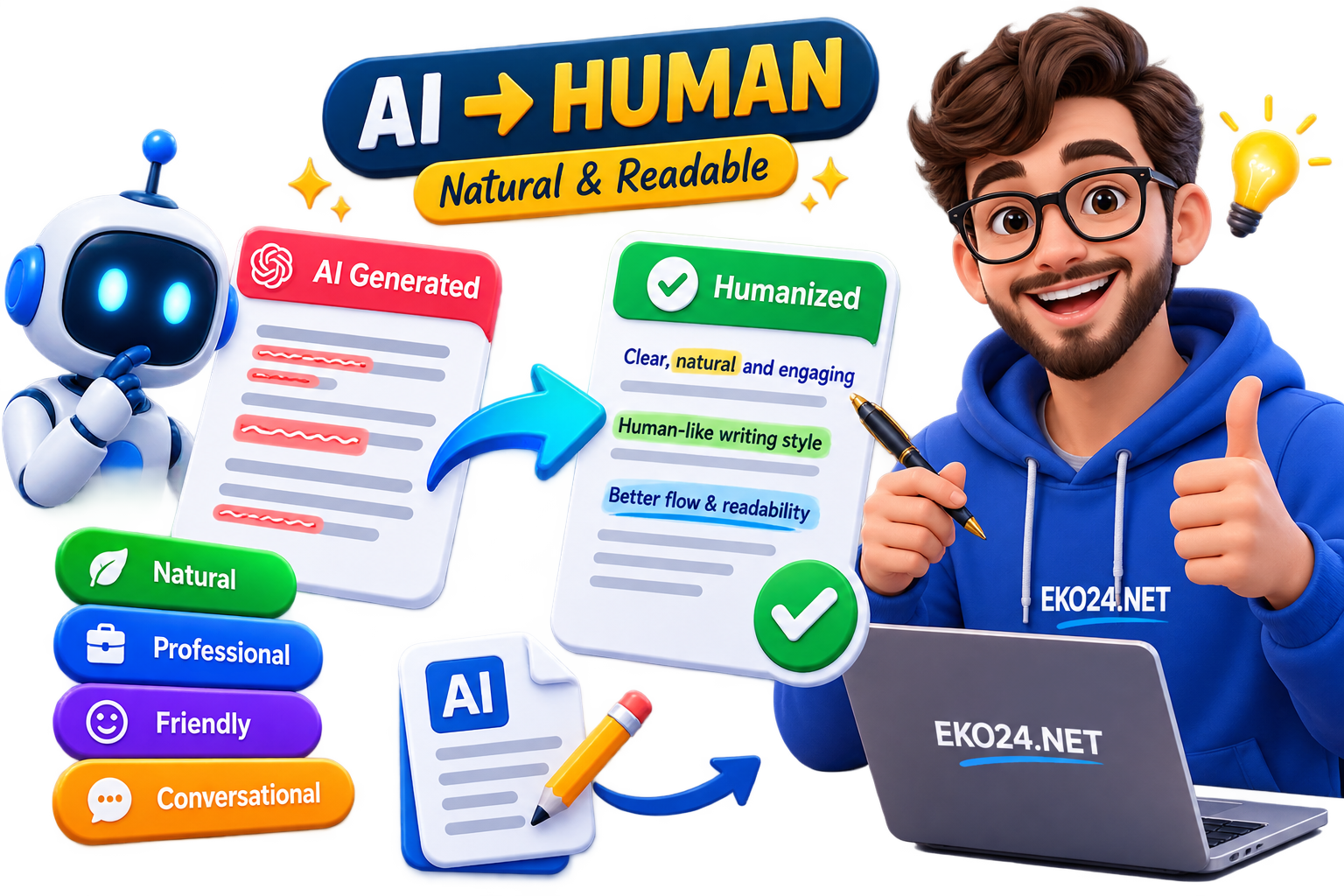
Natural

A natural style works well for general articles and web content. The goal is smooth, straightforward language without sounding excessively formal or casual.

Professional

A professional tone is useful for business, technical, educational, and workplace content. It should sound confident and organized without becoming unnecessarily complicated.

Friendly

Friendly writing creates a warmer relationship with the reader. It works well for tutorials, creator content, newsletters, and community-focused websites.

Simple & Clear

This style prioritizes accessibility. Long sentences can be shortened, complicated expressions simplified, and unnecessary jargon removed when it does not add value.

Conversational

Conversational writing can feel

How to Generate YouTube Video Ideas with AI: A Complete Guide for Creators
How to Generate YouTube Video Ideas with AI: A Complete Guide for Creators YouTube Creator Toolkit
How to Hook YouTube Viewers in 5 Seconds Using AI | EKO24.NET
How to Hook YouTube Viewers in 5 Seconds Using AI | EKO24.NET YouTube Creator Toolkit
AI Video Script Writer: Create Better YouTube Scripts Faster
AI Video Script Writer: Create Better YouTube Scripts Faster YouTube Creator Toolkit
website statistics