WebP images are now common across the web because they offer good image quality while keeping file sizes relatively small. The problem is that WebP is not always the format you need. Some applications, websites, or editing programs may work better with JPG or PNG.
If you have a WebP image that you need in another format, the EKO24.NET WebP Converter lets you convert it to JPG or PNG directly from your browser. There is no software to install and the process only takes a few steps.
Why Convert a WebP Image?
WebP is a useful format, especially for websites, but JPG and PNG are still widely used. Converting an image can make it easier to edit, upload, share, or use with programs that do not fully support WebP.
The format you choose depends mainly on the type of image. JPG is usually a good choice for photographs, while PNG is useful for graphics, screenshots, logos, and images where transparency matters.
WebP to JPG
If your WebP file is a photograph or an image with lots of colors, JPG is often the most practical option. JPG files are supported by almost every image viewer, editor, device, and online platform.
JPG can also produce relatively small files, which makes it convenient when you want to share an image or upload it online. Keep in mind that JPG does not support transparent backgrounds, so it is not the right choice for every image.
WebP to PNG
PNG is a better choice when you want to preserve transparency or when you are working with graphics rather than photographs. It is commonly used for logos, icons, screenshots, illustrations, and other images where clear details are important.
PNG files can be larger than JPG files, but they use lossless compression and support transparent backgrounds. If your original WebP image contains transparency that you want to keep, PNG is generally the better option.
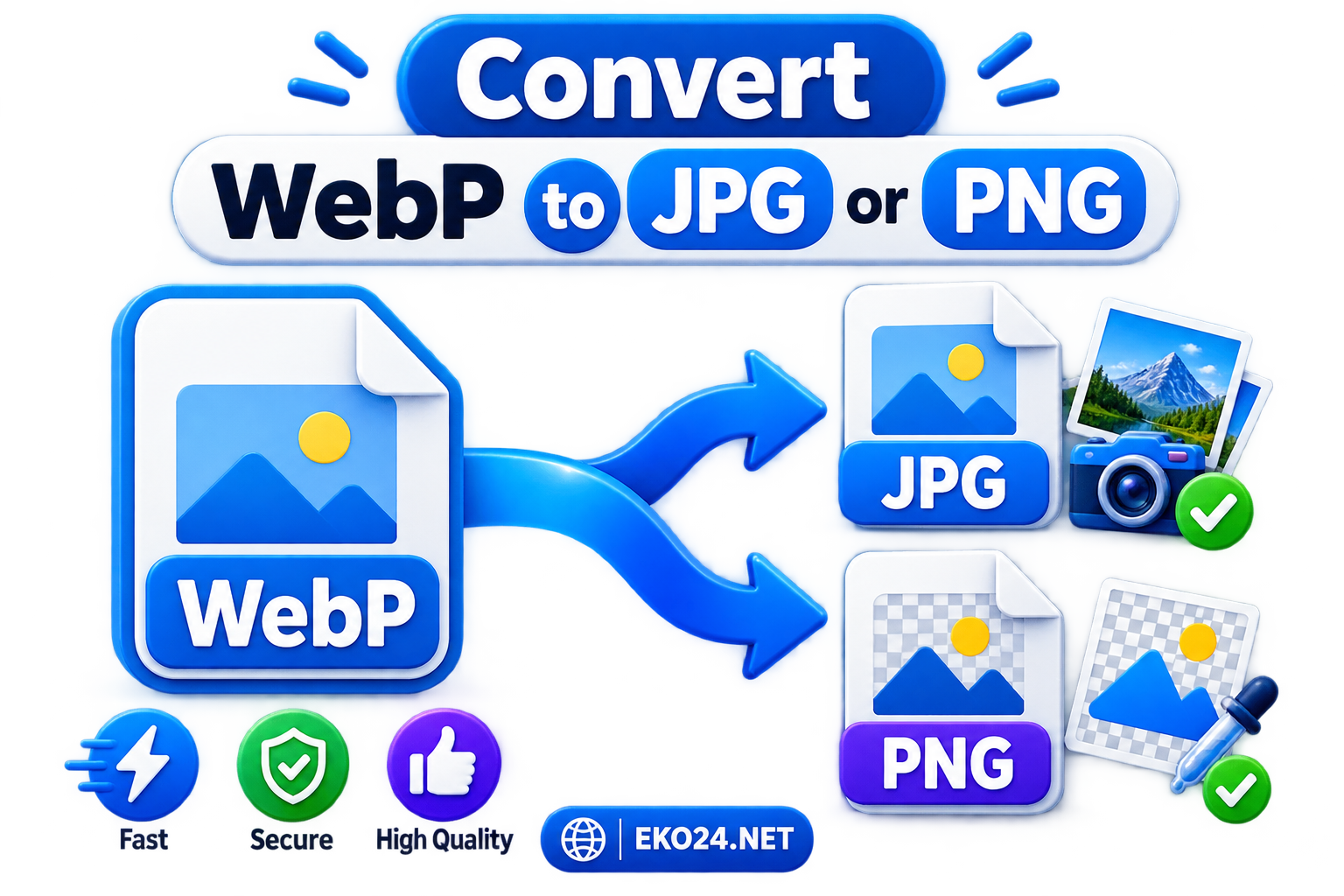
How to Convert WebP to JPG or PNG
Using the EKO24.NET converter is straightforward. Upload your WebP image, choose JPG or PNG as the output format, and start the conversion. Once the image is ready, you can save the converted file to your device.
You do not need Photoshop or another image editor just to change the file format. The conversion can be done directly online, which is useful when you only need a quick format change.
Should You Choose JPG or PNG?
For most photos, choose JPG. It offers broad compatibility and usually keeps the file size reasonable.
For logos, graphics, screenshots, or images with a transparent background, choose PNG. It preserves image details and supports transparency.
There is also no need to convert every WebP image. If the original file already works for what you need, you can simply keep it in WebP format.
Convert Your Image with EKO24.NET
The EKO24.NET WebP to JPG or PNG Converter provides a simple way to change image formats without installing extra software. Upload your WebP file, select the format that fits your needs, and convert it directly from your browser.
Quick Format Decision: JPG or PNG?
Choose JPG when you need a widely compatible photograph and transparency is not important. Choose PNG when you need transparent areas or crisp graphic elements. Converting WebP to PNG does not restore image detail already lost in the original file.
To try the conversion, open the free WebP Converter on EKO24.NET. Review the output before using it on a website or in a document.