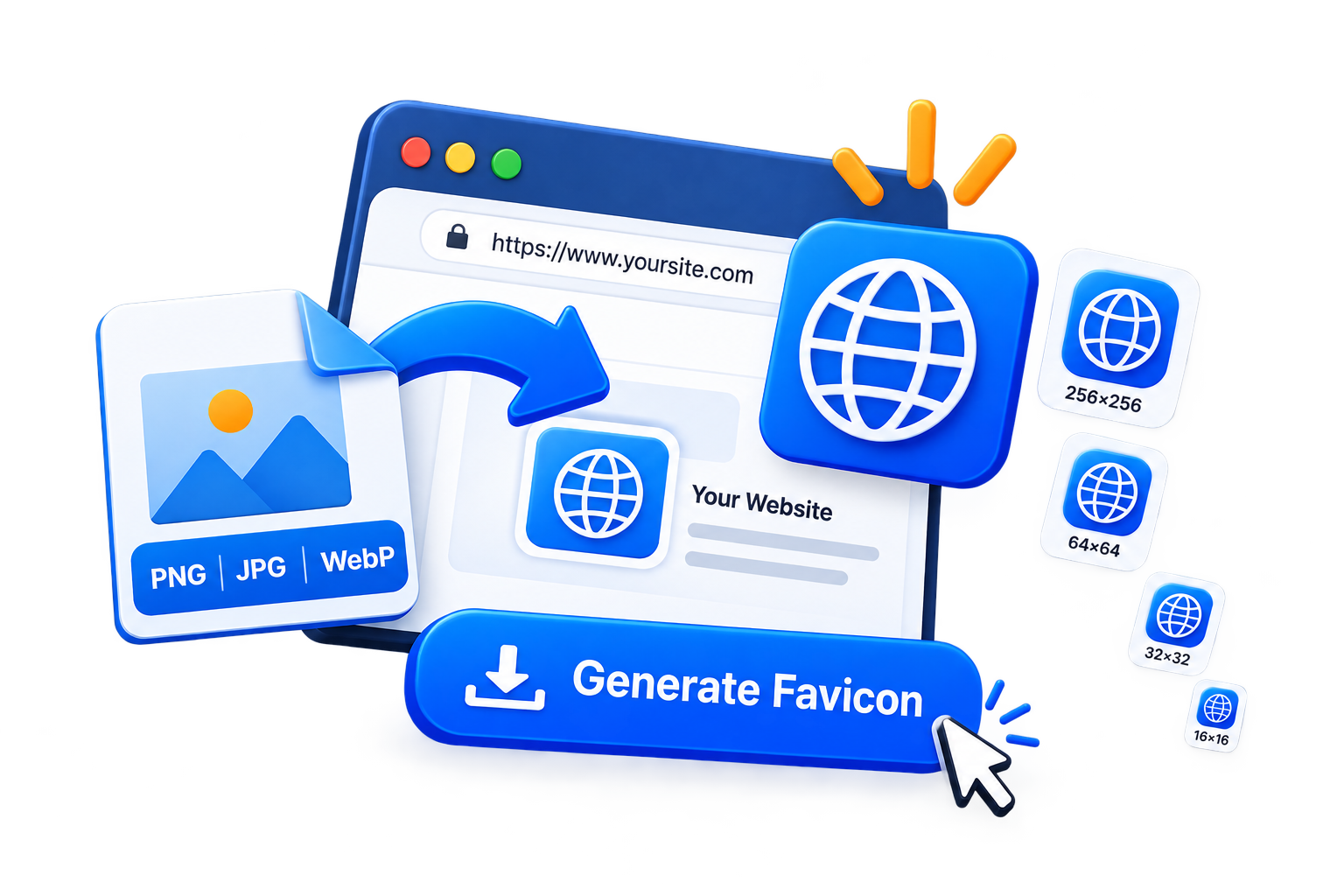
A favicon is the small icon that appears next to your website name in browser tabs and bookmarks. It may be tiny, but it helps visitors recognize your site quickly and gives your website a more polished look.
With the EKO24.NET Favicon Generator, you can turn a JPG, PNG, or WebP image into common favicon sizes directly in your browser.
What Is a Favicon?
A favicon is usually a simplified version of your logo or brand icon. Because it appears at very small sizes, simple designs tend to work better than detailed images or text.
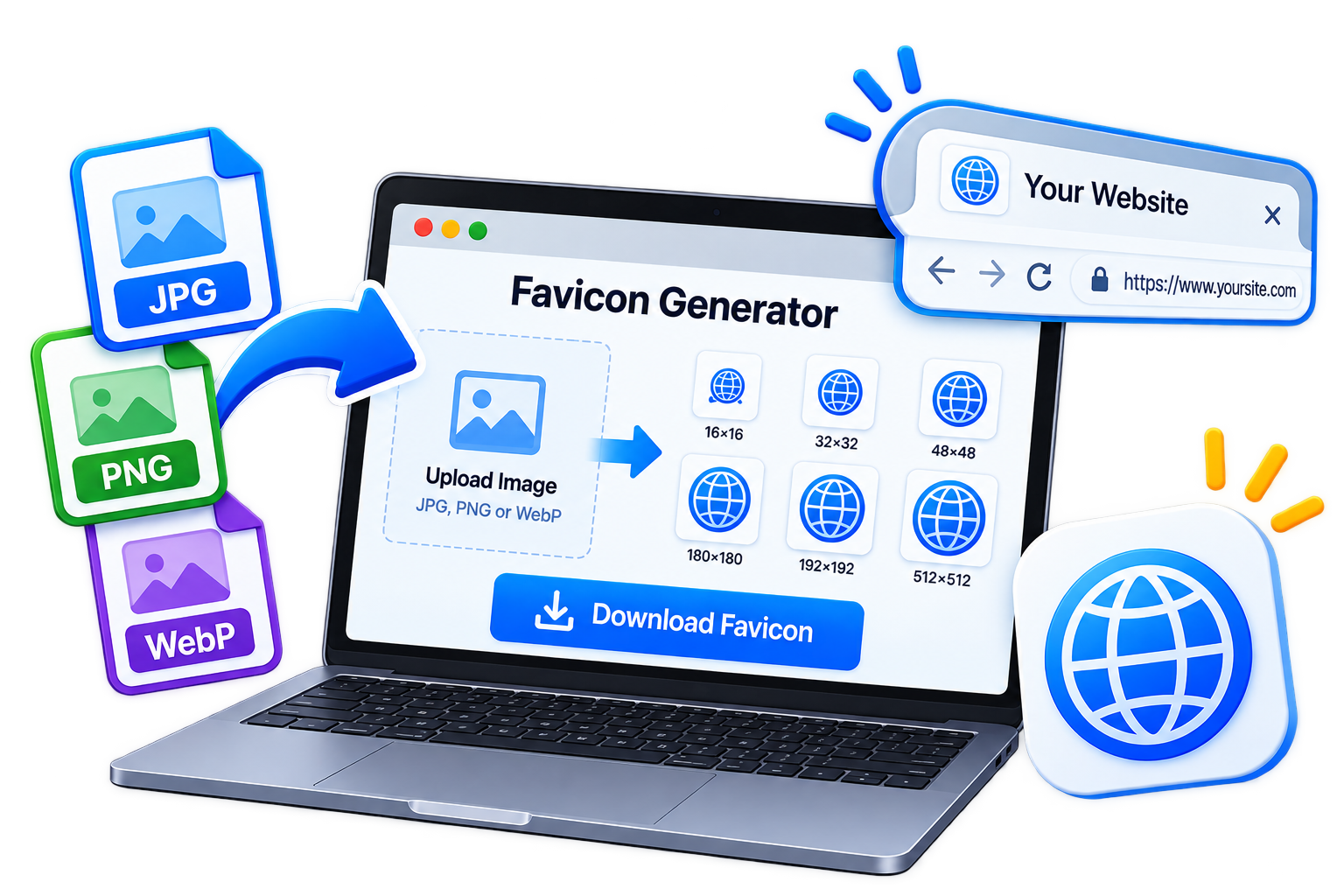
Common favicon sizes include 16×16, 32×32, 48×48, 180×180, 192×192, and 512×512 pixels.
Create Your Favicon
Choose a square logo or image with good contrast, then open the Favicon Generator.
Upload your JPG, PNG, or WebP file. The tool automatically creates previews in several common favicon sizes. Choose the version you need and download it as a PNG.
Your image is processed directly in your browser, so it does not need to be uploaded to a server.
Tips for a Better Favicon
Keep the design simple. Avoid small text and fine details because they can disappear when the icon is reduced to 16×16 or 32×32 pixels.
A transparent PNG logo can also work well when you want the favicon to blend naturally with different browser themes.
Add the Favicon to Your Website
After downloading your favicon, upload it to your website and add the following code inside the <head> section:
<link rel="icon" type="image/png" sizes="32x32" href="/favicon-32x32.png">For an Apple touch icon, you can also use:
<link rel="apple-touch-icon" sizes="180x180" href="/apple-touch-icon.png">A clear favicon is a small detail that can make your website easier to recognize across browser tabs, bookmarks, and shortcuts.
Browser Icon vs App Icon
A browser favicon and an installed web app icon serve related but different purposes. A PNG favicon can be linked from your page’s <head>, while icons for an installable web app are normally declared in its web app manifest. The manifest can provide several image sizes so devices can choose an appropriate icon. Do not label a downloaded 32×32 PNG as a 180×180 Apple touch icon unless you have actually exported a separate 180×180 file.
Reference: MDN — Web app manifest icons.