WebP to JPG or PNG Made Simple
WebP is great for the web because it can keep image files small while maintaining good quality. But sometimes a website, app, editor, or upload form simply does not accept WebP.
That is when converting the image to JPG or PNG can help.
With the EKO24.NET WebP Converter, you can convert a WebP image directly in your browser without installing extra software.
JPG or PNG?
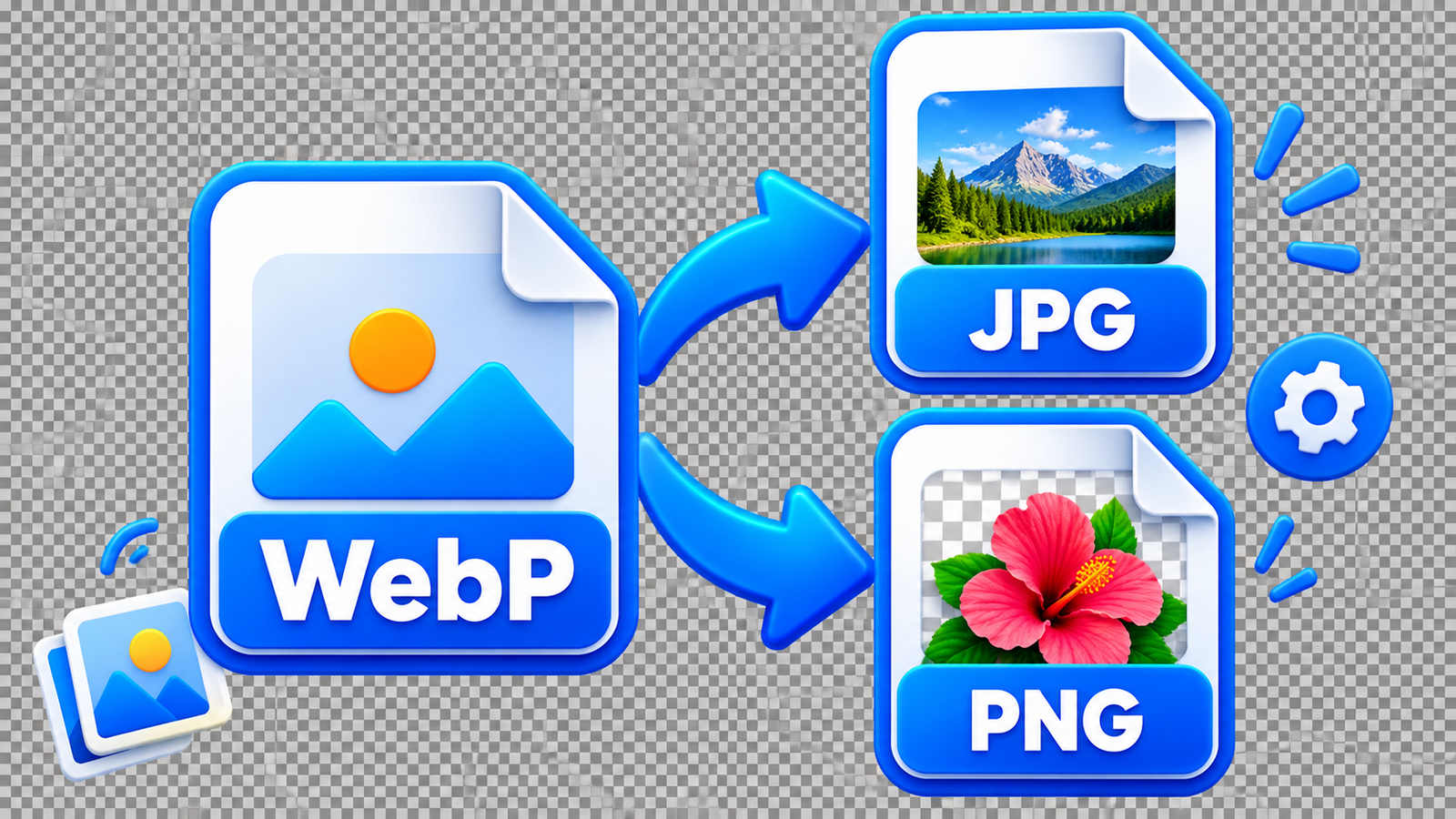
Choose JPG for photos and everyday images. It is widely supported and usually produces a smaller file.
Choose PNG when your WebP image has a transparent background or when you want to preserve sharp edges in logos and graphics. JPG does not support transparency, so transparent areas will become white.
Convert Your WebP Image
Open the WebP Converter, select an image up to 20 MB, and choose JPG or PNG.
For JPG, you can also adjust the quality before converting. Once the conversion is complete, preview the result and download your new image.
The converter works directly in your browser, so the selected image is not uploaded to EKO24.NET.
Which Format Should You Keep?
There is no single best format for every image. WebP is useful for modern websites, JPG is convenient for photos and broad compatibility, while PNG is a better choice when transparency matters.
If you simply need a WebP file in a more widely accepted format, EKO24.NET WebP Converter gives you a quick way to create the version you need.