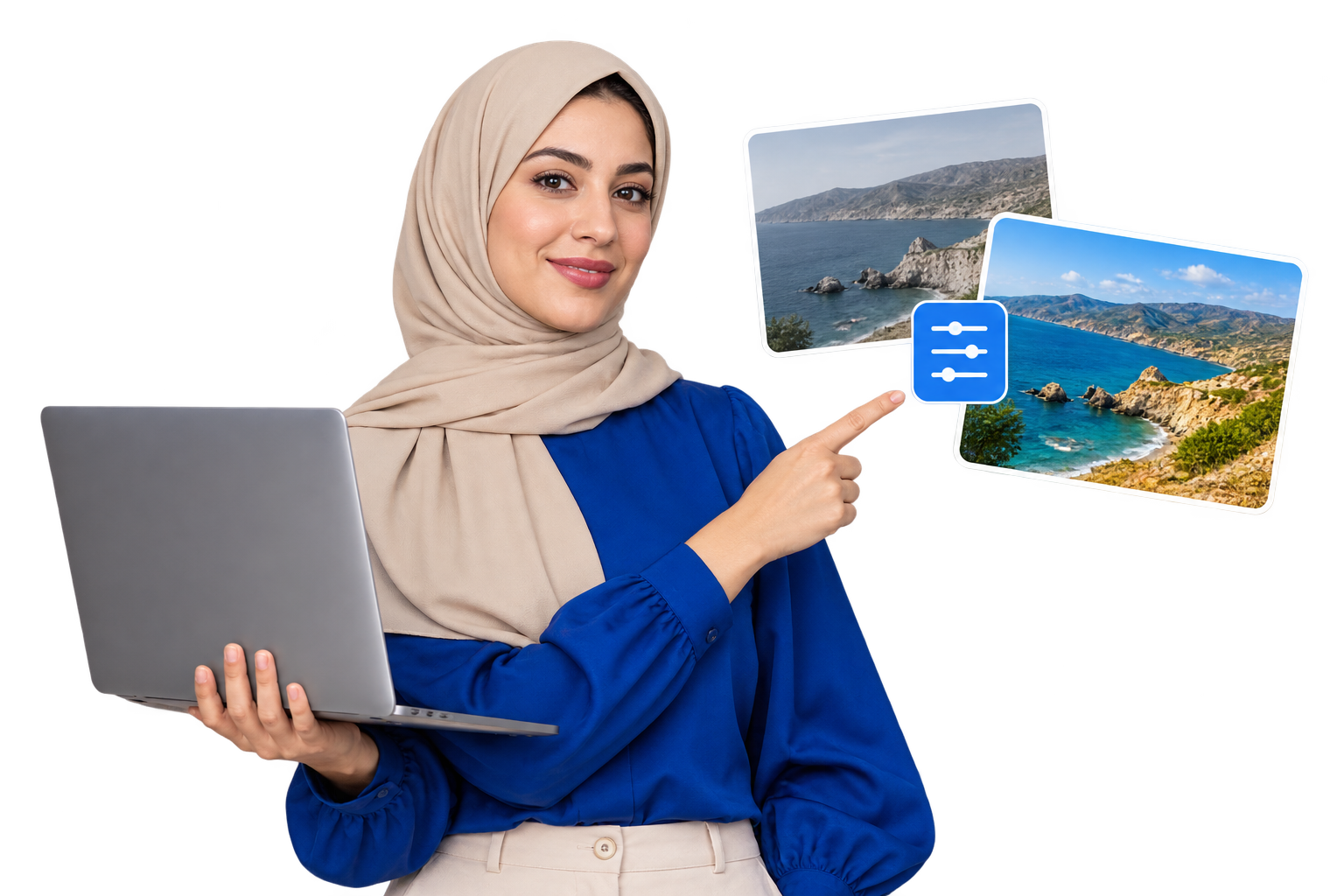
A good photo does not always need complicated editing. Small changes to brightness, contrast and color can make an image look clearer, more balanced and ready to share.
The EKO24.NET Photo Filter Online tool lets you improve photos directly in your browser. You can use ready-made filters or control each setting manually.
Choose a quick photo filter
Start with one of the available presets to change the look of your image instantly:
- Vivid: creates stronger and brighter colors.
- Warm: adds a soft golden tone.
- Cool: gives the photo a cleaner blue tone.
- Mono: converts the image to black and white.
- Vintage: adds a classic faded effect.
Adjust the colors manually
You can also create your own style using the adjustment controls.
- Brightness: makes a dark photo lighter or reduces excessive light.
- Contrast: increases or reduces the difference between light and dark areas.
- Saturation: controls the strength of the colors.
- Grayscale: gradually removes colors from the image.
- Sepia: adds a warm vintage tone.
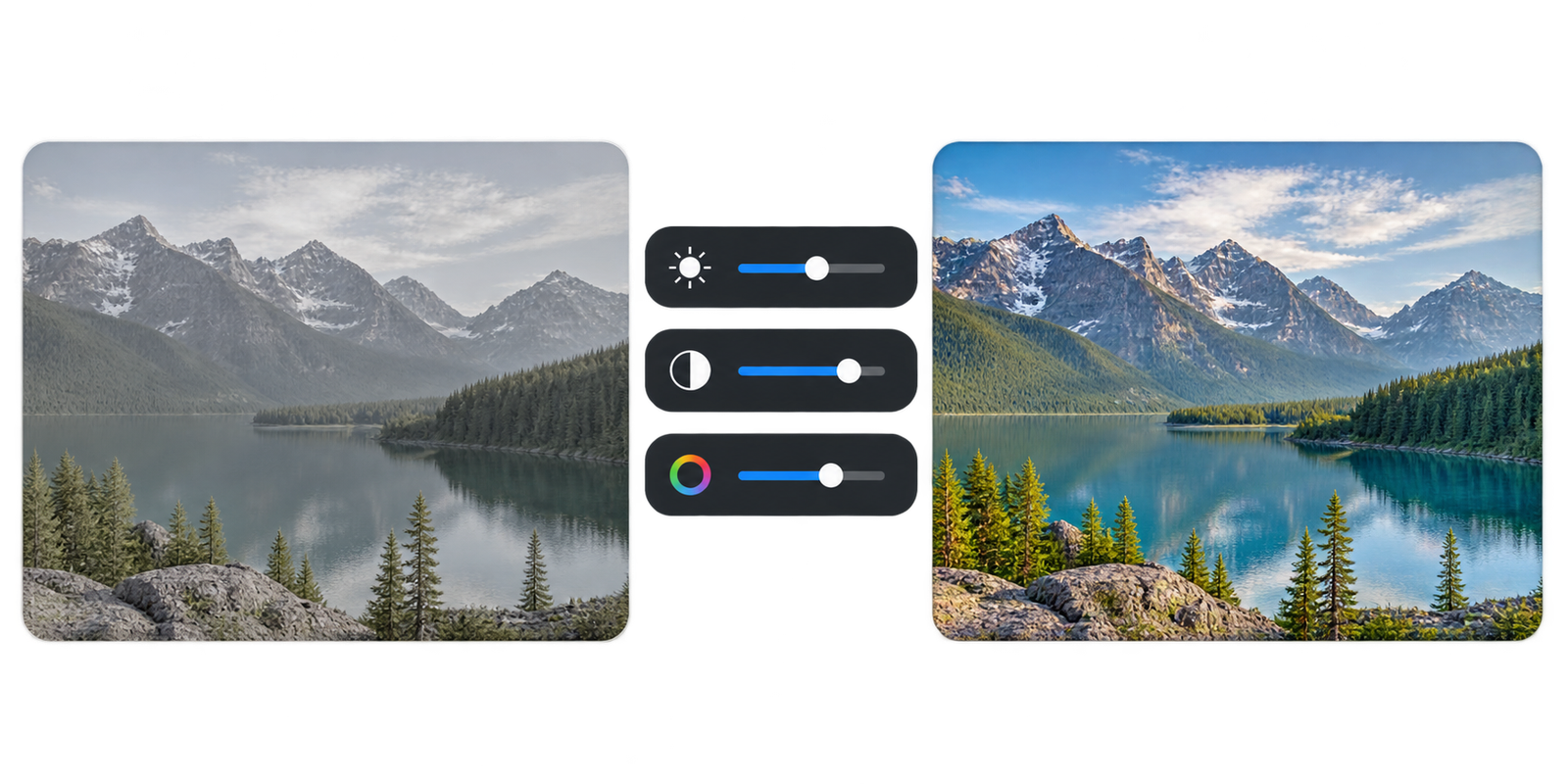
Preview every change instantly
Every adjustment appears immediately on the image preview. You can try different filters and settings without permanently changing the original photo.
If you do not like the result, click Reset Filters to return to the original colors.
Check privacy before editing personal photos
Before using any online photo editor for sensitive images, check whether processing happens in your browser or whether the file is sent to a server. The processing method of this EKO24.NET tool should be verified against its current code and privacy information before making a no-upload or no-storage promise. Avoid using sensitive photos until you are comfortable with the tool’s data handling.
Download as JPG or PNG
JPG is often a practical choice for photographs because it supports adjustable lossy compression, but a smaller file is not guaranteed in every case. PNG supports lossless encoding and transparency. Compare the exported image with the original and check the actual file size before sharing.
Practical editing checklist
- Keep an untouched copy of the original image.
- Apply one adjustment at a time and compare before and after.
- Check details in shadows and highlights so important parts are not lost.
- Export a test image, inspect its dimensions and transparency, and verify the result before sharing.
For technical background on browser image exports, see MDN’s canvas export documentation.
Final tip
Use filters carefully. A small adjustment often looks more natural than maximum brightness, contrast or saturation. Compare the edited photo with the original before downloading the final version.
Related reading: For a complementary practical guide, see Create a Favicon for Your Website Online.