HEIC is a modern image format commonly used by iPhones and other Apple devices. It keeps photos looking sharp while using less storage space, but some websites, apps and older devices cannot open it.
The free EKO24.NET HEIC Converter turns HEIC and HEIF photos into widely supported JPG or PNG images directly in your browser.
Choose JPG or PNG
JPG is the best option for regular photos. It creates smaller files that are easy to upload, share by email or use on websites. You can also adjust the JPG quality to find a good balance between image quality and file size.
PNG is useful when you prefer lossless output or need to preserve transparency. PNG files are usually larger than JPG files, especially for detailed photographs.
Convert a HEIC image
- Open the HEIC to JPG or PNG Converter.
- Select a HEIC or HEIF image from your device.
- Choose JPG or PNG as the output format.
- If you select JPG, adjust the quality setting.
- Click the blue conversion button.
- Preview and download the converted image.
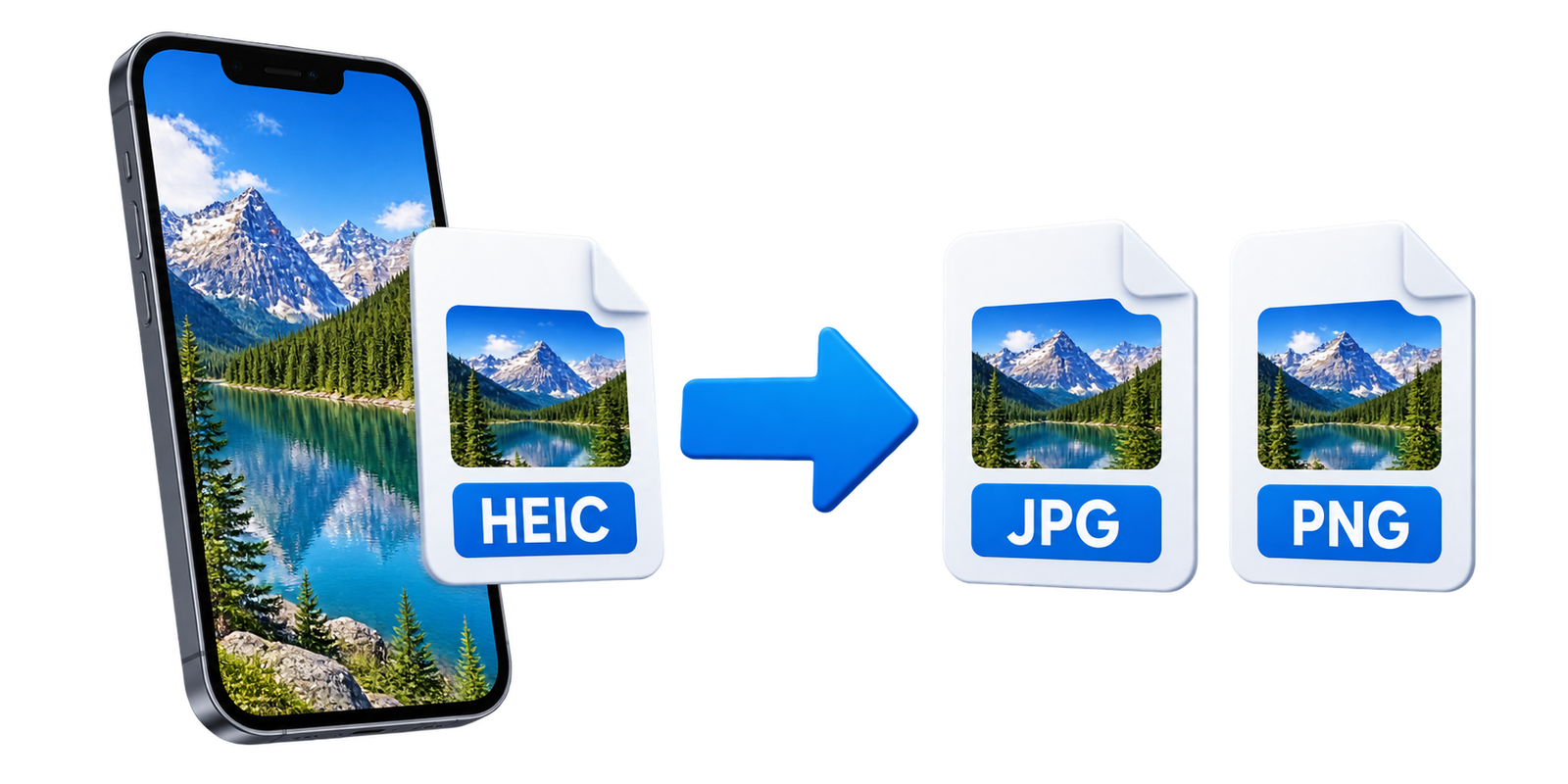
Private browser conversion
Your image is processed on your device and is not uploaded to EKO24.NET. The original HEIC file also stays unchanged, so the downloaded JPG or PNG is created as a separate copy.
Conversion time depends on the image size and the performance of your phone or computer. Large iPhone photos may take a few extra seconds.
A simple format solution
Converting HEIC to JPG or PNG makes iPhone photos easier to open, edit and share. Choose JPG for smaller photo files or PNG for lossless output, then download the result without installing additional software.
What Conversion Does Not Guarantee
Exporting a HEIC photograph as PNG is lossless for the exported pixel data, but it cannot restore details already removed by the original camera encoding. Exporting to JPEG introduces another lossy encoding step. Check fine text, faces and gradients after conversion if image quality matters.
Metadata may also change during conversion. Do not assume that the output retains every date, location, orientation or camera field from the source, or that it has removed all such information. Inspect the downloaded file before using it for archival or privacy-sensitive purposes. For general format differences, see MDN's image format guide.