
Building your own computer allows you to customize performance, control your budget and choose components that meet your needs. Whether you are interested in gaming, video editing, programming or everyday computing, understanding PC hardware is an essential first step.
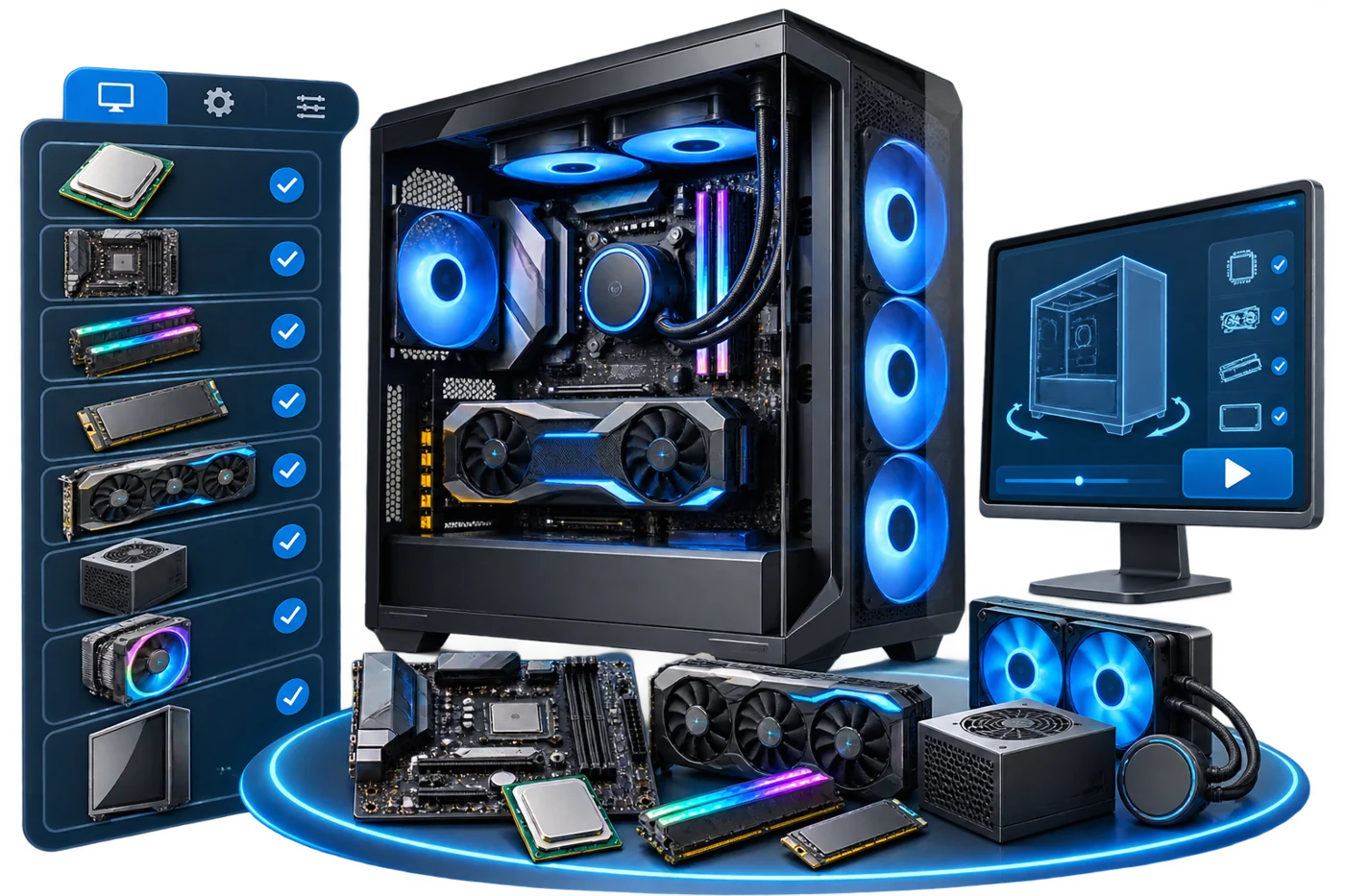
With EKO24.NET's free PC Builder Simulator, you can experiment with different configurations before purchasing real components.
Essential Components for Building a PC
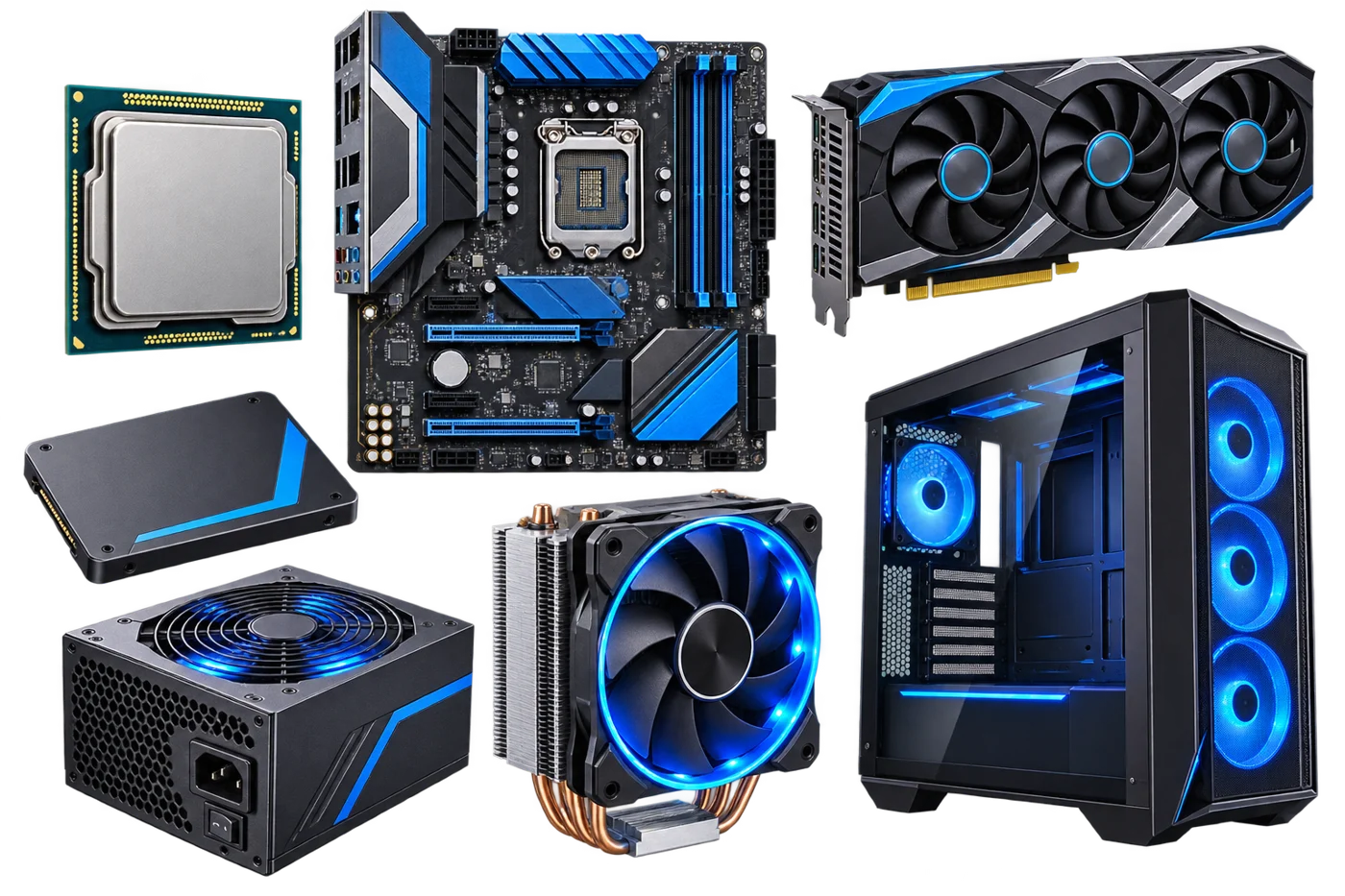
- CPU: Processes instructions and performs calculations.
- Motherboard: Connects the main computer components.
- GPU: Handles graphics, gaming and visual workloads.
- RAM: Provides temporary memory for running applications.
- SSD: Stores files, applications and the operating system.
- Power Supply: Delivers electricity to computer components.
- Cooling System: Helps maintain safe operating temperatures.
- PC Case: Protects components and provides airflow.
Check Hardware Compatibility
Not every processor works with every motherboard. CPU sockets, motherboard chipsets, memory standards and physical dimensions must be compatible.
Checking compatibility before buying hardware helps prevent expensive mistakes.
Choose the Right Power Supply
Your power supply must provide sufficient wattage for your processor, graphics card and other components. Allow additional capacity for power spikes and future upgrades.
Build a PC That Fits Your Budget
An expensive computer is not always the best choice. Select components according to your actual needs and balance performance with cost.
- Office PC: prioritize reliability and efficiency.
- Gaming PC: balance graphics and processor performance.
- Workstation: consider memory, processing power and storage.
Try the Free PC Builder Simulator
Explore hardware configurations, check component compatibility, estimate power requirements and compare different builds without spending money.
Frequently Asked Questions
Can beginners build their own PC?
Yes. With proper preparation, compatible components and manufacturer instructions, beginners can assemble their own computers.
Is building a PC cheaper than buying one?
It depends on component prices, available discounts and the desired configuration.
Are simulator performance estimates exact?
No. Simulator results are educational estimates. Actual performance depends on hardware, software, cooling and workload.
Explore More Digital Lab Experiences
- Space Explorer 3D
- Internet World Map
- World Live Statistics
- Technology Time Machine
- Electronics Simulator
Discover more free interactive educational tools at EKO24.NET Digital Lab.