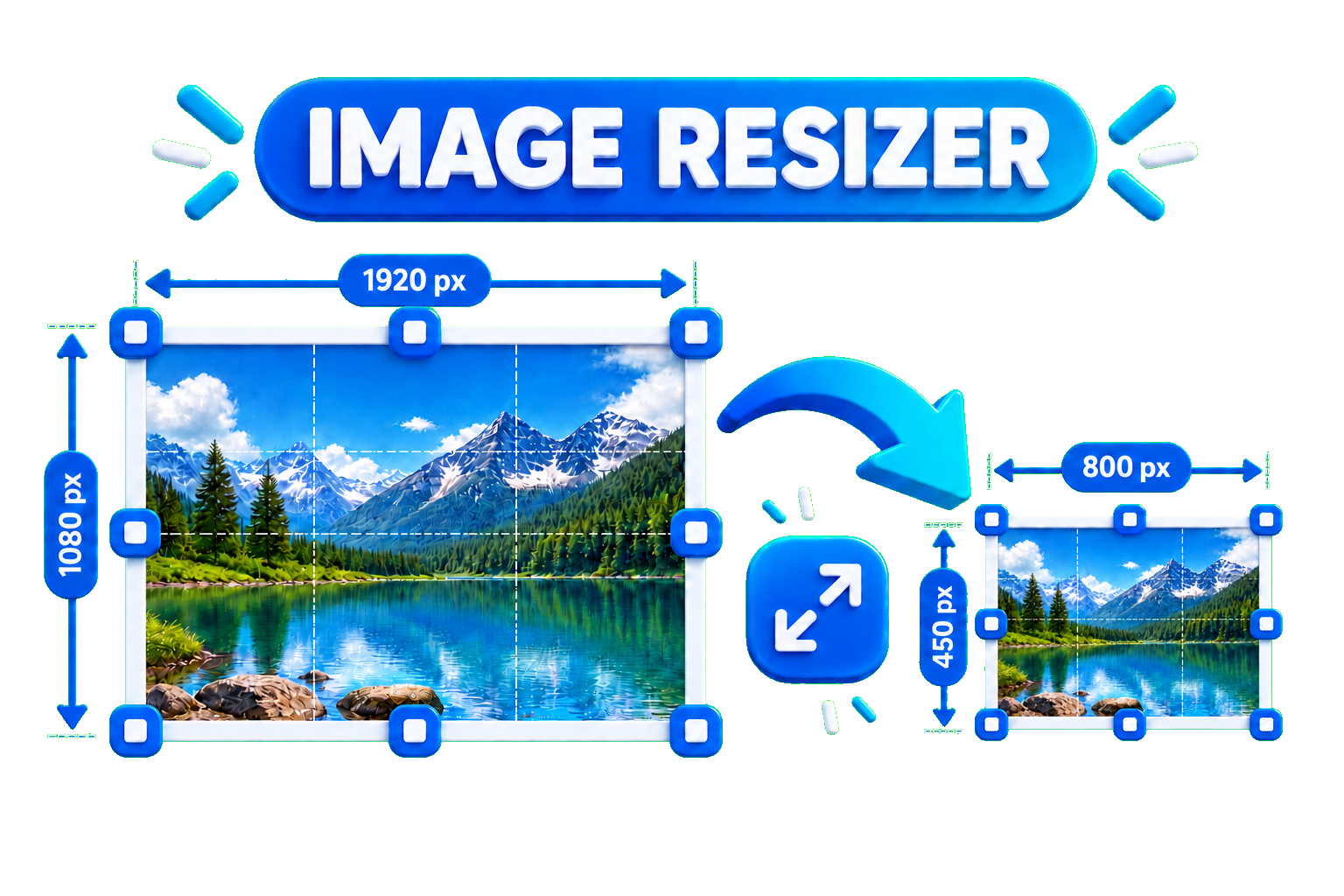
Resizing an image is useful when you need the right dimensions for a website, blog, social media post, or online upload. However, resizing incorrectly can make an image look blurry or pixelated.
How to Resize an Image Without Losing Quality
The easiest option is to use an online image resizer. With the EKO24.NET Image Resizer, you can change the width and height of your image directly in your browser.
- Open the EKO24.NET Image Resizer.
- Upload your image.
- Choose the new width and height.
- Keep the original aspect ratio when possible.
- Resize and download the new image.
Keep the Correct Aspect Ratio
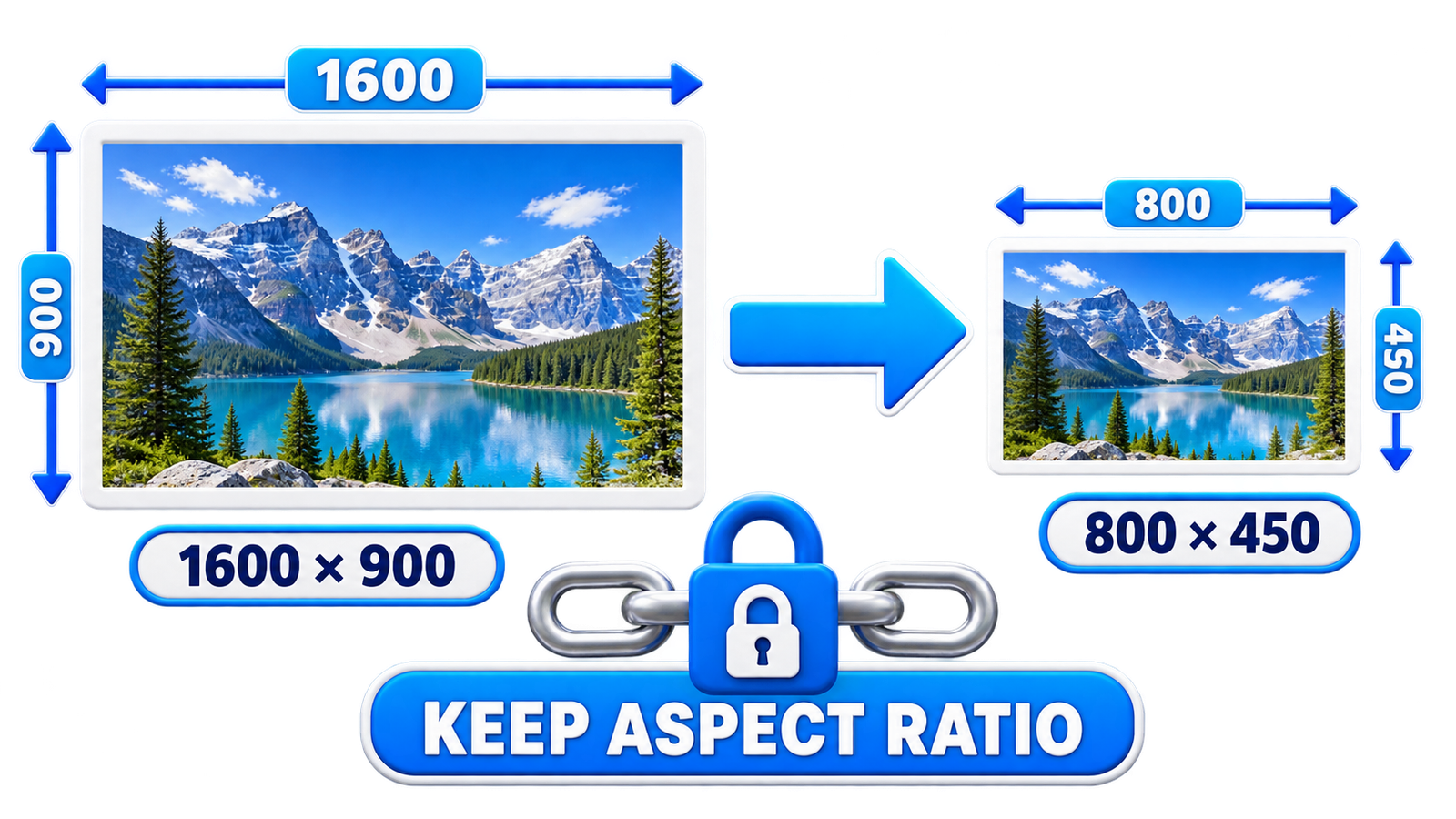
One of the most important things when resizing an image is maintaining its aspect ratio. This prevents the photo from looking stretched or compressed.
Does Resizing Reduce Image Quality?
Making an image smaller usually preserves good visual quality when the resize is done correctly. Enlarging a small image too much, however, can make pixels more noticeable and reduce sharpness.
Why Resize Images?
Properly sized images can load faster, use less storage space, and fit website or social media layouts better. For websites, smaller dimensions can also help improve page performance.
Resize Your Image Online
You can use the EKO24.NET Image Resizer to quickly resize JPG, PNG, or WebP images without installing additional software.
Resize without stretching the picture
Preserve the original aspect ratio unless you deliberately need a crop. For example, an image that is 1600 by 900 pixels can be reduced to 800 by 450 without changing its proportions. Enlarging a small image cannot recreate missing detail. Compare the resized file at the actual display size rather than judging quality only while zoomed in.
What resizing can and cannot preserve
Reducing pixel dimensions removes pixels; enlarging a small image cannot recover details that were never captured. “Without losing quality” is best understood as keeping the result visually suitable for its intended display size, not guaranteeing an identical image. For example, 1600 × 900 can become 800 × 450 without distortion, but the smaller file contains fewer pixels.
Practical resize checklist
- Keep an untouched original before exporting.
- Set a target width and height based on the place the image will appear.
- Lock the aspect ratio to prevent stretching, or crop intentionally to fit a different shape.
- Inspect text, fine edges and faces at the intended display size.
- Check the exported file dimensions and size before publishing.
For websites, consider responsive images so small screens do not download unnecessarily large files. See Google's image SEO best practices for guidance on responsive images and image quality.