Sharing a photo online can sometimes reveal information you would rather keep private. A face in the background, a phone number, an address or a document may be visible without you noticing it.
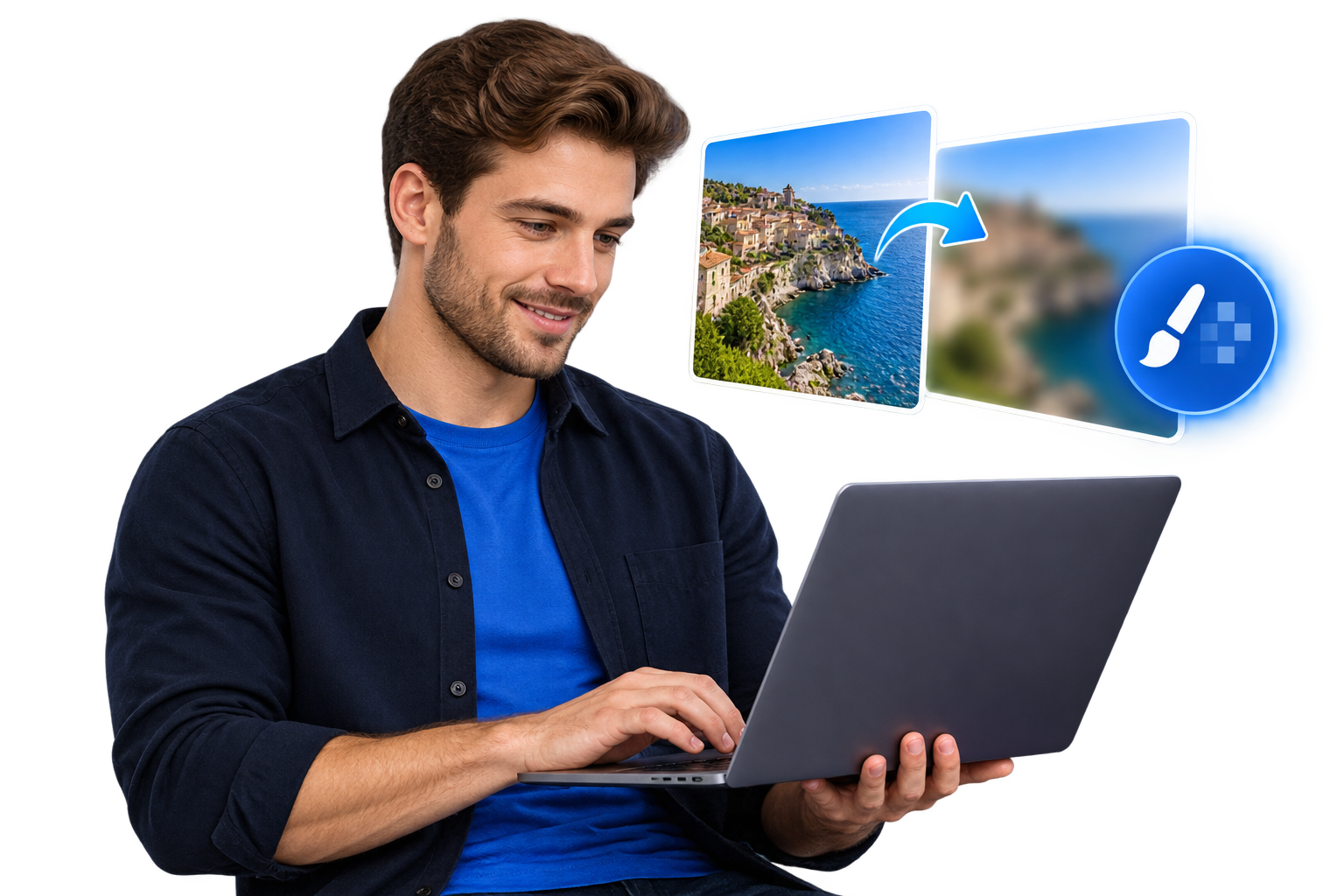
The EKO24.NET Blur Image Online tool lets you hide these details directly in your browser. You can blur the entire image or use the brush to cover only selected areas.
What can you blur?
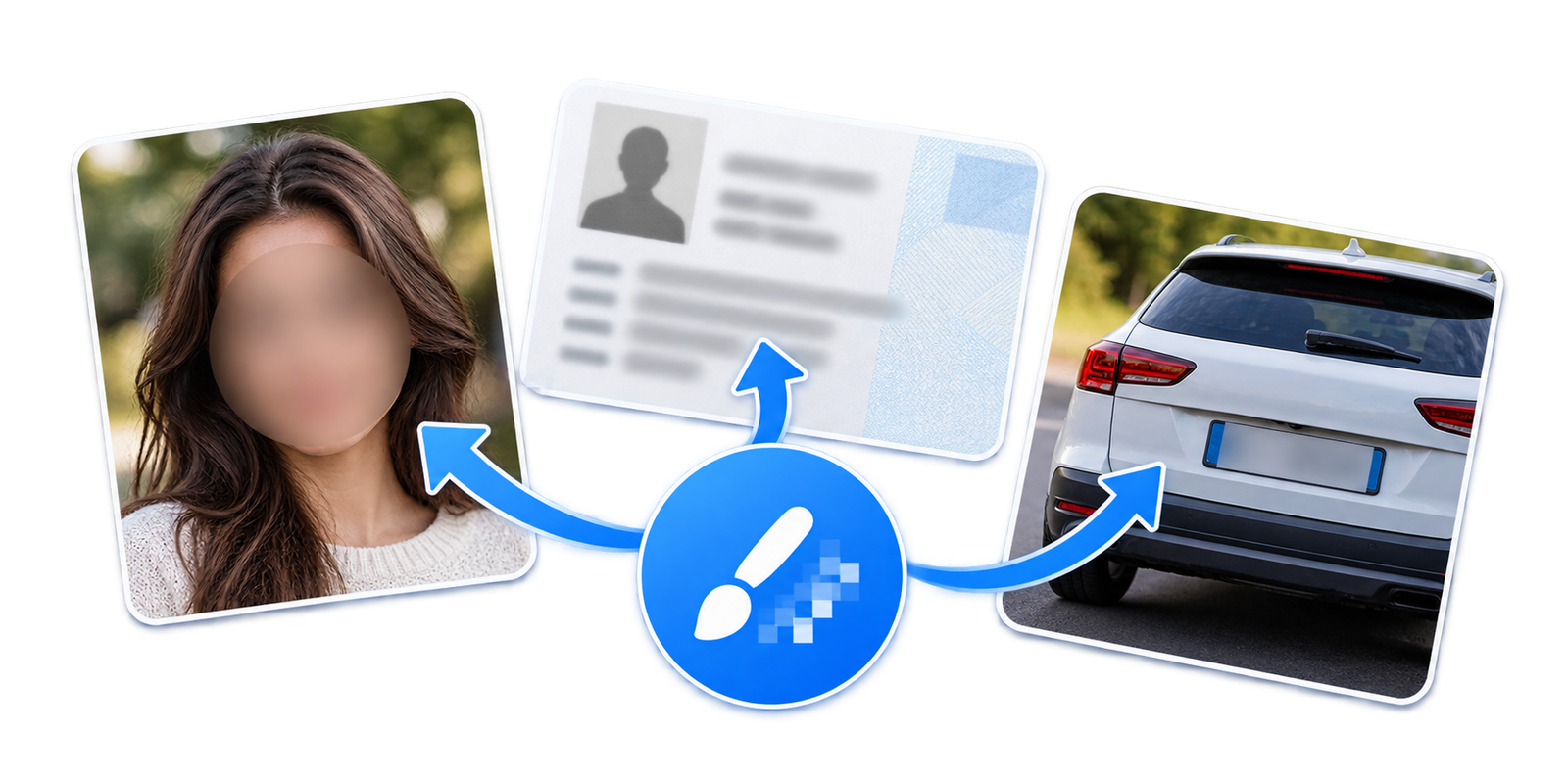
The blur tool is useful for hiding different types of sensitive content, including:
- Faces and people in the background
- Names, phone numbers and email addresses
- Vehicle registration plates
- Addresses and document details
- Private information in screenshots
Blur the entire image
Choose the full-image option when you want to apply the same blur effect to the complete photo. Adjust the blur strength until you get the result you need, then download the image as JPG or PNG.
Blur a selected area
For more control, select the brush mode. Move the brush over the face, text or private detail you want to hide. You can adjust both the brush size and blur strength.
If you make a mistake, use the Undo button to return to the previous step. You can also clear the blur mask and start again without uploading the photo another time.
Your images remain private
The image is processed locally inside your browser. It is not uploaded to EKO24.NET or stored on a server. This makes the tool suitable for personal photos, screenshots and documents containing private information.
JPG or PNG?
Choose JPG for regular photos and smaller file sizes. Choose PNG when you want better detail or need to preserve image transparency.
Final tip
Always review the downloaded image before sharing it. Make sure the blurred area completely hides the sensitive information, especially when working with documents, faces or registration plates.
Important Privacy Limitation
Blur is useful for visual presentation, but it is not a guaranteed way to anonymize sensitive information. Lightly blurred text, faces, or identifying details may still be recognizable or recoverable in some circumstances. For passwords, ID numbers, addresses, or other highly sensitive data, cover the area completely with an opaque block or crop it out, then export a flattened image and inspect the final file before sharing. Avoid relying on a blurred preview alone.
Related reading: For a complementary practical guide, see How to Remove Metadata From Images Online.