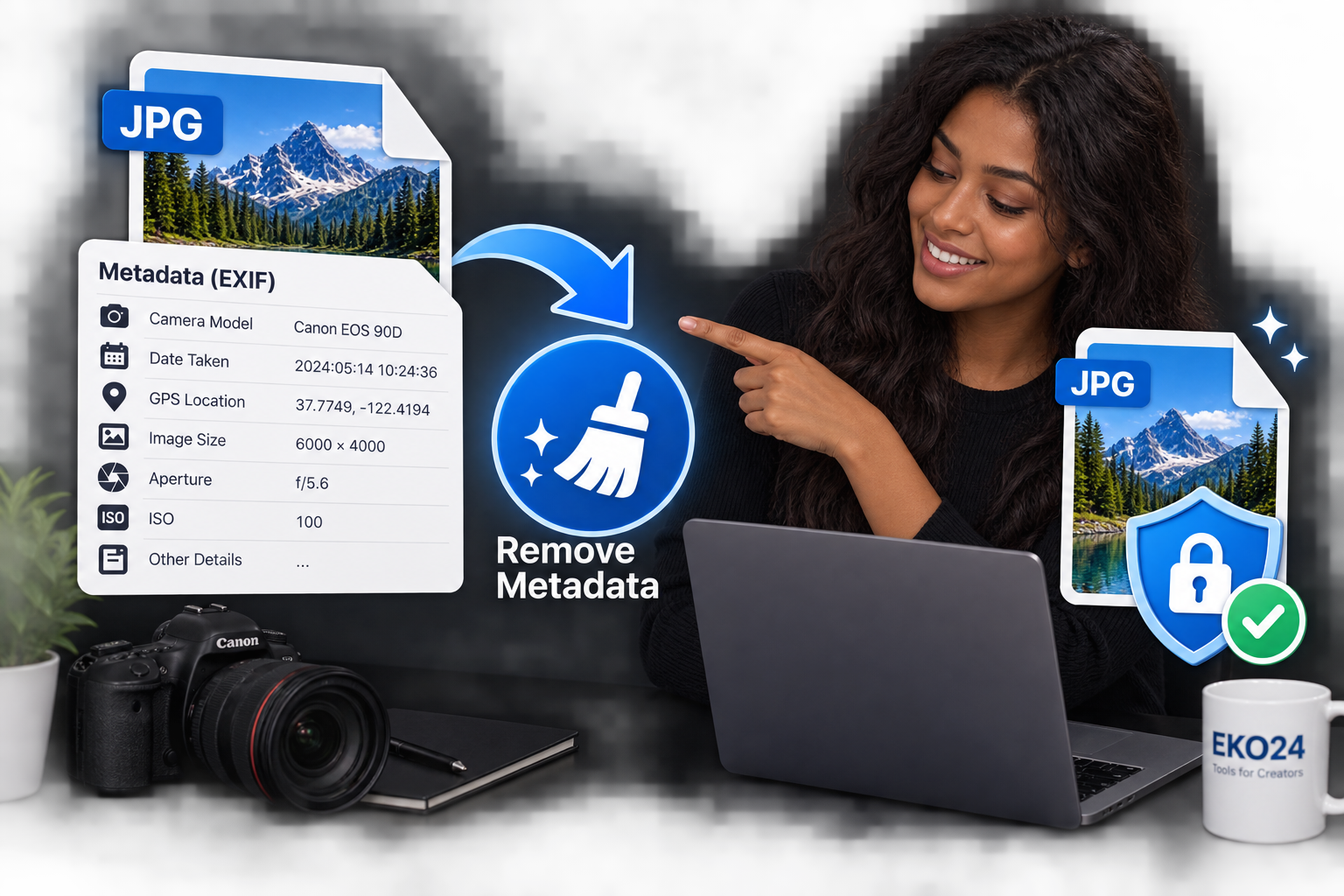
How to Remove Metadata From Images Online
Photos can contain more information than you see. Details such as the camera model, date, settings, and sometimes location information may be stored inside the image file.
With the EKO24.NET Metadata Remover, you can clean this hidden information before sharing an image online.
What Is Image Metadata?
Image metadata is information stored inside a photo file. It can include EXIF data such as camera details, the date a photo was taken, image settings, and other technical information.
Removing unnecessary metadata can help protect your privacy and create a cleaner file for sharing.
How to Remove Metadata From an Image

Using the EKO24.NET Metadata Remover is simple:
- Upload your image.
- Let the tool process the file.
- Remove the available metadata.
- Save the cleaned image.
The process only takes a few moments and does not require additional software.
Why Remove Photo Metadata?
Removing metadata is useful before publishing photos on websites, blogs, forums, or social media. It can reduce the amount of hidden information included with the file.
It is especially useful when you want to share an image without keeping unnecessary camera or EXIF details attached to it.
Clean Image Metadata Online
The EKO24.NET Metadata Remover provides a quick way to clean hidden image information online.
Upload your photo, remove its metadata, and use the cleaned image wherever you need it.
What to verify after removing metadata
Image metadata can include camera details, timestamps, software information and, in some cases, location data. Removing it can reduce accidental sharing of those details, but it does not remove information visible in the picture itself. Check the exported file with a metadata viewer, and look for addresses, screens, documents or faces that might still reveal private information.
Related Guides on EKO24.NET
For more context, read Blur Faces, Text and Private Details Online. You can also explore How to Compress Images Online Without Losing Quality for another practical perspective on this topic.
What metadata removal does not guarantee
Metadata removal can reduce exposure of embedded EXIF or similar fields, but it does not remove sensitive details visible in the pixels. A street sign, ID number, reflection or recognizable location may still reveal information. The result also depends on the file format and the fields that the tool actually strips.
For sensitive images, inspect the exported file with an independent metadata viewer and visually check the photo before sharing. Keep the original privately if you may need it later.
For background on image metadata and licensing information, see Google Search Central's image metadata documentation. Note that metadata used for photo credit and licensing can be valuable, so removing all metadata is not always the right choice for publishers.