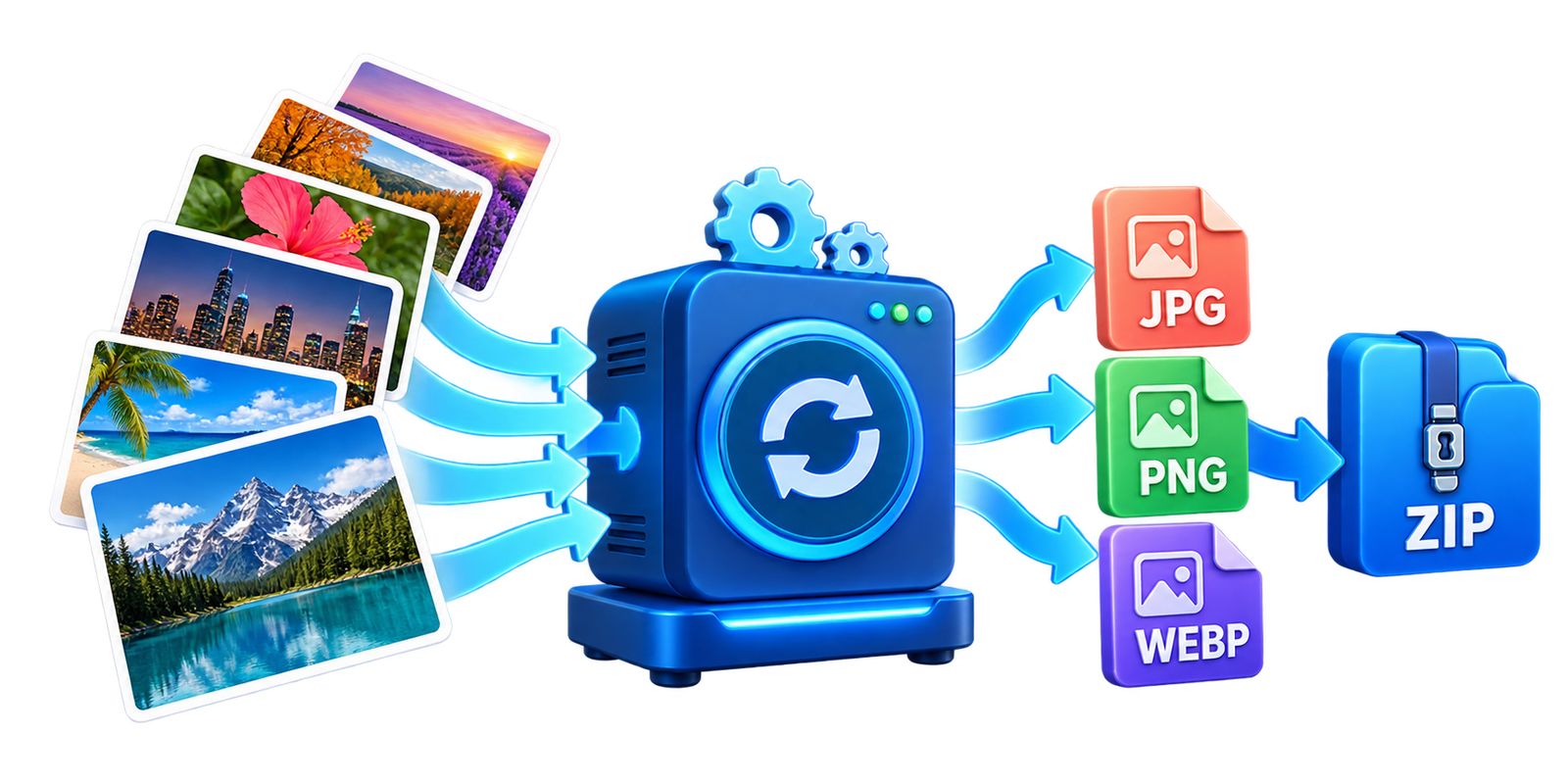
Converting images one by one can take a lot of time when you have several files. The EKO24.NET Bulk Image Converter lets you convert multiple JPG, PNG and WebP images together directly in your browser.
You can select the output format, adjust the image quality and download all converted images inside one ZIP file.
Convert Several Images at Once
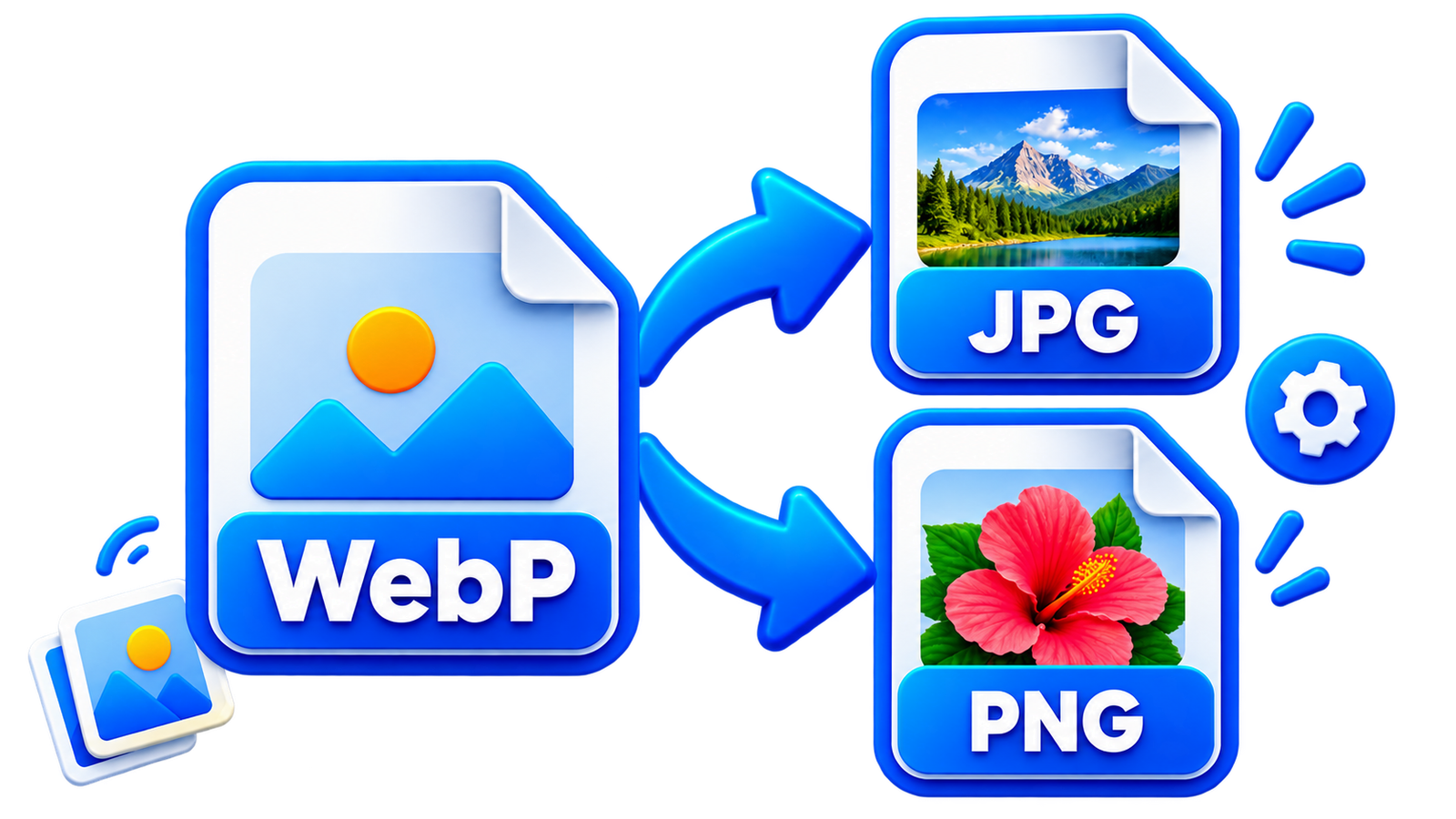
The tool supports three popular image formats:
- JPG: A good choice for photos and smaller files.
- PNG: Recommended for transparent images and lossless quality.
- WebP: Ideal for faster-loading website images.
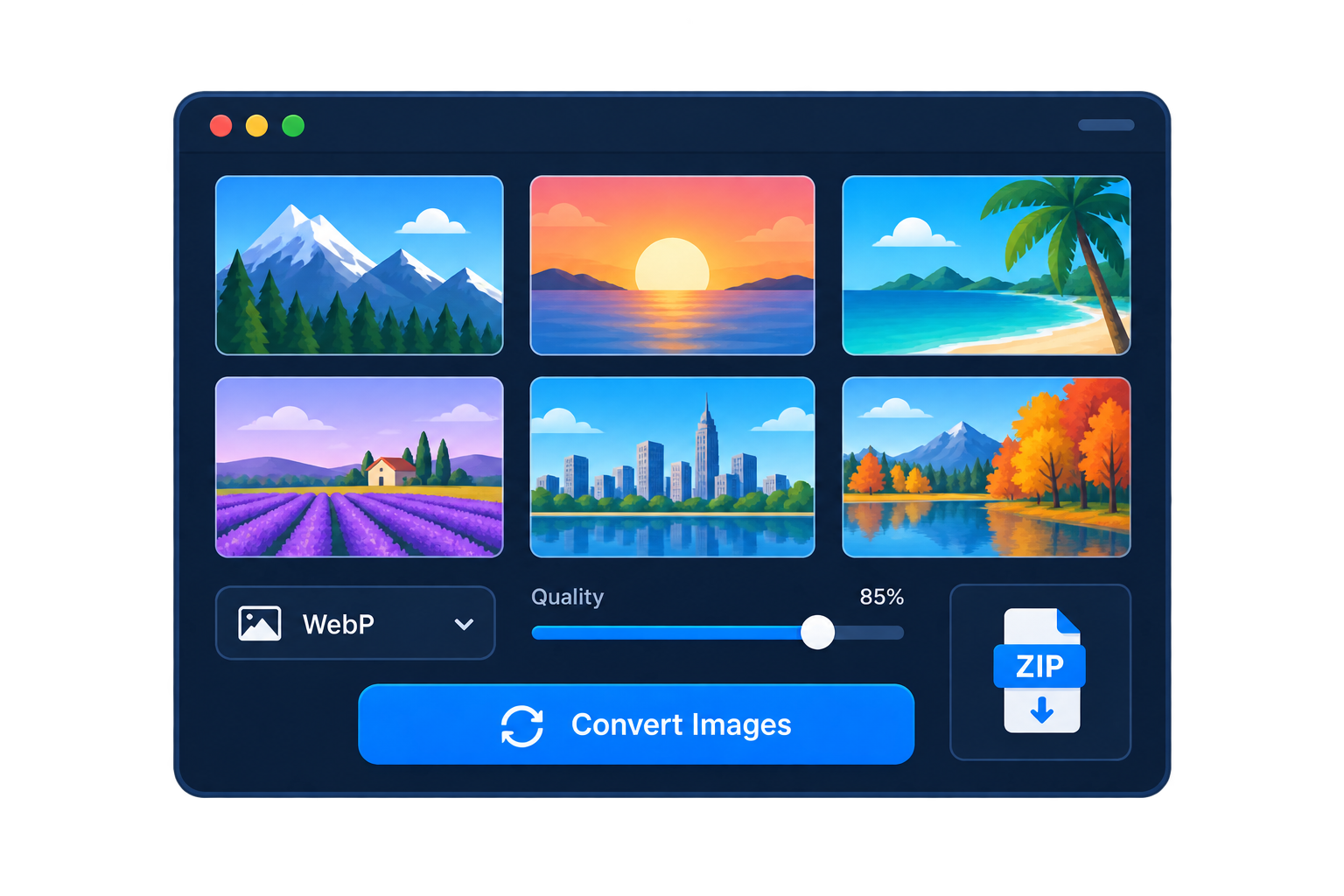
The converter preserves the original dimensions of every image.
How to Use the Bulk Image Converter
- Select or drag multiple JPG, PNG or WebP images.
- Choose the output format.
- Adjust the image quality if needed.
- Click Convert Images.
- Download images individually or click Download ZIP.
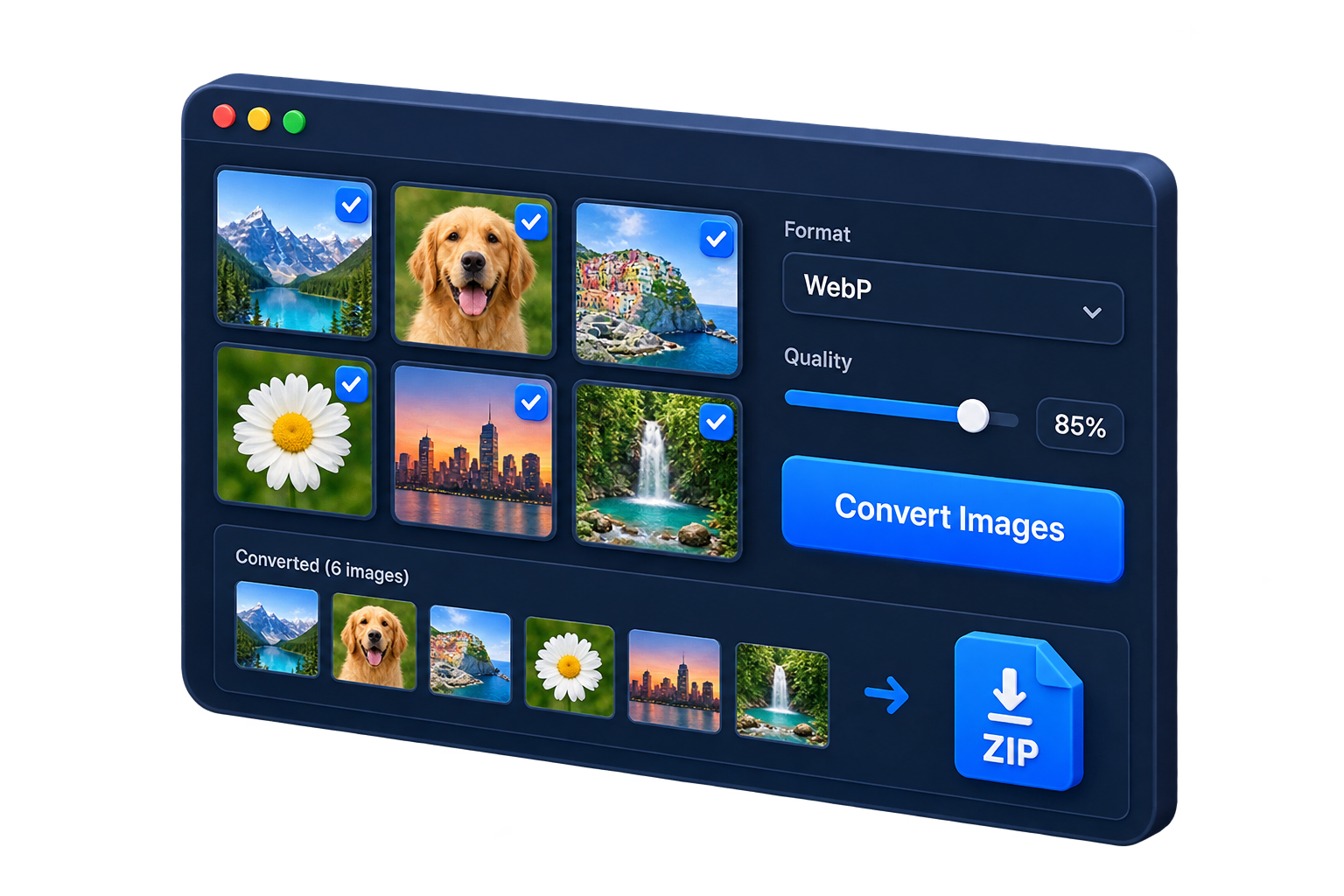
You can process up to 30 images, with a maximum file size of 20 MB for each image.
Private Browser Processing
All images are processed locally inside your browser. Your files are not uploaded to EKO24.NET.
Transparency is preserved when PNG or WebP is selected. JPG does not support transparency, so transparent areas are replaced with a white background.
Try the Free Bulk Image Converter
Check a batch before converting everything
Start with two or three representative files, especially if the batch includes transparent logos, photographs and screenshots. Inspect the converted results for transparency, dimensions and visible quality before processing the rest. Use clear filenames and keep a backup of the originals. Converting formats does not automatically improve a low-resolution image.
Check image formats and export quality
JPEG is designed for photographic images but does not store an alpha (transparent) channel. PNG can retain transparency and is useful for graphics with sharp edges. WebP can support transparency and either lossy or lossless encoding. The smallest file is not always the best-looking result: inspect text, edges and fine details after conversion.
When a browser-based converter exports through the HTML canvas API, the requested JPEG or WebP quality setting applies to lossy formats; PNG does not use the same quality control. Browser support and implementation can affect the output, so confirm the actual file type and dimensions after downloading. See MDN's canvas export documentation.
Verify the converted ZIP
Test a small batch before processing many images. Open several converted files, check whether transparent regions became opaque, and verify that filenames and dimensions are suitable for your intended use. Keep your originals: converting an image does not restore detail already lost to compression.
Related reading: For a complementary practical guide, see HEIC to JPG or PNG: Convert iPhone Photos Online.