
Adding a watermark is a quick way to place your name, website or logo on an image before sharing it online. It can be useful for photos, product images, thumbnails and social media graphics.
You can do this directly in your browser with the EKO24.NET Watermark Maker.
How to Add a Watermark to an Image
- Upload a JPG, PNG or WebP image.
- Choose a text or logo watermark.
- Adjust the size, opacity, rotation and position.
- Preview the result.
- Download the finished image as JPG or PNG.
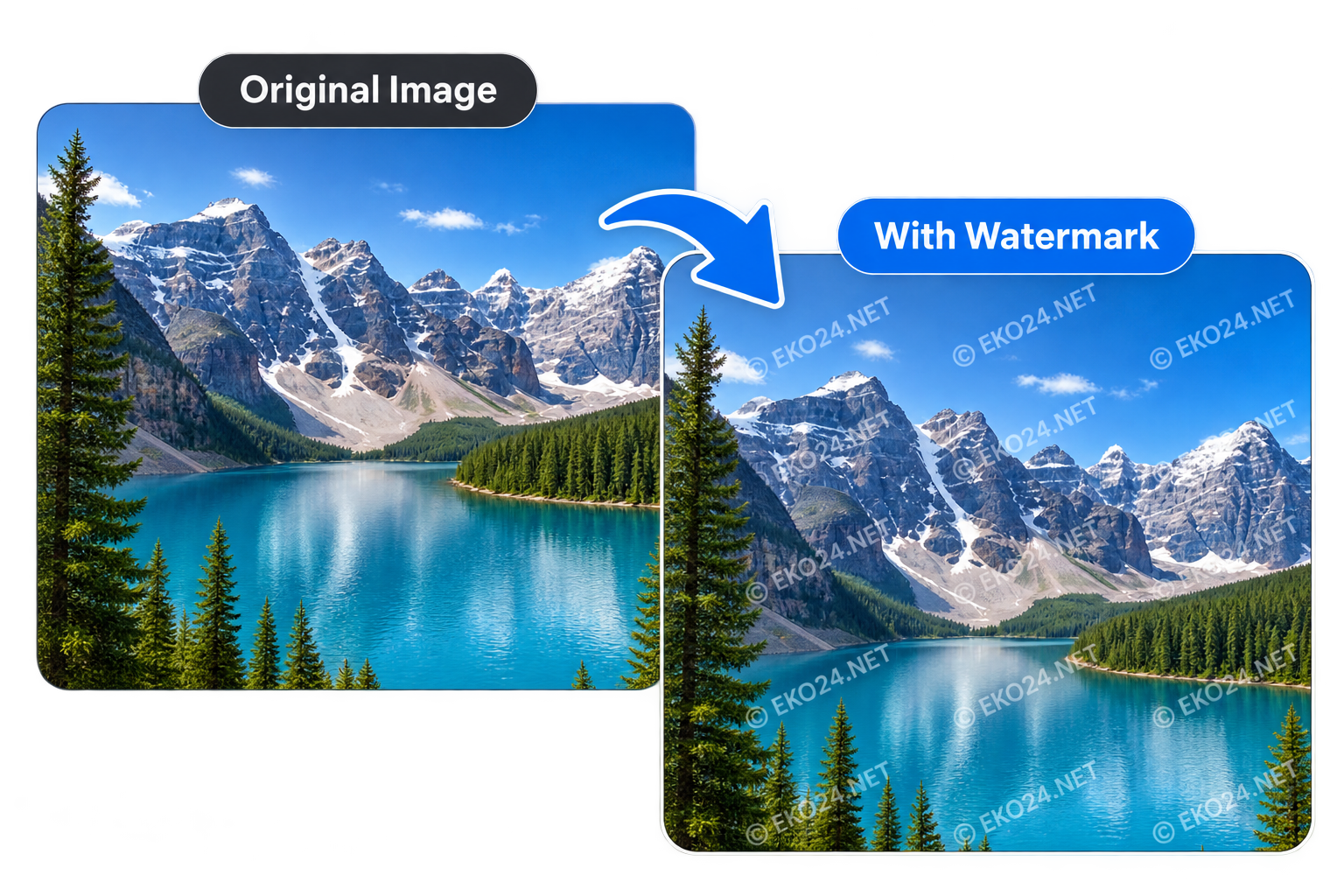
Text or Logo Watermark?
A text watermark is useful for adding a creator name, website or brand. A logo watermark is better when you want consistent visual branding. Transparent PNG logos usually give the cleanest result.
Choose the Right Opacity
The watermark should be visible without covering the important parts of your image. Lower opacity creates a subtle effect, while a larger or repeated watermark can make casual reuse more difficult.
Does a Watermark Prevent Image Copying?
No watermark can completely stop an image from being copied. Its main purpose is to show attribution or branding and make the original source easier to identify.
Add a Watermark Online for Free
The EKO24.NET Watermark Maker works directly in your browser. Upload your image, customize the watermark and download the result when it looks right.
Make a watermark readable but unobtrusive
Use a short name or website address, choose a position that does not cover the main subject and check contrast against both bright and dark areas. A small watermark in an empty corner often works for attribution; a repeated watermark may be more difficult to crop but can distract from the image. Keep an unwatermarked original for future editing.
What a visible watermark can and cannot protect
A watermark can communicate attribution and discourage casual reuse, but it is not a technical guarantee against copying. Someone may crop, cover or edit a visible mark. Keep the original image and any records showing your authorship rather than relying on a watermark alone.
When publishing images on a website, descriptive filenames, nearby context and accurate alt text help people and search engines understand them. These practices serve a different purpose from watermarking; see Google Search Central's image SEO guidance.
Related reading: For a complementary practical guide, see Remove Image Background Online.