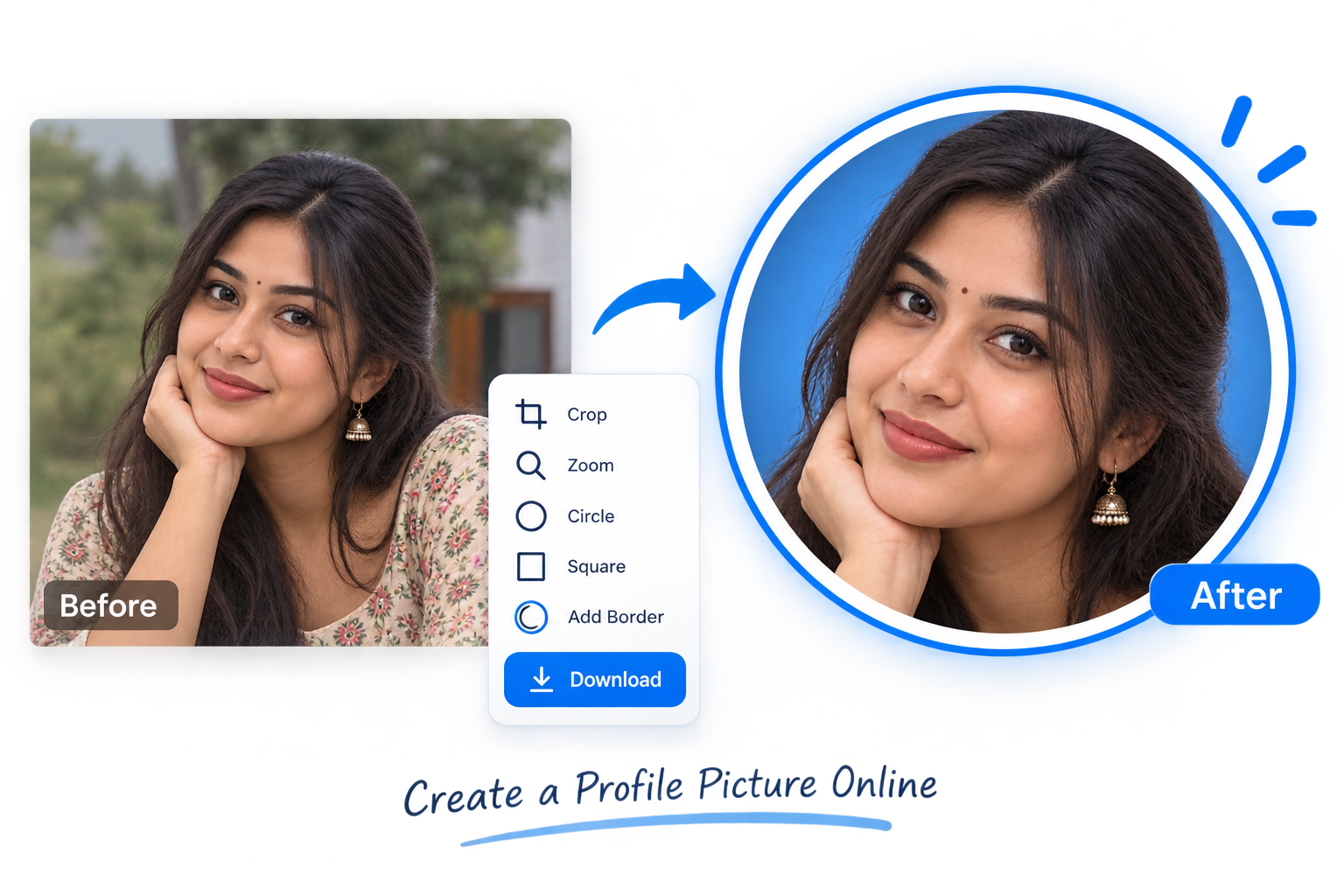
Removing a background from an image can be useful for product photos, profile pictures, logos, social media posts, and many other designs. Instead of editing the image manually, you can use the EKO24.NET Background Remover to create a clean transparent background directly online.
Why Remove an Image Background?
A transparent background makes an image easier to reuse in different designs. You can place the subject on another background, use it in a banner, add it to a product page, or create a cleaner profile image.
This is especially useful for online stores, content creators, designers, and anyone who needs a quick result without using complex editing software.
How to Remove a Background Online
Upload your image to the EKO24.NET Background Remover and start the process. The tool separates the main subject from the background and creates a transparent result that you can save to your device.
For the best result, use an image where the subject is clearly visible and well separated from the background.

When Is a Transparent Background Useful?
Transparent images are useful for product photos, logos, thumbnails, profile pictures, presentations, social media graphics, and website designs.
They also make it easier to change the background later without having to edit the original image again.
Remove Backgrounds with EKO24.NET
The EKO24.NET Background Remover gives you a simple way to remove unwanted backgrounds without installing additional software. Upload your image, remove the background, and use the transparent result wherever you need it.
Related Guides on EKO24.NET
For more context, read How to Add a Watermark to Images Online. You can also explore Social Media Image Generator Online for another practical perspective on this topic.
How to evaluate the cutout
Automatic background removal may leave halos around hair, transparent objects, glasses or fine product edges. Zoom in on the result and inspect it against both a light and a dark background before publishing. If parts of the subject disappear, use a clearer source image or a manual editor to refine the edge.
For a reusable transparent cutout, save to a format that supports transparency, such as PNG or an appropriate WebP export. JPEG does not preserve a transparent background. Keep the original image in case you need to re-edit the result. The MDN image export reference explains browser format support and why exported formats should be checked.
Product-photo quality check
For product listings, verify that the crop does not remove real product details or misrepresent its shape. Check the image at the size customers will actually see. Background removal improves presentation but cannot recreate missing detail in a blurry or low-resolution photograph.