
How to Pick Colors From an Image Online
Have you ever seen a color in a photo and wanted to know its exact color code? With an online Color Picker, you can find it in just a few seconds.
What Is an Image Color Picker?
An image color picker lets you upload a photo and select any point on it to identify the exact color.
Depending on the tool, you can get useful color values such as HEX, RGB, and HSL. These codes can then be used in websites, graphics, thumbnails, logos, and other design projects.
How to Pick a Color From an Image
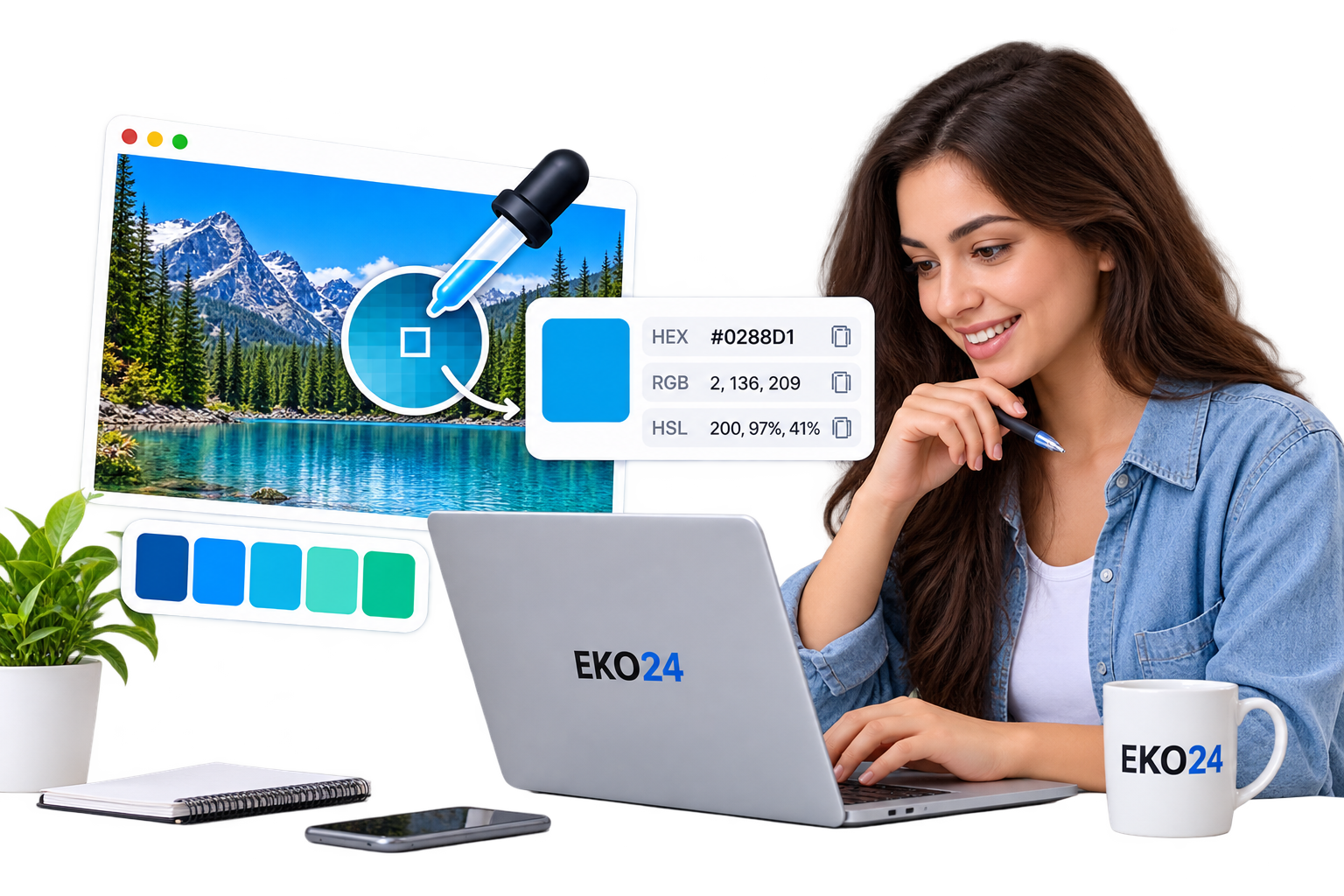
Using the EKO24.NET Color Picker is simple:
- Upload your image.
- Move the picker over the color you want.
- Click or select that area.
- Copy the generated color code.
There is no need to install Photoshop or other design software.
When Is a Color Picker Useful?
A color picker can be helpful when creating a website, matching brand colors, designing YouTube thumbnails, editing social media graphics, or simply identifying a color you like in a photo.
For example, if you find the perfect blue in an image, you can extract its HEX code and use exactly the same shade in your design.
Pick a Color Online
Instead of guessing a color manually, use the EKO24.NET Color Picker to extract the exact color directly from your image.
Upload your image, choose a color, copy the code, and continue your design.
Related Guides on EKO24.NET
For more context, read Edit Photos Online with Filters and Color Controls. You can also explore Create a Favicon for Your Website Online for another practical perspective on this topic.
Why a sampled color may differ from what you see
A color picker usually reads pixel values from the image it receives. The reported HEX or RGB value may differ from the original design file after resizing, compression, color-profile conversion or screenshot capture. A photograph also contains lighting and texture, so a single sampled pixel may not represent the overall color.
For a reliable palette, sample several nearby pixels, compare the values, and test the chosen color on both light and dark backgrounds. If you use a web-based canvas picker with an image hosted on another website, browser cross-origin rules may prevent reading its pixels unless the image host permits it. See MDN's explanation of canvas image security.