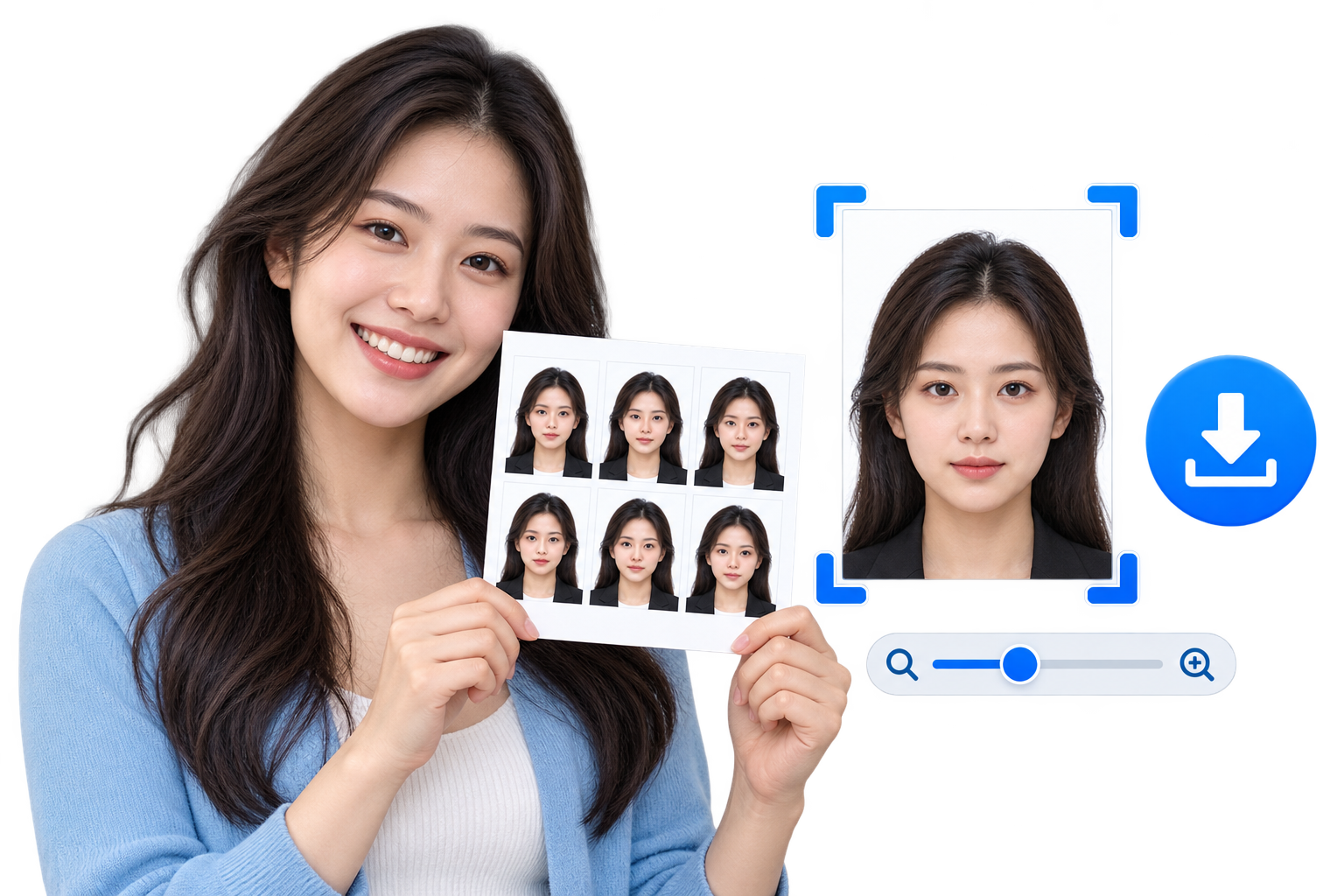
Creating a passport or ID photo does not always require professional editing software. With the free EKO24.NET Passport Photo Maker, you can crop, position and prepare a portrait directly in your browser.
Create a Passport Photo in Minutes
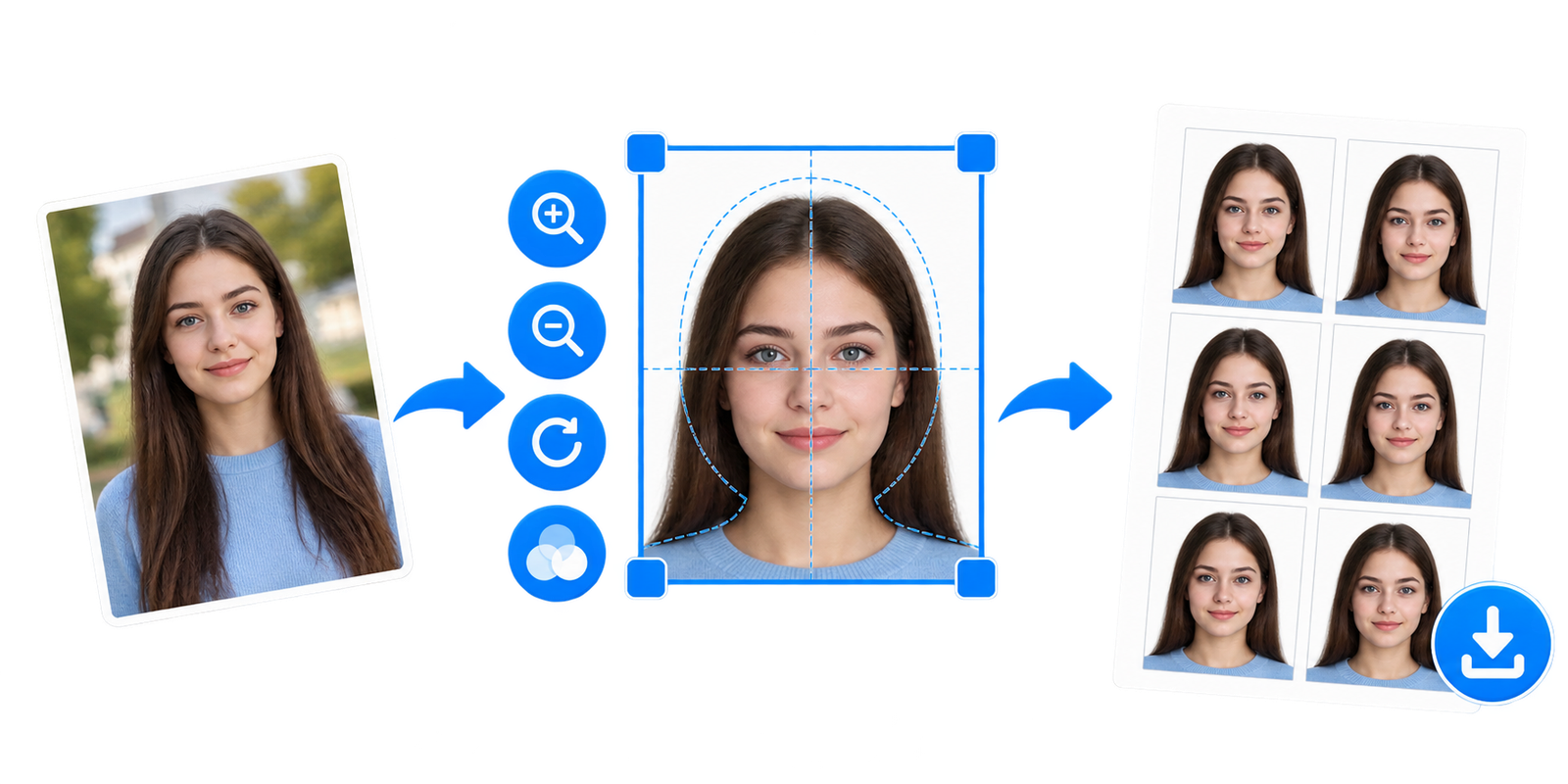
Upload a clear portrait, choose the required dimensions and move the image until the face is correctly positioned inside the guide. You can also adjust the zoom, rotate the photo and select a white, light blue or gray background.
How to Use the Passport Photo Maker
- Open the Passport Photo Maker.
- Upload a JPG, PNG or WebP portrait.
- Select the required passport or ID photo size.
- Drag the image to position the face inside the guide.
- Adjust the zoom and rotation if necessary.
- Choose a suitable background color.
- Download one photo or a printable 4 × 6 inch sheet.
Available Photo Sizes
The tool includes popular dimensions such as 35 × 45 mm, 2 × 2 inches, 40 × 50 mm, 30 × 40 mm and 33 × 48 mm. Requirements can vary, so always check the official rules for your country and document.
Prepare Multiple Copies for Printing
If you need several copies, choose the 4 × 6 inch print sheet option. The tool places multiple passport photos on one sheet that you can download and print.
Your Photo Stays Private
All processing happens locally inside your browser. Your portrait is not uploaded to EKO24.NET, making the tool convenient for preparing personal photos on a phone or computer.
Try the Free Tool
Use the free Passport Photo Maker to prepare a clean passport or ID photo online without installing an application.
Important: Official ID Photo Rules Come First
This tool helps you arrange and print a photo, but it cannot guarantee that a passport, visa or ID authority will accept the result. Photo dimensions, background, head position, recency and rules about digital editing vary by country and document. Check the issuing authority’s current requirements before printing or submitting.
For U.S. passport applications, the U.S. Department of State says not to digitally alter or enhance the photo. In particular, replacing a background digitally or using filters may make a photo unacceptable. Take a new photograph against an appropriate physical background instead of relying on an editor to repair it. The photo must meet the official requirements regardless of the dimensions selected in this tool.
Official reference: U.S. Department of State passport photo requirements.
Related reading: For a complementary practical guide, see How to Crop Images Online for Perfect Aspect Ratios.