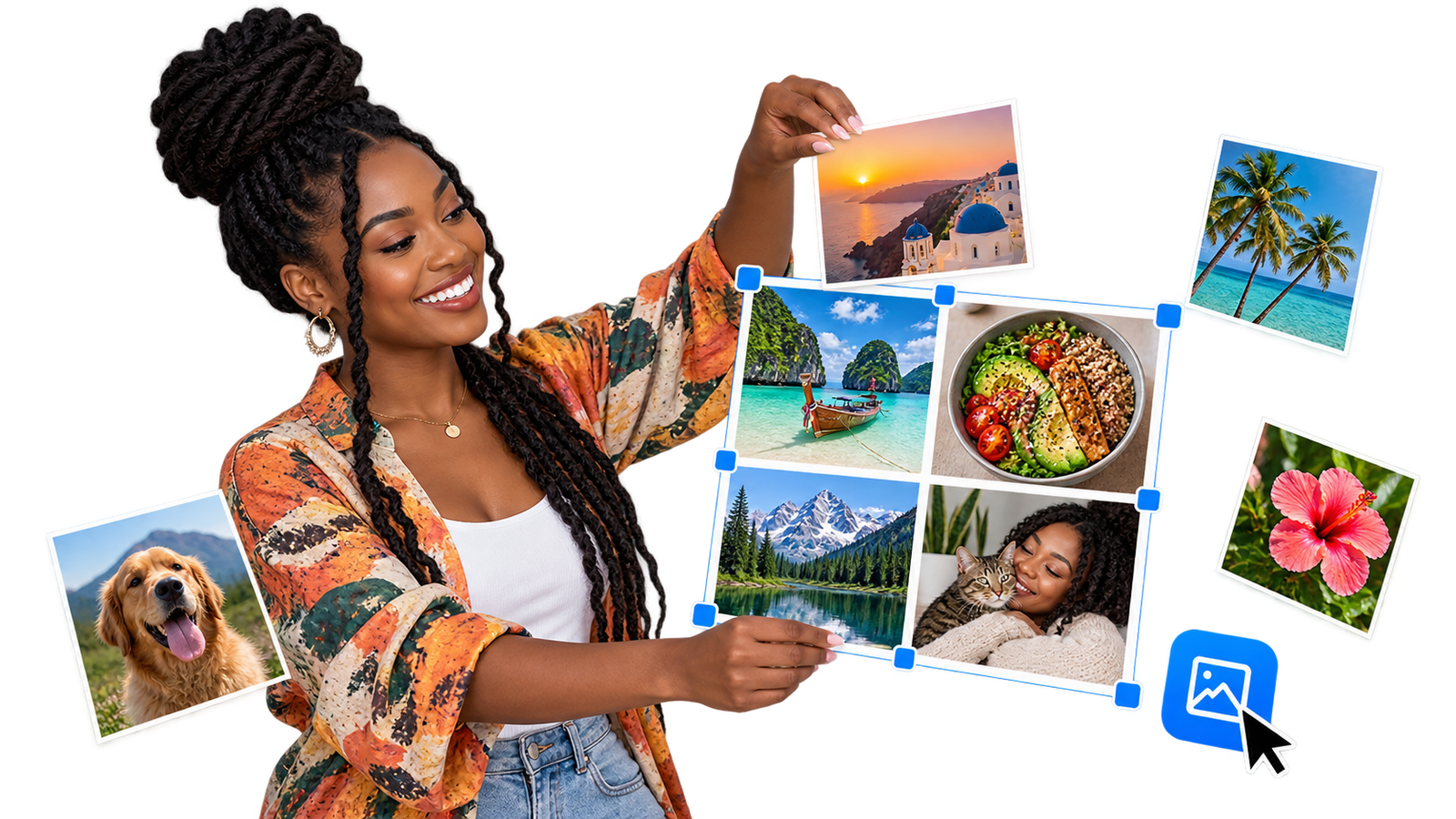
Creating a photo collage is a simple way to combine several memories, product images or social media photos into one design. The EKO24.NET Photo Collage Maker lets you arrange up to six images directly in your browser.
You can choose the layout, canvas size, spacing, rounded corners and background color before downloading the result as JPG or PNG.
Create a Custom Photo Collage
The tool includes three flexible layouts:
- Smart Grid: Automatically arranges your photos in balanced rows and columns.
- Horizontal: Places all selected photos in one row.
- Vertical: Places the photos on top of each other.
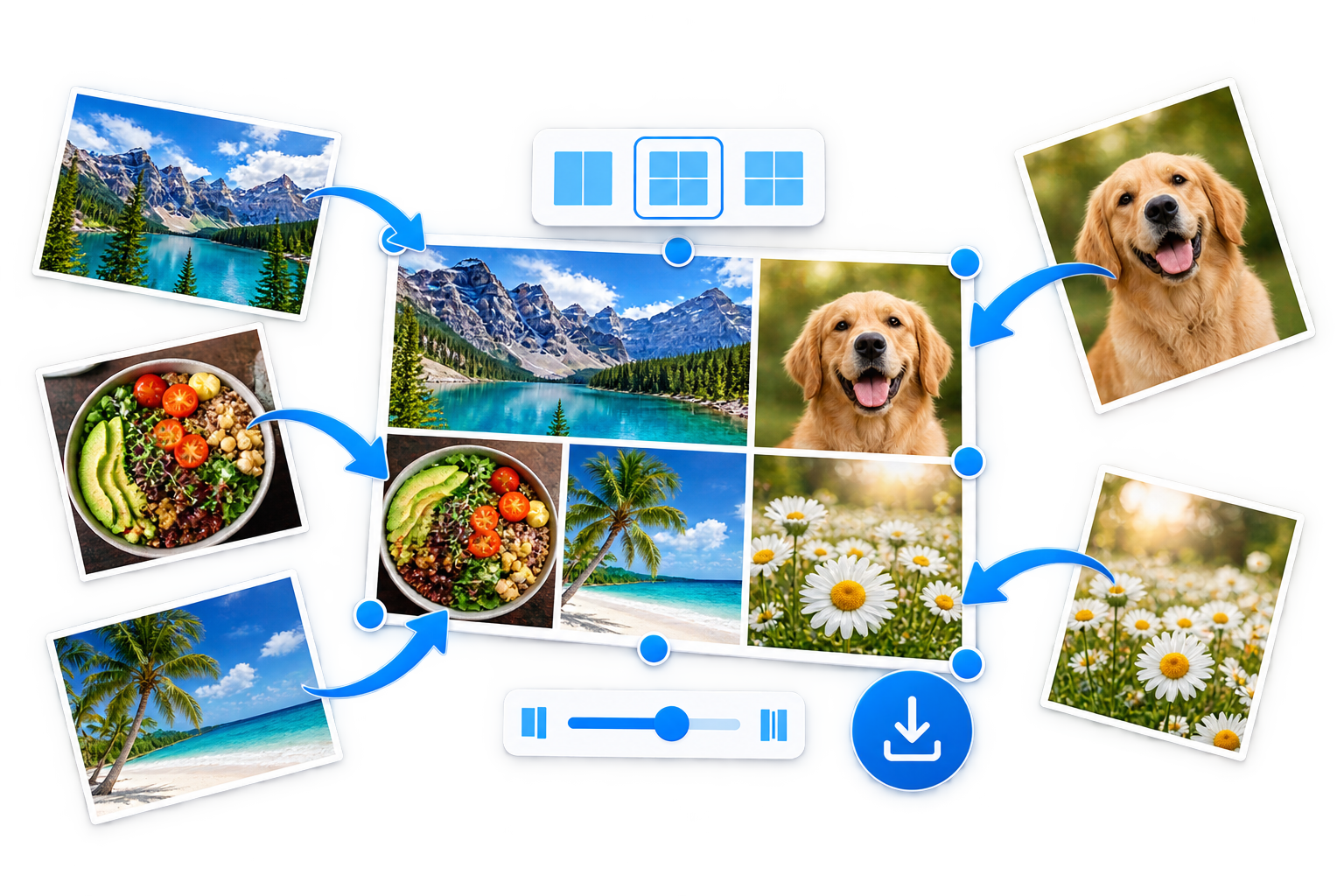
You can also create landscape, square, portrait or social media collages.
How to Make a Photo Collage
- Select or drag between 2 and 6 images.
- Choose your preferred layout and canvas size.
- Adjust the spacing and corner radius.
- Select a background color.
- Download the collage as JPG or PNG.
Private Browser Processing
Your photos are processed locally inside your browser and are not uploaded to EKO24.NET. The collage preview updates automatically whenever you change a setting.
The original images remain unchanged on your device.
Try the Free Photo Collage Maker
Plan a collage that looks balanced
Choose photos with a consistent theme before arranging them. A simple two-by-two grid works well when each picture deserves equal attention; a larger featured image works better when one photo tells the main story. Leave enough space around important faces and text, and check the finished collage at phone-screen size before sharing it.
Choose a layout based on the photos
Use Smart Grid when the pictures have similar importance, Horizontal for a sequence that reads from left to right, and Vertical for before-and-after steps or a phone-friendly story. If the source images have very different aspect ratios, check whether any faces, product labels or other details are cut off in the preview.
PNG or JPG: which download should you choose?
PNG is a practical choice for sharp text, graphics and collages that require transparent areas where supported. JPG usually creates smaller photographic files, but its lossy compression can introduce visible artifacts around text and fine edges. Export both formats and compare the result if file size and clarity both matter. See MDN's browser image export documentation for background on canvas formats.
Checklist before posting
- Confirm that all selected photos appear in the collage.
- Check the crop and orientation of every image.
- Keep important text away from the edges.
- Preview at the size your audience will see on a phone.
- Download and open the final file to verify it is readable.
Privacy note: The claim that processing stays entirely in the browser is based on this article's description; it has not been independently confirmed by inspecting the live tool's implementation. Verify its data handling before using sensitive images.
Related reading: For a complementary practical guide, see How to Resize Images Online Without Losing Quality.