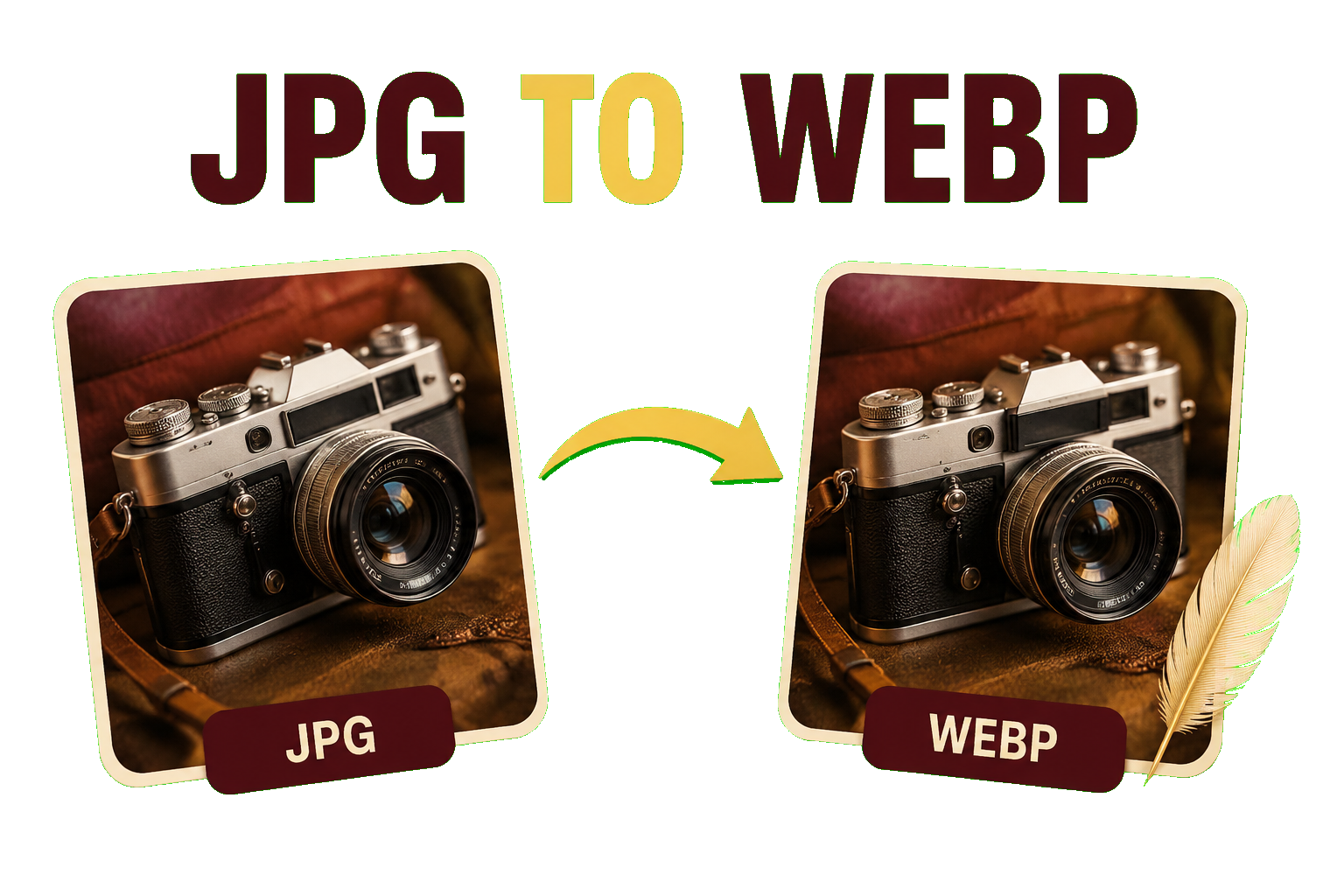
JPG images are widely used online, but large files can slow down a website. Converting JPG to WebP is a simple way to reduce image size while keeping good visual quality.
With the EKO24.NET JPG to WebP Converter, you can convert your images directly from your browser without installing additional software.
Why Convert JPG to WebP?
WebP is designed for the web and can often provide smaller files than JPG while maintaining similar visual quality. Smaller images can help pages load faster and reduce the amount of data visitors need to download.
This makes WebP useful for blog images, thumbnails, product photos, banners, and other website content.
How to Convert JPG to WebP
Upload your JPG image to the EKO24.NET JPG to WebP Converter, choose your settings if available, and start the conversion. Once finished, save the WebP image to your device.
For the best result, avoid excessive compression. A balanced quality setting can reduce the file size without creating an obvious difference in the image.
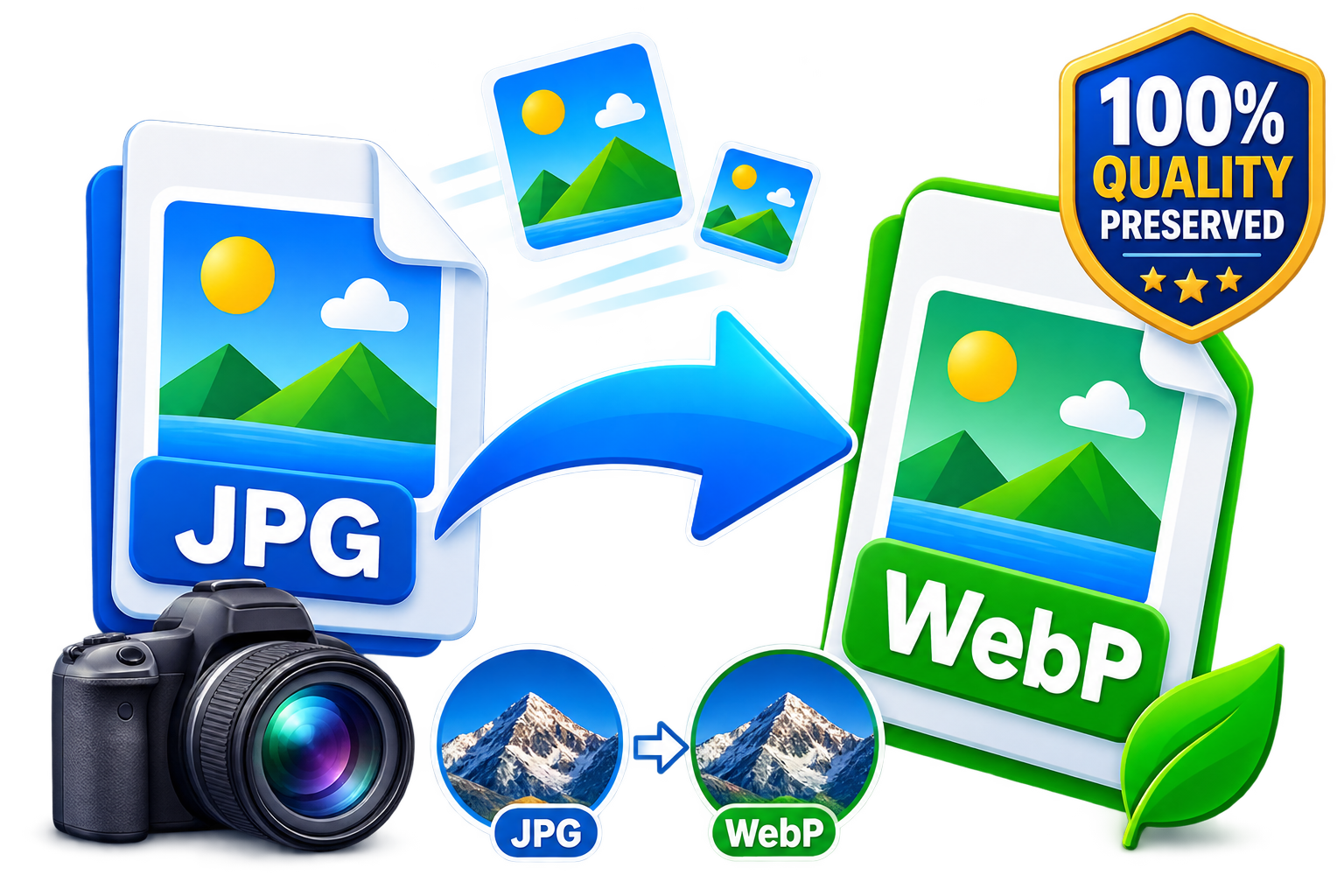
Check the Image Before Using It
After conversion, compare the WebP file with the original JPG. Check details, text, edges, and colors to make sure the image still looks good.
It is also a good idea to keep the original JPG as a backup, especially if you may need to edit the image later.
Convert JPG to WebP with EKO24.NET
The EKO24.NET JPG to WebP Converter makes it easy to create web-friendly images. Upload your JPG, convert it to WebP, check the result, and use the optimized image on your website.
Related Guides on EKO24.NET
For more context, read Convert WebP to JPG or PNG Online – Free Image Converter. You can also explore How to Compress Images Online Without Losing Quality for another practical perspective on this topic.
What “Without Losing Quality” Really Means
Converting a JPEG to WebP does not restore details already discarded when the JPEG was originally saved. WebP supports both lossy and lossless encoding, but choosing lossless WebP does not make the source JPEG lossless. A lossy WebP export can introduce additional artifacts, even when the difference is hard to notice at normal viewing size.
Compare the original and converted images at their actual display size. Pay special attention to small text, fine lines, hair, gradients, and high-contrast edges. If the converted file is not smaller or looks worse, keep the original JPEG instead of assuming WebP is always the better option.
How to Check the Result
- Keep the original JPEG as a backup.
- Convert one representative image before processing a whole collection.
- Compare both file sizes in KB and both image dimensions in pixels.
- Open both images at 100% zoom and inspect fine details.
- Test the output on the actual page or device where it will appear.
For websites, ensure the image URL is accessible to crawlers and the image is placed near relevant text with a descriptive alt attribute. Google supports WebP in Search, but conversion alone does not guarantee higher rankings or traffic.
Sources: Google Search Central — Image SEO best practices; MDN — Image export formats and quality parameters.